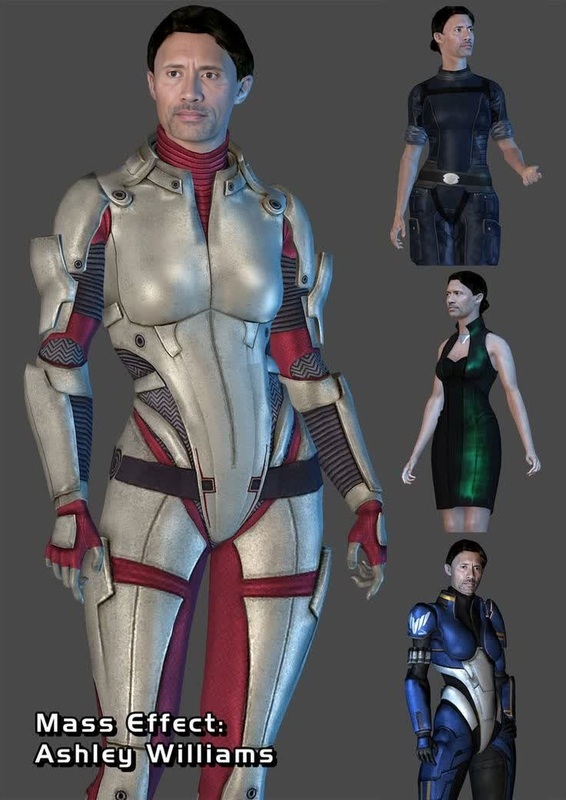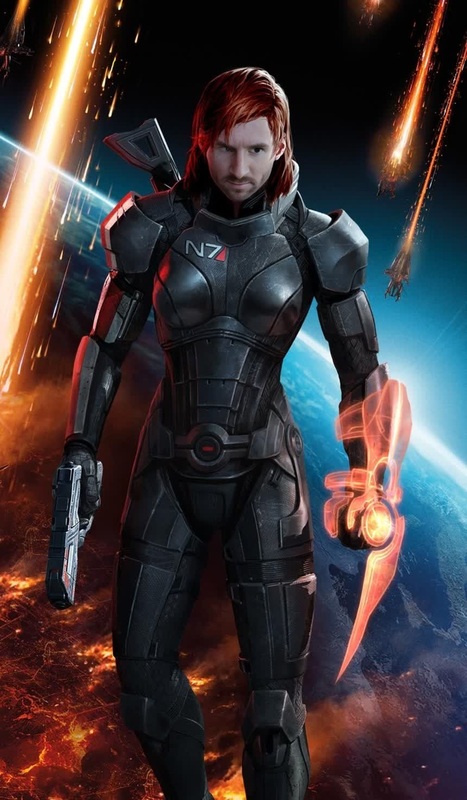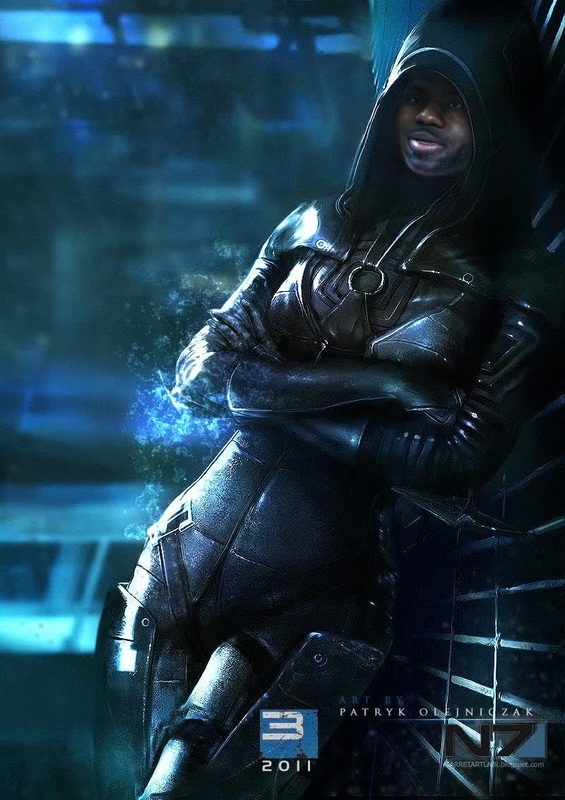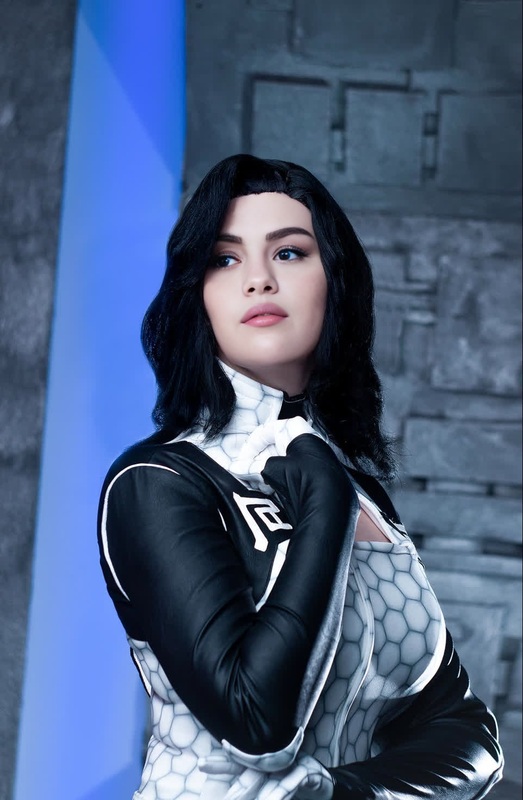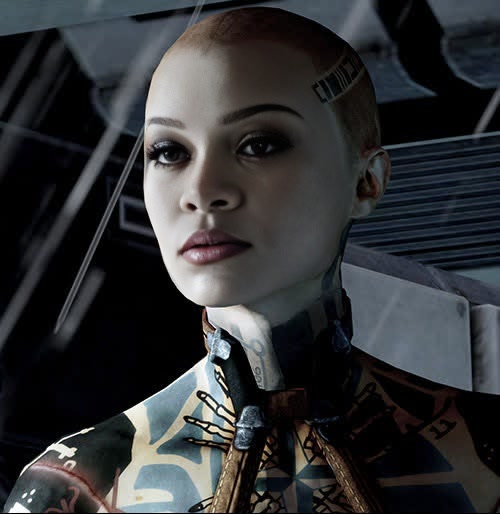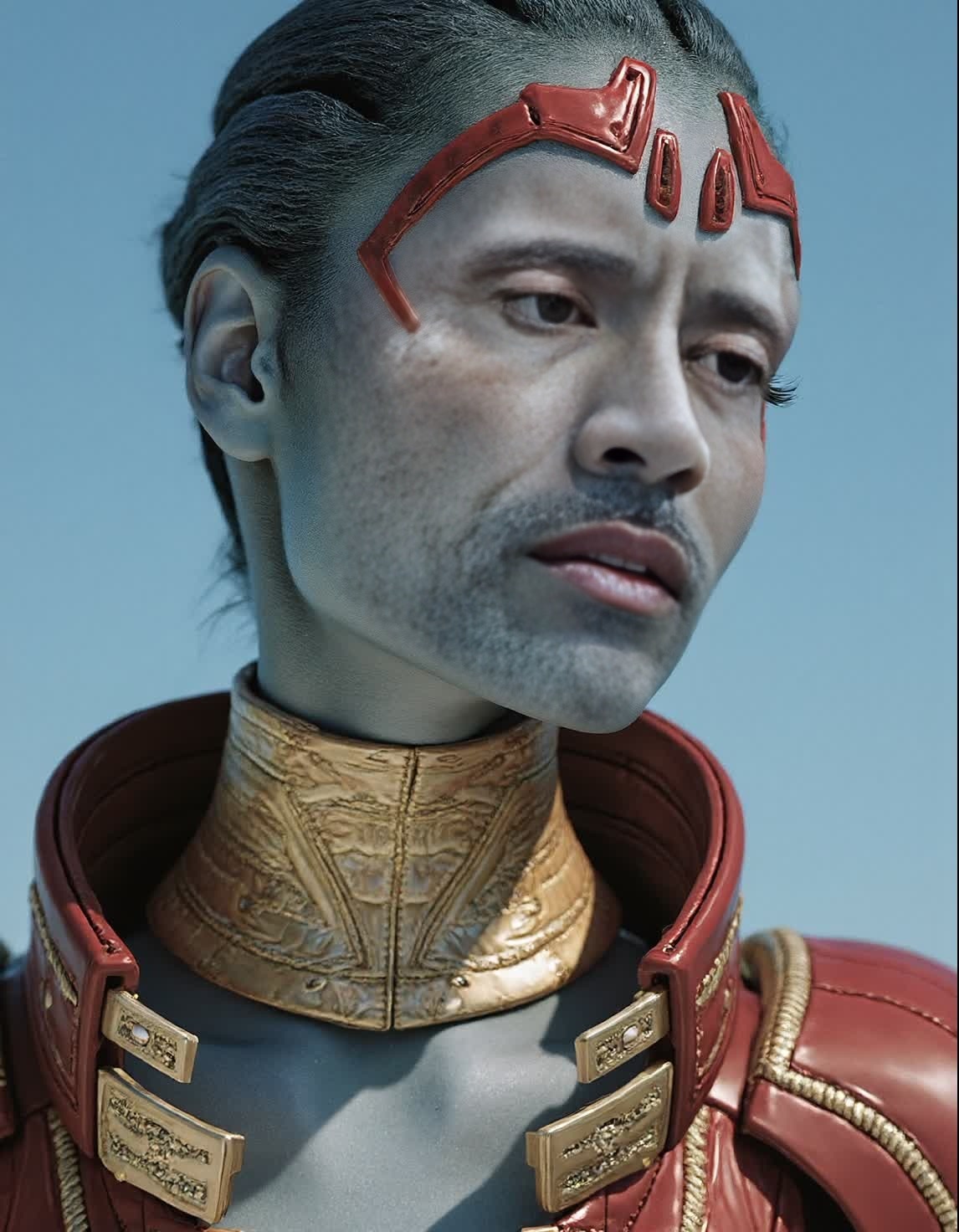
Samara Mass Effect 2 Photorealistic Portrait
- Image
- 1146 × 1472 px
Any aspect ratio
Overview
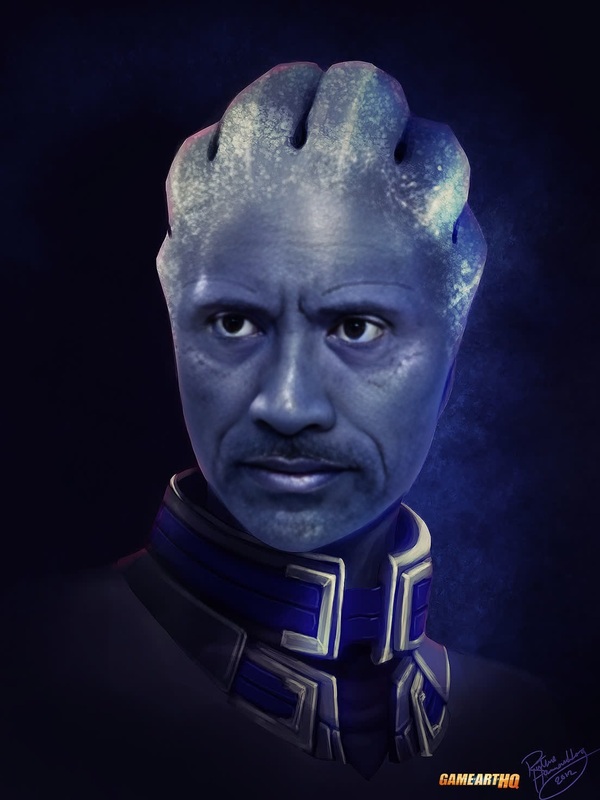
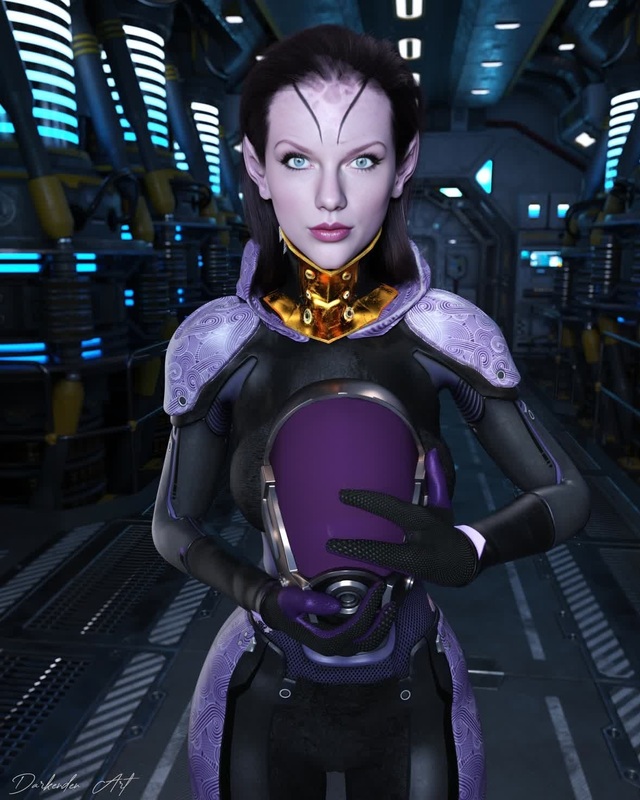
Experience the future of visual storytelling with the Samara Mass Effect 2 Photorealistic Portrait template. Designed for intense creativity, this Video Face Swap tool offers a unique opportunity to blend the fantastical world of Mass Effect with real-life likenesses. Customize your videos like never before by bringing Samara to life in a photorealistic fashion.
What It Does
This Video Face Swap template enables you to create realistic face transformations using characters from the popular game Mass Effect 2. It leverages advanced AI to merge the selected face with Samara's, producing a seamless and authentic photorealistic effect. Ideal for fans and creators, this tool is part of our comprehensive Face Swap Video suite, enhancing visual storytelling with sophisticated AI assistance.
Who It's For
Whether you're a content creator, game enthusiast, or digital artist, the Samara face swap tool empowers you to explore creative visual narratives. Perfect for those in the gaming and creative industries, as well as AI Image Editors looking to push the bounds of what photorealism can achieve in consumer-ready content.
Summary
With the Samara Mass Effect 2 Photorealistic Portrait, create compelling and lifelike face swaps that transform your visual projects. Utilize this tool to generate immersive content that blends the line between digital animation and reality. Dive into a world where your creativity is as limitless as the characters you bring to life.
How To Structure
Choose Your Template

Customize Your Inputs

Generate and Download

Use Cases
Gaming Content Creation
- Lifelike character transformations
- Unique storytelling opportunities
Digital Marketing
- Increased engagement through familiar faces
- Creative video ads
Fan Creations
- Personalized fan videos
- Enhanced cosplay projects
Best Practices
Select High-Quality Images
For the best results, use high-resolution images that closely match the pose and lighting of the Samara likeness.Experiment with Angles
Try different face angles and expressions to achieve varied and dynamic results.Review and Refine
Take advantage of pre-generation previews to fine-tune the alignment and adjustments, ensuring the best possible output.
Frequently asked questions
More Like This