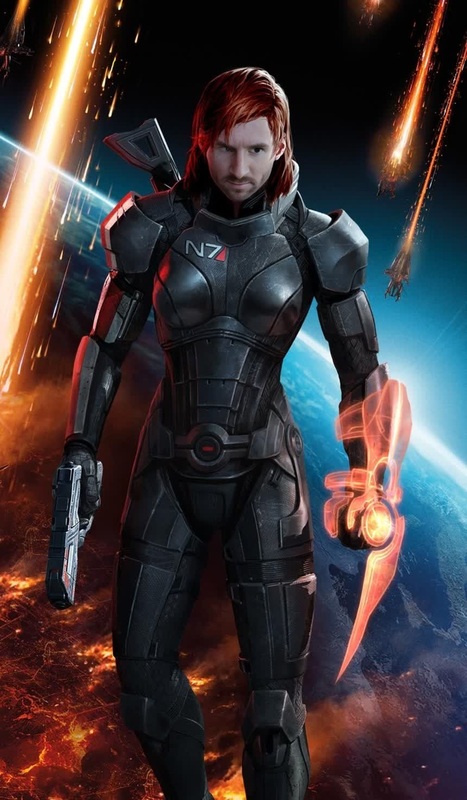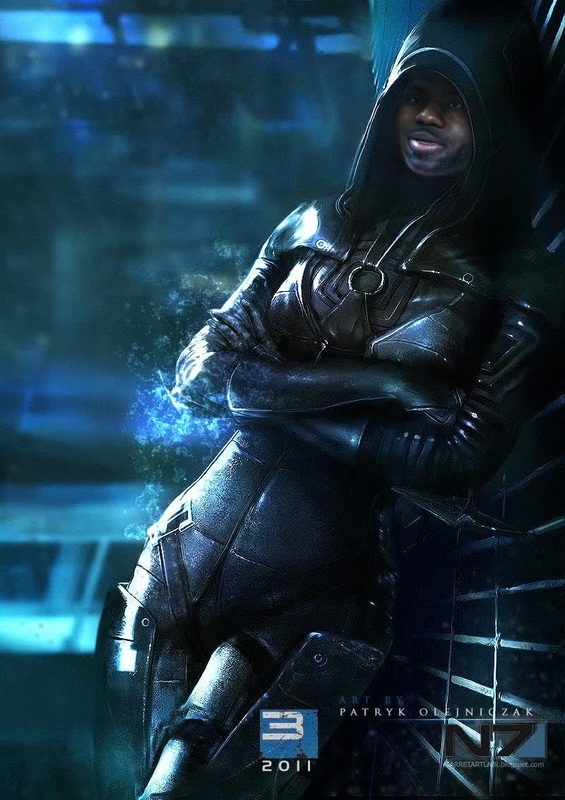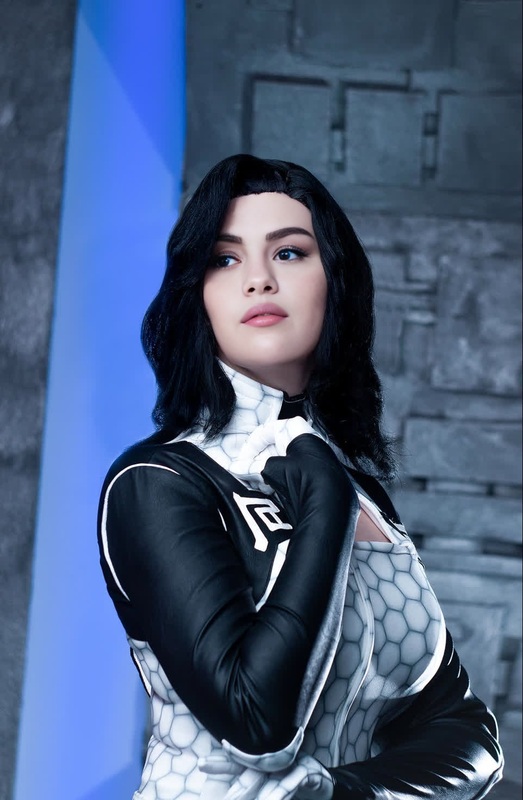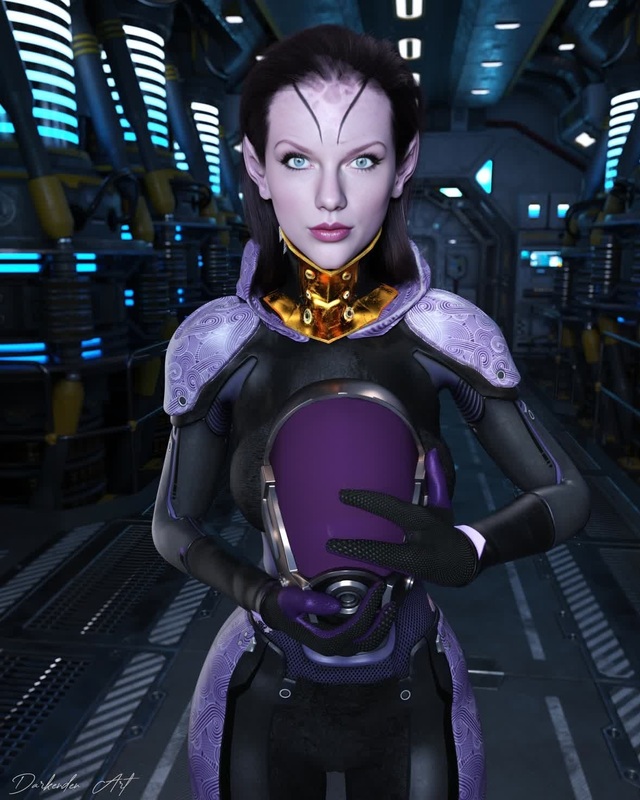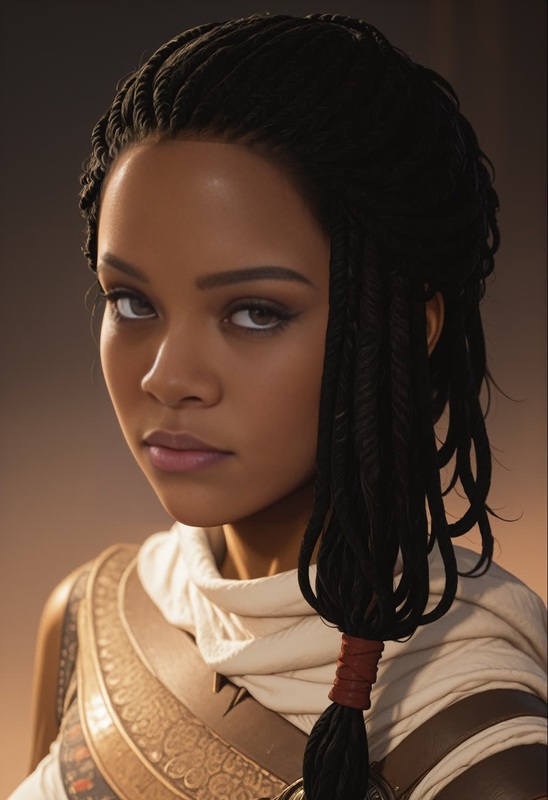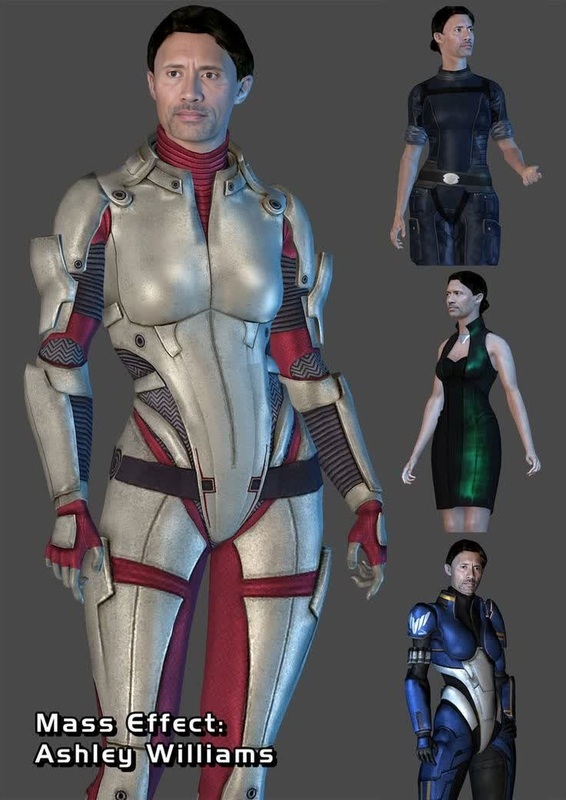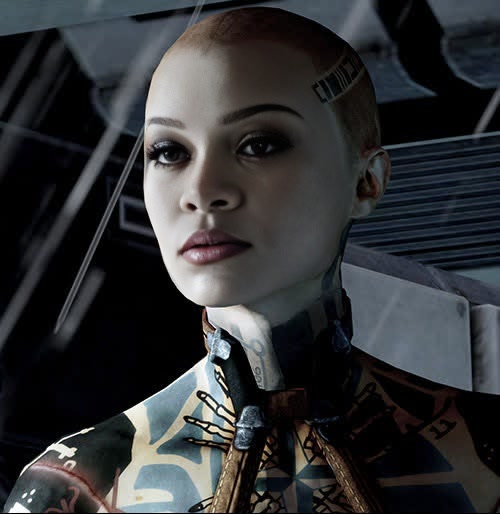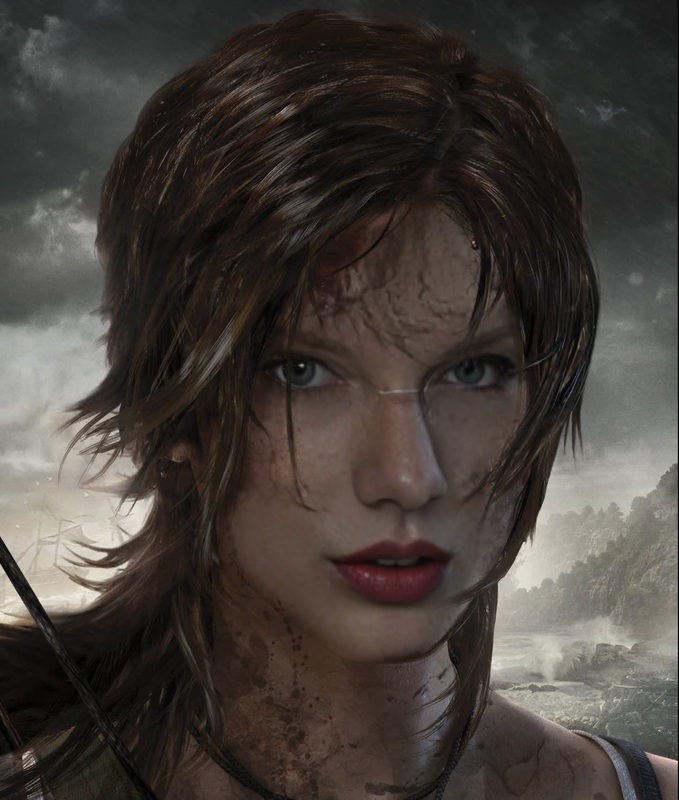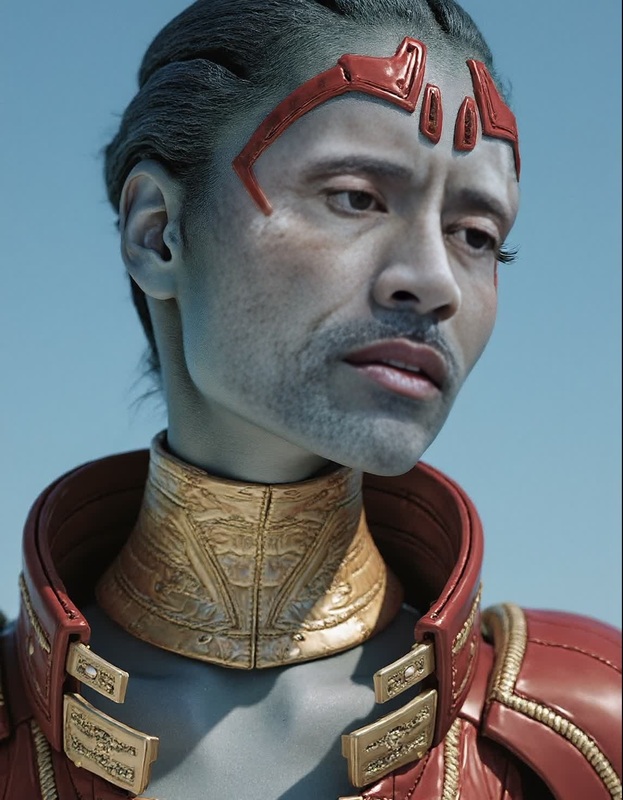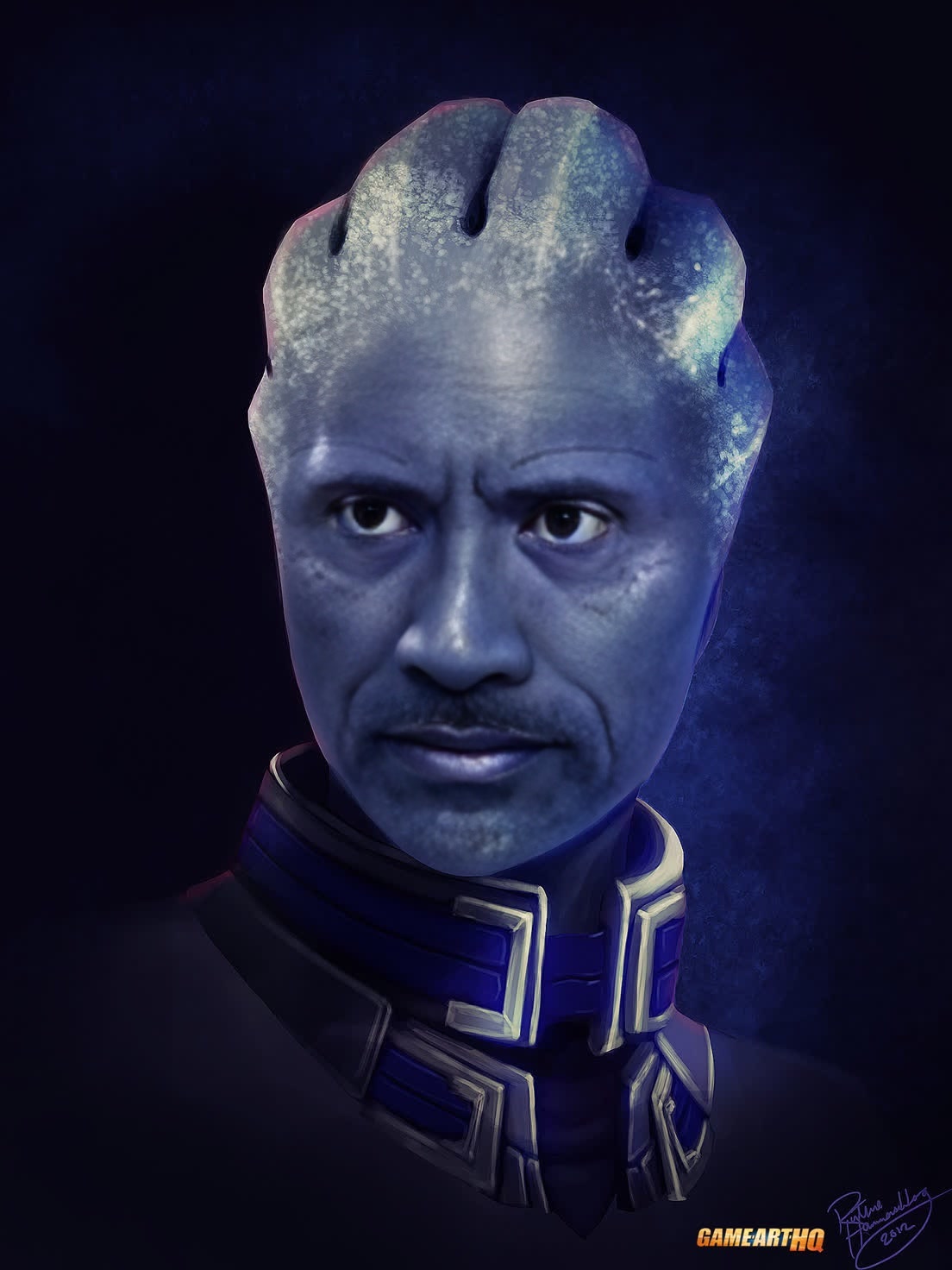
Liara TSoni Mass Effect Photorealistic Portrait

Liara TSoni Mass Effect Photorealistic Portrait

face-swap

1 clip
0 uses

Any aspect ratio

Tags

transformations

Transform any clip into a highly shareable, on‑brand face swap video in minutes. This template is built on Magic Hour’s production‑grade Face Swap engine and is designed for creators, marketers, and teams who need fast, realistic results without deepfakes expertise.


What this template is for

Use this Face Swap template to quickly create:

  • Creator and influencer content (place yourself or a client into trending clips)
  • UGC‑style ads and performance creatives for paid campaigns
  • Character tests for films, games, and animated projects
  • Internal demos, product explainers, and concept pitches
  • Meme and social content at scale

Because it’s built on AI Face Swap, you can reuse the same template across multiple campaigns, clients, or characters—just swap in new faces and source clips.


How to remix this template in Magic Hour

You can create your own version of this template by remixing it directly inside Magic Hour. Here’s the high‑level workflow:

  1. Start from Face Swap Video

    • Go to the Face Swap Video creation page.
    • Upload the base video you want to transform (this is your “target” clip).
  2. Add the face you want to insert

    • Upload a clear reference photo or video of the face you want to swap in.
    • For best results, use a front‑facing, well‑lit image with a neutral expression.
  3. Align your creative goal

    • Decide what you’re optimizing for:
      • Realistic casting tests or character previews
      • Entertaining social content and memes
      • Branded ads or UGC‑style performance creatives
    • Keep this in mind as you choose your source faces and video clips.
  4. Generate and iterate

    • Run the face swap and review the output.
    • If you’re building a reusable template:
      • Lock in your go‑to style of base clips (e.g., talking‑head, reaction, lifestyle footage).
      • Save your preferred “hero” faces as a reusable library of characters.
    • Remix by:
      • Swapping in new source faces
      • Trying different base videos
      • Combining with other Magic Hour tools (see below)
  5. Export and reuse

    • Download in your preferred format and reuse this template flow for:
      • A/B testing creatives
      • Variants per audience segment
      • Rapid prototyping for clients or stakeholders

Best practices for high‑quality Face Swap videos

For realistic, production‑ready swaps:

  • Choose strong source faces

    • Use high‑resolution images with even lighting and visible facial features.
    • Avoid heavy occlusions (sunglasses, masks) unless that’s part of the concept.
  • Match angles and motion when possible

    • Faces that roughly match the angle and movement of the target video tend to produce more natural results.
    • Talking‑head clips, reaction shots, and centered subjects are ideal starting points.
  • Think about context and ethics

    • Use faces and footage you have the rights and consent to use.
    • Avoid misleading uses, sensitive topics, or impersonation without clear disclosure.
    • Many brands now include an “AI‑generated” label on synthetic media—consider doing the same.

If you’re building campaign‑level workflows, it can help to document your “house style” (lighting, framing, character types) so your whole team can reuse this template consistently.


Combine Face Swap with other Magic Hour tools

You can extend this template into full campaigns or complex pipelines by chaining other Magic Hour products:


Advanced use cases for teams and power users

For creators, startups, and marketing teams, this template can anchor more complex workflows:

  • Performance creative testing

    • Generate multiple variants of the same ad where only the face changes (different spokespersons, demographics, or styles).
    • Use the Video‑to‑Video tool to re‑style the same base creative (e.g., realistic, anime, illustrated) and apply face swap across versions.
  • Personalized experiences at scale

    • Pair this template with Text‑to‑Video to rapidly generate scenes, then swap in specific customer or persona faces for hyper‑personalized campaigns.
  • Content localization and adaptation


How to create your own reusable Face Swap template

If you want to ship a repeatable, team‑friendly version of this flow:

  1. Standardize your inputs

    • Define a library of “approved” base clips (e.g., talking‑head intros, reaction shots, lifestyle b‑roll).
    • Maintain a folder of approved faces: brand ambassadors, fictional characters, test personas.
  2. Document your workflow

    • Write a short internal guide: where to start (Face Swap Video), what types of source faces to use, and how to combine with tools like Lip Sync or Image to Video.
    • Include before/after examples so collaborators can quickly understand what “good” looks like.
  3. Create variation playbooks

    • For each campaign type (product launch, UGC ad, meme, demo), define:
      • Typical base clip structure
      • Which Magic Hour tools to chain (e.g., Face Swap → Lip Sync → Video Upscaler)
      • Output formats and platforms (TikTok, Reels, YouTube Shorts, internal review decks)

Once this is set up, anyone on your team can remix this template to generate new variants in minutes, not days.


Related Magic Hour tools worth exploring

If this template is useful, you may also want to explore:


Use this template as a starting point, then remix it to fit your workflow: swap different faces, chain with other Magic Hour tools, and standardize what works into a repeatable playbook your whole team can use.

More Like This

Insufficient credits