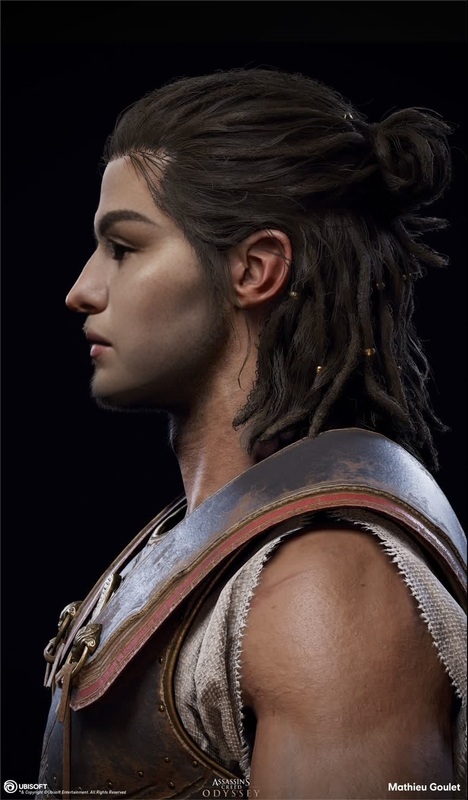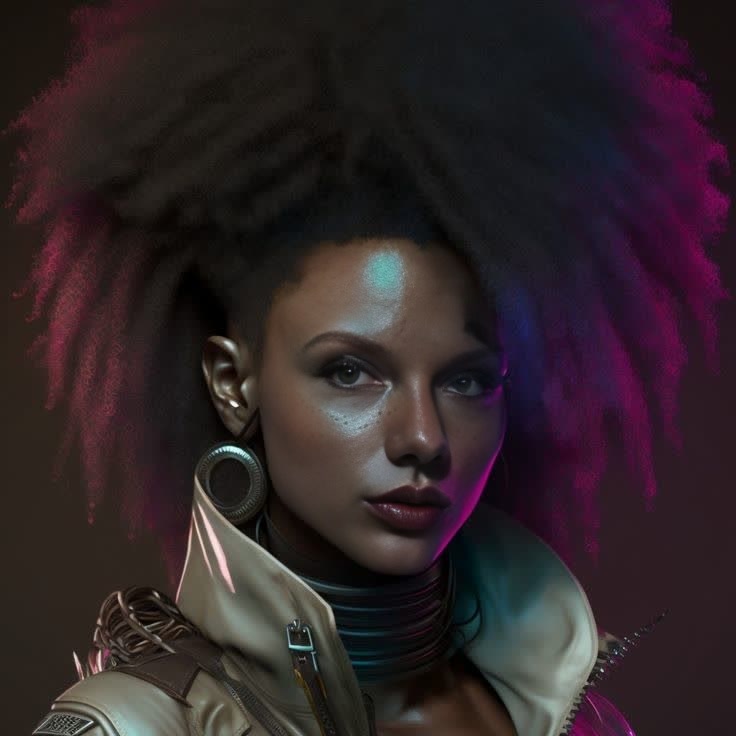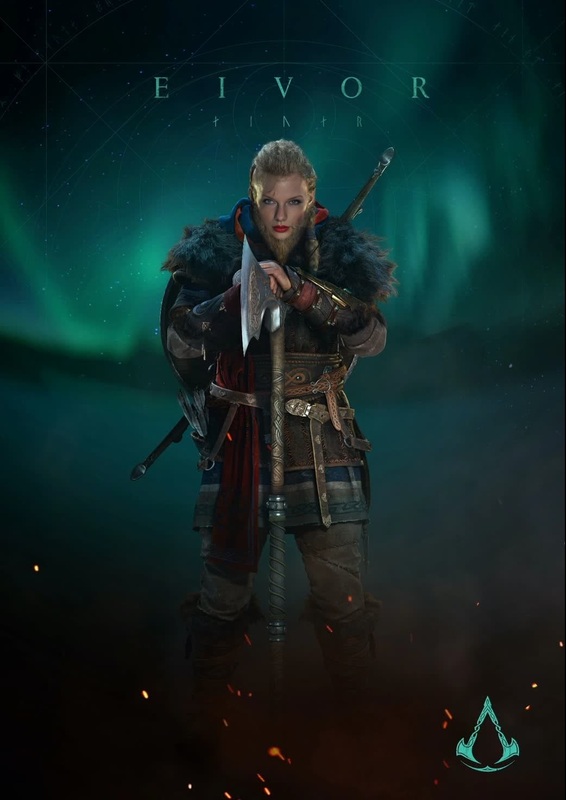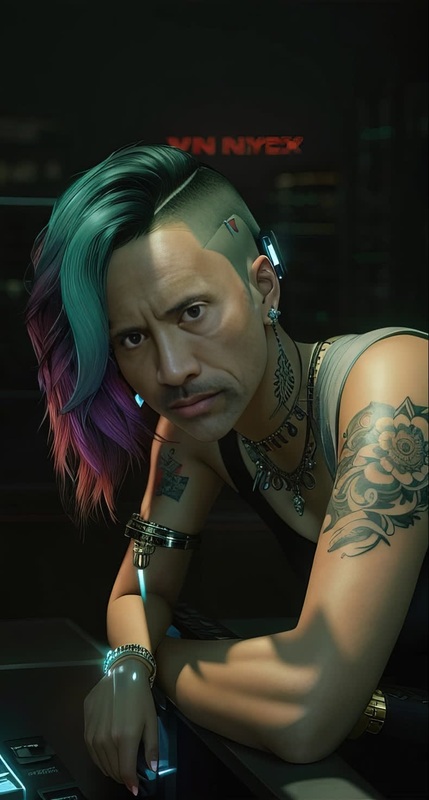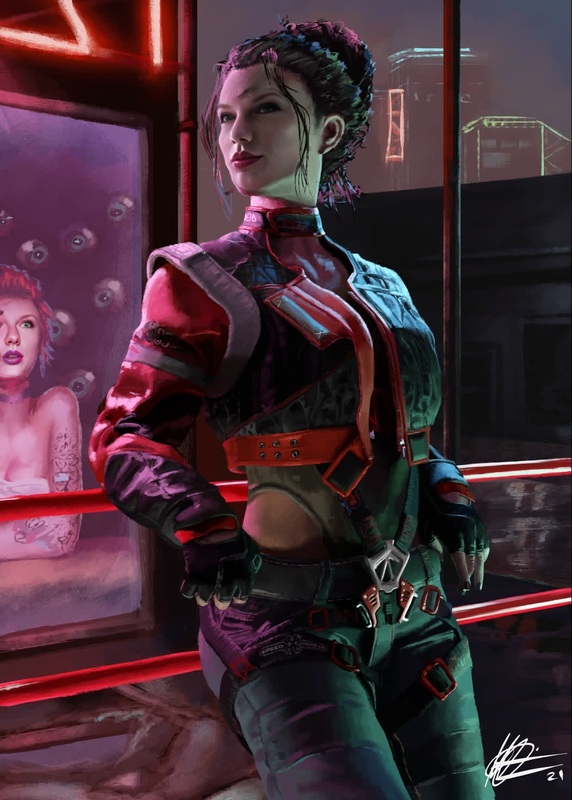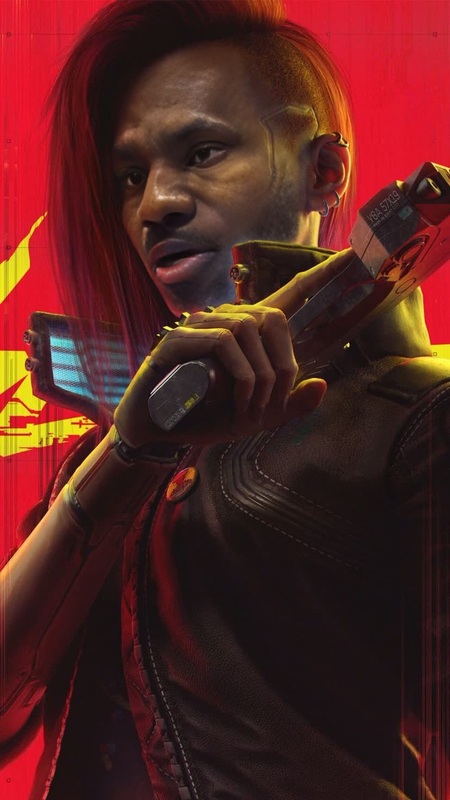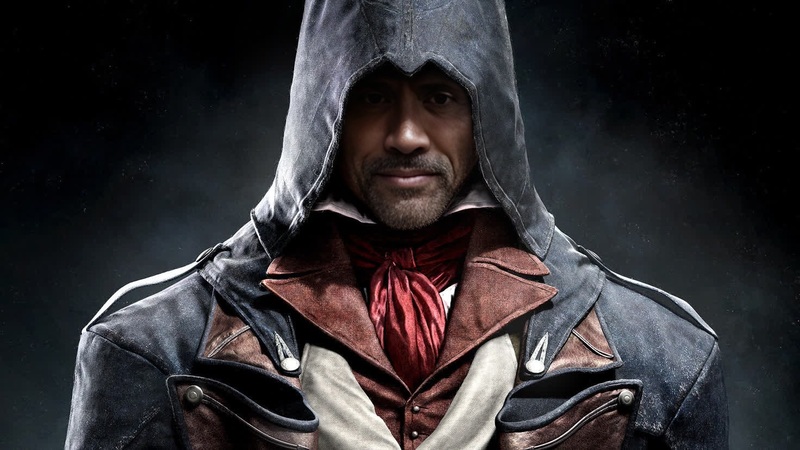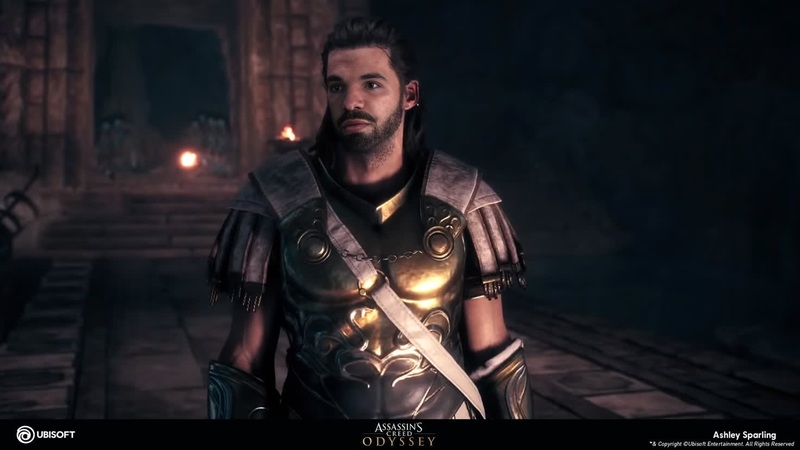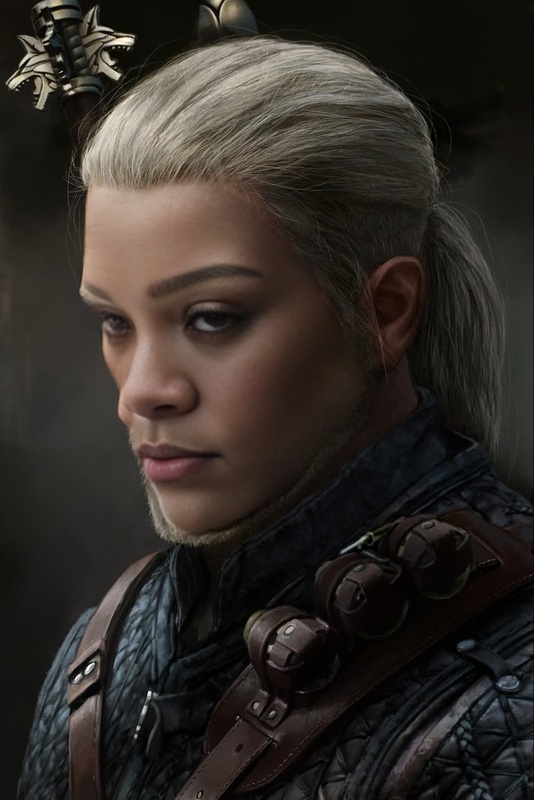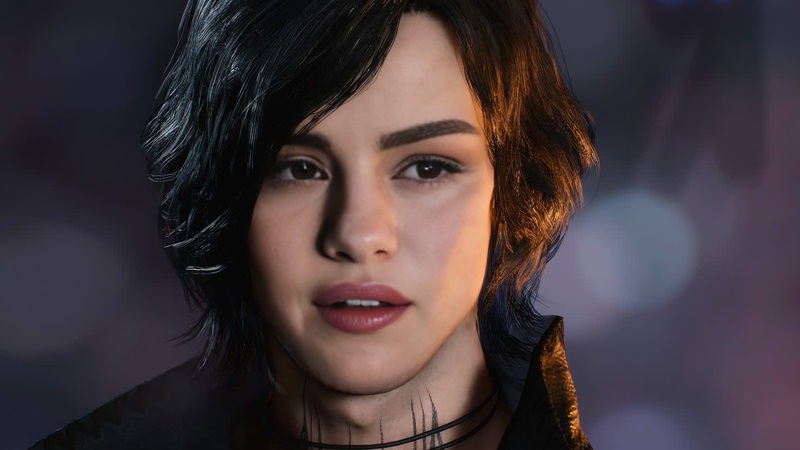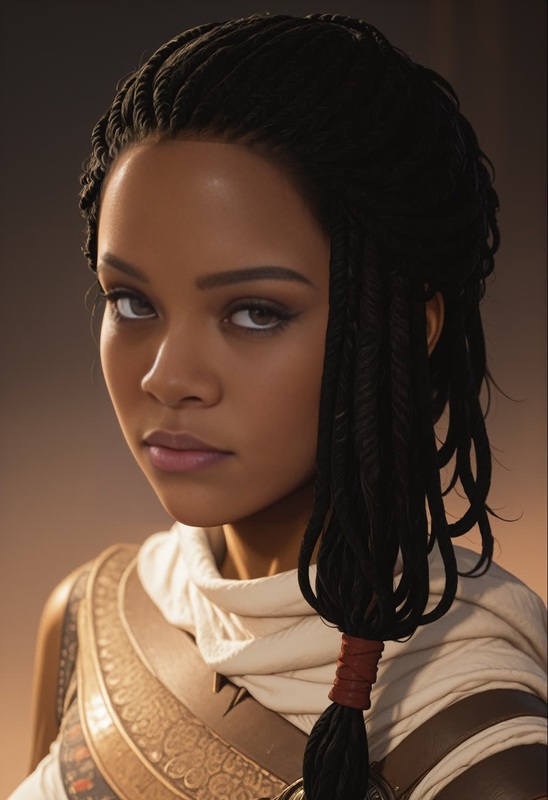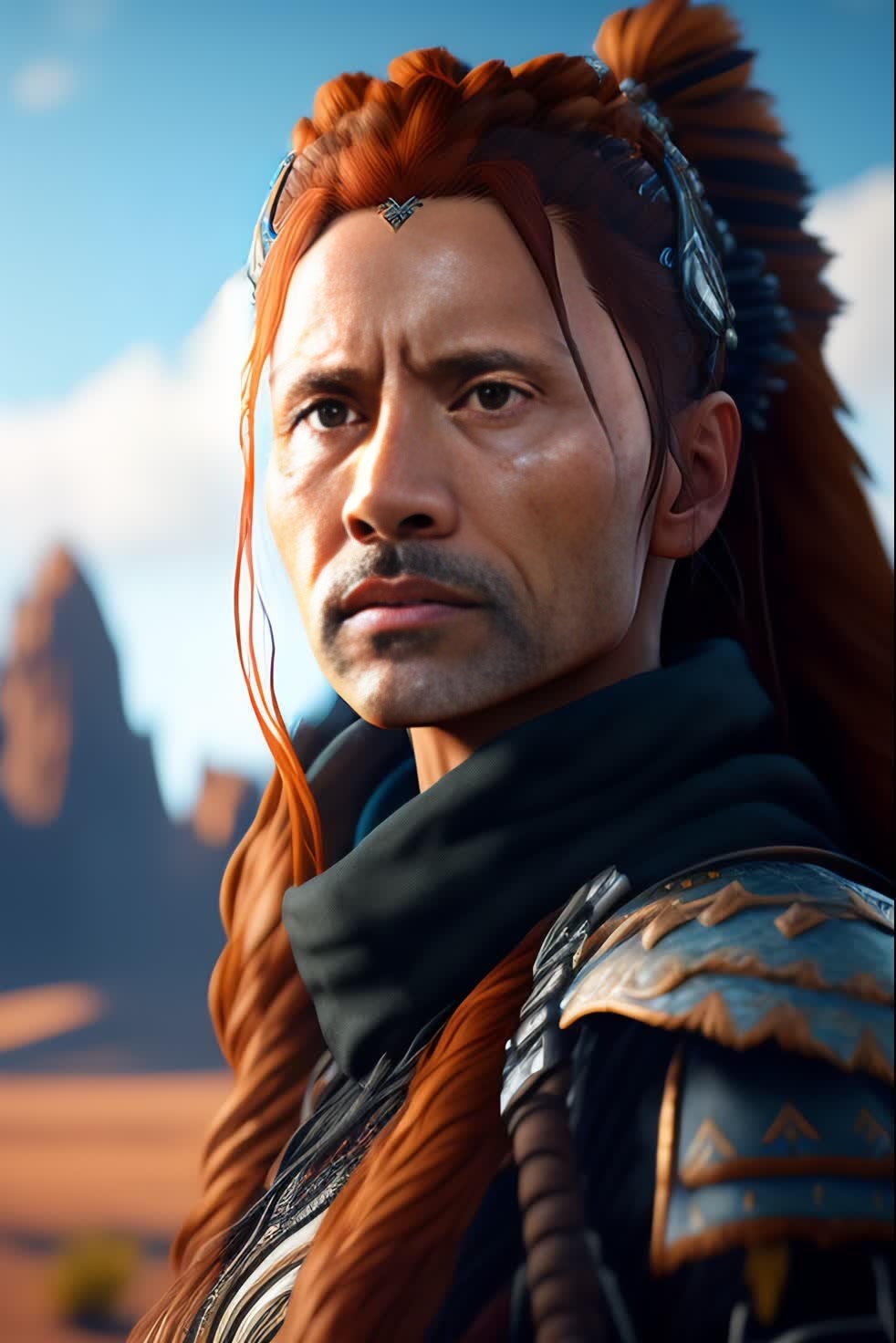
Aloy Horizon Zero Dawn Photorealistic Portrait
- Image
- 982 × 1472 px
Any aspect ratio
Overview
Step into the world of Horizon Zero Dawn with our Aloy Video Face Swap template. Designed to transform any video into a breathtaking visual experience, this template allows you to superimpose the face of Aloy onto your chosen subject, achieving lifelike detail and precision. Ideal for creators who want to bring their projects to the next level, this tool utilizes the latest in AI technology to provide a seamless and engaging transformation.
What It Does
The Aloy Video Face Swap template enables users to blend the iconic face of Aloy from Horizon Zero Dawn with existing video footage. The result is a photorealistic video where the subject appears as Aloy. The tool is equipped to handle complex movements and lighting scenarios, delivering consistent, high-quality results. Check out our Face Swap Video product for more on swapping faces in videos.
Who It's For
This template is perfect for content creators, game enthusiasts, and digital artists who want to produce creative video content. Whether you're working on a fan video, exploring cosplaying options, or wanting to inject a bit of gaming culture into your projects, the Aloy Video Face Swap opens up a world of possibilities. For similar artistic transformations, consider exploring the AI Image Generator.
Summary
Utilize the Aloy Video Face Swap to create photorealistic portraits and bring your favorite game character to life in your videos. Achieve professional-quality results effortlessly, and let your creativity shine with this cutting-edge tool. To elevate your project further, check out our AI Video Generator for additional video editing capabilities.
How To
Choose Template

Customize Inputs

Generate Output

Use Cases
Gaming Fan Videos
- Combine live-action footage with Aloy's face.
- Produce highlight reels showcasing gameplay moments.
Cosplay Promotions
- Experiment with digital costumes.
- Enhance promotional content for cosplay events.
Social Media Content
- Create attention-grabbing short clips.
- Share innovative video content on platforms like TikTok and Instagram.
Digital Art Projects
- Explore creative storytelling through video.
- Develop themed art exhibits.
Best Practices
Select High-Quality Source Videos
Ensure your source video is high resolution to maintain image clarity and realism in the final output.Perfect the Alignment
Double-check that facial features align correctly within the swapped area for a natural look.Experiment with Lighting
Matching lighting conditions between your video and the template can significantly enhance realism.
Frequently asked questions
More Like This