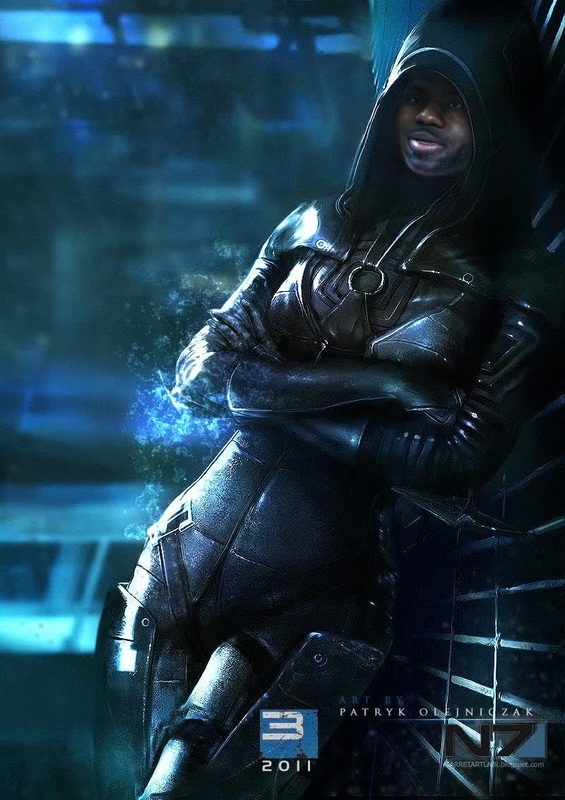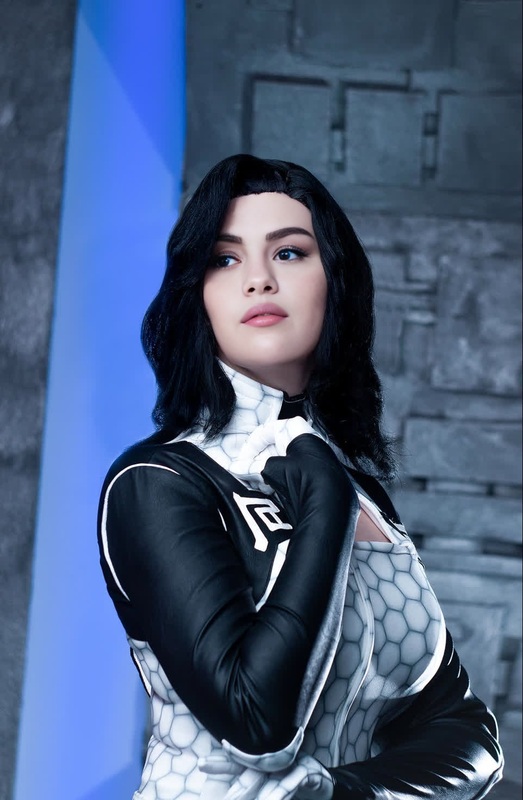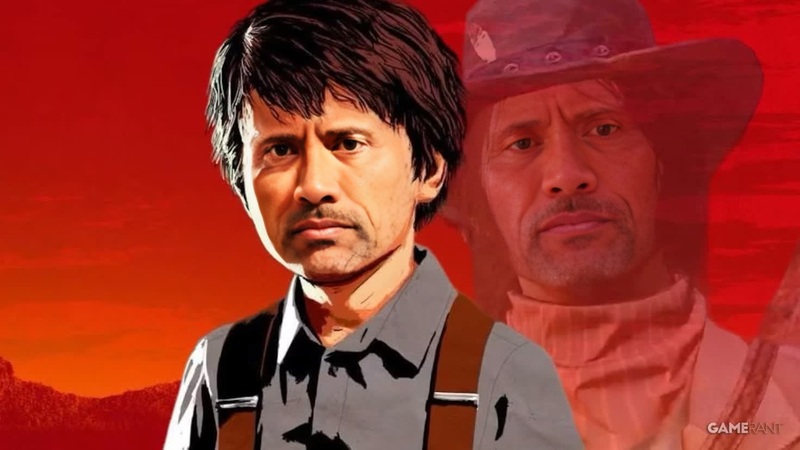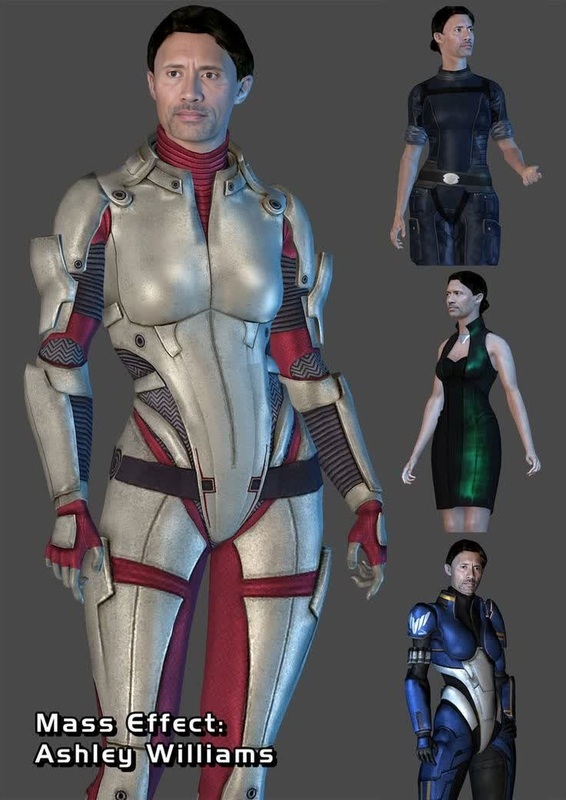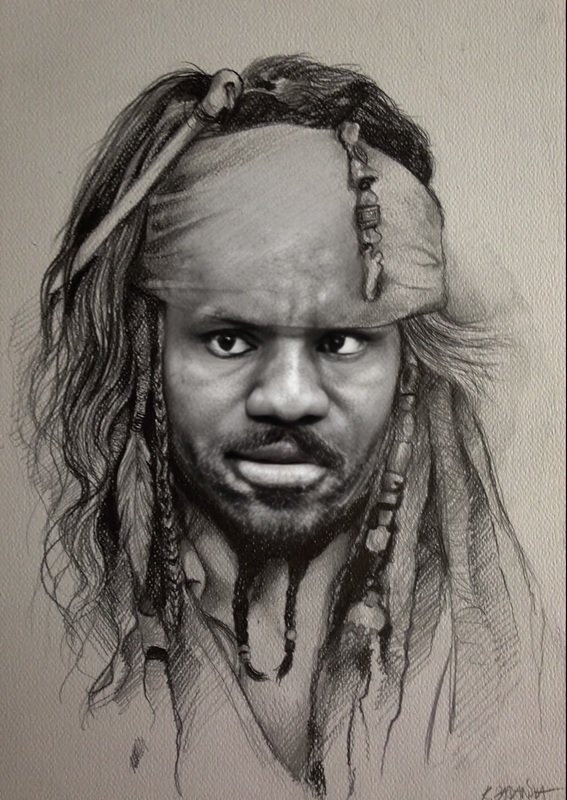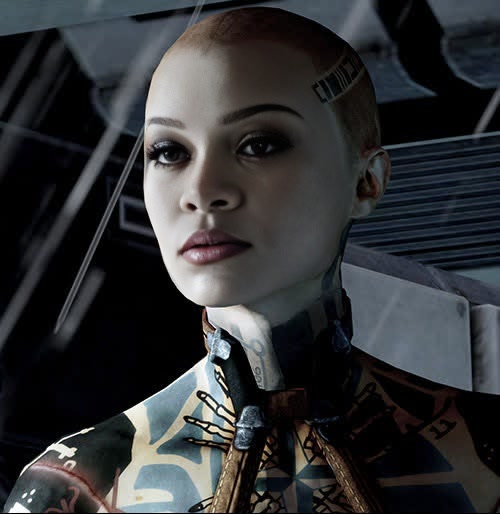
Jack Mass Effect 2 Photorealistic Portrait
- Image
- 500 × 514 px
Any aspect ratio
Overview
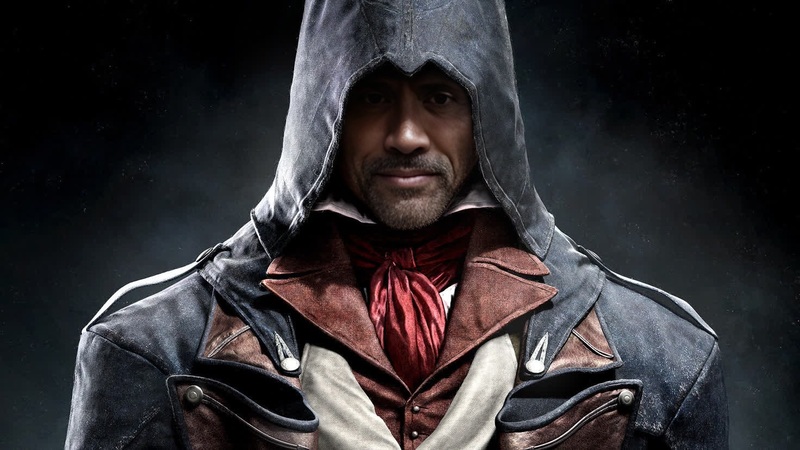
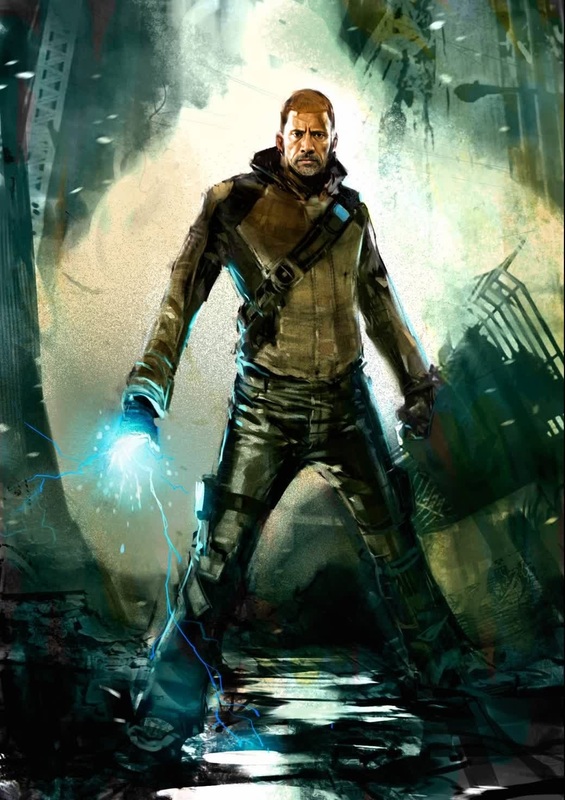
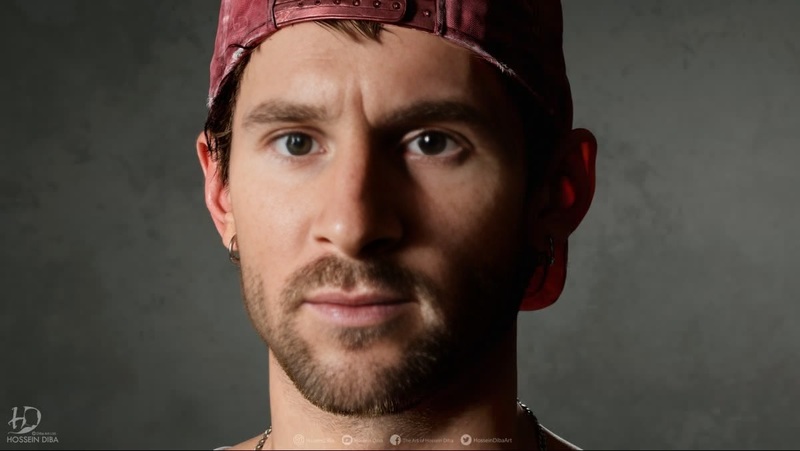
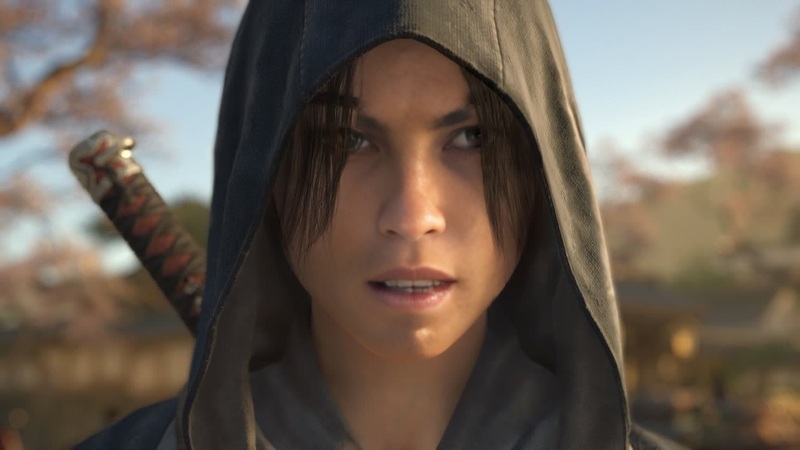
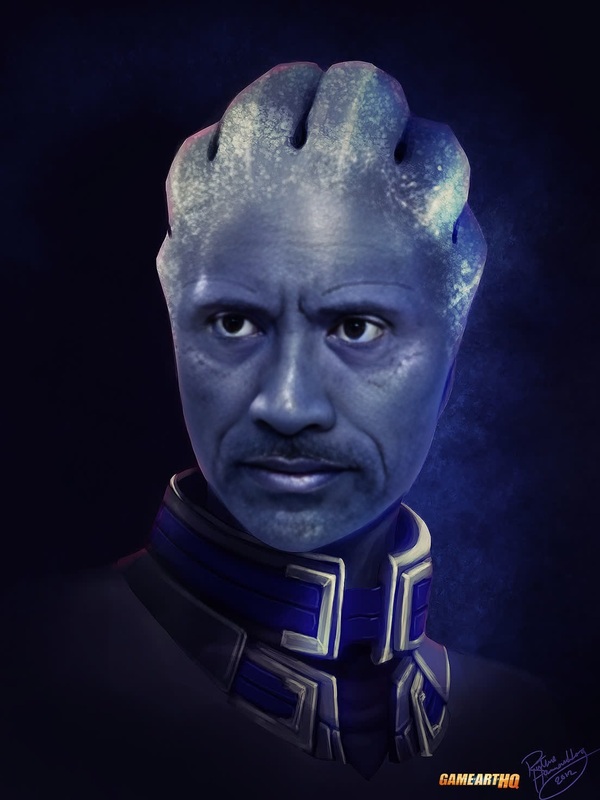
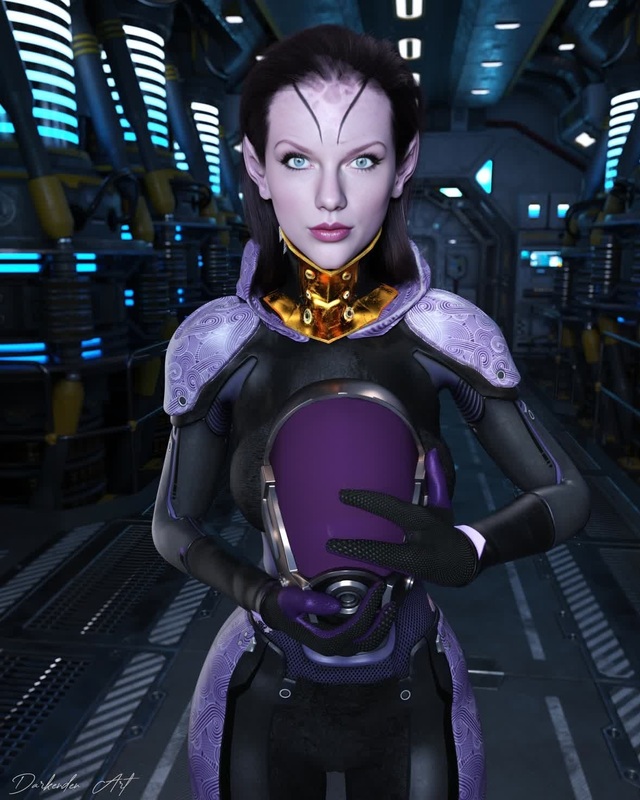
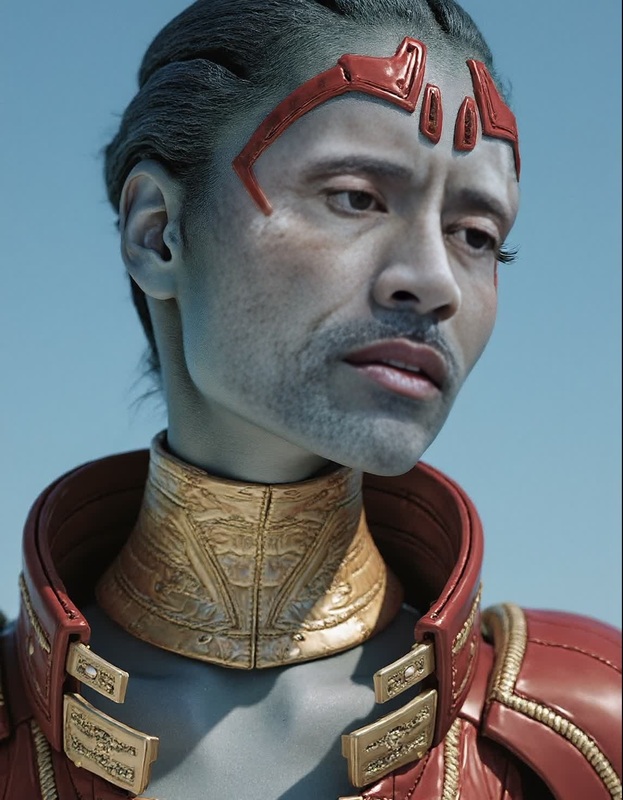
Step into the universe of Mass Effect 2 with the Jack Mass Effect 2 Photorealistic Portrait template on Magic Hour. Transform your regular photos into striking video face swaps that embody the true essence of this iconic game. This template allows you to create lifelike portraits with ease and precision. Pair it with tools like our Face Swap and AI Video Generator for enhanced results.
What It Does
This template performs a photorealistic face swap, transforming input images into characters reminiscent of Mass Effect 2's Jack. The result is a video output that captures the distinctive details of the character while preserving the features of the input face. For more advanced editing, check out our AI Face Editor, which allows further modifications and refinements.
Who It's For
Fans of the Mass Effect series looking to see themselves as part of the universe will love this template. Content creators aiming to produce themed video content or gaming enthusiasts desiring customized profile videos will find this tool incredibly handy. Leverage it alongside the AI Image Generator to create cohesive and dynamic visual content.
Summary
Transform your photos with the Jack Mass Effect 2 Photorealistic Portrait template for a unique, character-driven video experience. This tool offers precision face swapping to provide a distinctive visual style that is both captivating and true to the game's essence. Enhance your projects by integrating it with Magic Hour’s other solutions.
How-To
Choose Your Template

Customize Your Inputs

Generate Your Video

Use Cases
Gaming Channel Content
- Transform team photos into game-themed content
- Use in video intros or outros
Social Media Avatars
- Stand out with a unique video profile
- Appeal to fans of the series
Fan Art Projects
- Create themed artworks
- Expand your fan art portfolio
Best Practices
Select High-Resolution Images
Opt for high-quality images to ensure that the swapped face integrates well with the template.Adjust Lighting
Match the lighting of your input photo with the template to achieve a more natural result.Review Alignment
Protect the quality of your output by ensuring the facial features align correctly before generating the video.
FAQs
More Like This