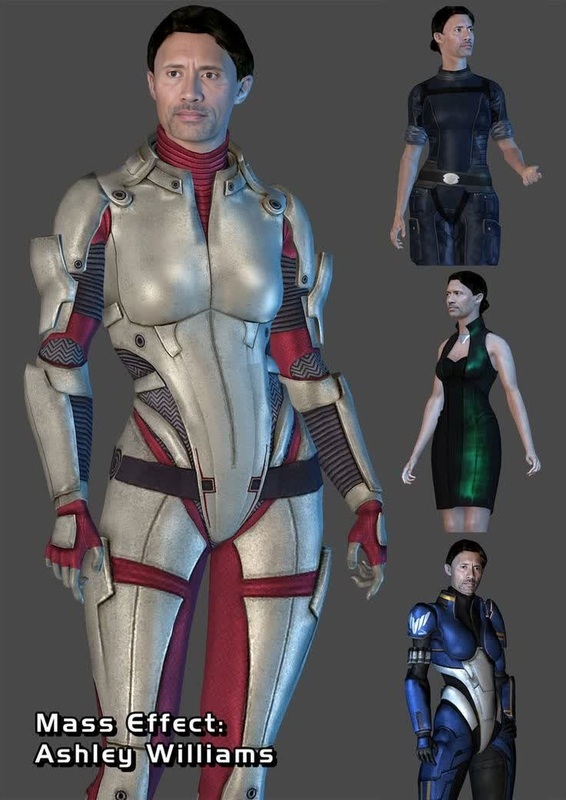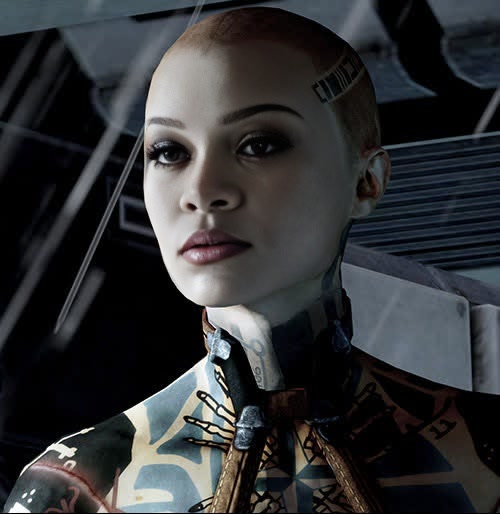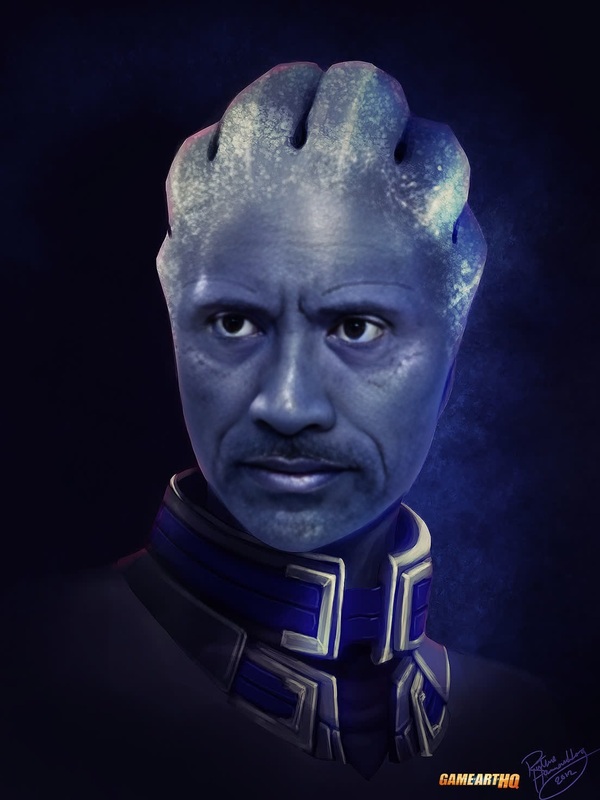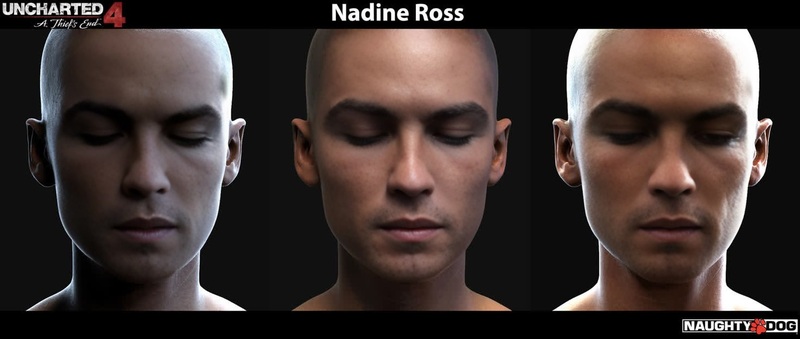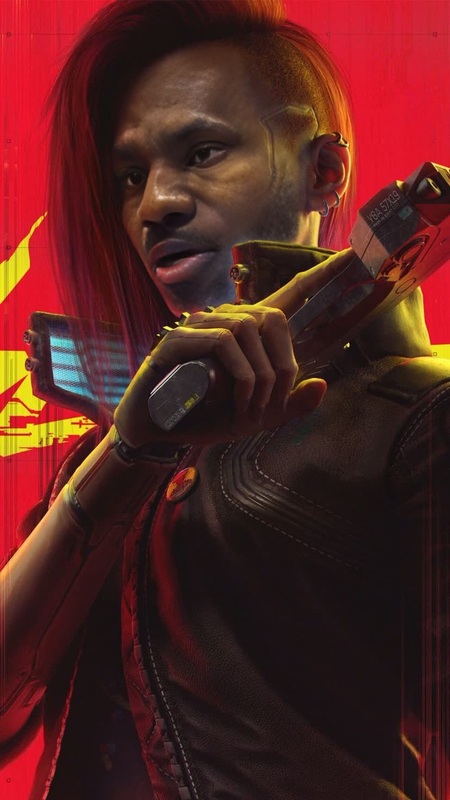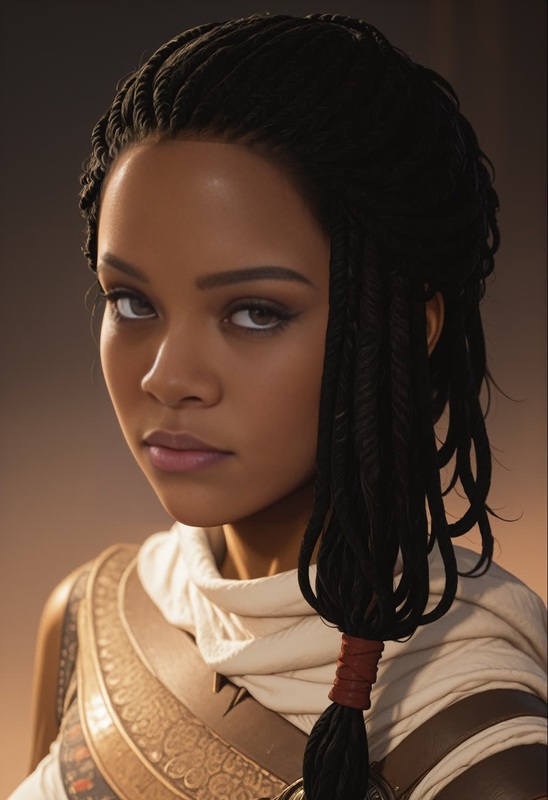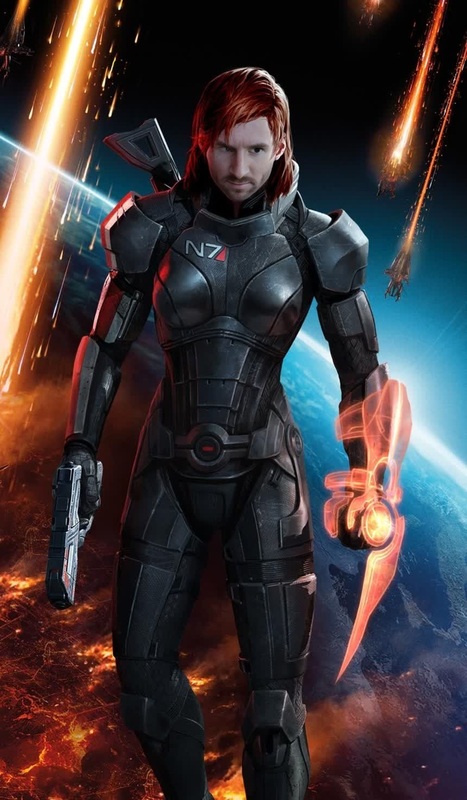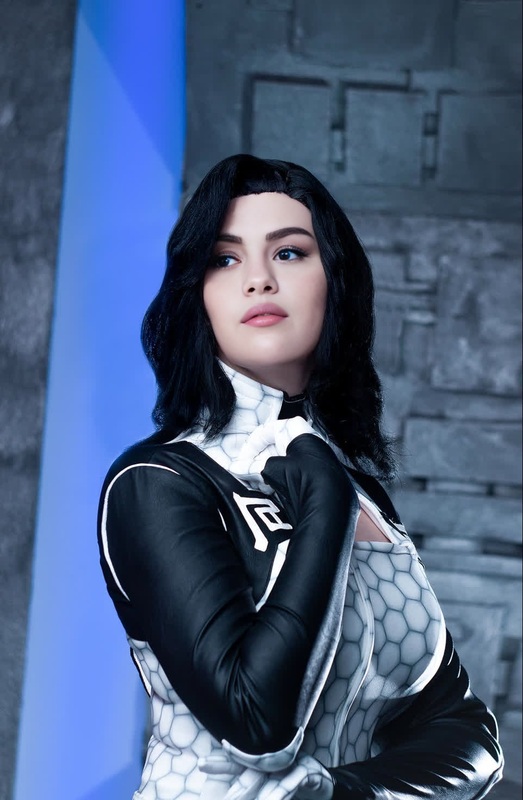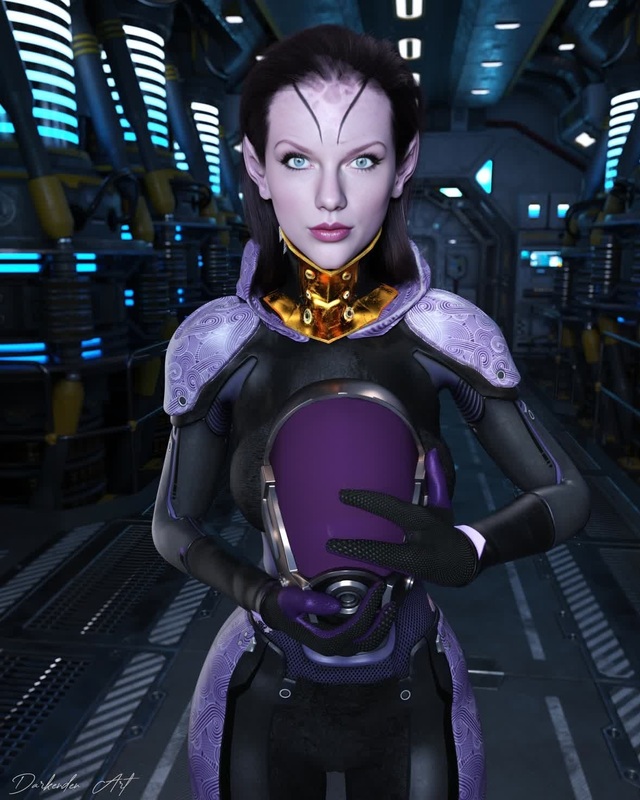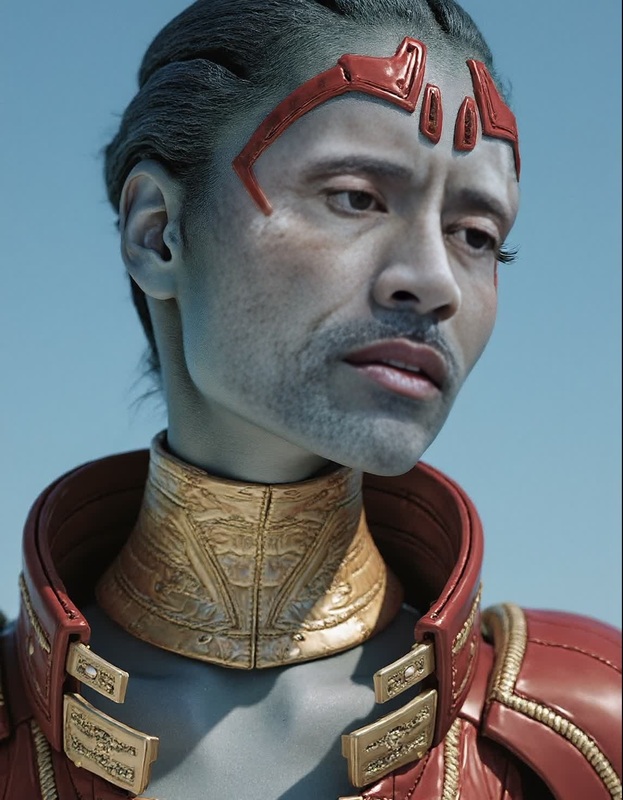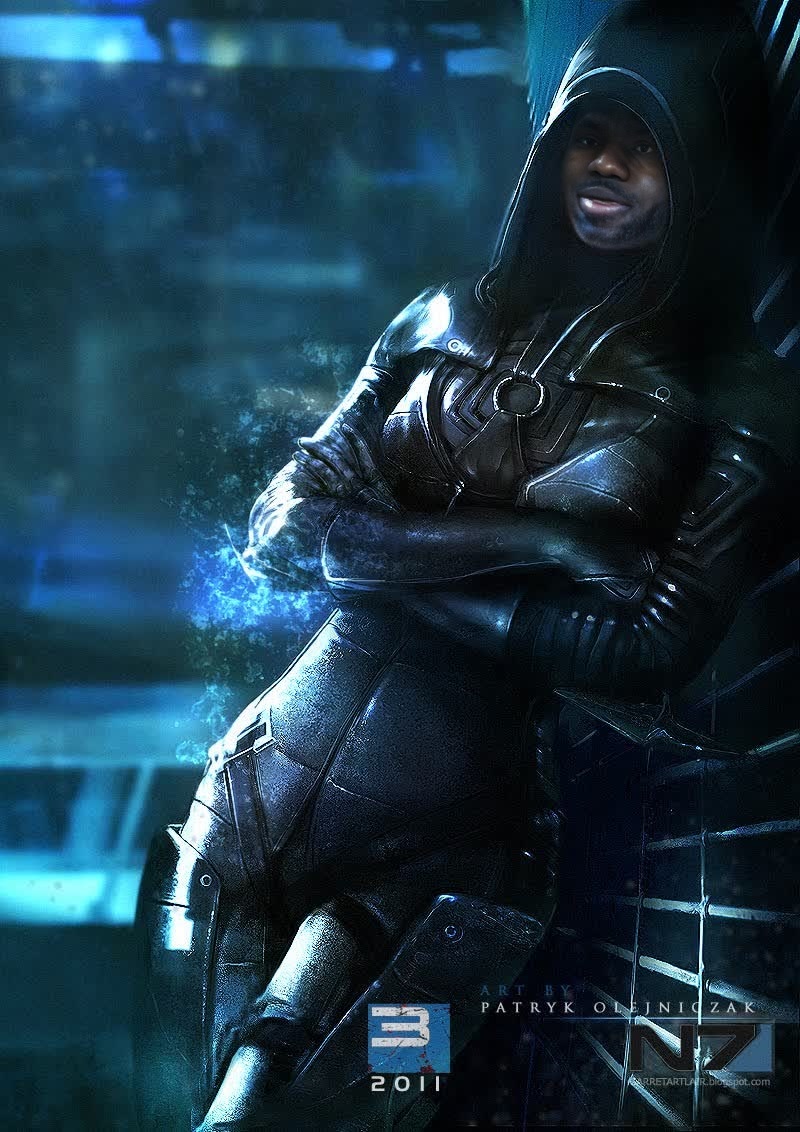
Kasumi Goto Mass Effect 2 Photorealistic Portrait
- Image
- 800 × 1132 px
Any aspect ratio
Overview
The Kasumi Goto Mass Effect 2 Photorealistic Portrait template offers a unique Video Face Swap experience. Inspired by the enigmatic appearance of Kasumi Goto, this template transforms your selected images into captivating video portraits, blending realism and digital artistry.
What It Does
This template specializes in effortlessly swapping your chosen face with Kasumi Goto's from Mass Effect 2, creating a photorealistic portrait that moves convincingly across a video. By harnessing advanced face swap technology, the template ensures a seamless integration that maintains the original video's expression and style. Perfect for adding a dramatic effect to your visual content.
Who It's For
Designed for video creators, cosplay enthusiasts, and fans of the Mass Effect series, this template offers a way to enhance digital storytelling. Whether you're creating content for TikTok Videos or developing character-focused narratives, this tool is ideal for those seeking innovative ways to present iconic characters in video format.
Summary
The Kasumi Goto Face Swap template is a cornerstone for anyone looking to produce high-quality, photorealistic portraits within video projects. With AI Video Generator capabilities, it simplifies complex video alterations, allowing creators to focus on narrative and artistic presentation.
How to Use
Choose Your Template

Customize Your Inputs

Generate and Download

Use Cases
Cosplay Videos
- Realistic character portrayal
- Increased engagement on social media
Fan Art Projects
- Novel visual storytelling
- Enriched fan community experience
Content Creators
- Unique video presentations
- Boosted audience interaction
Best Practices
Ensure High-Quality Inputs
For optimal results, use high-resolution video files where the face is well-lit and clearly discernible.Leverage the AI Video Generator
Utilize the integrated features of the AI Video Extender to create longer and more cohesive video narratives.Experiment with Angles
Test different angles and lighting conditions to achieve various effects and enhance realism.
Frequently asked questions
More Like This