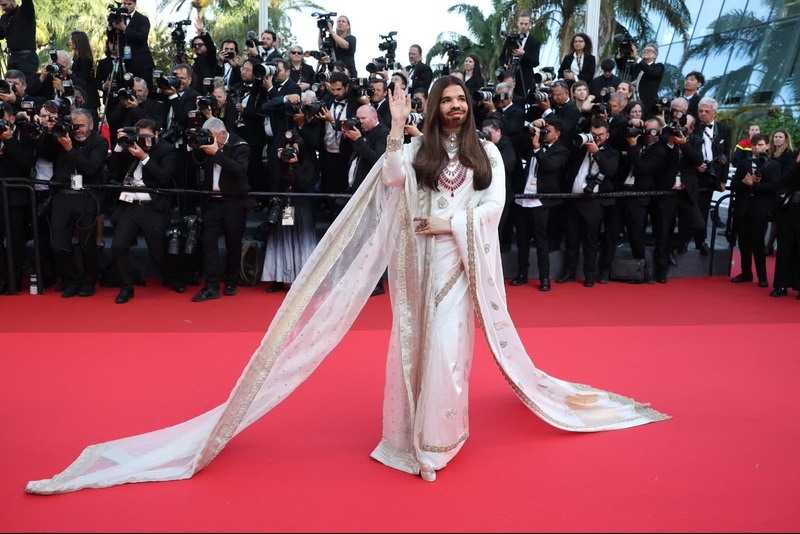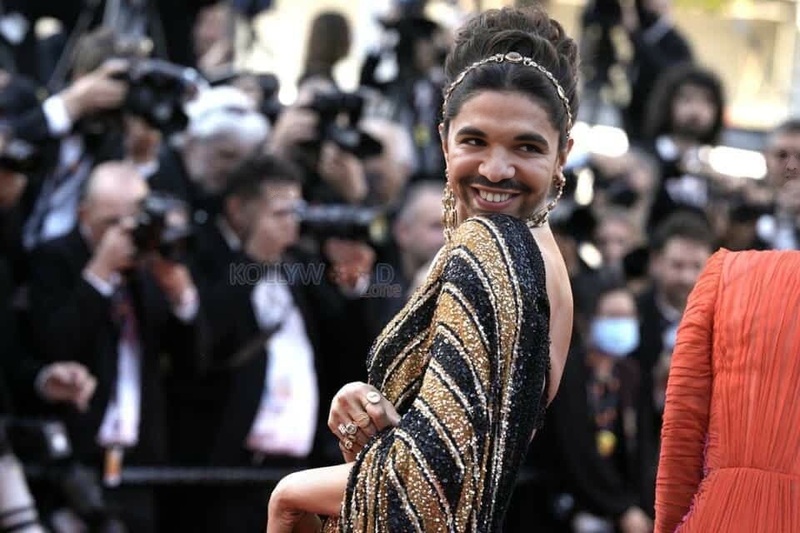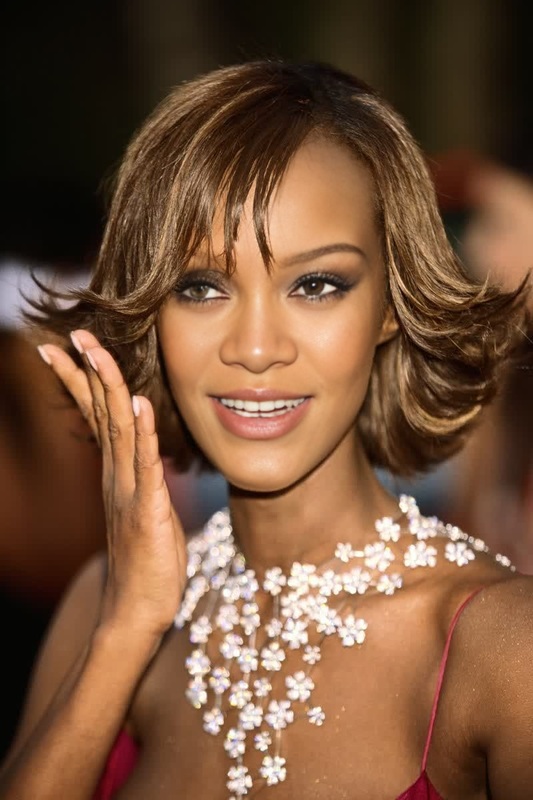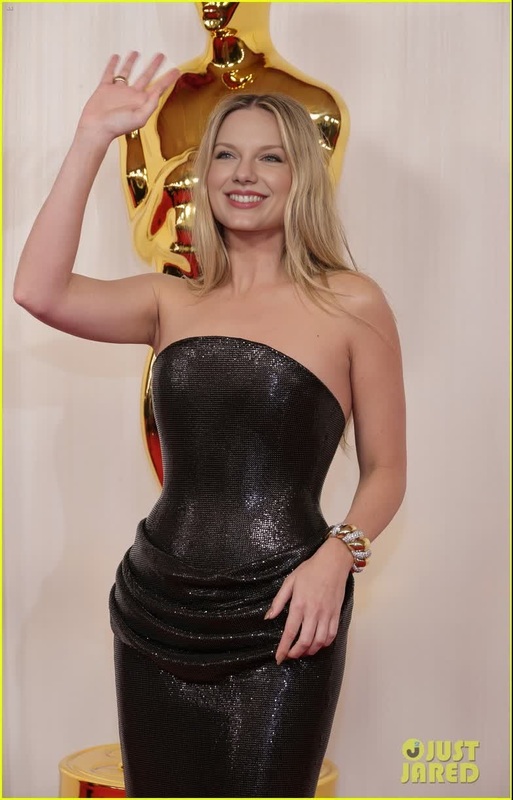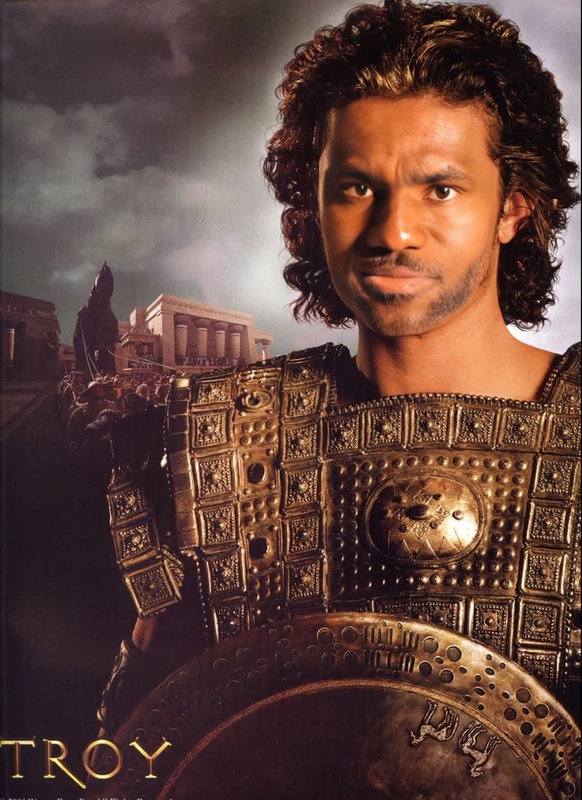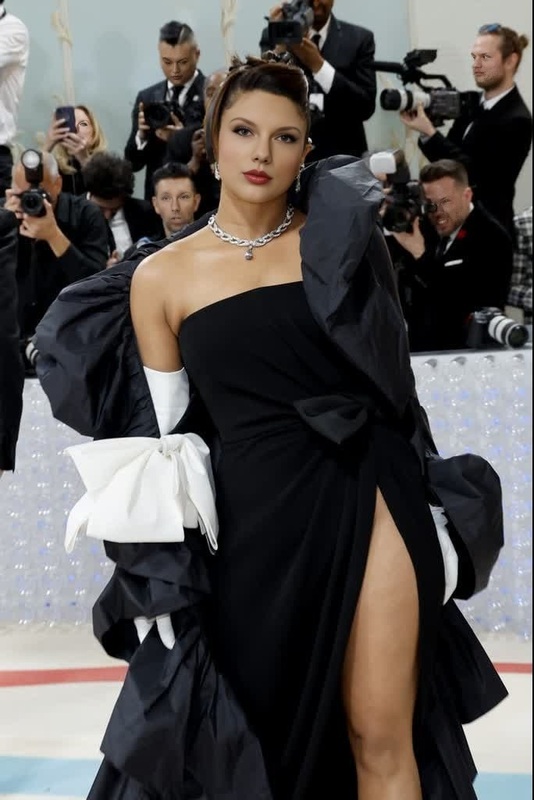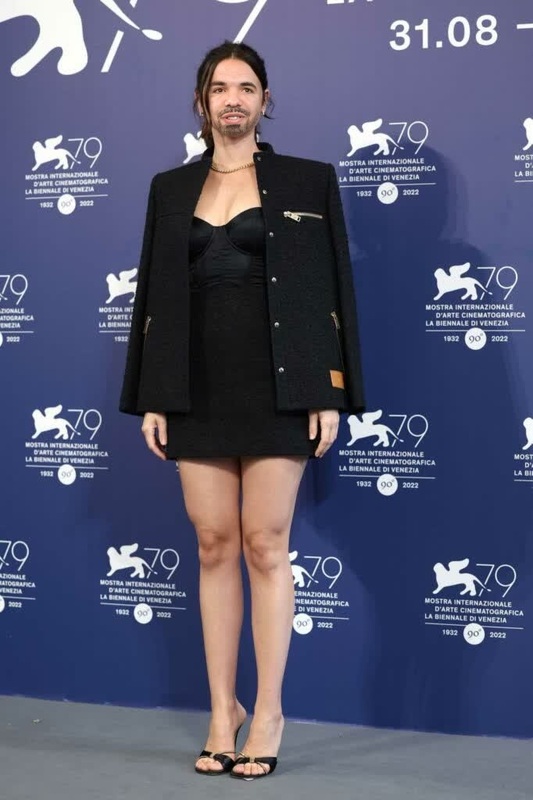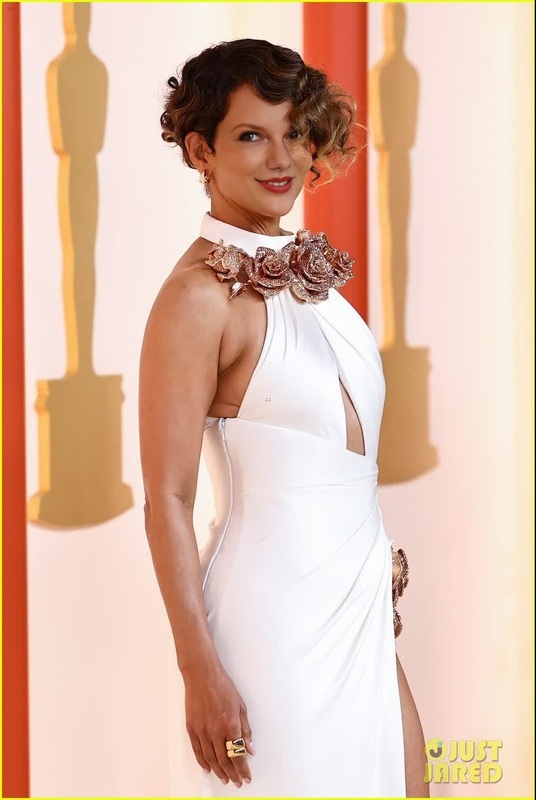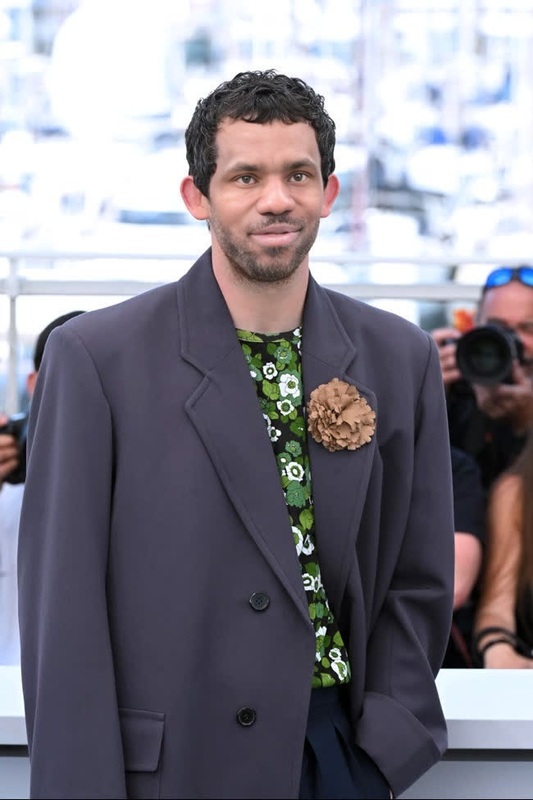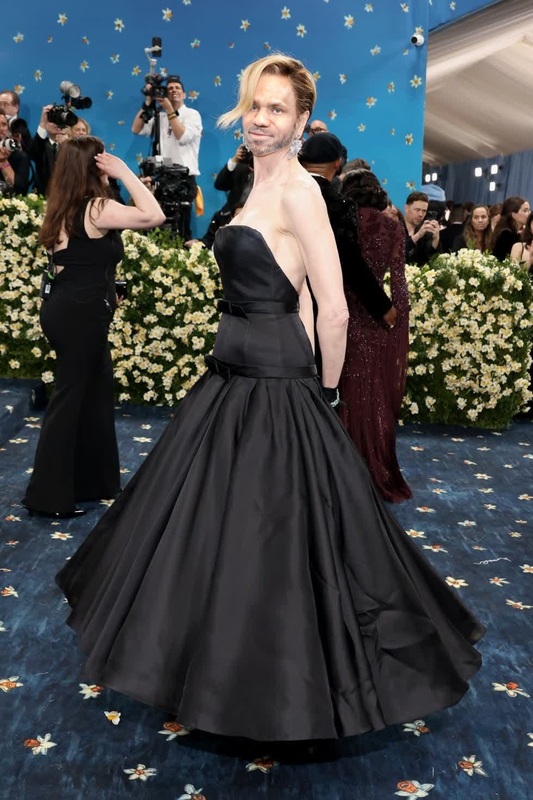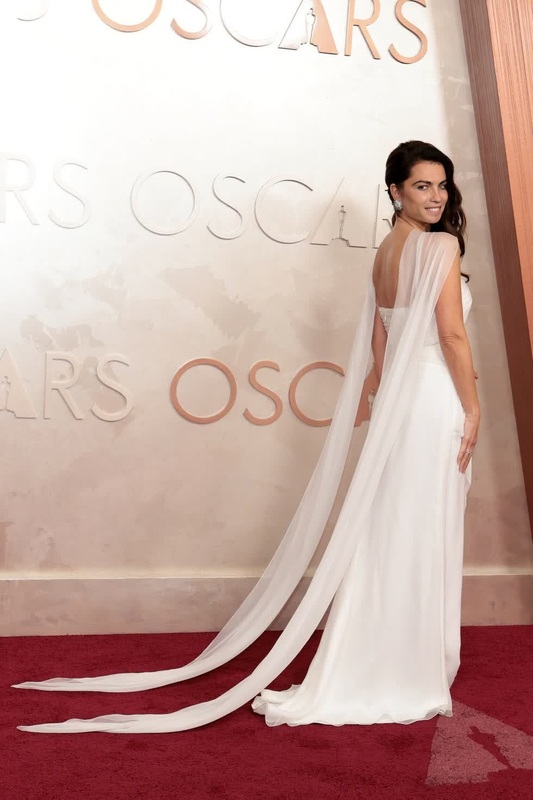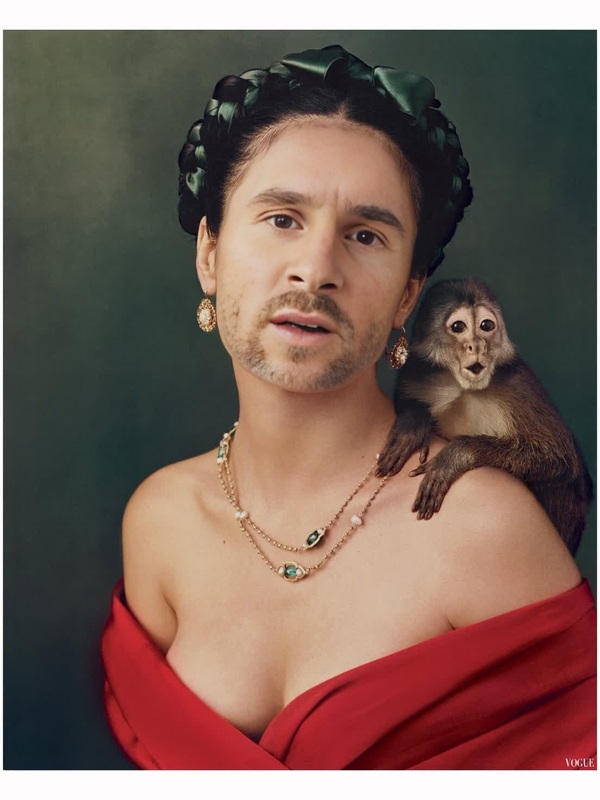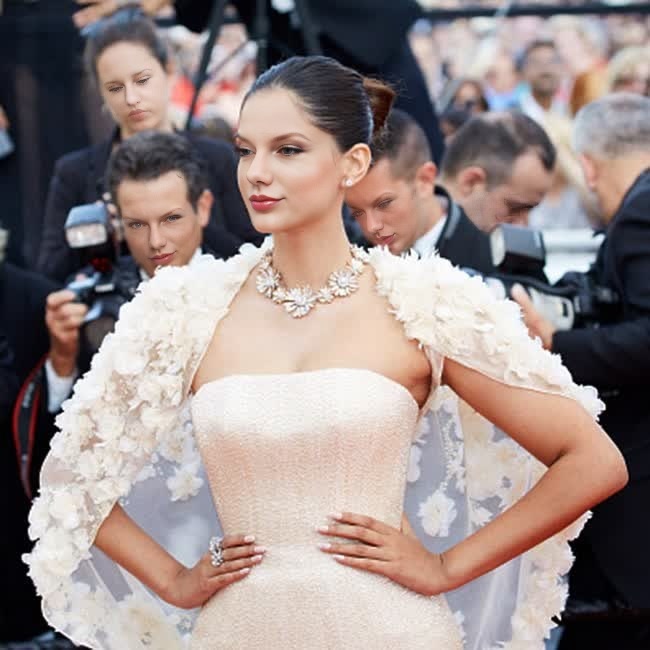
Sonam Kapoor Cannes Film Festival Portrait
- Image
- 650 × 650 px
Any aspect ratio
Overview
The Sonam Kapoor Cannes Film Festival Portrait template offers a sophisticated way to experience the allure of a glamorous event by inserting your face or someone else's into this iconic festival moment. This video template employs advanced Video Face Swap technology for a high-quality, seamless transformation that captures attention and imagination.
What It Does
This template leverages AI-driven Face Swap capabilities to meticulously replace the face in a portrait of Sonam Kapoor at the Cannes Film Festival with one of your choice. The result is a customized video that blends personal identity with red-carpet glamour, suitable for various creative projects and social media content.
Who It's For
Designers, content creators, and social media enthusiasts will find this tool invaluable for producing striking visuals. It's especially apt for those who want to personalize content in a way that stands out in personal projects or brand campaigns. The template also appeals to fans and hobbyists interested in celeb transformations using our AI Video Generator.
Summary
By transforming snapshots with the Sonam Kapoor Cannes Film Festival Portrait template, users can merge the elegance of celebrity culture with personal imagery. Experiment with the polished features available in the AI Image Editor to further refine results, ensuring your videos are both bold and captivating.
How to Use
Choose the Template

Customize Your Input

Generate the Video

Use Cases
Social Media Content
Personalized Gifts
Fan Edits
Best Practices
High-Quality Images
Use clear, high-resolution photos for the most effective face swaps. The quality of the input image greatly affects the final video output.Consistent Lighting
Ensure that the lighting conditions of the input image match the video template to achieve a more natural look.Angle Match
Align the face orientation of the uploaded image closely with the source to ensure seamless integration.