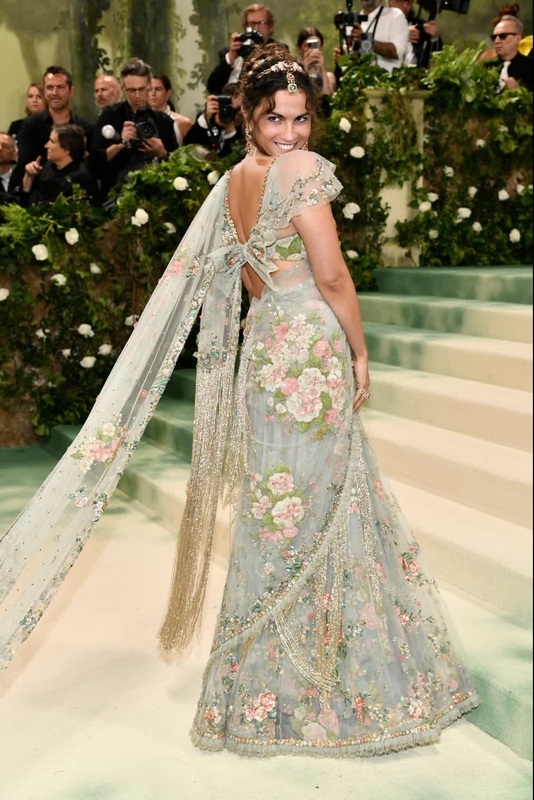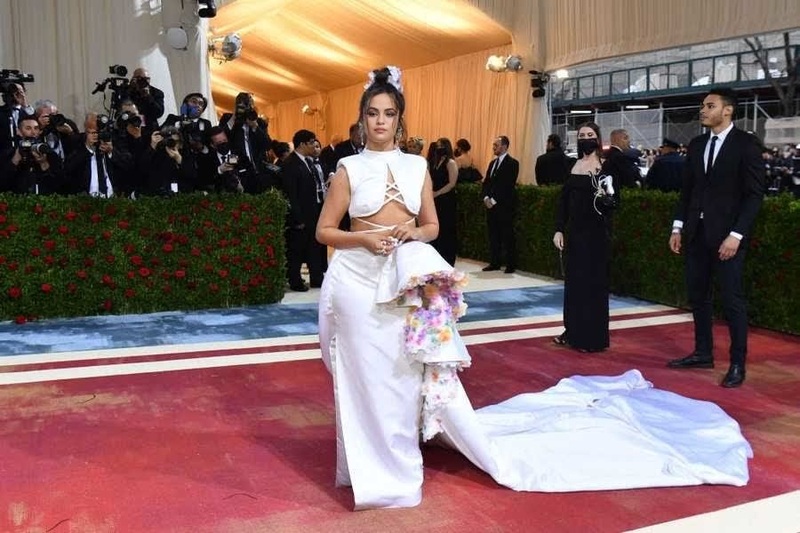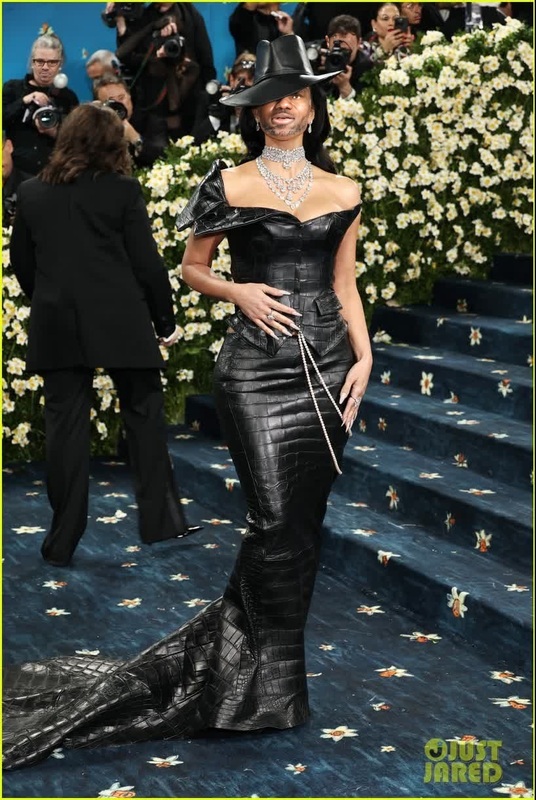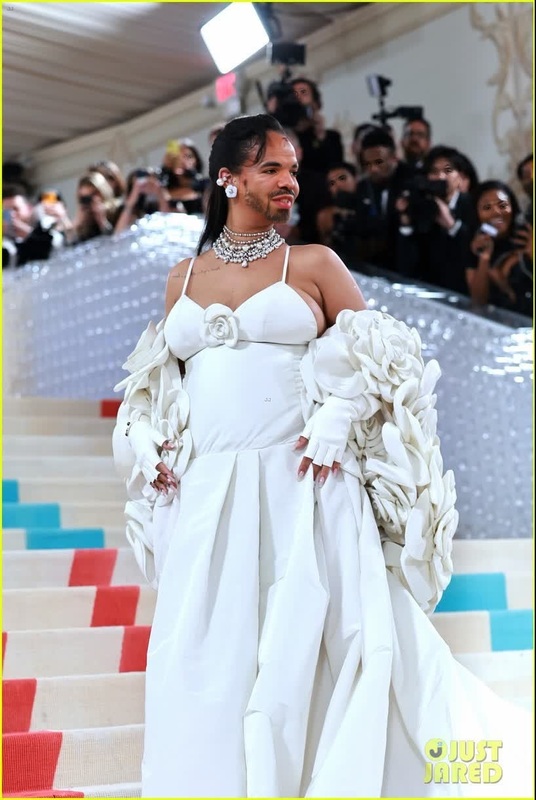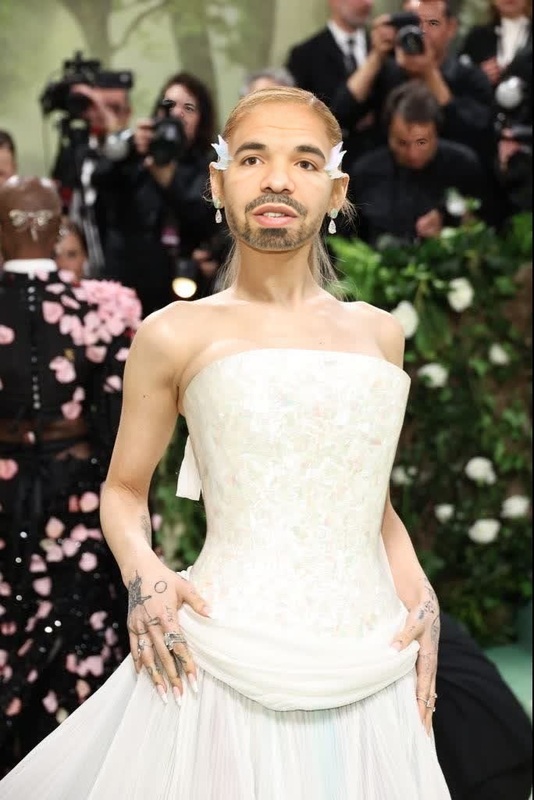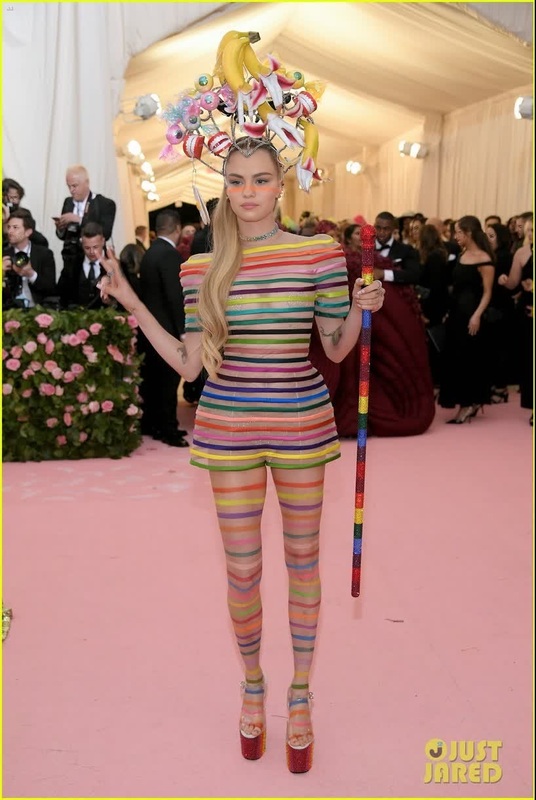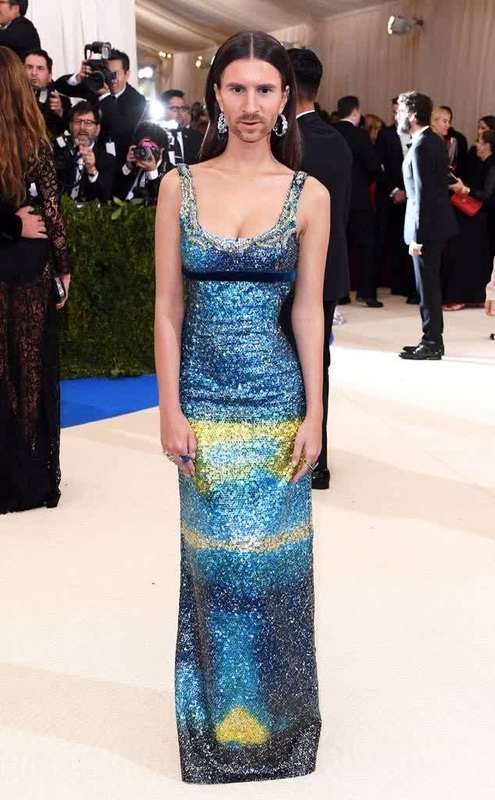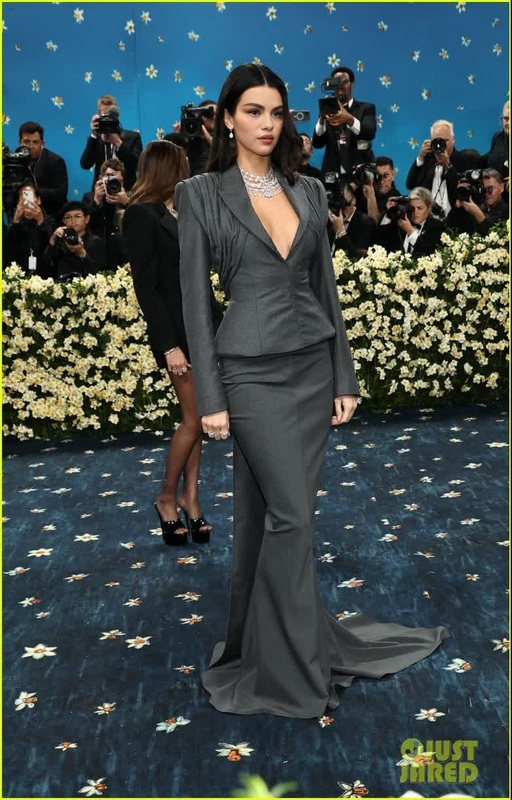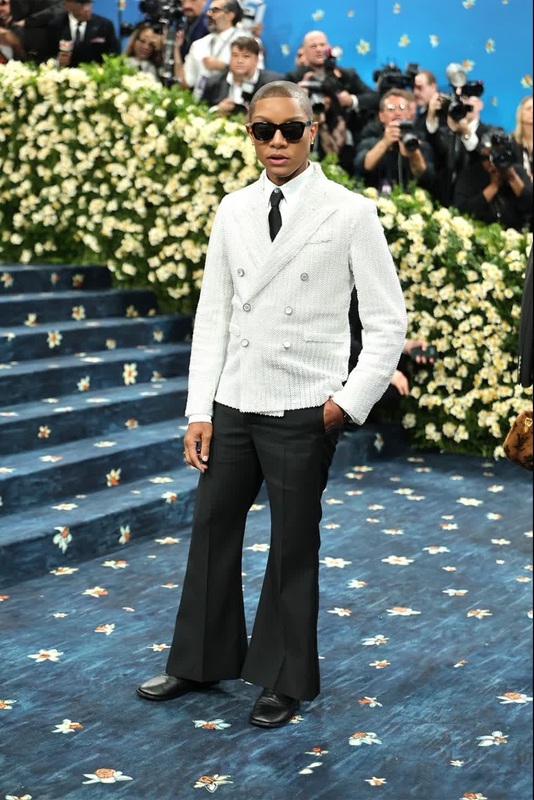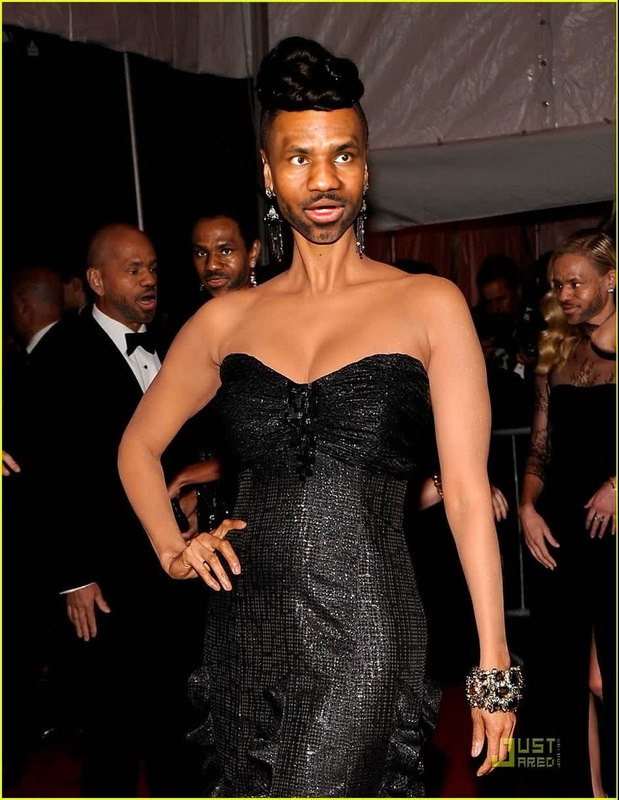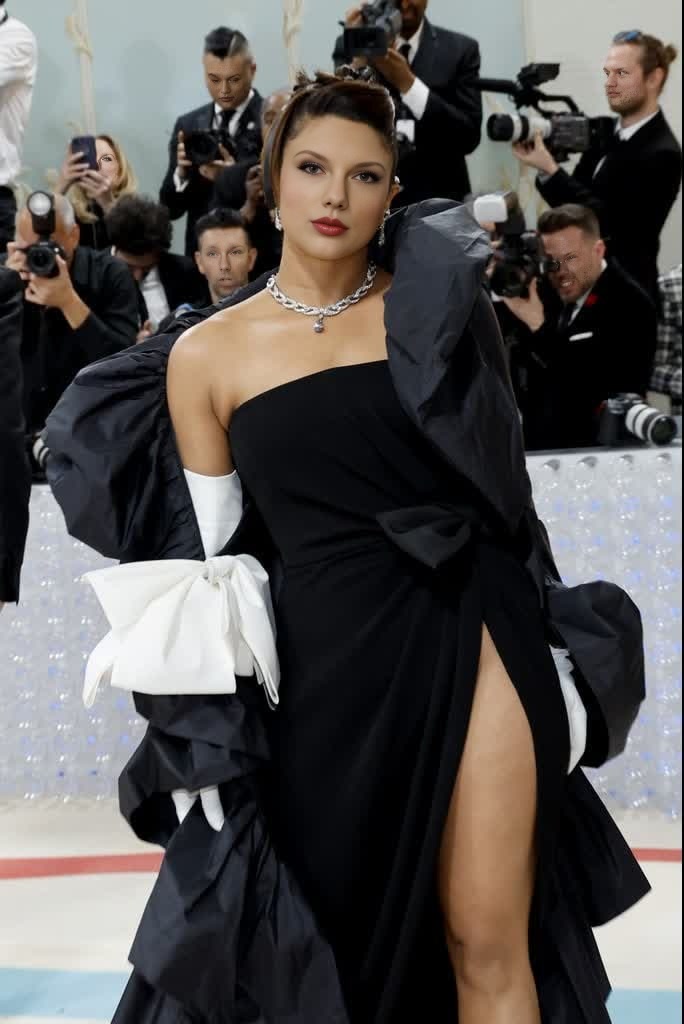
Priyanka Chopra Met Gala Arrival Portrait
- Image
- 684 × 1024 px
Any aspect ratio
Overview
Transform your videos with the precision and style of Priyanka Chopra's renowned Met Gala look using our Video Face Swap template. Capture the same elegance and glamour in your personal videos, perfect for social media or special events.
What It Does
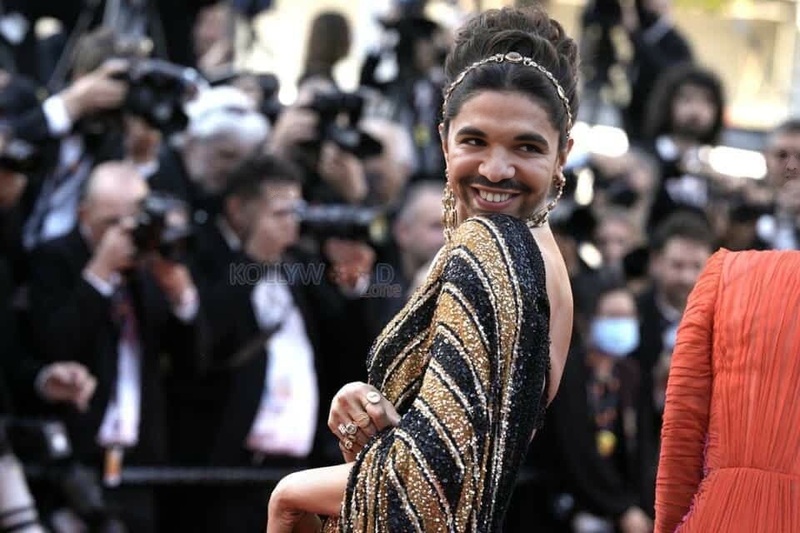
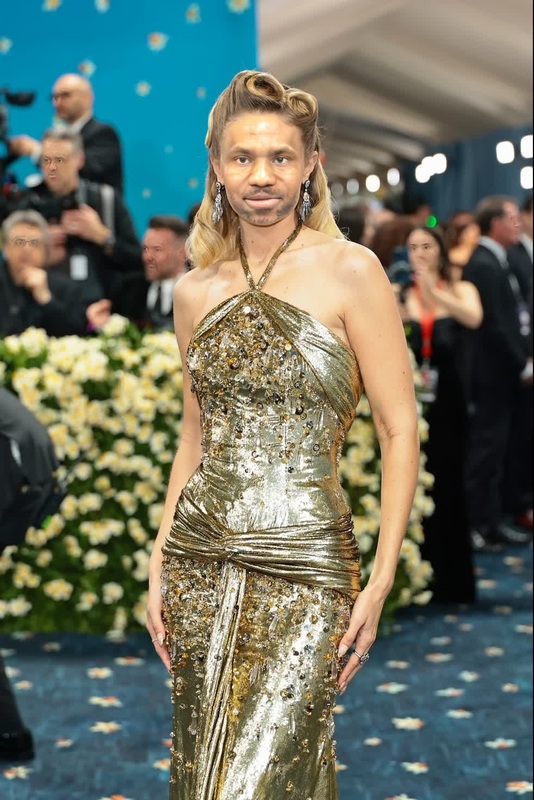
This template allows you to apply Priyanka Chopra's famed Met Gala arrival style to any face in your selected video. With robust AI algorithms, this AI Video Generator ensures high-quality face replacement, maintaining original expressions and movements while transforming the visual style.
Who It's For
This template is ideal for content creators, influencers, and marketers looking to inject high-fashion aesthetics into their work. It's especially useful for those crafting social media ads or personalizing content for viral engagement.
Summary
With the Priyanka Chopra Met Gala Arrival Portrait, elevate any video by swapping faces seamlessly to embody a celebrity look. Perfect for creating memorable, shareable content that stands out. Leverage our suite of tools, including the Image-to-Video converter, to maximize your creative outputs.
How-To
Choose Your Template

Customize Your Inputs

Generate Your Video

Use Cases
Social Media Campaigns
Event Promotions
Personal Highlights
Best Practices
Ensure Good Lighting
Use videos where faces are well-lit to ensure the AI captures all features correctly.Select High-Quality Footage
Higher resolution videos will yield better results during the face swap process.Experiment with Angles
Test various angles for the best fitting and most natural face swaps.