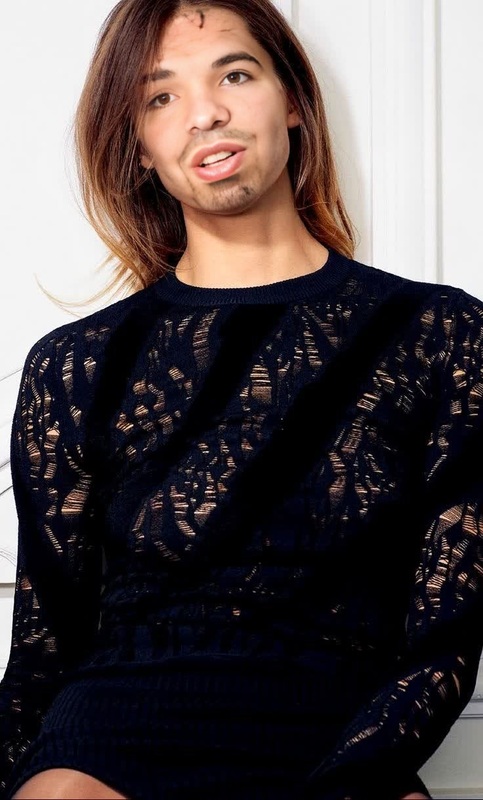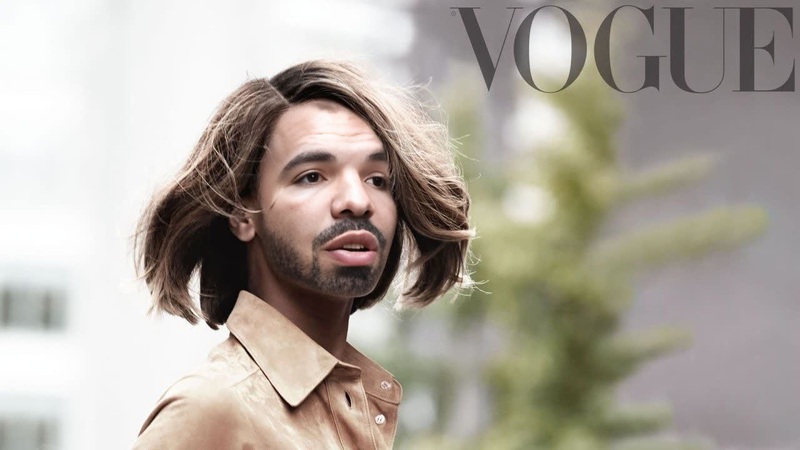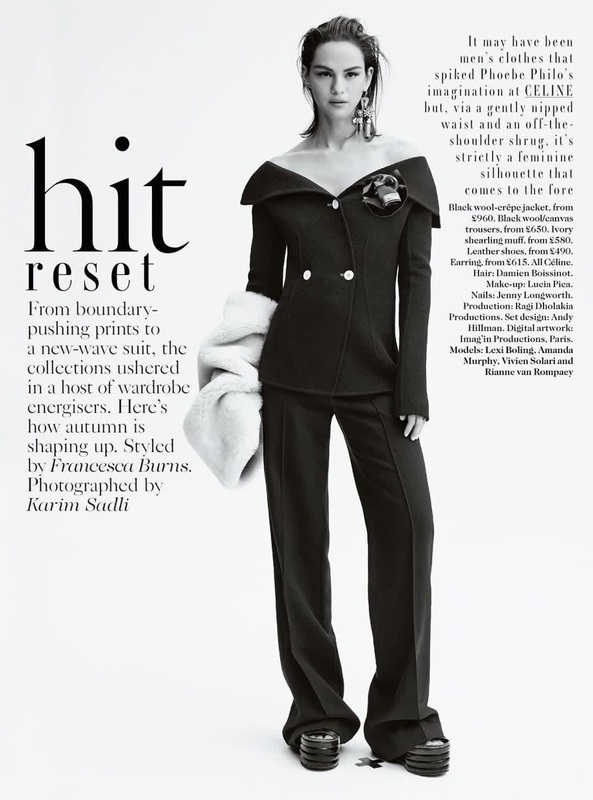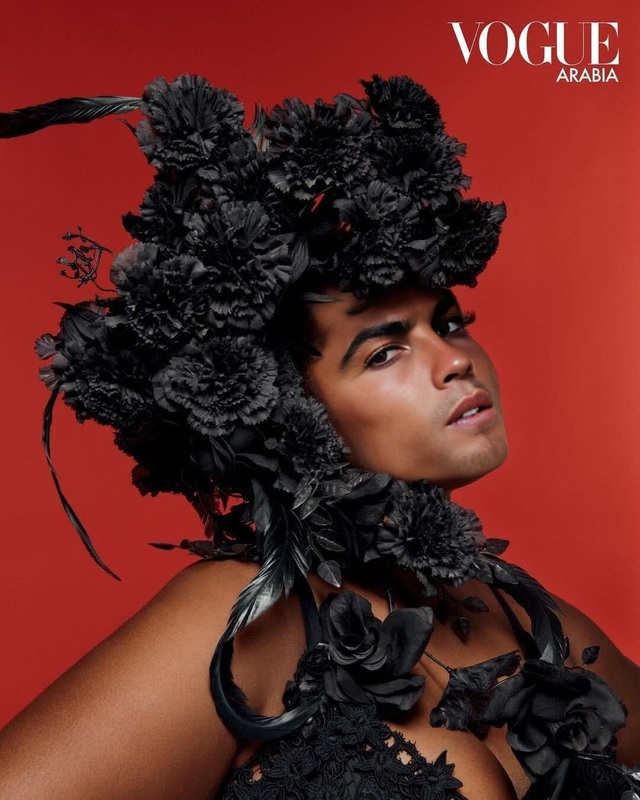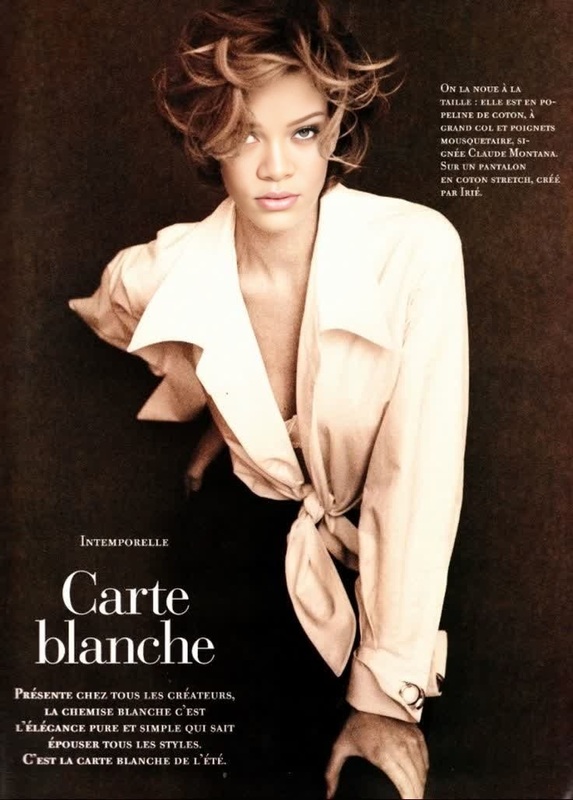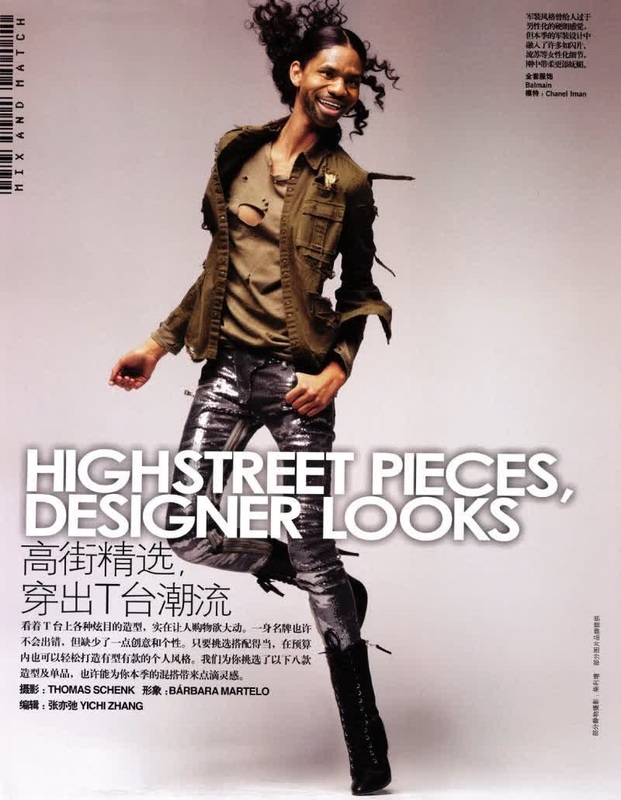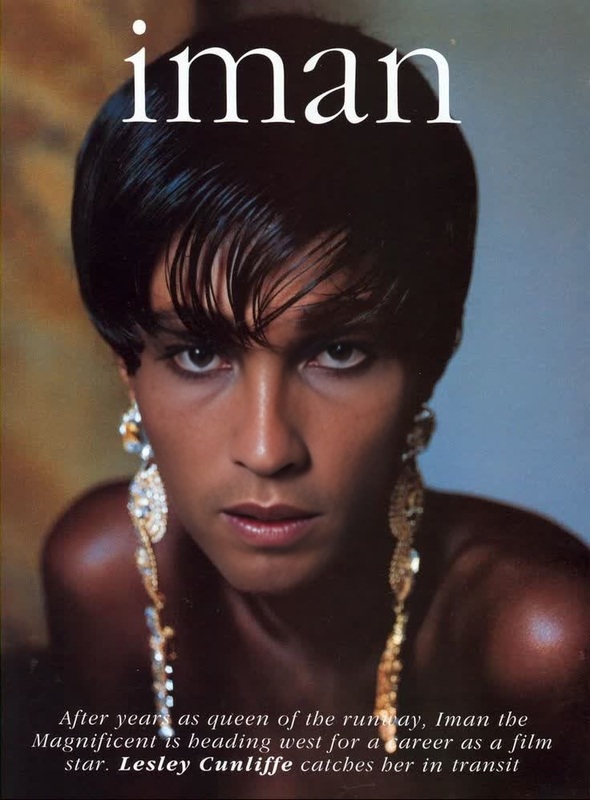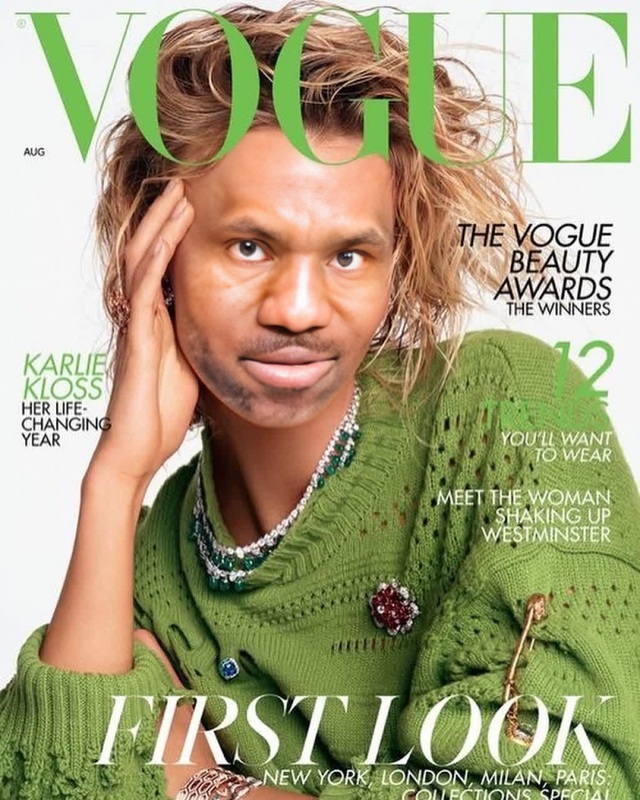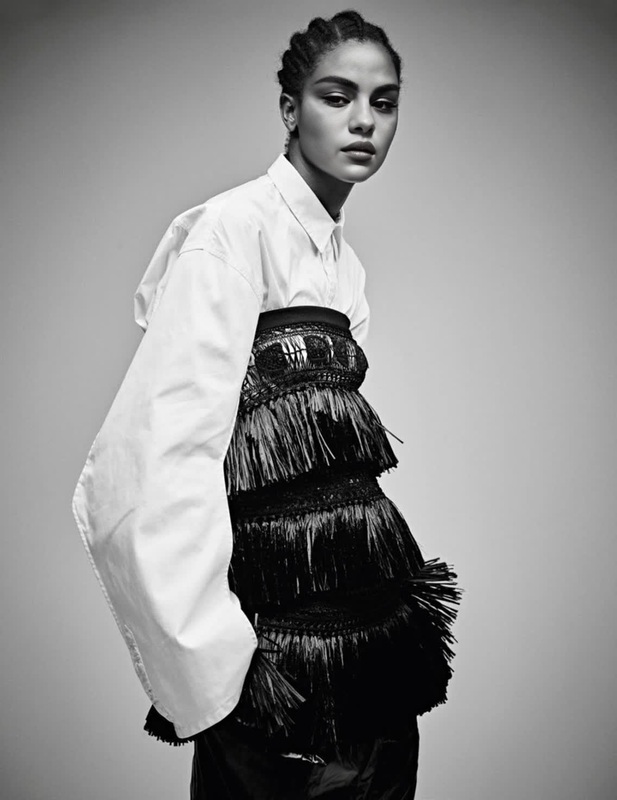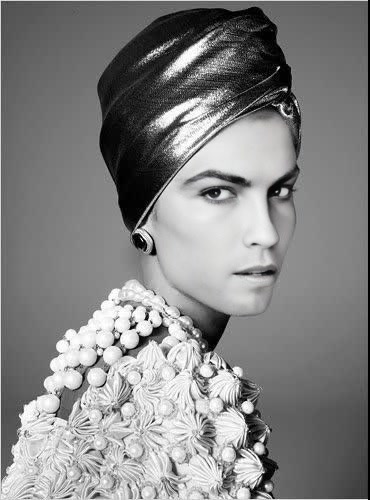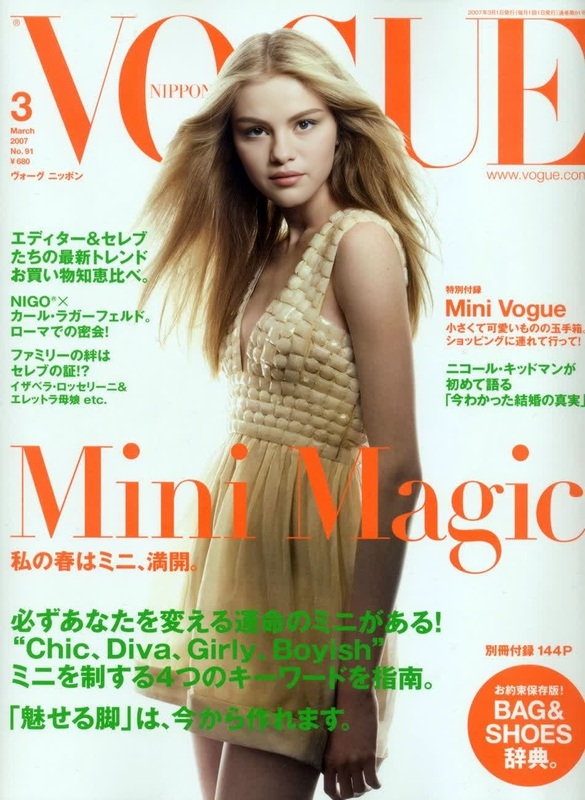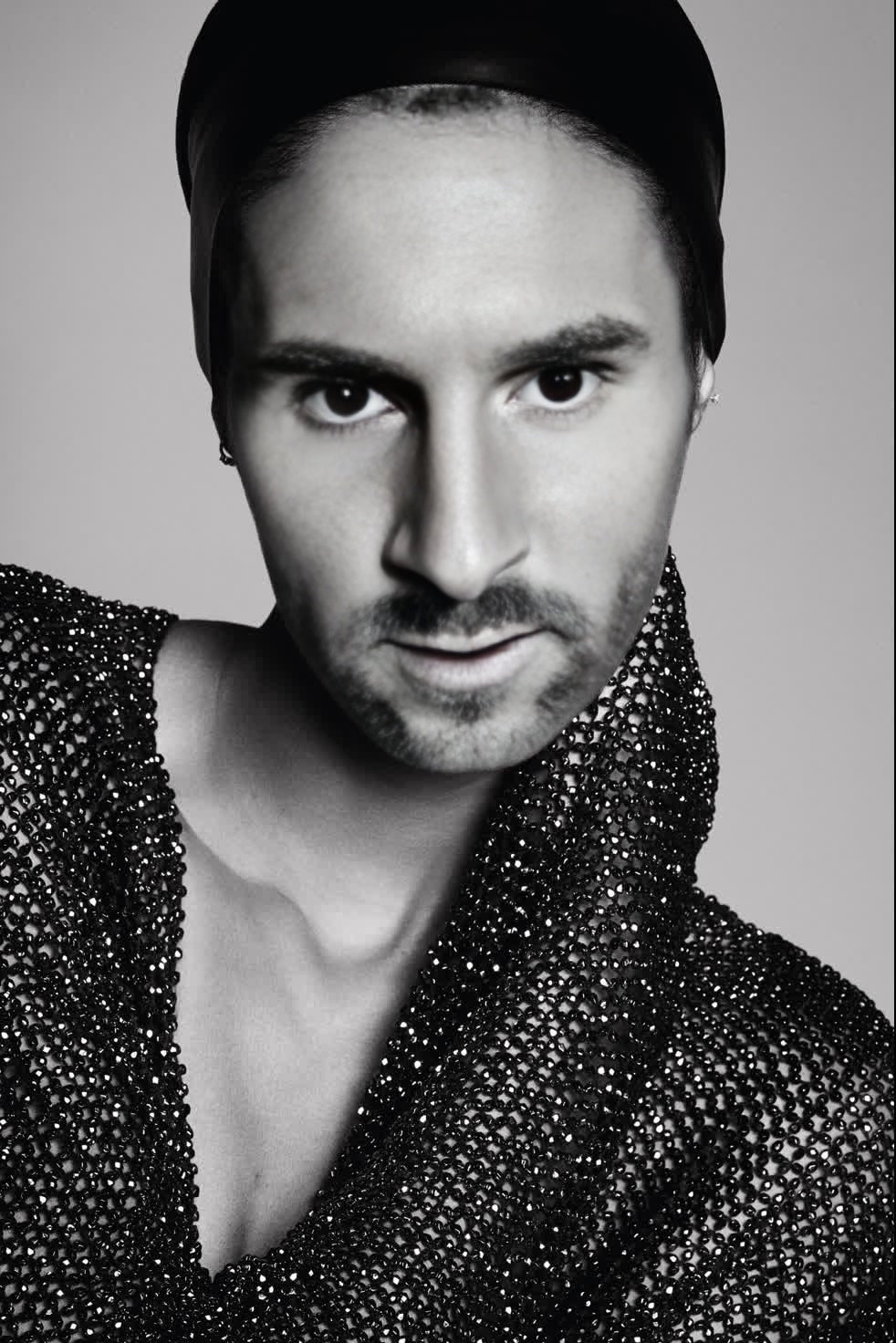
Joan Smalls Vogue Editorial Studio Portrait
- Image
- 982 × 1472 px
Any aspect ratio
Overview
Step into the world of high fashion with the Joan Smalls Vogue Editorial Studio Portrait template. This Video Face Swap tool allows you to transform ordinary images into stunning, editorial-style studio portraits. Whether you're working on a personal project or creating content for a campaign, this template brings the allure of a Vogue photoshoot to your fingertips.
What It Does
Designed to give your images a professional and artistic edge, this template swaps faces in a video to achieve authentic Vogue-style portraits. Utilizing AI technology, it replicates the nuances of lighting, shadows, and angles, offering a sophisticated transformation without the need for a professional studio. This means you can create impactful visuals with just a simple upload.
For those interested in retouching and altering images further, you might also explore our AI Image Editor or enhance the final output using the AI Image Upscaler.
Who It's For
This template is ideal for creative professionals, digital marketers, and social media influencers who desire striking visual content without extensive studio shoots. It's also perfect for fashion enthusiasts wanting to experiment with different looks and styles inspired by renowned models like Joan Smalls.
Summary
The Joan Smalls Vogue Editorial Studio Portrait template offers an easy and effective solution for transforming images into high-fashion visuals. By using advanced face swap technology, the template provides a quick pathway to creating professional-grade content. Pair it with the Head Swap product for additional creative alterations.
How-To
Choose Your Template

Customize Your Inputs

Generate Your Portrait

Use Cases
Fashion Campaigns
- High-end product promotions
- Seasonal collection launches
Social Media Content
- Instagram posts and stories
- Video teasers for YouTube or TikTok
Editorial Photography
- Magazine cover simulations
- Artistic photo spreads
Best Practices
Select High-Quality Images
To achieve the best results, use clear and high-resolution images as your source material.Adjust Lighting Preferences
Use natural or well-diffused artificial lighting in your initial images for a seamless transformation.Combine with Other Tools
Enhance your project further by pairing with other tools like the AI Clothes Changer for diverse styling options.