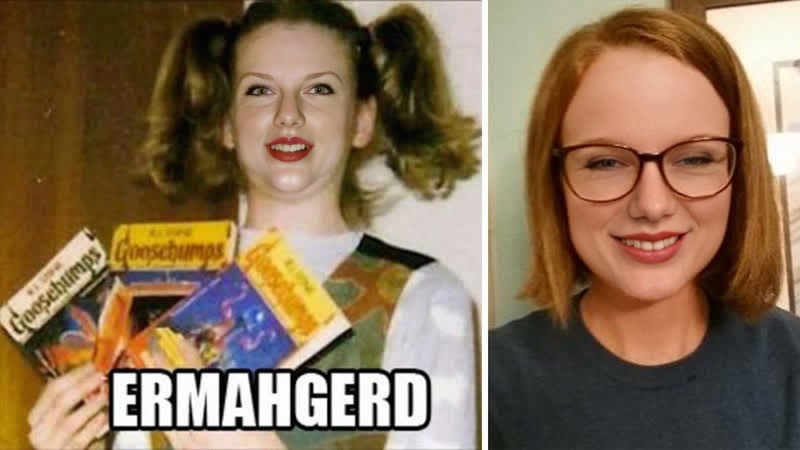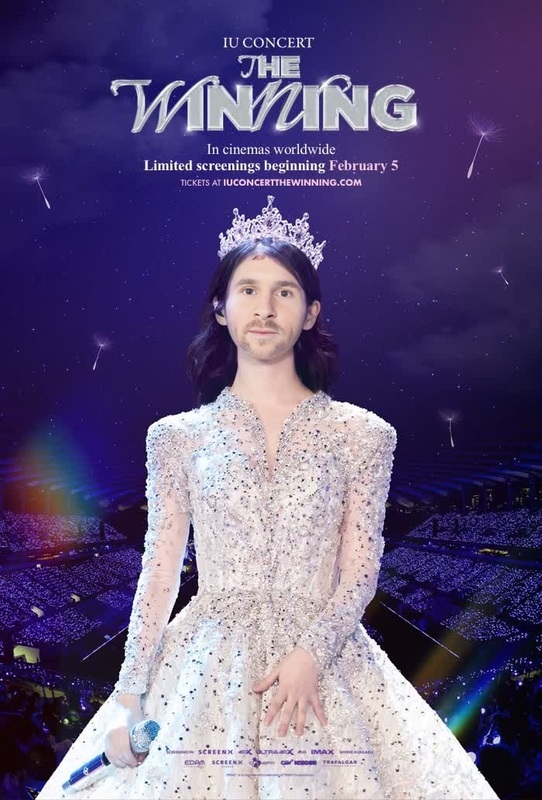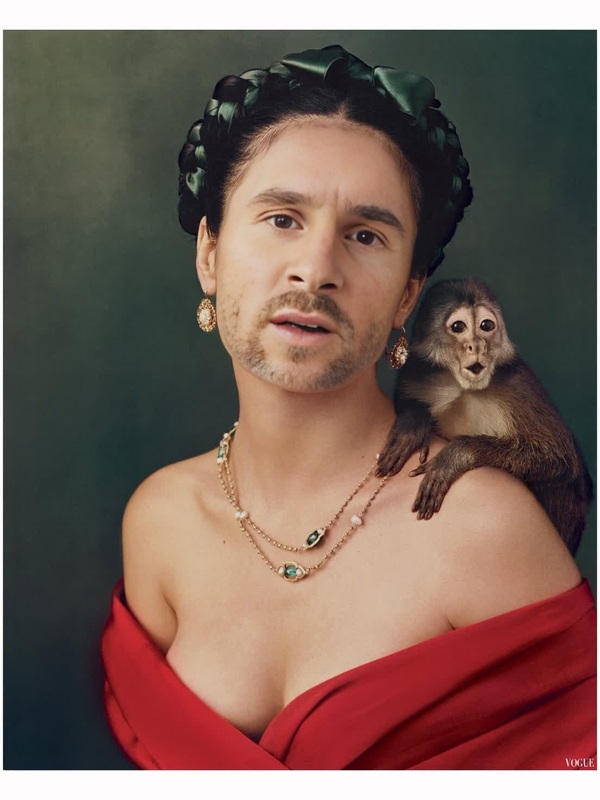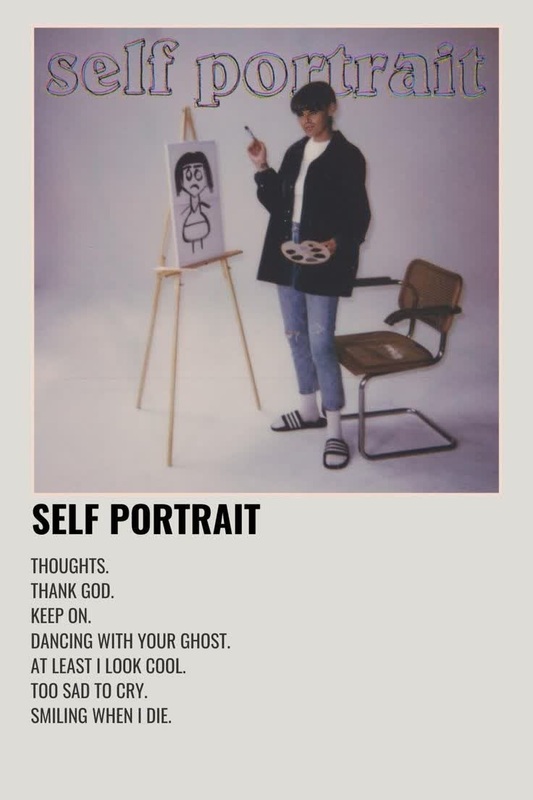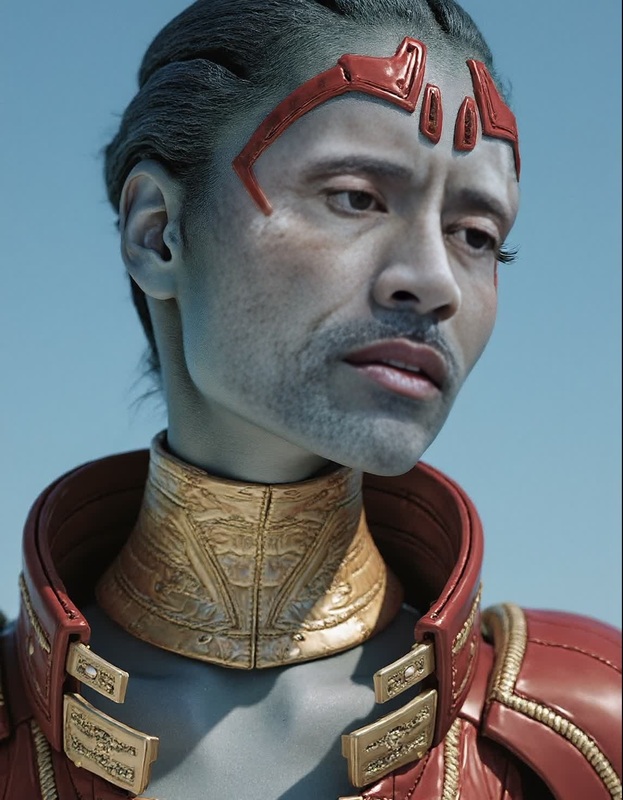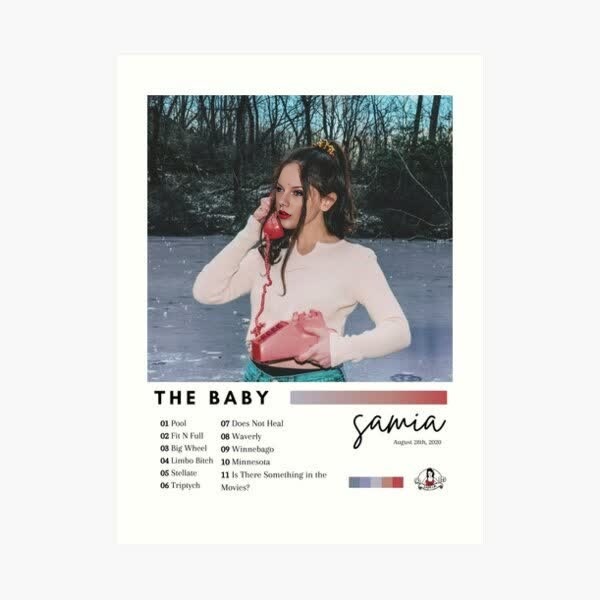
Samia The Baby Press Portrait
- Image
- 600 × 600 px
Any aspect ratio
Overview
"Samia The Baby Press Portrait" provides a whimsical twist on your favorite family memories. Use this fantastic Video Face Swap template to interchange faces with Samia, instantly creating engaging and humorous portraits. Ideal for both personal galleries and social media sharing, this template adds a fresh and playful element to your video collection.
What It Does
This template allows users to swap any face in a video with that of Samia the Baby. The result is a delightful, transformed portrait video that captures imaginations and entertains viewers. It leverages sophisticated face swap technology as seen in our Video Face Swap product to ensure seamless integration and realistic outcomes.
Who It's For
Perfect for parents, grandparents, and anyone looking to create charming and humorous family videos. Content creators seeking to infuse a playful touch into their projects will find this template invaluable. Educators and event organizers can also use it for engaging and entertaining presentations, similar to those created using our Image to Video tools.
Summary
"Samia The Baby Press Portrait" transforms ordinary video footage into entertaining experiences. By capitalizing on our intuitive face swap technology, this template guarantees quality results, making it an ideal choice alongside other popular Magic Hour applications, such as the AI Video Generator.
How to Use
Choose

Customize

Generate

Use Cases
Family Events
- Swap family member faces for memorable highlight reels.
- Share on social media to surprise your circle.
Content Creation
- Incorporate into vlogs for engaging content.
- Use in educational videos to capture interest.
Social Media
- Post on Instagram stories or TikTok for viral potential.
- Engage with your audience using creative challenges.
Best Practices
Choose High-Quality Source Videos
Ensure that the videos you upload are of high quality for the best face swap results. The clearer the source, the better the output.Align Faces Properly
Before generating, preview the swap to ensure faces are correctly aligned for a natural look. Adjust as needed to perfect the swap.Experiment with Expressions
Try different expressions to find the funniest or most endearing results. This can enhance the comedic or emotional impact of the video.