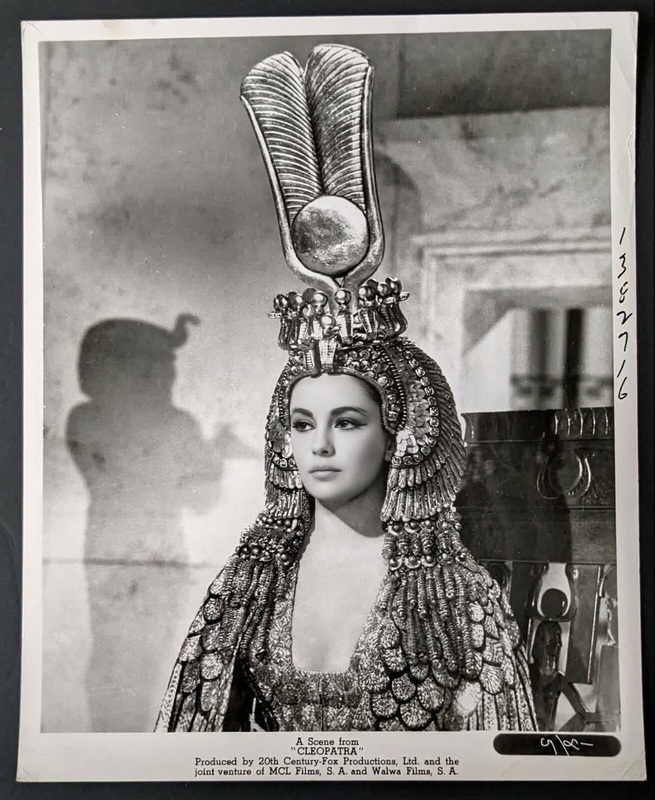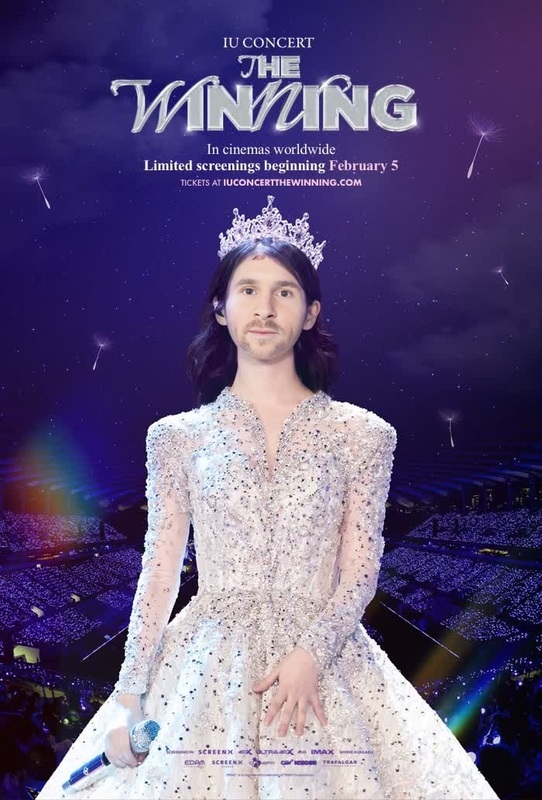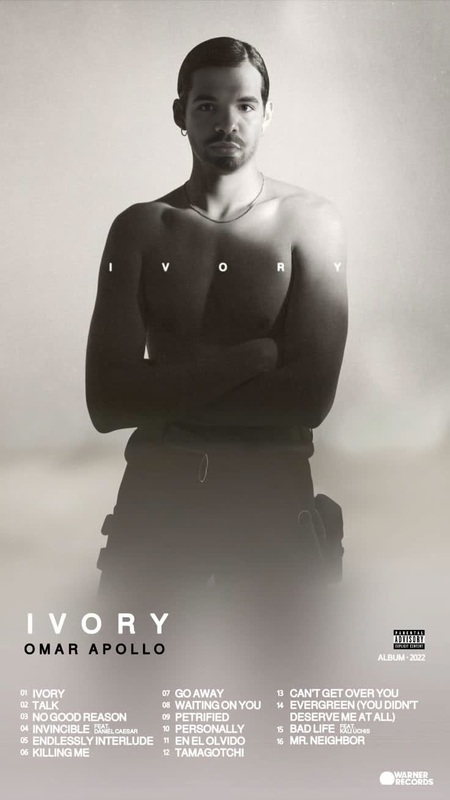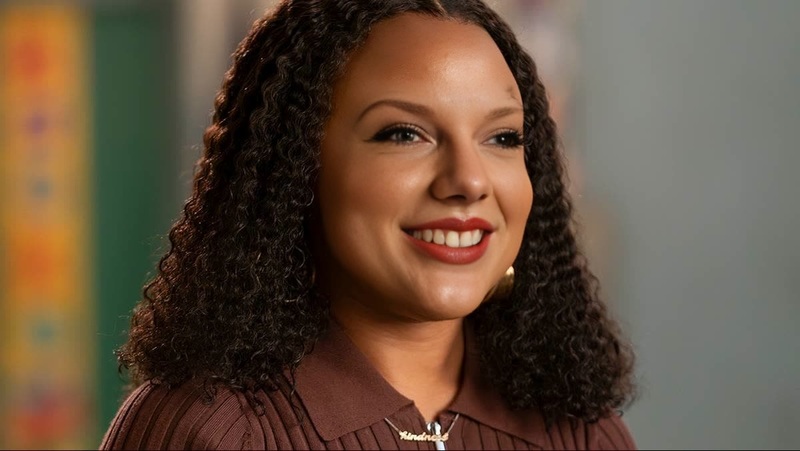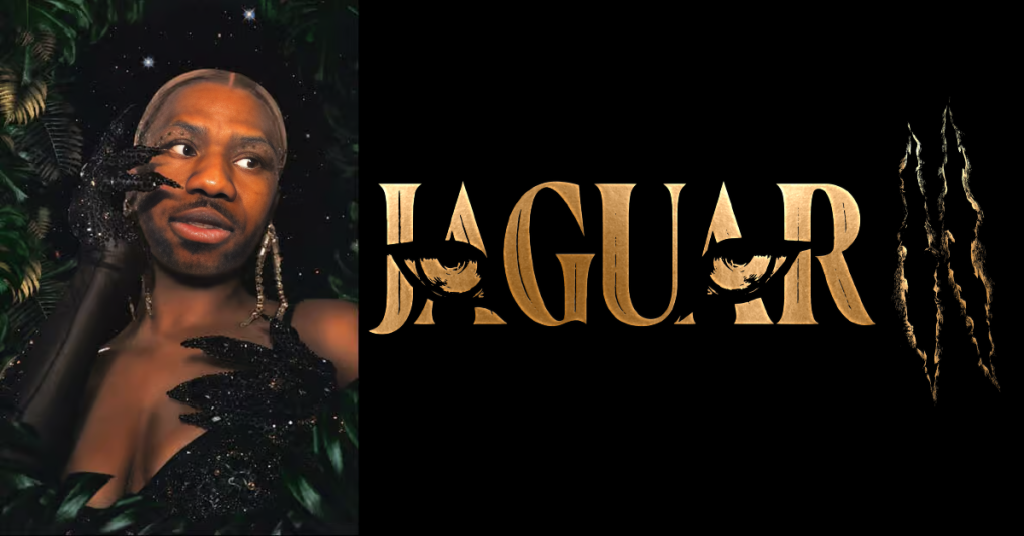
Victoria Monet Jaguar Ii Press Portrait
- Image
- 1024 × 536 px
Any aspect ratio
Overview
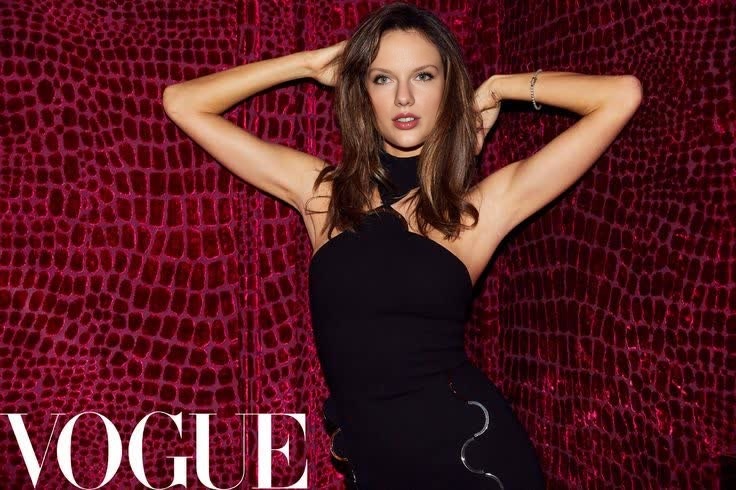
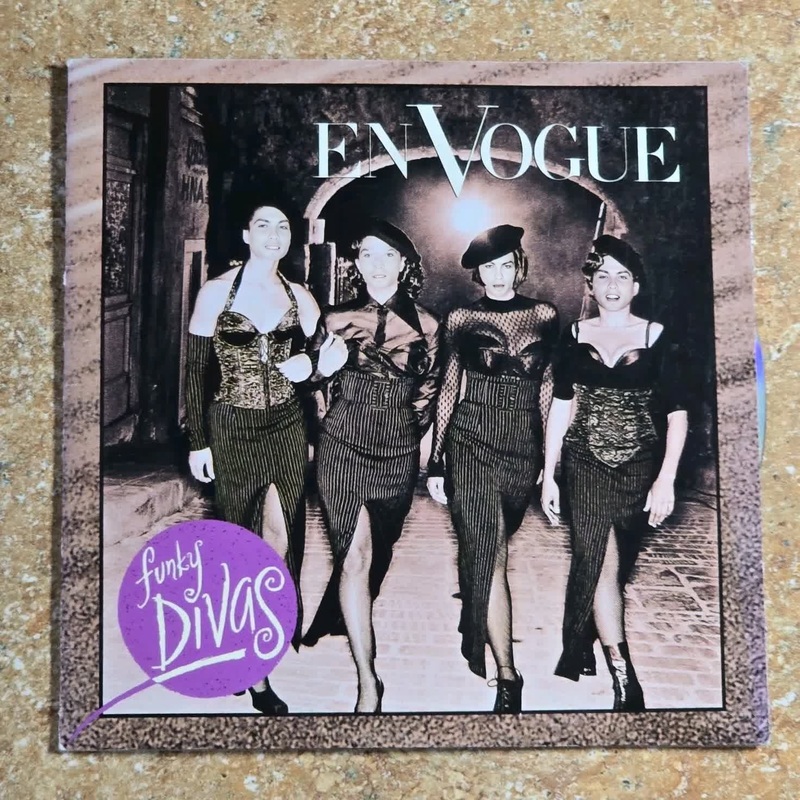
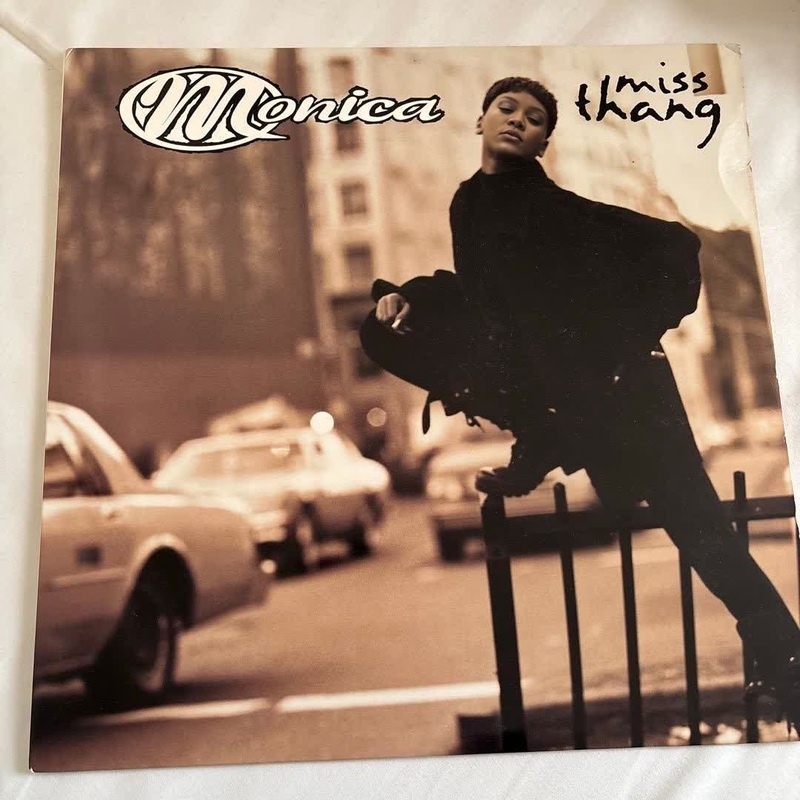
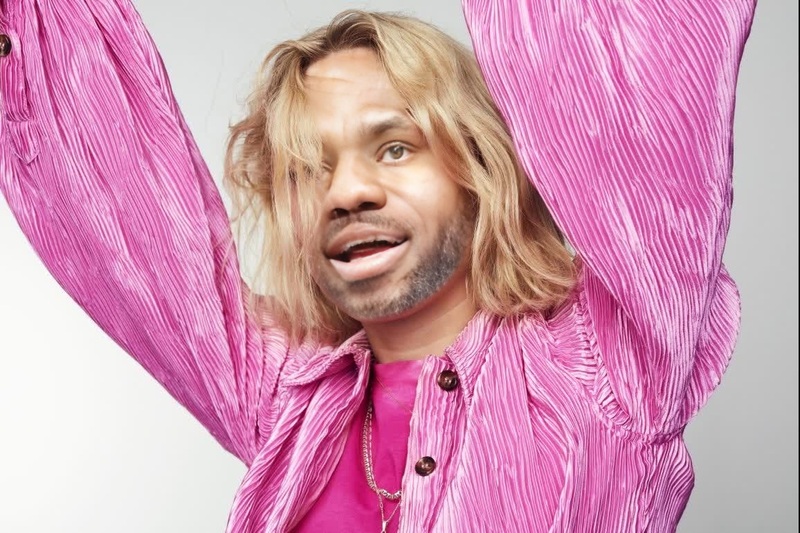
The Victoria Monet Jaguar II Press Portrait template is designed for creators seeking to blend artistry and creativity in their video projects. This Video Face Swap template allows you to intricately merge your face with Victoria Monet's iconic look from the Jaguar II era. Achieve a seamless transformation and enjoy a high-quality output that's perfect for both professional and personal use.
What It Does
This Video Face Swap template meticulously maps and replaces facial features, allowing any face to capture Victoria Monet's style. The enchanting allure and unique visual appeal of Jaguar II are elegantly transferred, creating a compelling digital makeover. This tool integrates with AI Image Editor for additional customizations post-swap, ensuring complete control over the final look.
Who It's For
Ideal for content creators, social media influencers, and digital artists, the Victoria Monet Jaguar II template is perfect for anyone aiming to harness a celebrity-inspired aesthetic. Whether you're crafting engaging TikToks, YouTube shorts, or dynamic Image to Video projects, this tool empowers you to stand out with captivating flair.
Summary
Embrace transformation and style with the Victoria Monet Jaguar II Press Portrait template. This innovative face swap tool provides creators with a platform for limitless expression and creativity. Explore its potential for variation with additional touch-ups using tools like AI Clothes Changer, and embrace a world where art and technology converge to deliver stunning visual scenes.
How To
Choose

Customize

Generate

Use Cases
Social Media Content
- Engage audiences with a unique blend of visuals.
- Enhance video narratives through artistic one-of-a-kind modifications.
Digital Art Projects
- Craft intricate art that blends reality with digital creativity.
- Enhance visual storytelling in your projects.
Event Promotions
- Create promotional videos that capture attention.
- Use as teasers for online concert events.
Best Practices
High-Resolution Images
Ensure the images you use are clear and of high resolution for the best swap quality.Adjust Lighting
Match the lighting conditions of your image with the template for a more seamless blend.Post-Edit Enhancements
Use the AI Image Upscaler for clarity and the Full Body Generator for full scene impacts.
Frequently asked questions
More Like This