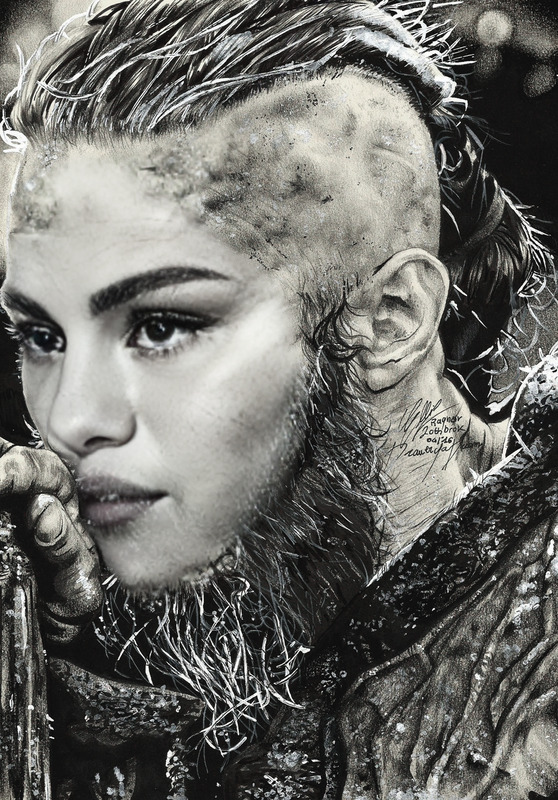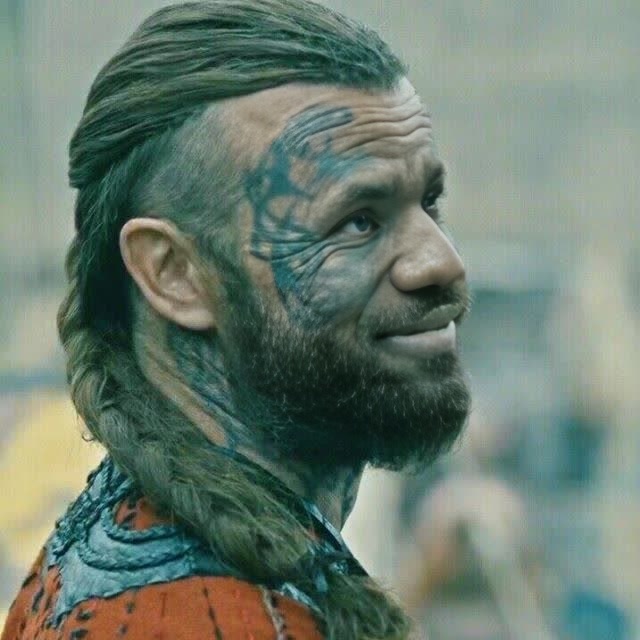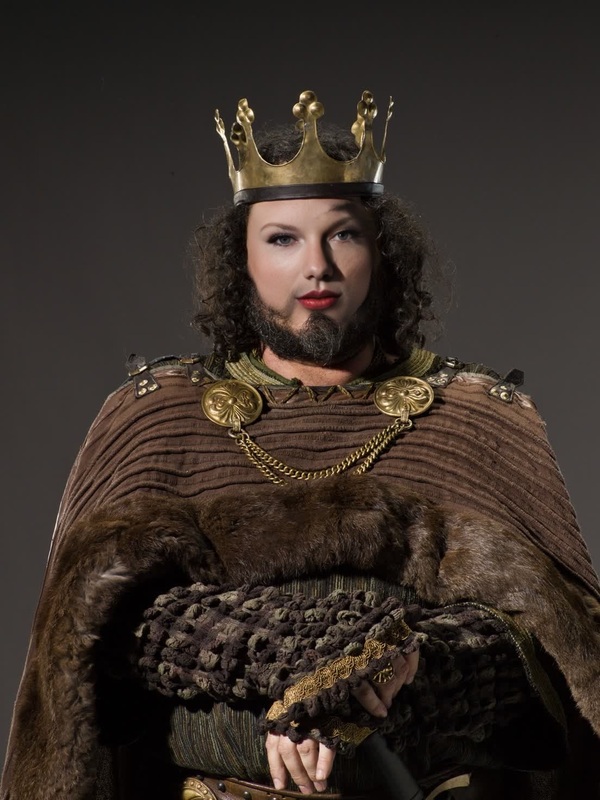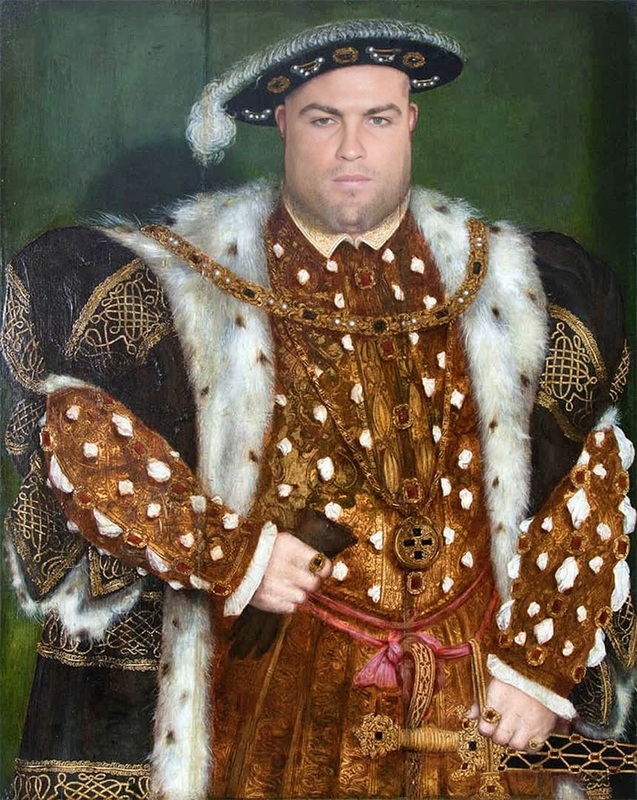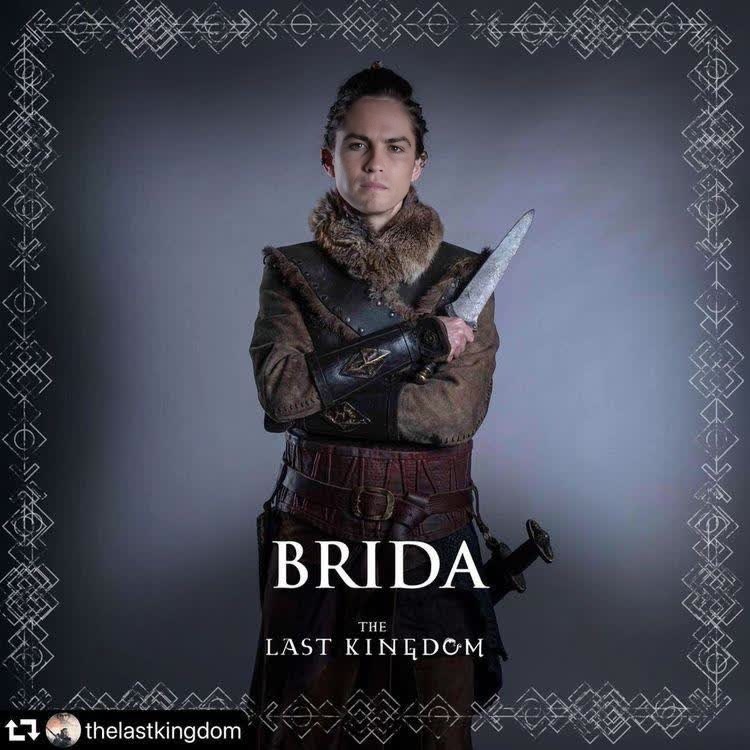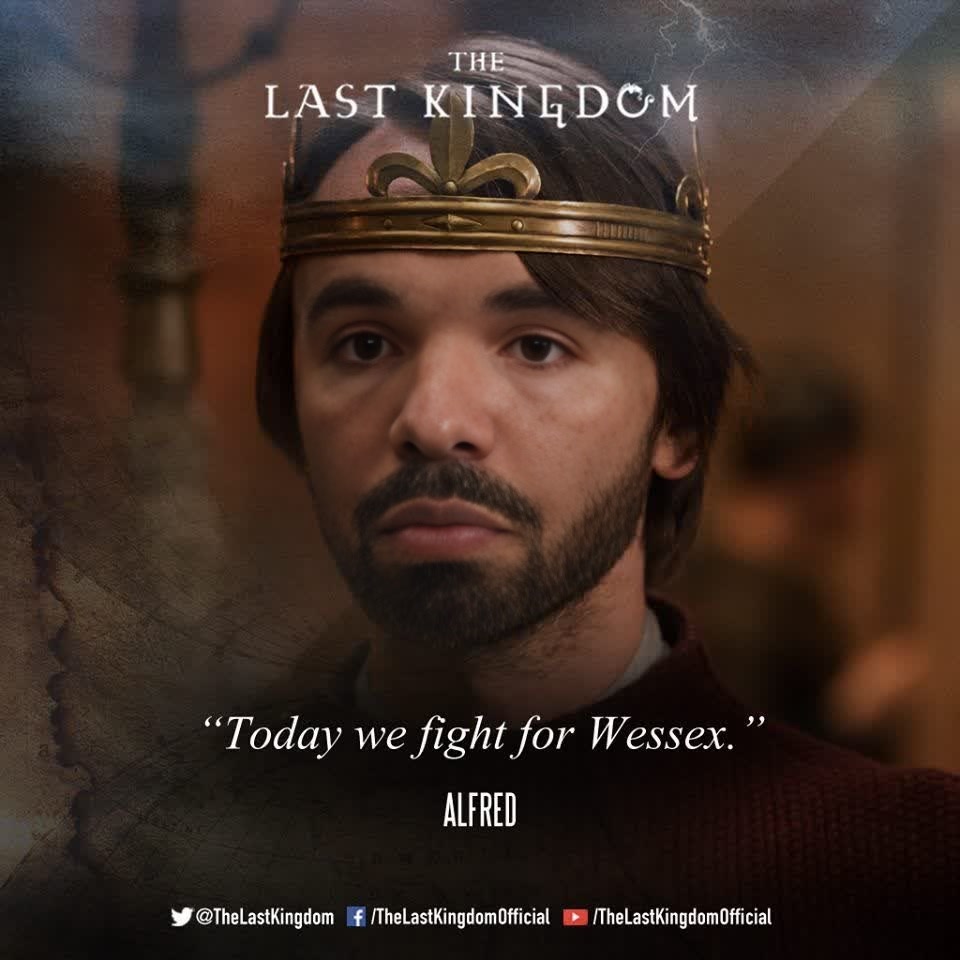
The Last Kingdom Alfred The Great Portrait
- Image
- 960 × 960 px
Any aspect ratio
Overview
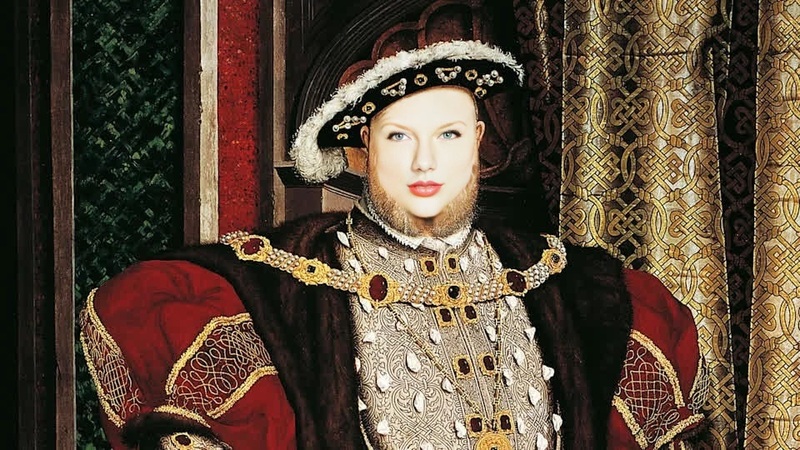
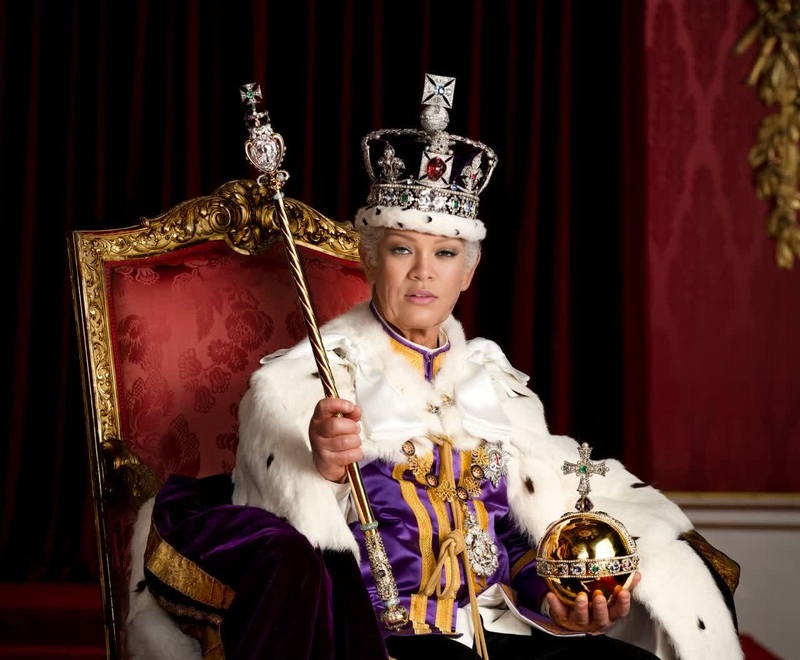
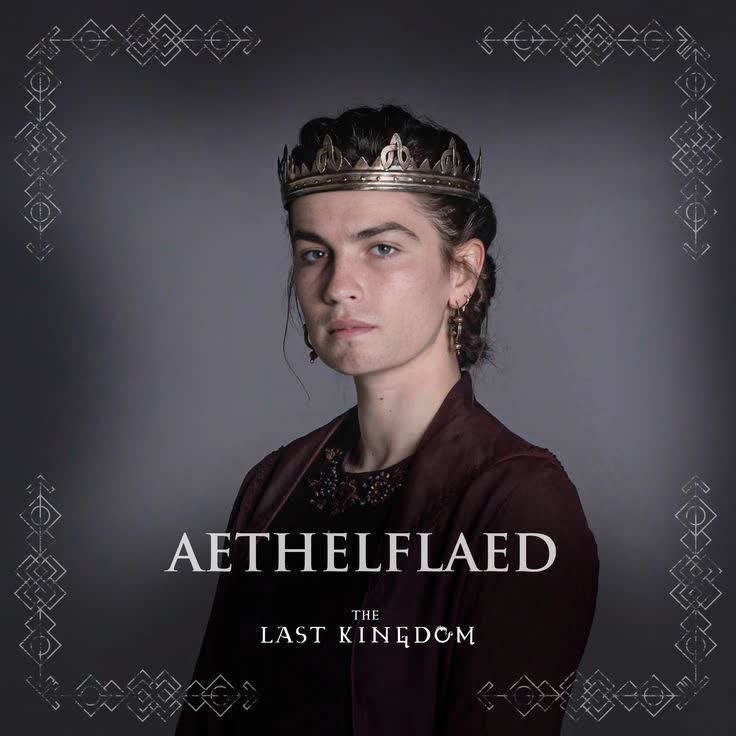
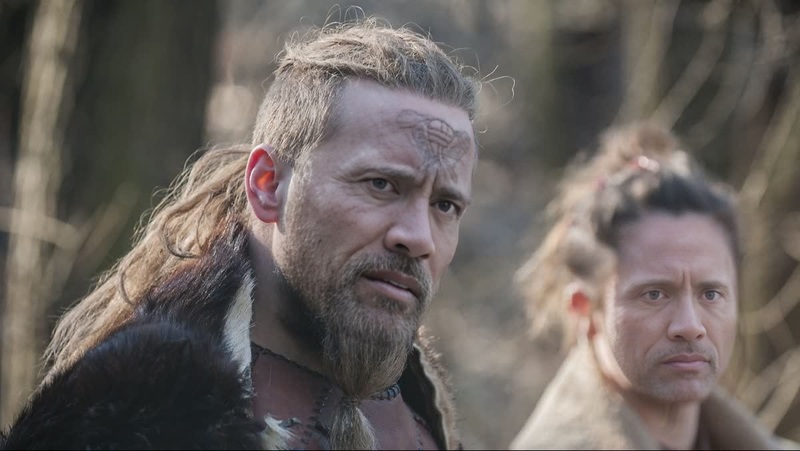
Dive into the world of historical drama with The Last Kingdom Alfred The Great Portrait video face swap template. This unique template allows you to insert your likeness into iconic scenes featuring Alfred the Great, renowned from the critically acclaimed series, The Last Kingdom. Experience a transformation that merges history with cutting-edge technology.
What It Does
The Video Face Swap template works by replacing a character's face with your own, keeping the scene's original movements and expressions intact. It's optimized for creating realistic and engaging content in video files, with formats that support seamless playback across various platforms. Perfect for adding a personal twist to familiar scenes.
Who It's For
This template is designed for content creators, history buffs, and fans of The Last Kingdom. Whether you're looking to personalize a video for social media, educational content, or just for fun, this tool offers a simple yet effective way to create memorable and unique visuals.
Summary
By using the Video Face Swap tool, you can bring a new dimension to storytelling and fan content creation. Image-to-Video processing ensures the best quality facial integration, while the project can be further enhanced with the AI Video Generator for additional elements and effects.
How to Use This Template
Choose the Template

Customize Your Swap

Generate Your Video

Use Cases
Social Media Content
- Ideal for Instagram Reels and TikTok videos.
- Enhance personal branding and storytelling.
Educational Videos
- Makes history come alive for educational purposes.
- Interactive history lessons that captivate students.
Fan Creations
- Share character experiences as if you were part of the show.
- Connect with other fans through creative content.
Best Practices
Use High-Quality Images
Upload clear, well-lit images of your face to ensure the best facial swap result.Align Facial Features
Pay attention to face alignment during customization to match expressions accurately.Review and Adjust
Take a moment to review the swap before generating the final video for optimal results.
Frequently asked questions
More Like This