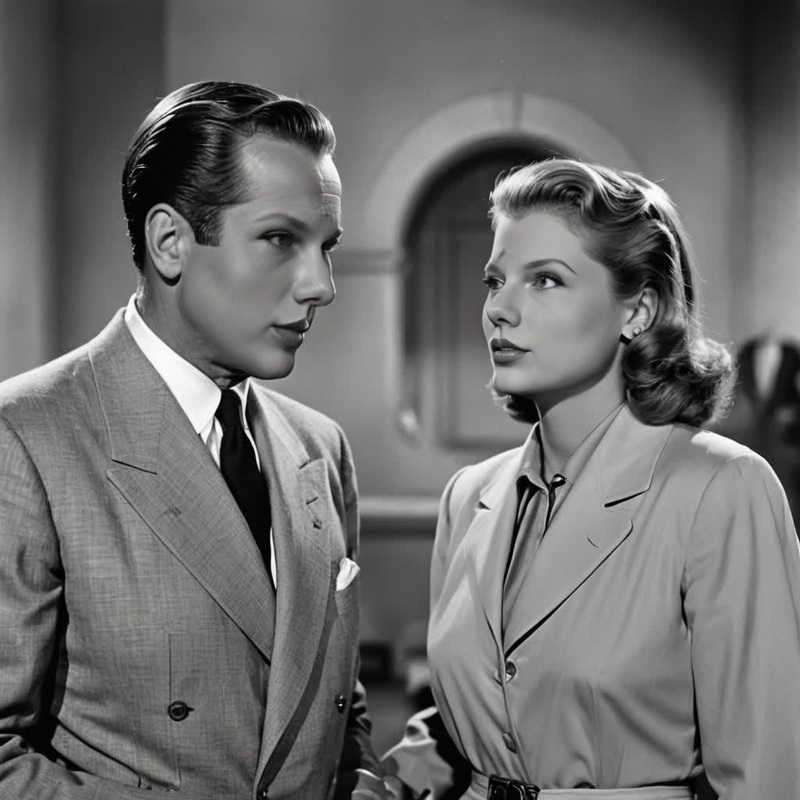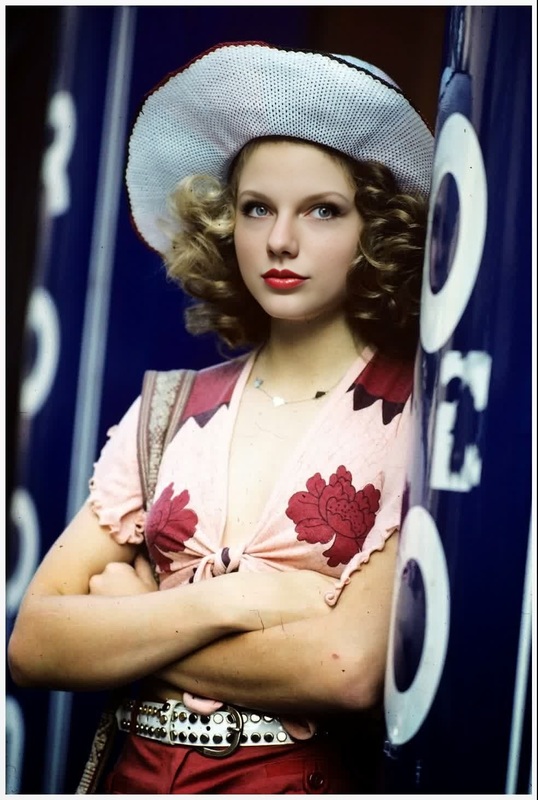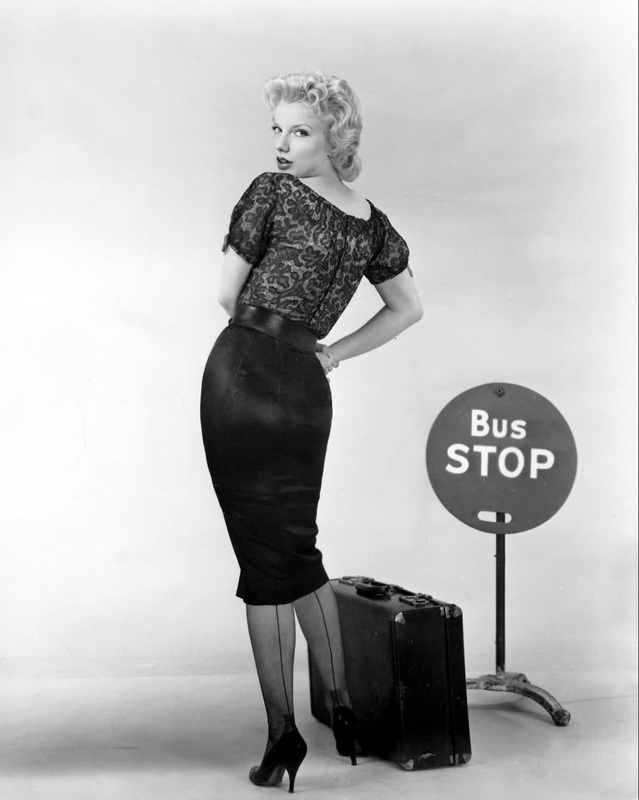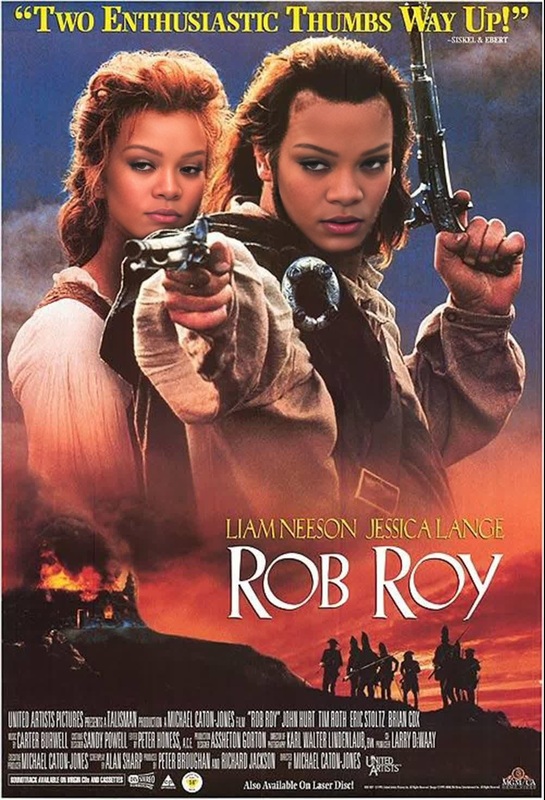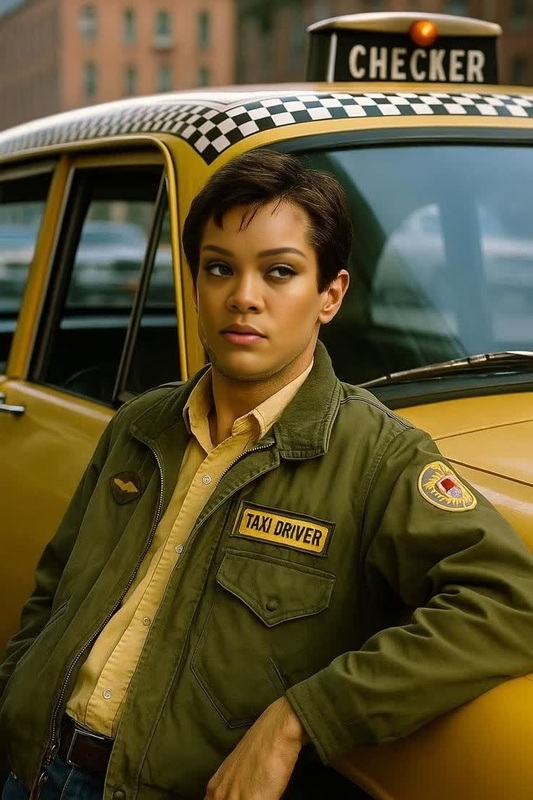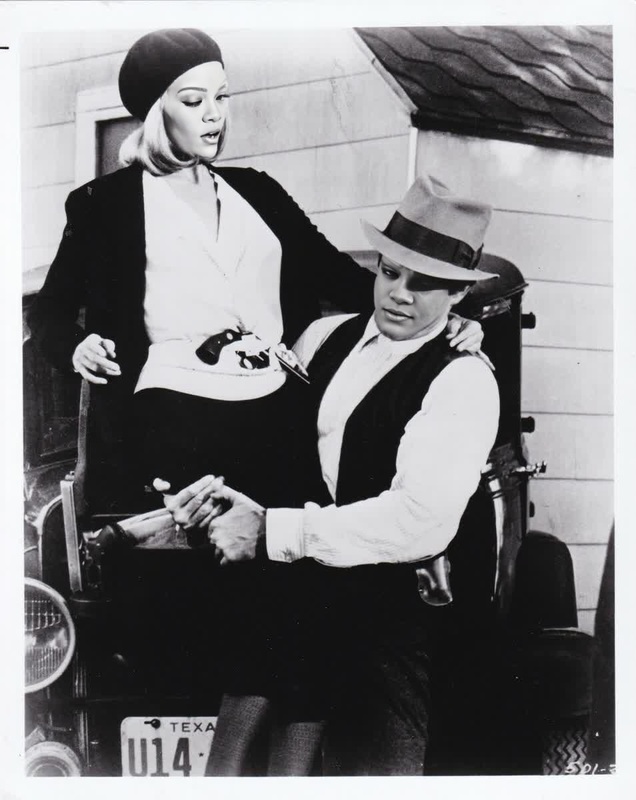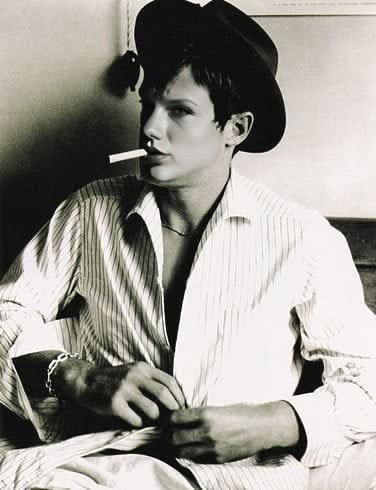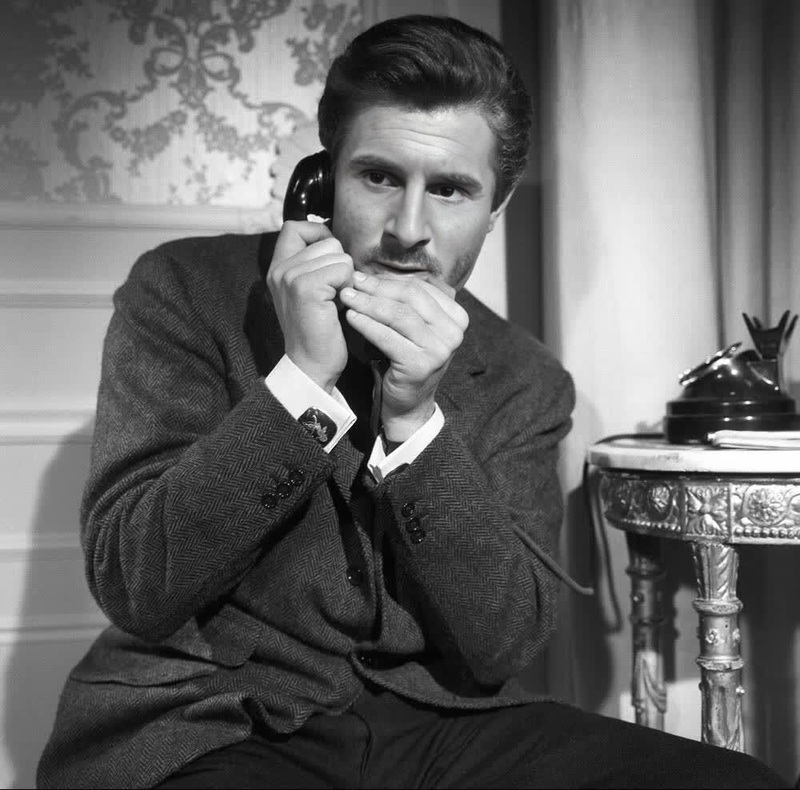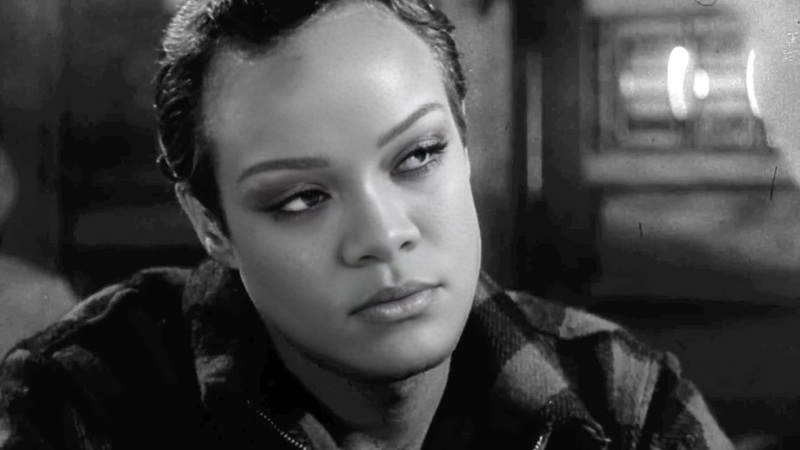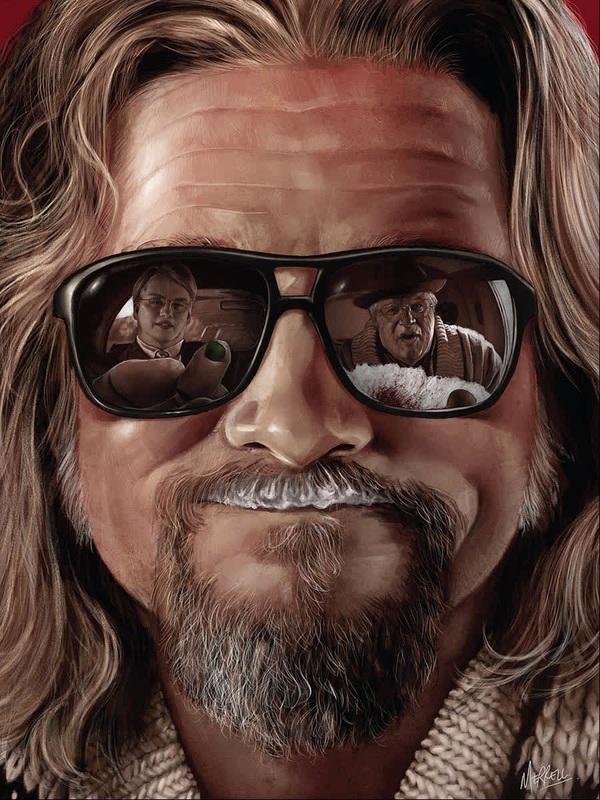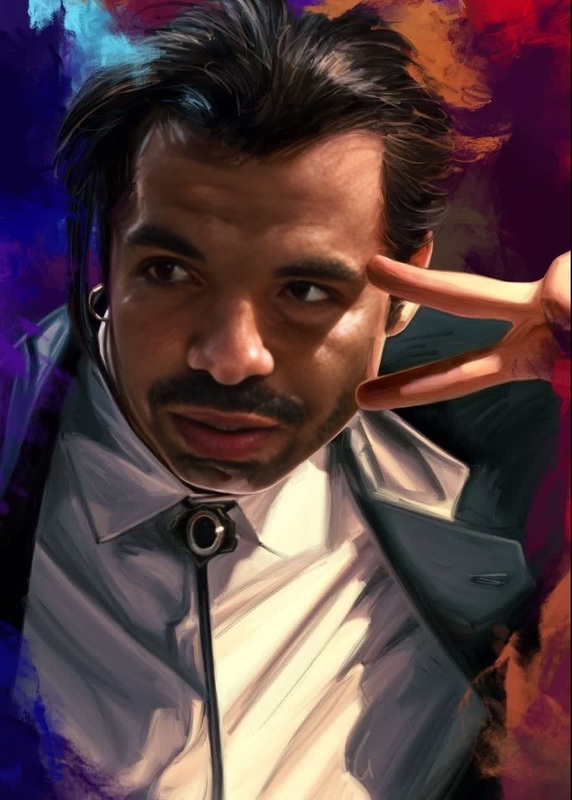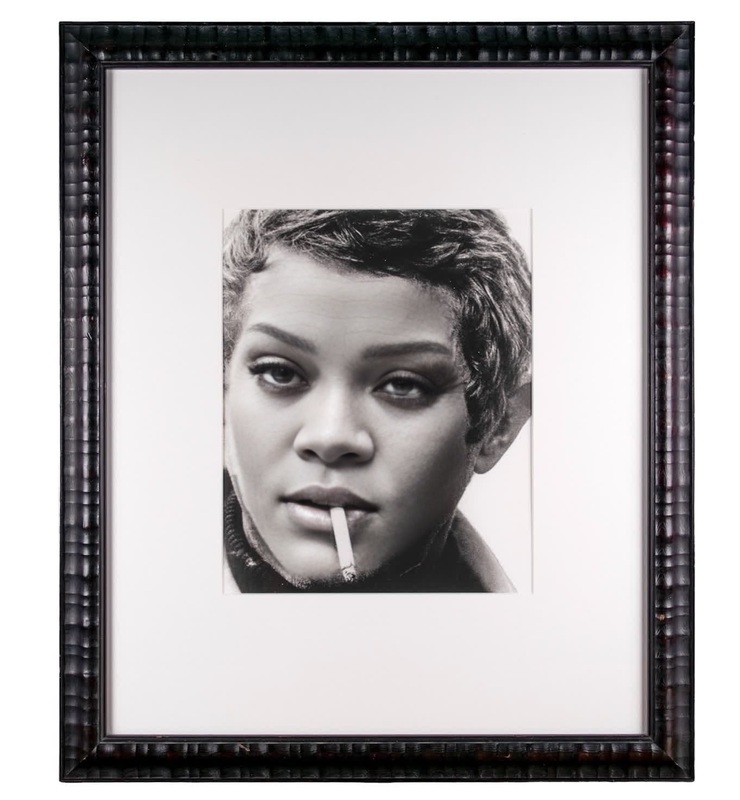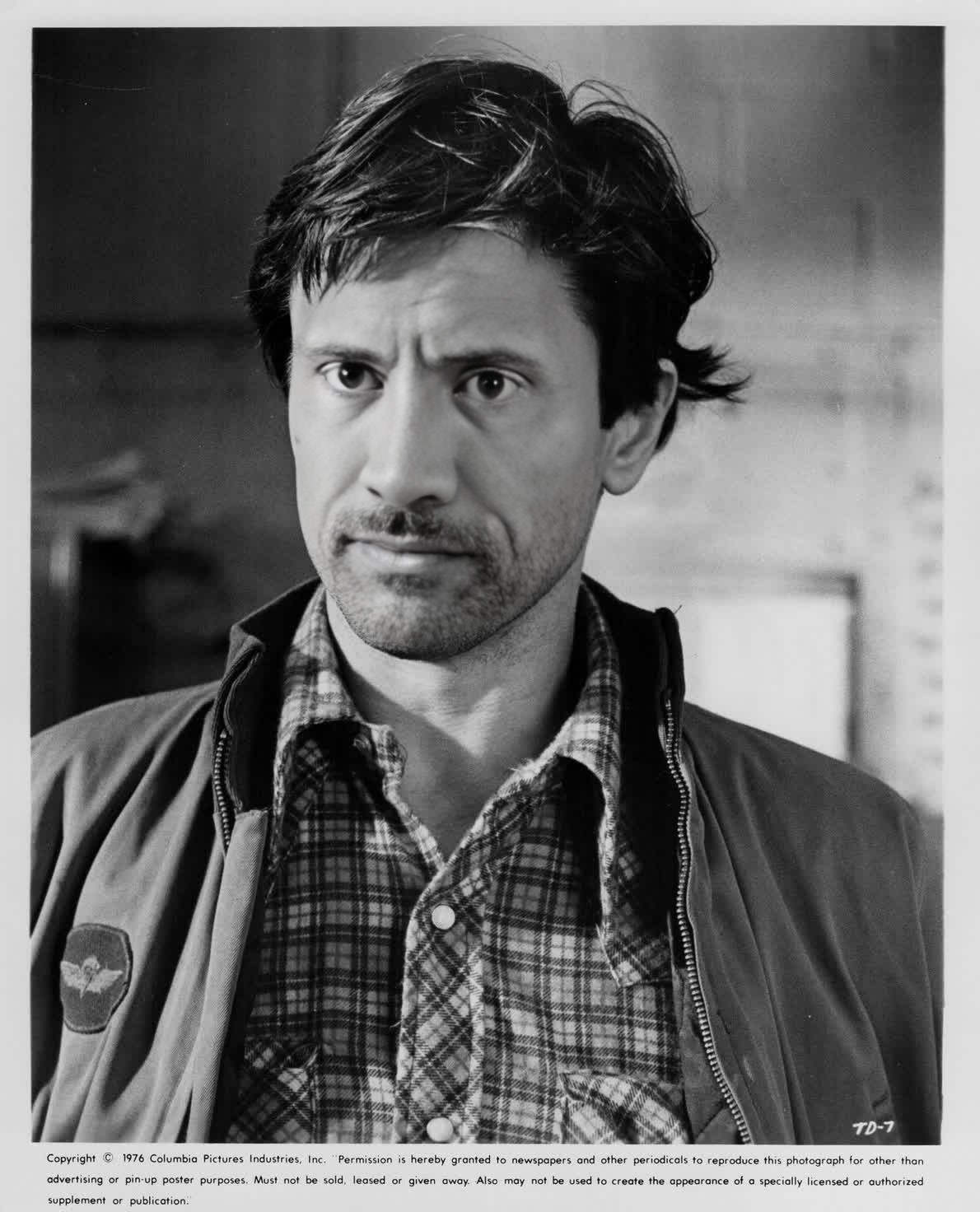
Robert De Niro Taxi Driver Studio Portrait
- Image
- 1190 × 1472 px
Any aspect ratio
Overview
Transform your video projects with the Robert De Niro Taxi Driver Studio Portrait template, a uniquely engaging Video Face Swap tool. Elevate your content by placing your subject's face onto an iconic portrayal of De Niro's character in a high-quality studio portrait setting.
What It Does
This template leverages advanced Video Face Swap technology to superimpose a chosen face onto Robert De Niro’s iconic "Taxi Driver" character. Ideal for creators looking to craft standout videos, the final output is a captivating blend of familiarity and novelty, perfect for engaging audiences.
Utilize the Face Swap Video features and explore similar powerful options like the AI Image Editor for complementary alterations.
Who It's For
This template is designed for digital content creators, marketers, and film enthusiasts aiming to produce memorable and eye-catching visuals. It's perfect for projects that require a blend of pop culture and personal flair, attracting viewers with its fresh twist on iconic imagery.
Summary
Enhance your content with a creative Video Face Swap template, featuring the cultural icon Robert De Niro in "Taxi Driver." Suitable for various use cases, this tool provides a professional finish with just a few customization steps. To further enhance your project outcomes, consider using the AI Video Generator.
How To
Choose the Template

Customize Your Inputs

Generate Your Video

Use Cases
Entertainment Content Creation
- Match the theme of film nostalgia and modern creativity
- Ideal for parody or homage videos
Digital Marketing Campaigns
- Build branding through creative advertisement videos
- Boost campaigns with unique visuals
Film and TV Concepts
- Storyboard ideas with mashup content
- Prototype video for investor insights
Best Practices
Select High-Quality Images
For best results, use high-resolution photos where the face is clearly visible to ensure seamless integration.Align Colors and Lighting
Adjust the settings to match the lighting and color tones of the original scene for a more natural look.Experiment with Settings
Explore various settings to tweak the final look; this can add distinctiveness and match your creative vision.
Frequently asked questions
More Like This