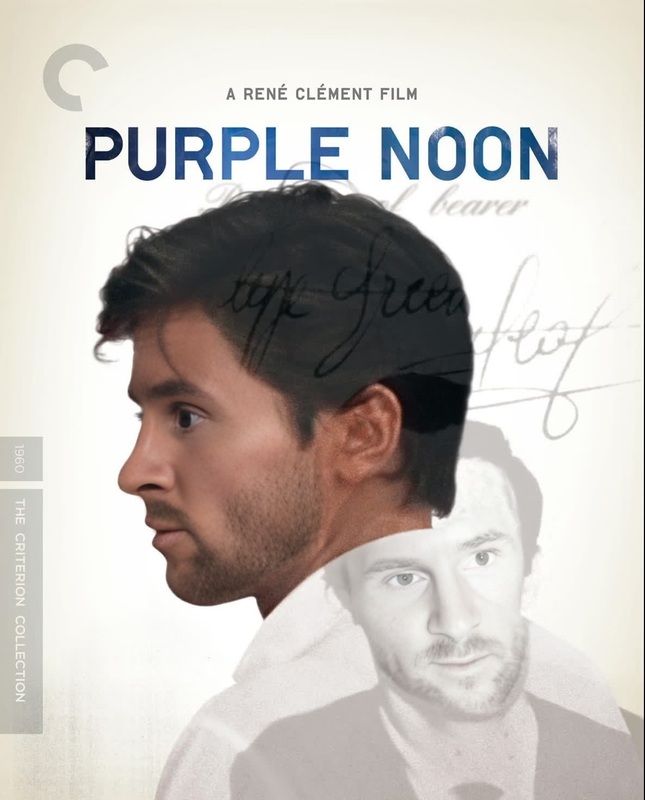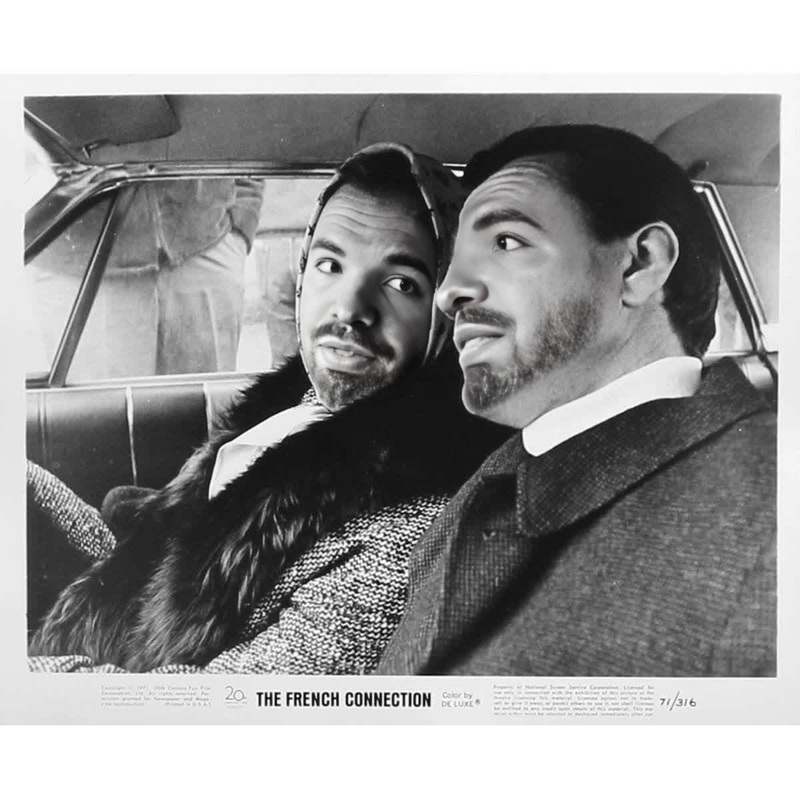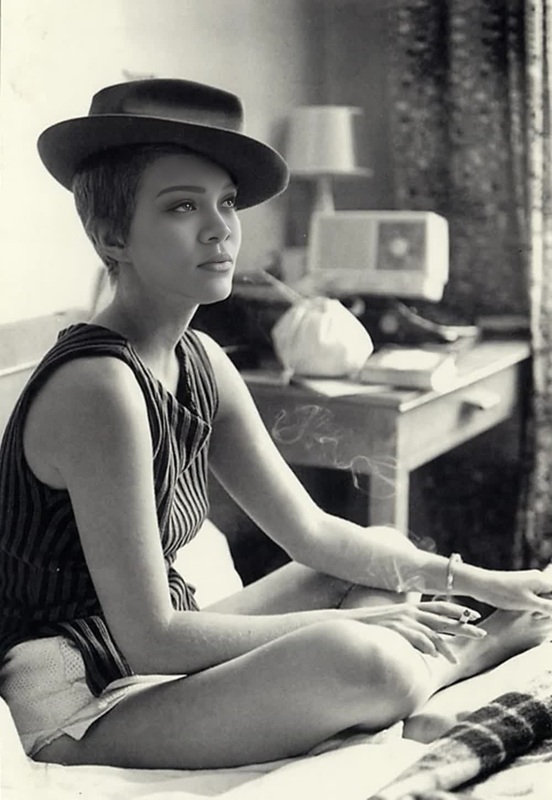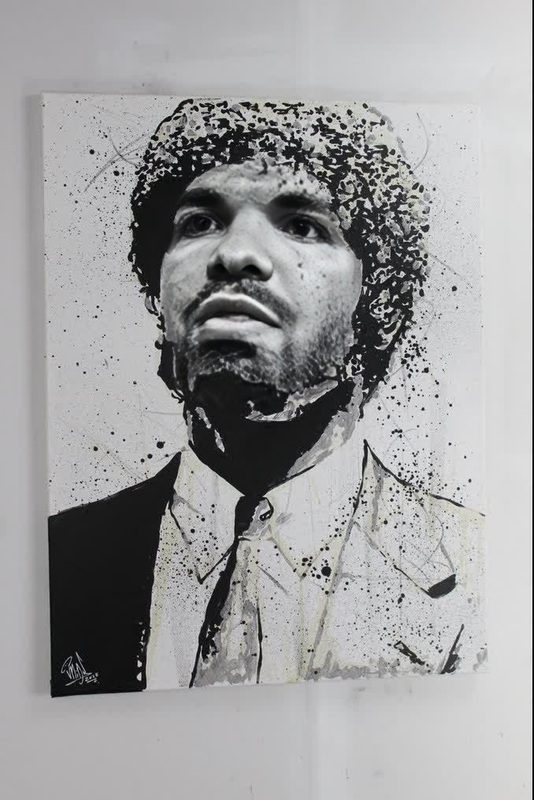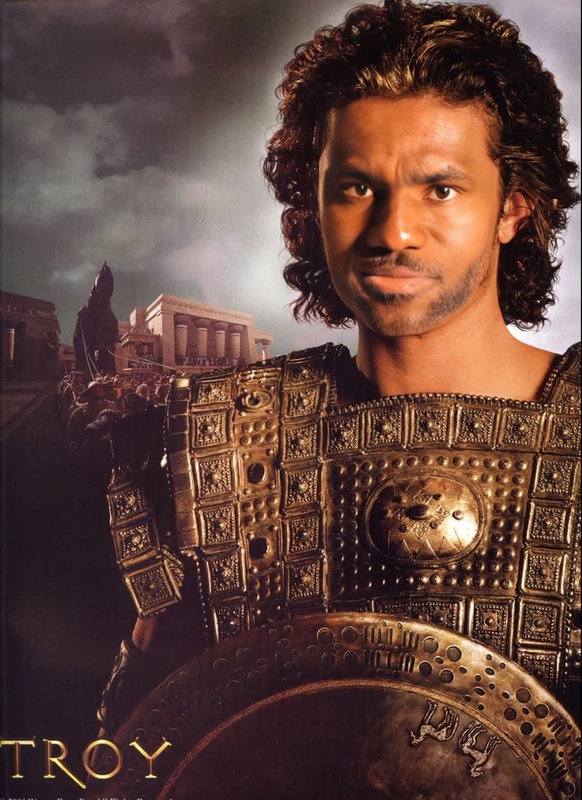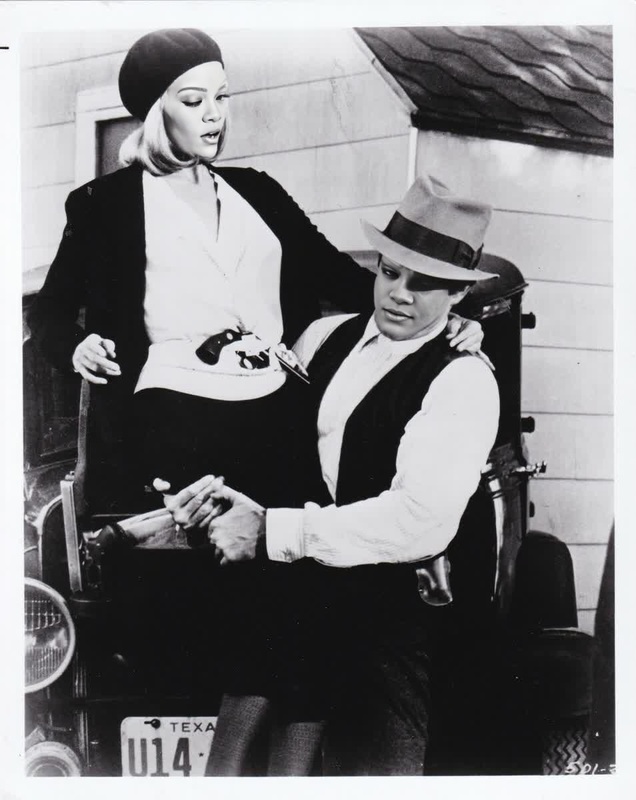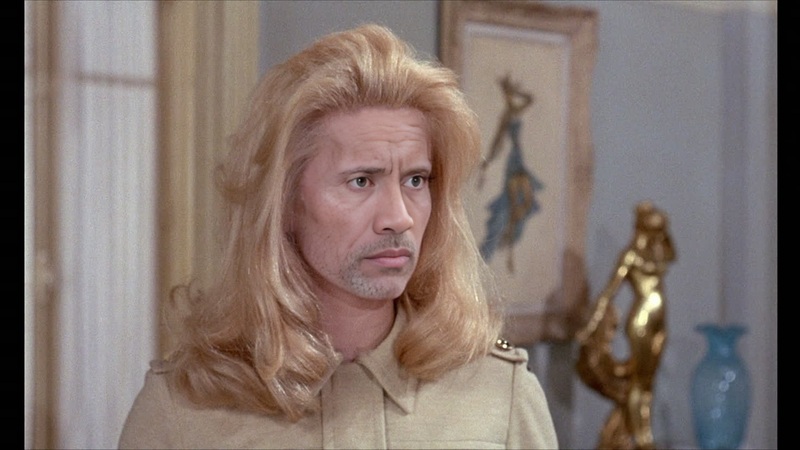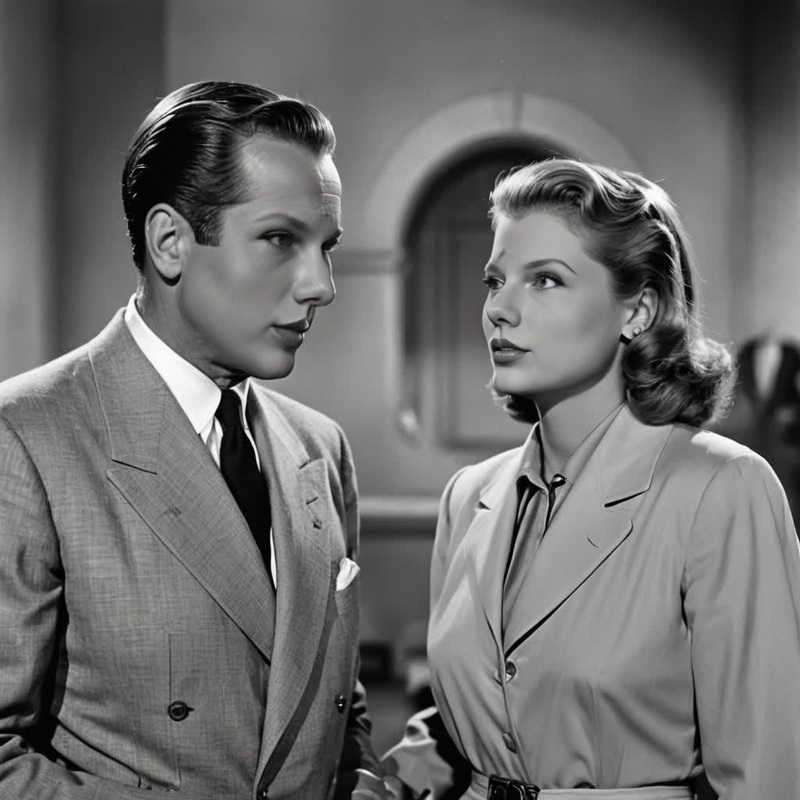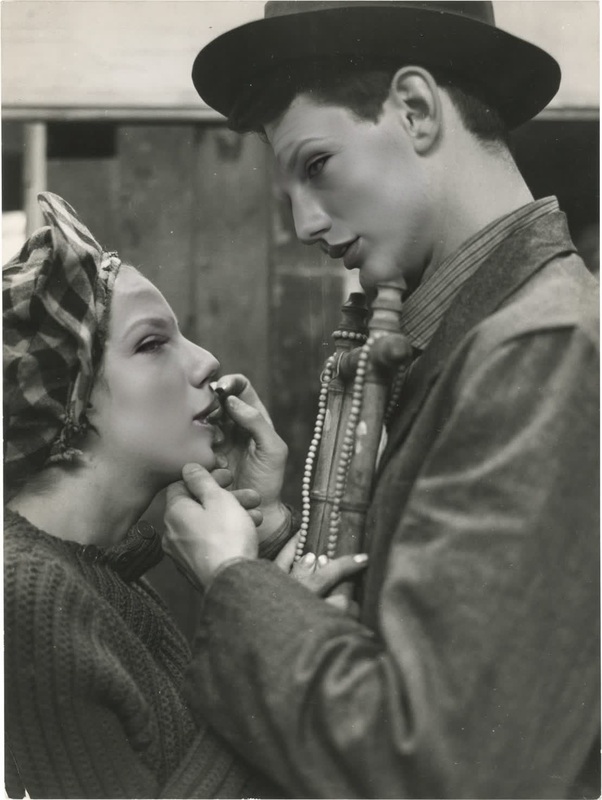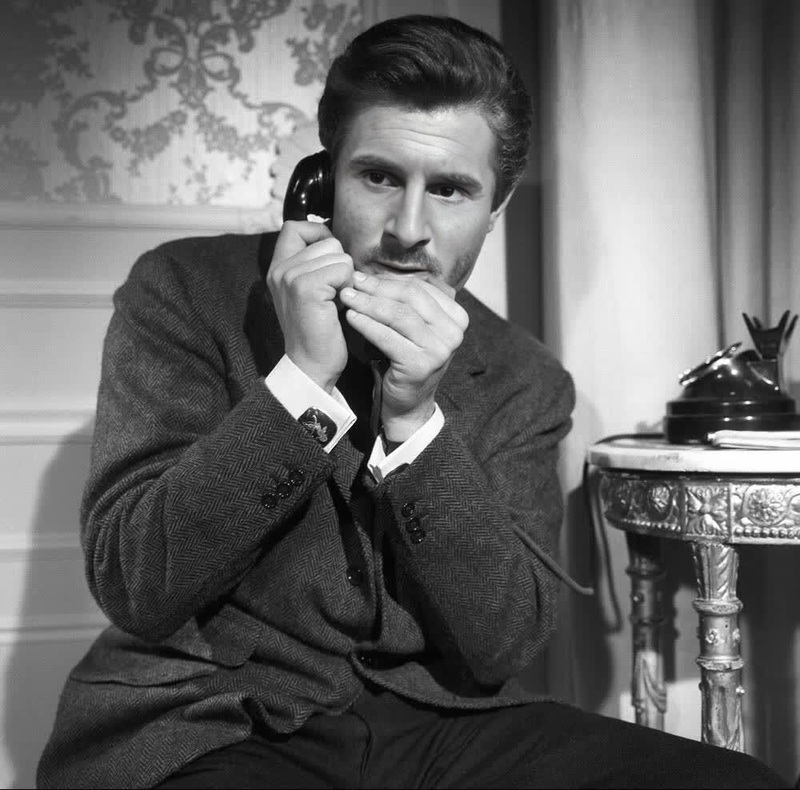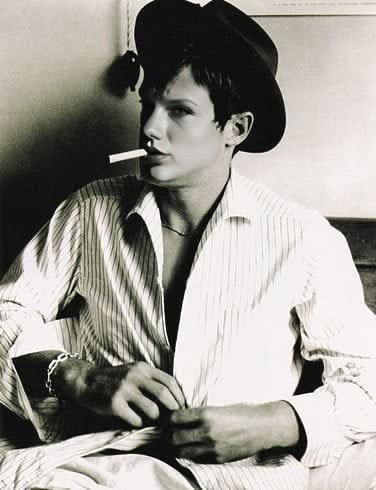
Jean-Paul Belmondo Breathless Studio Portrait
- Image
- 376 × 490 px
Any aspect ratio
Overview
The Jean-Paul Belmondo Breathless Studio Portrait template sets you up to create iconic videos with a touch of French cinema charm. Designed for Video Face Swap, this template helps you infuse your footage with Belmondo's distinctive persona, perfect for both professional and artistic projects.
What It Does
This template specializes in replacing a face in your video with that of the renowned Jean-Paul Belmondo, capturing his style from the classic film "Breathless." With precise facial mapping and attention to detail, it ensures a seamless blend, maintaining original video aesthetics while adding a cinematic flair.
Who It's For
Ideal for filmmakers, content creators, and anyone looking to add a vintage cinematic touch to their projects. This template appeals to fans of classic cinema and those interested in experimenting with visual storytelling through advanced video techniques.
Summary
Transform your videos in minutes with the Jean-Paul Belmondo Breathless Studio Portrait template. Achieve striking visual transformations that pay homage to legendary cinema, created with user-friendly tools while maintaining high-quality results. Integrate this with other features like our AI Video Generator to expand your possibilities.
How-To
Choose the Template

Customize Your Video

Generate and Download

Use Cases
Cinematic Productions
- Achieve authentic period-piece effects
- Create dramatic, mood-rich scenes
Social Media Content
- Engage audiences with unique visual content
- Increase followers through standout creativity
Marketing Campaigns
- Appeal to a wide audience with a blend of contemporary and classic styles
- Highlight products through themed storytelling
Best Practices
Source High-Quality Video
For optimal results, use footage that is well-lit and high-resolution to ensure the face swap appears seamless and natural.Adjust Swap Parameters
Take advantage of manual adjustment options to fine-tune the alignment and blending to match the desired facial expressions closely.Test with Short Clips
Begin with shorter video clips to test the effect before applying to longer segments, which can save processing time and allow for creative adjustments in your workflow.
Frequently asked questions
More Like This