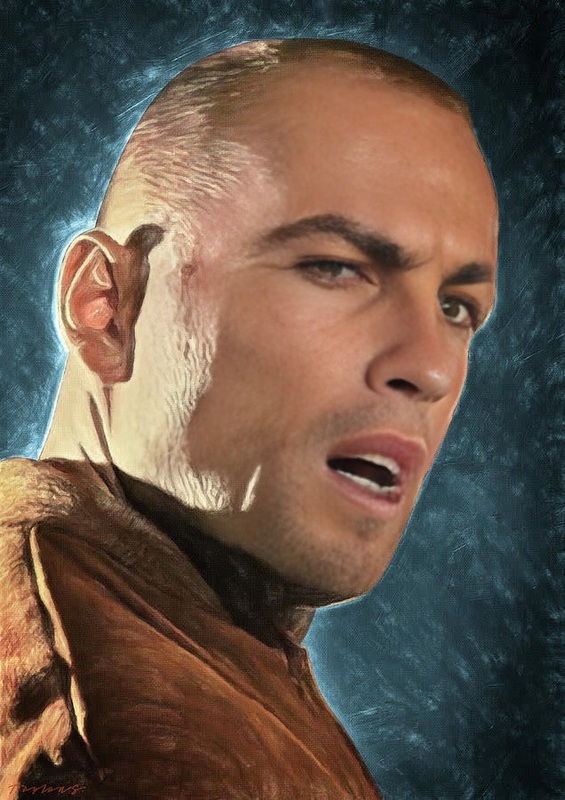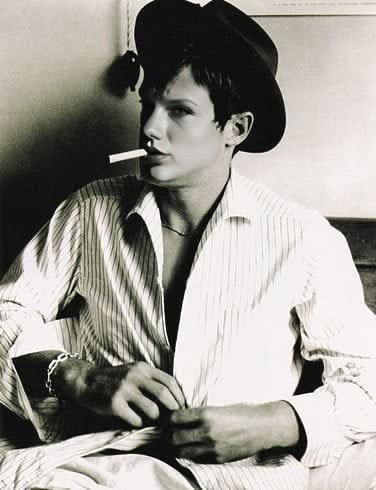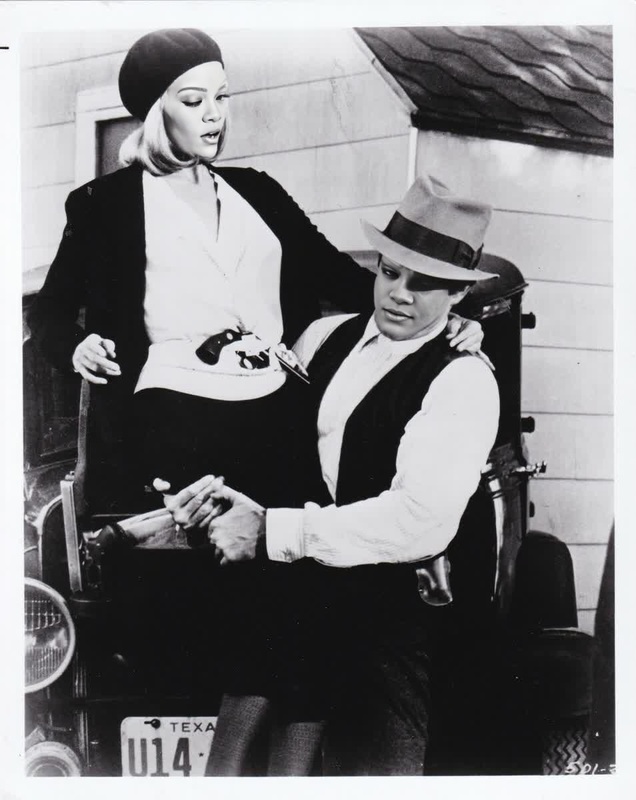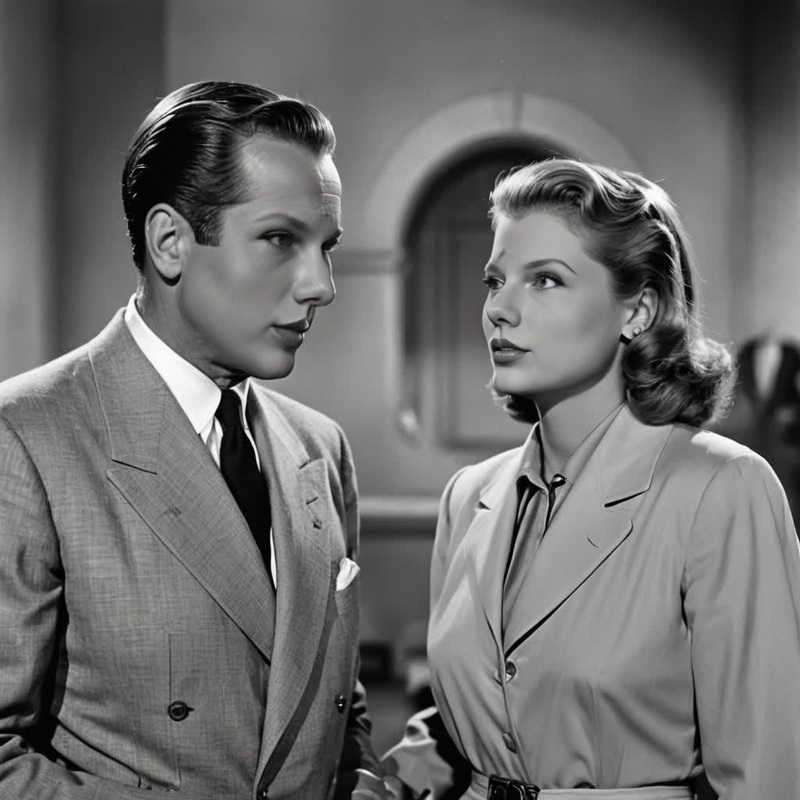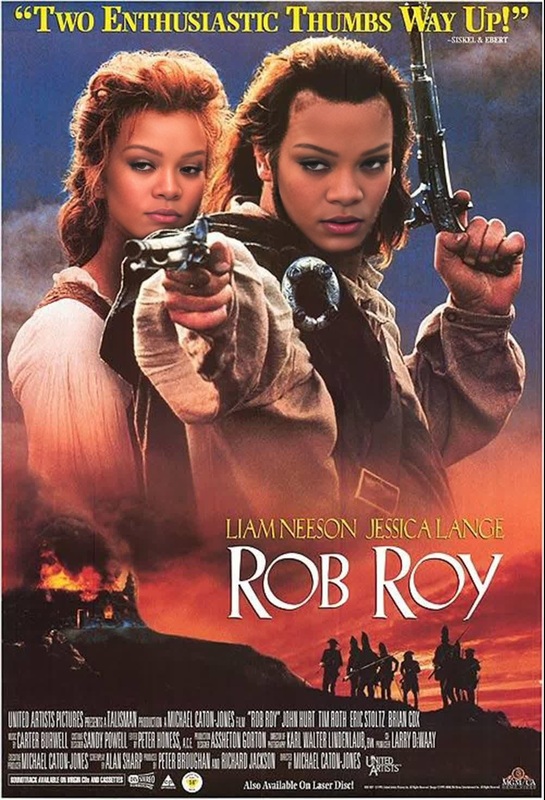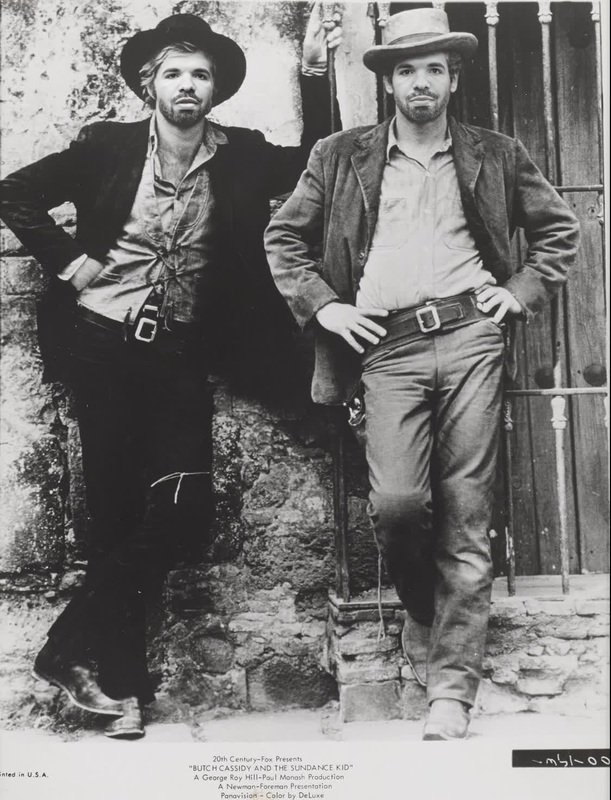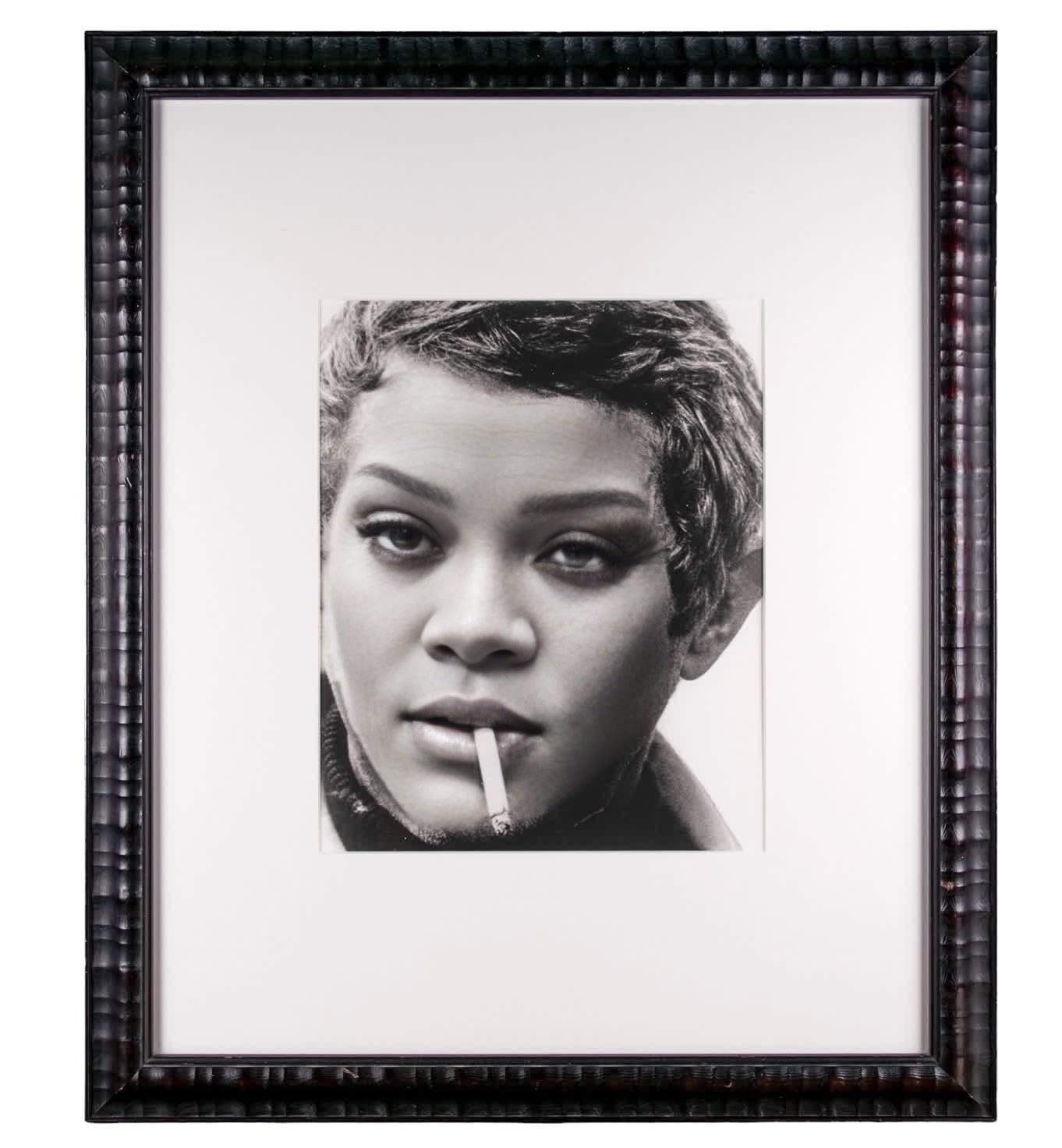
Steve Mcqueen Bullitt Studio Portrait
- Image
- 1362 × 1472 px
Any aspect ratio
Overview
The Steve McQueen Bullitt Studio Portrait template invites you to revolutionize your video projects through the power of AI. This Video Face Swap template enables creators to integrate the timeless face of Steve McQueen into their own footage. Ideal for projects aiming to capture the essence of cool sophistication synonymous with the Bullitt classic.
What It Does
This template harnesses AI to perform a professional-grade face swap, substituting Steve McQueen's iconic visage into your selected video. The outcome is a seamless transformation that retains the original video's integrity while adding cinematic allure. It's compatible with various video file formats, making it a versatile tool for diverse editing workflows.
Who It's For
Designed for filmmakers, video content creators, and social media marketers, this template adds a classic touch to contemporary content. Whether crafting an homage to classic cinema or enhancing marketing material, users can elevate their project’s visual storytelling with the timeless charisma of Steve McQueen.
Summary
Integrate Hollywood charm into your video production process with the Steve McQueen Bullitt Studio Portrait. The AI-driven template's capability for intricate face swapping can support a variety of projects without compromising on realism or style. Explore similar features with the Video Face Swap product or enhance your visuals through the AI Image Editor. Additionally, extend content with the Image to Video tools available on Magic Hour.
How To
Choose Your Template

Customize Your Input

Generate Your Video

Use Cases
Cinematic Tribute Videos
- Enhanced film trailer edits
- Commemorative short films
Marketing & Branding
- Engaging ad campaigns
- Memorable brand promotion
Content Enrichment
- Unique influencer videos
- Catchy vlogs
Best Practices
Source High-Quality Videos
Ensure that your source video is of high quality and well-lit for the most accurate face swap results.Select Appropriate Scenes
Choose scenes where the face swap will have the most impact. This can include close-ups or specific dramatic moments.Fine-Tune Scaling and Positioning
Use the customization tools to adjust the size and position of the swapped face to fit naturally in the scene.
Frequently asked questions
More Like This