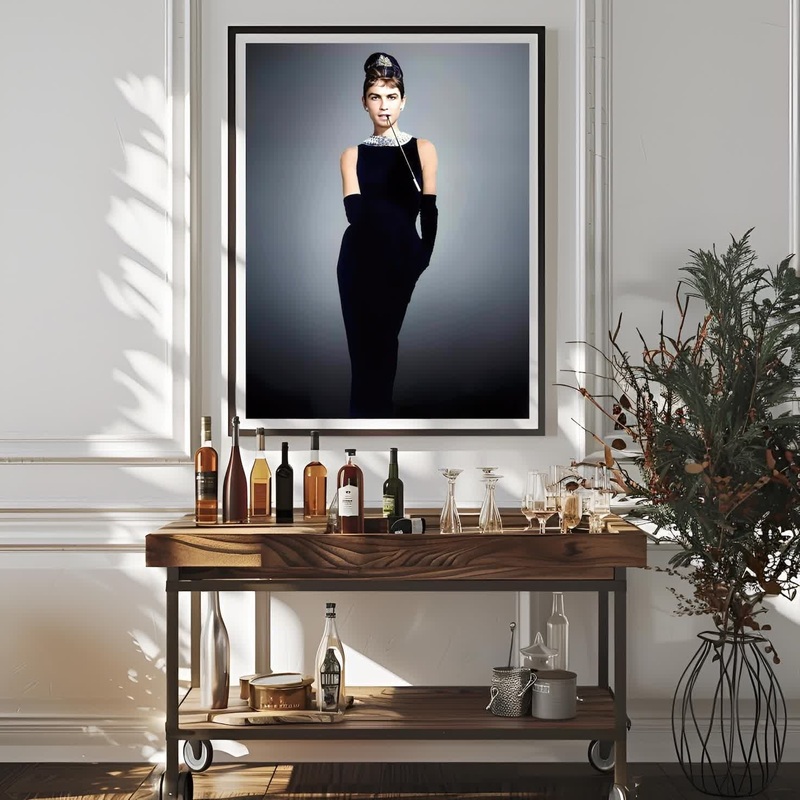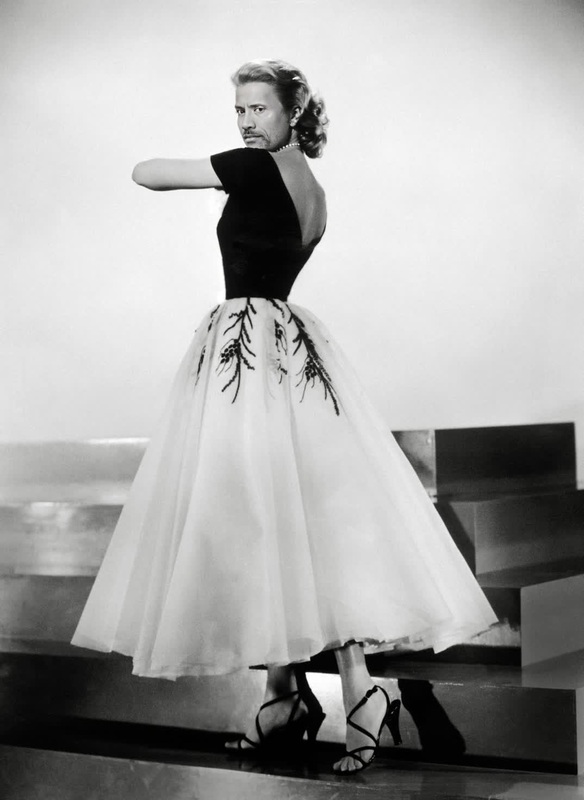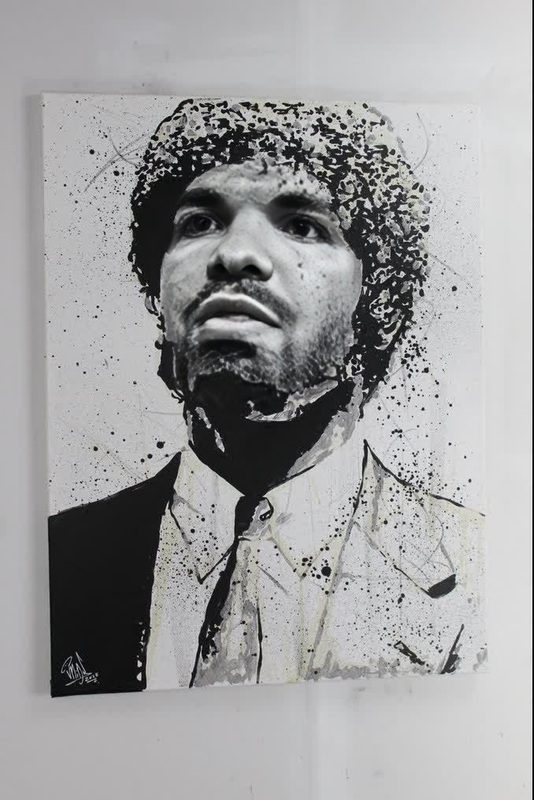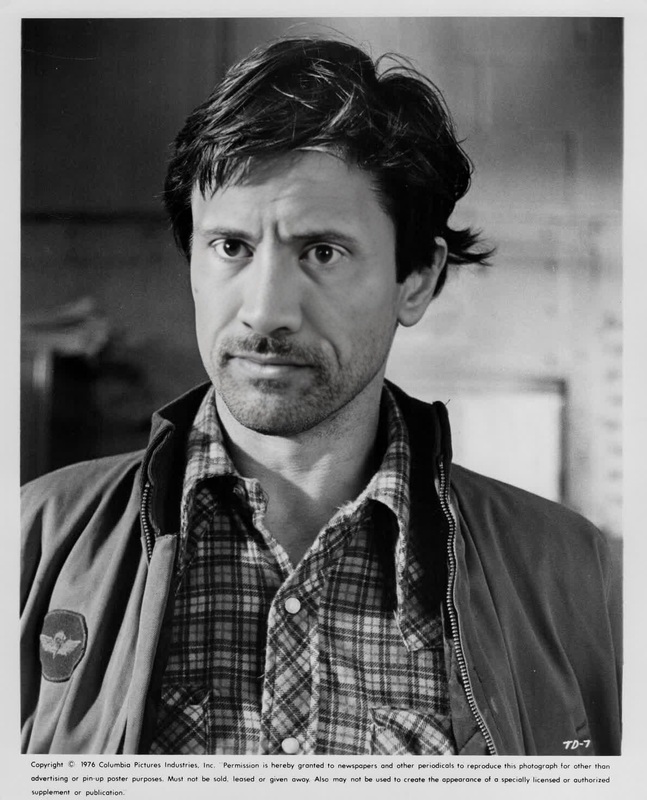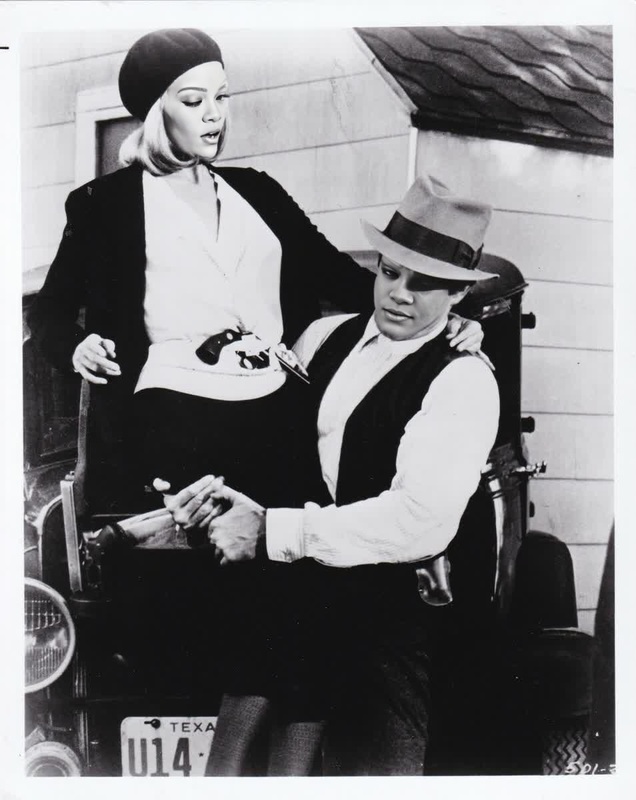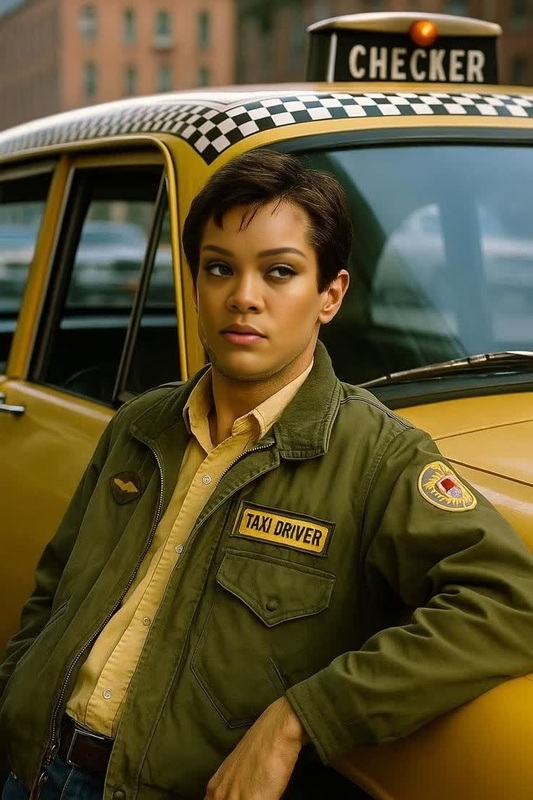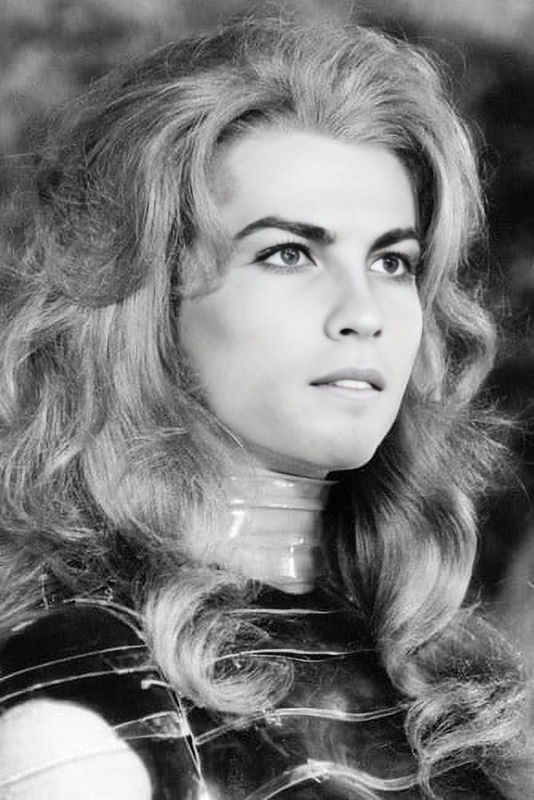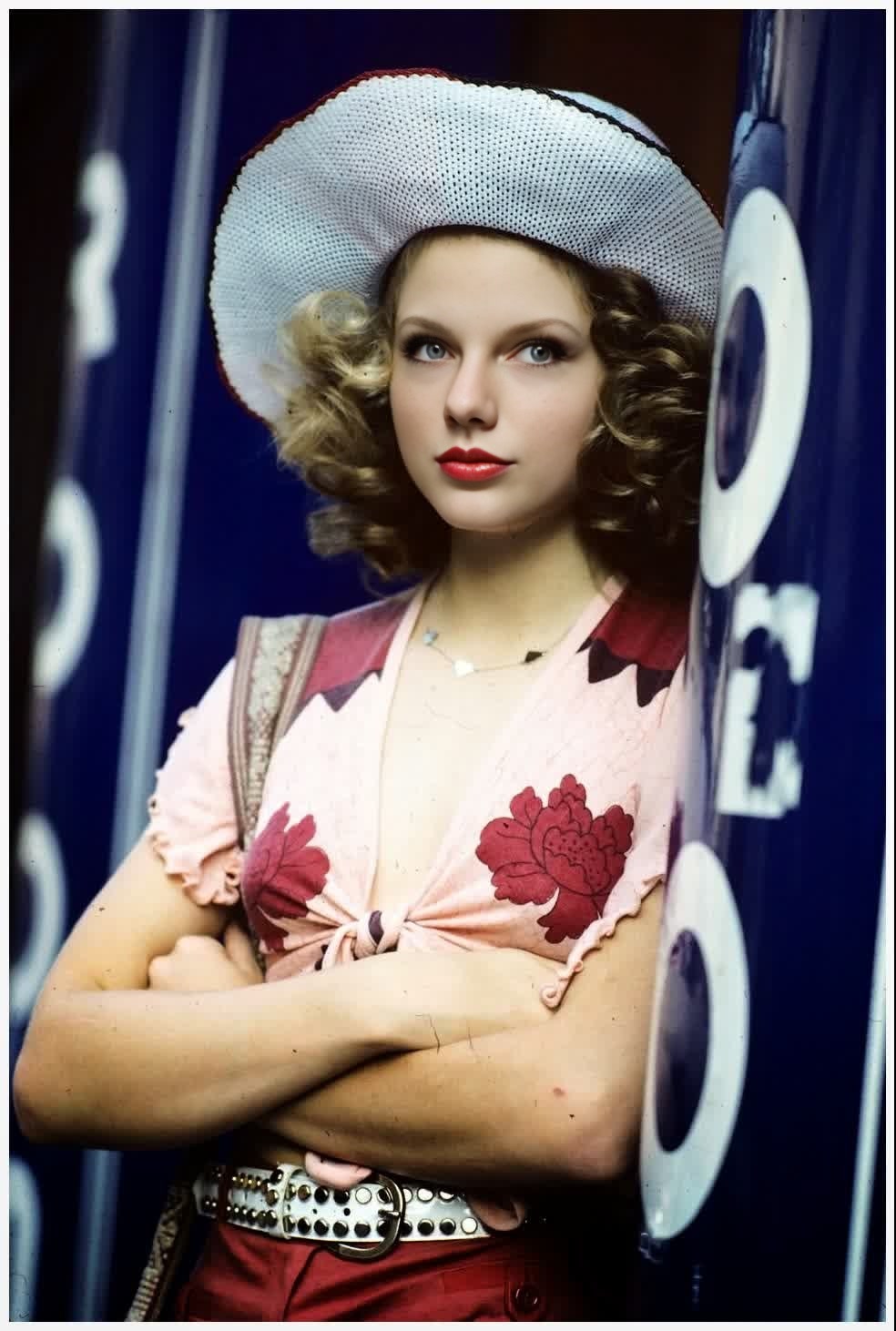
Jodie Foster Taxi Driver Studio Portrait
- Image
- 984 × 1462 px
Any aspect ratio
Overview
Step into the shoes of an acting legend with the Jodie Foster Taxi Driver Studio Portrait video face swap template. Use this advanced tool to integrate your face into the iconic look from "Taxi Driver," merging creativity with state-of-the-art technology. Ideal for cinephiles and digital creators alike, this template transforms your vision into reality.
What It Does
This Video Face Swap template lets you replace any face with Jodie Foster's classic look in Taxi Driver. Whether you're aiming to reproduce a famous scene or create unique visual content, this tool provides a high-quality and accurate swap process. The outputs are compatible with a range of video formats, ideal for various multimedia projects.
Who It's For
Perfect for filmmakers, content creators, and social media enthusiasts looking to diversify their video content. It's also a great fit for educators and marketers aiming to produce engaging multimedia presentations or promotional material. Dive deeper into digital storytelling by integrating this tool with other products like the AI Video Extender to enhance your content.
Summary
Whether you're a fan of Jodie Foster, a creative professional, or someone who loves experimenting with AI-powered tools, this video face swap template offers an unparalleled opportunity to innovate. Combine it with tools such as the Full Body Generator to complete the transformation and explore new dimensions of creative expression.
How to Use
Choose the Template

Customize Your Input

Generate and Download

Use Cases
Creative Film Projects
- Recreate scenes with innovative twists
- Design promotional trailers using classic aesthetics
Social Media Content
- Develop themed TikToks or Instagram Reels
- Engage your audience with transformative video effects
Educational and Marketing Material
- Create interactive history or film studies content
- Add flair to marketing videos with recognizable faces
Best Practices
Choose High-Quality Images
For best results, use high-resolution images or videos where the face is clearly visible. This will improve accuracy and realism in the face swap.Experiment with Angles
Different angles may yield better or more interesting results. Test various perspectives to find the most compelling version.Combine Tools for Enhanced Creativity
Pair this template with tools such as the Text-to-Video generator to add narration or dialogue to your face swap project, creating a comprehensive multimedia presentation.
Frequently asked questions
More Like This