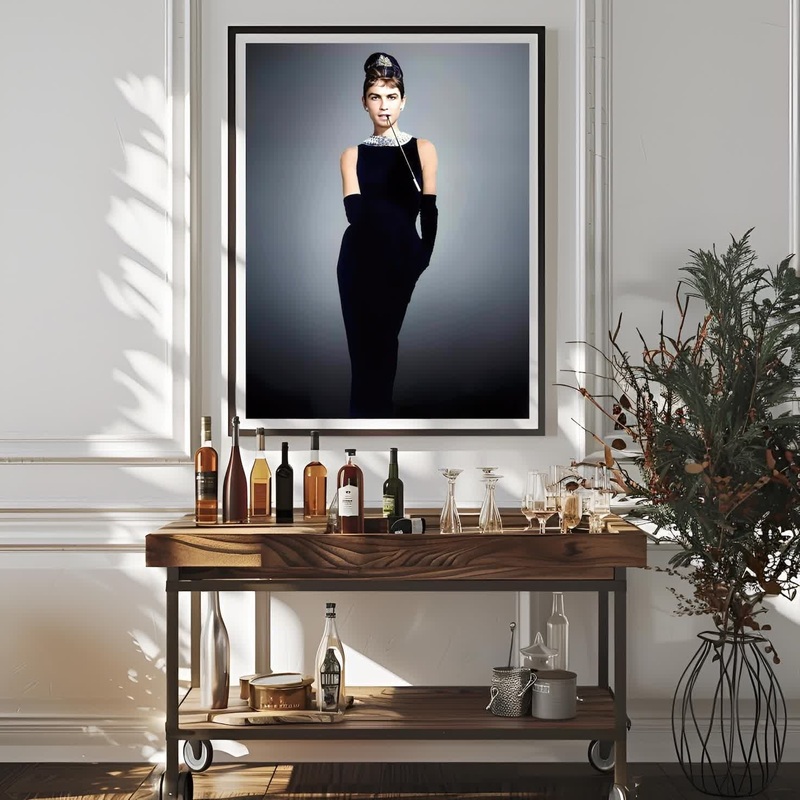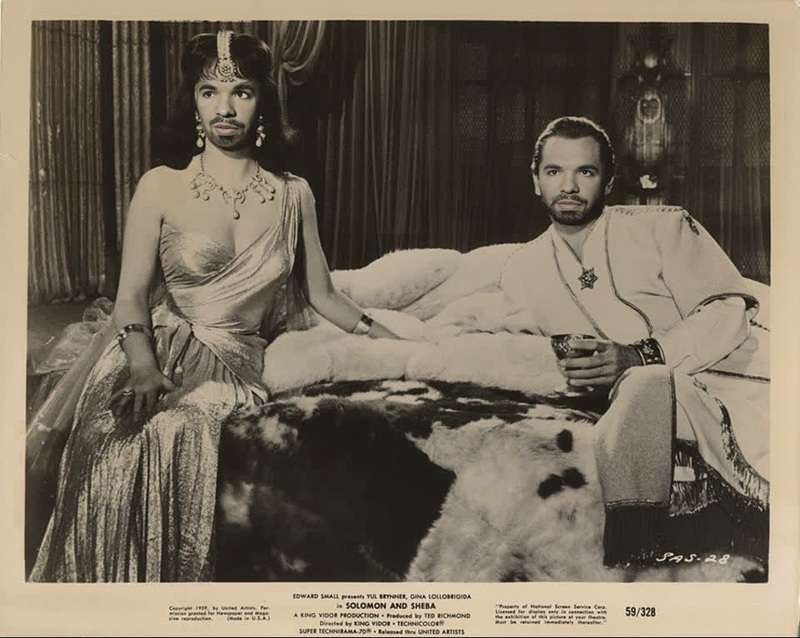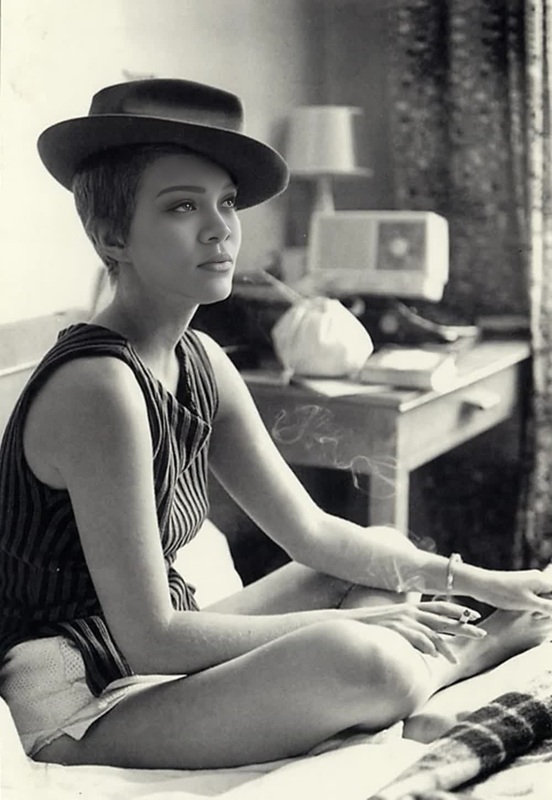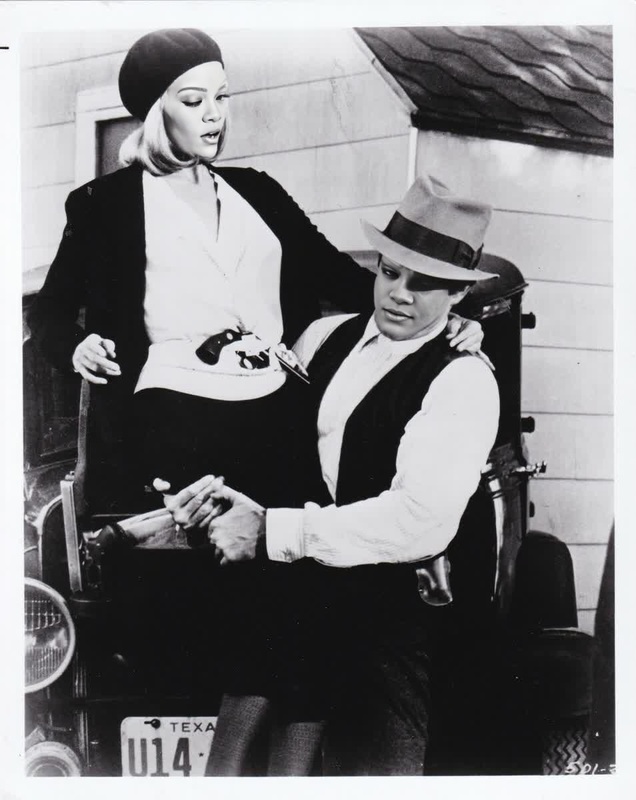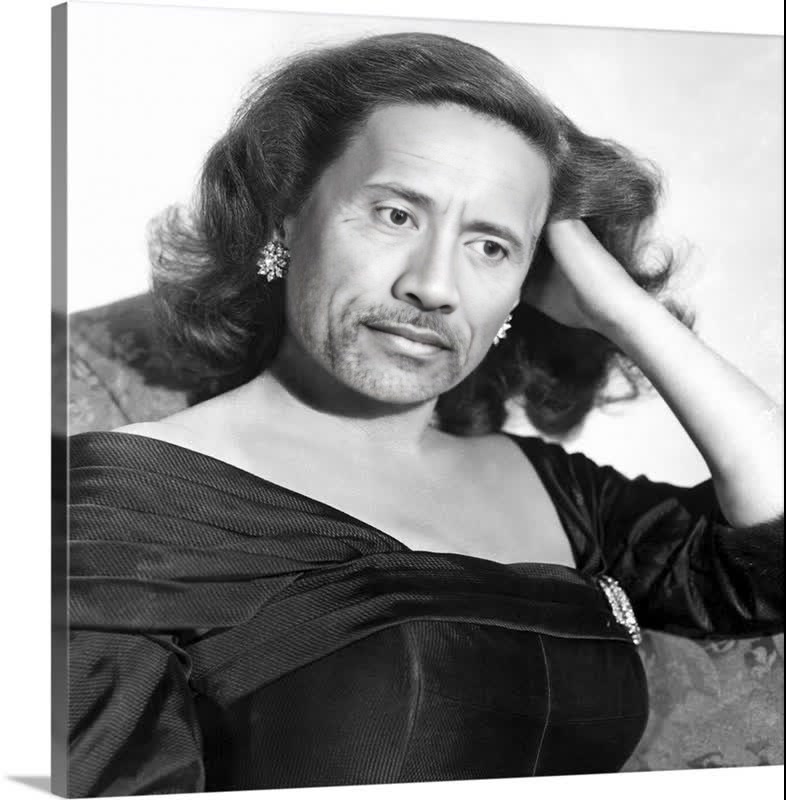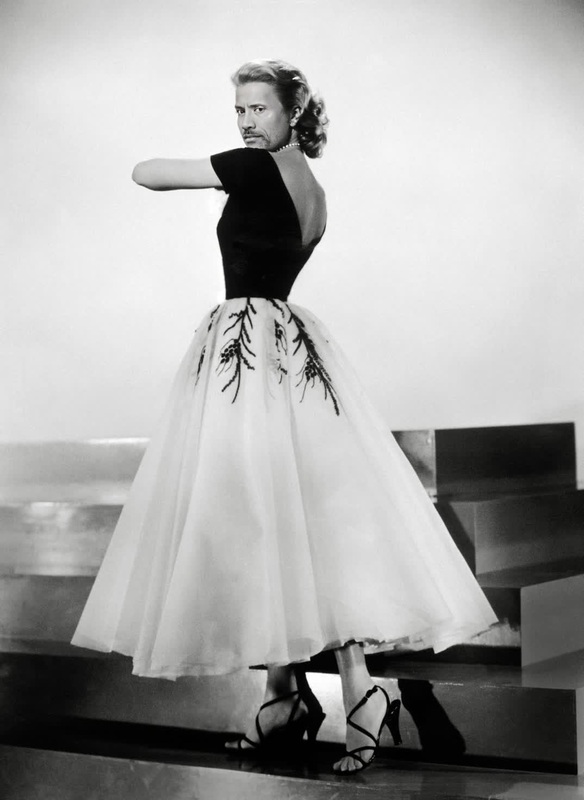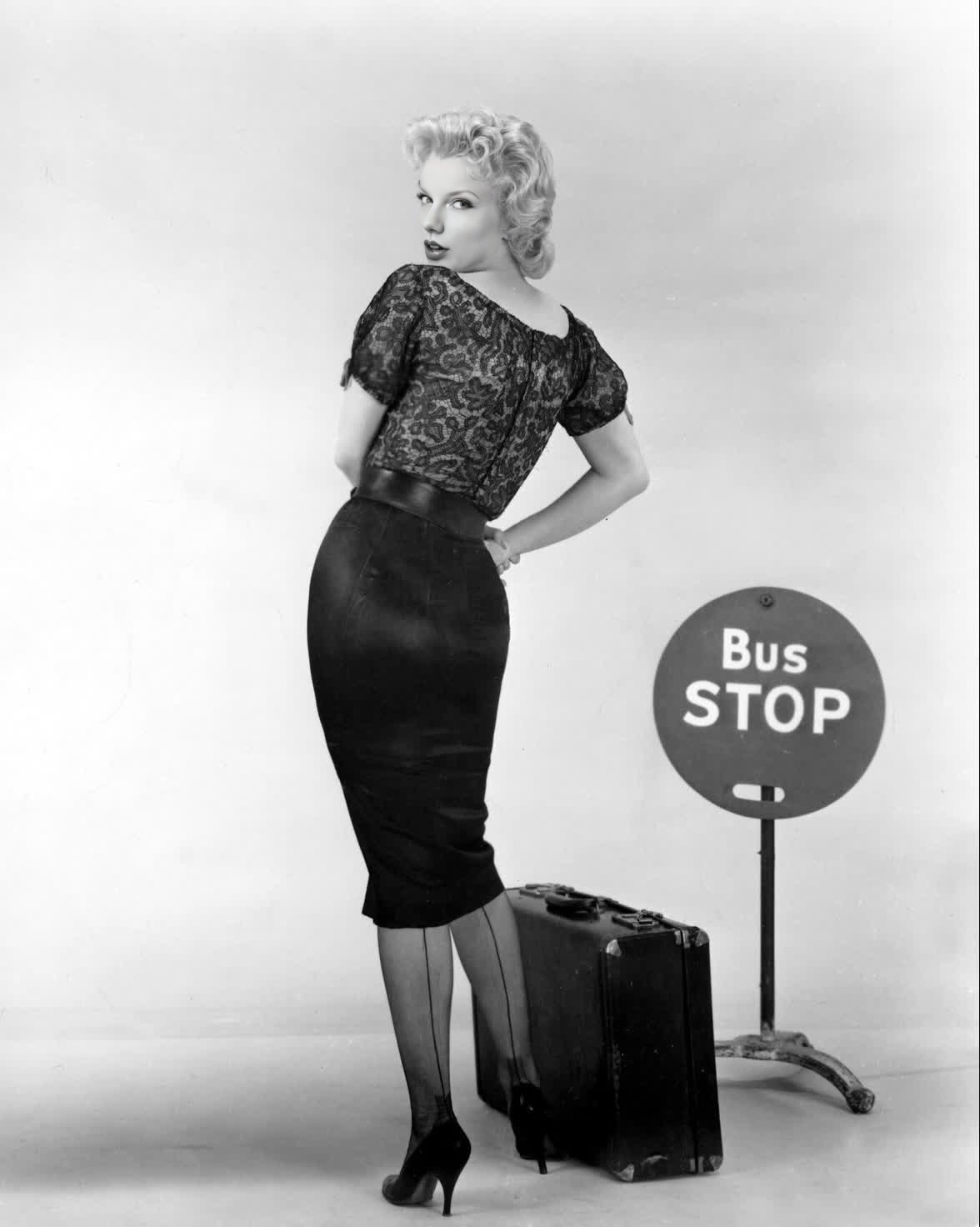
Marilyn Monroe Bus Stop Studio Portrait
- Image
- 1176 × 1472 px
Any aspect ratio
Overview
Step into the glamour of old Hollywood with the Marilyn Monroe Bus Stop Studio Portrait template. This Video Face Swap tool allows you to transform your photos by seamlessly integrating them into an iconic Marilyn Monroe portrait. Ideal for creators looking to add a vintage yet contemporary twist to their visuals.
What It Does
This template utilizes advanced Face Swap technology to replace the face in a classic Marilyn Monroe portrait with your own. The result is a high-quality video with a vintage charm, perfect for social media posts, personal use, or creative projects. Available in a variety of video formats suitable for multiple applications.
Who It's For
Designed for creative enthusiasts, social media influencers, and vintage art lovers, this template is for anyone looking to evoke the timeless elegance of Marilyn Monroe in their content. Whether you're crafting content for personal enjoyment or branding purposes, this tool integrates well with our AI Image Editor for further enhancement.
Summary
Capture the essence of classic Hollywood with the Marilyn Monroe Bus Stop Studio Portrait template. Easy to use and requiring no prior editing experience, this template fits perfectly within larger projects or makes a striking standalone video. Enhance your creative process with other tools like our AI GIF Generator to explore new possibilities.
How To
Choose

Customize

Generate

Use Cases
Vintage Social Media Posts
Creative Art Projects
Personalized Gifts
Best Practices
Quality Source Images
For best results, use high-resolution images with clear facial details to ensure a seamless face swap.Preview Before Finalizing
Always use the preview function to check the alignment and look of your edited portrait before generating the final video.Explore Further Enhancements
Utilize tools like the AI Image Editor to add filters and effects that complement the vintage aesthetic.
Frequently asked questions
More Like This