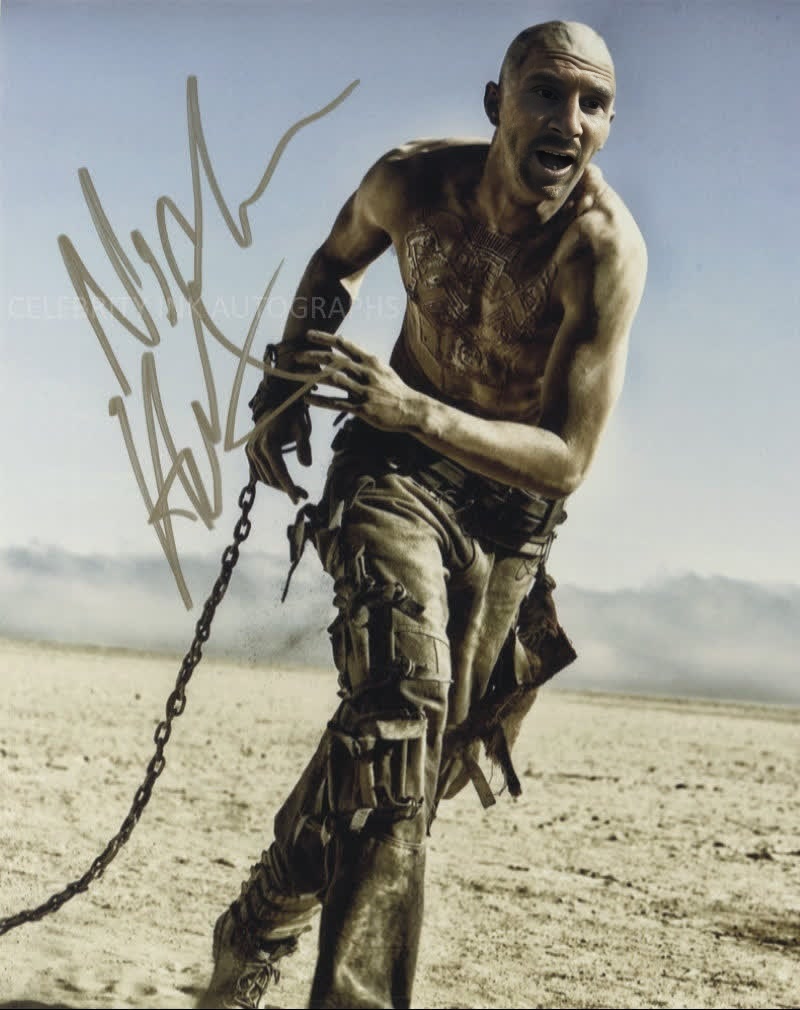
Nux Mad Max Fury Road
- Image
- 800 × 1010 px
Any aspect ratio
Overview
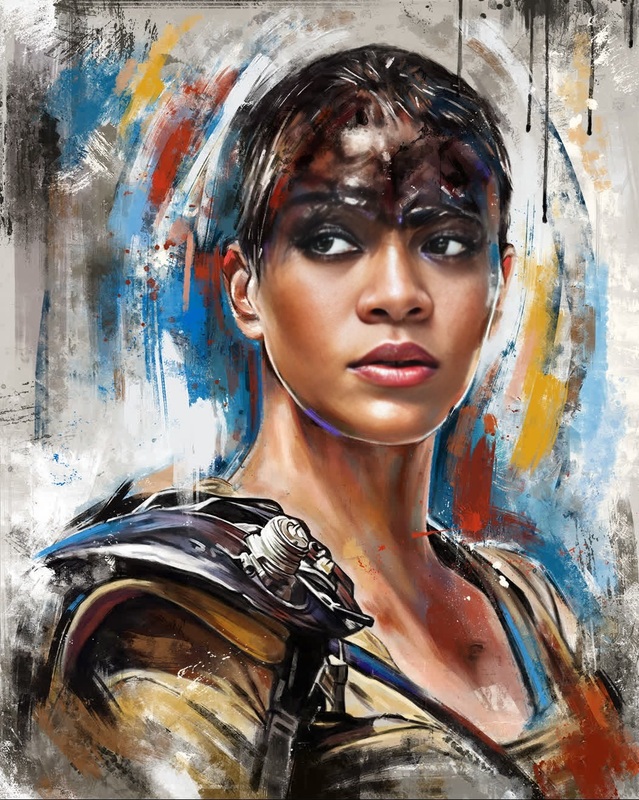
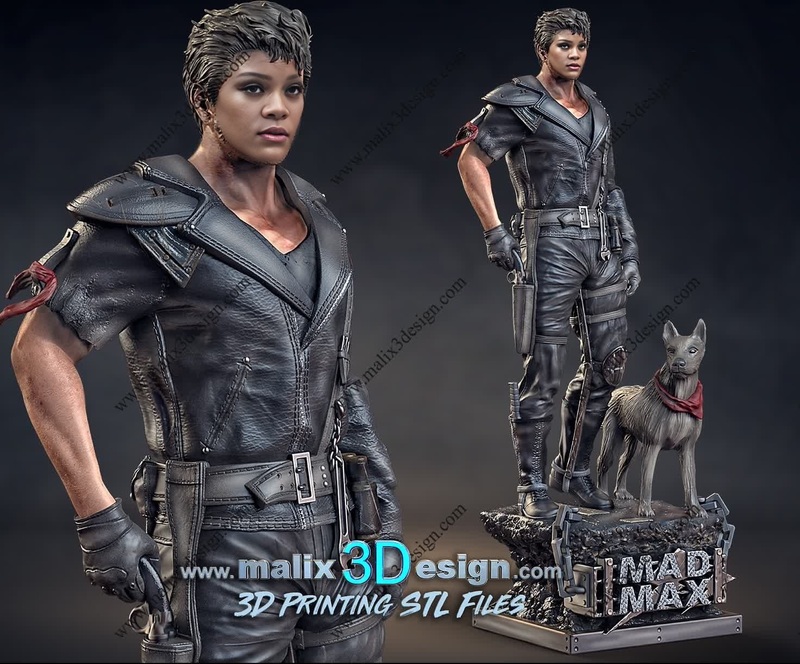
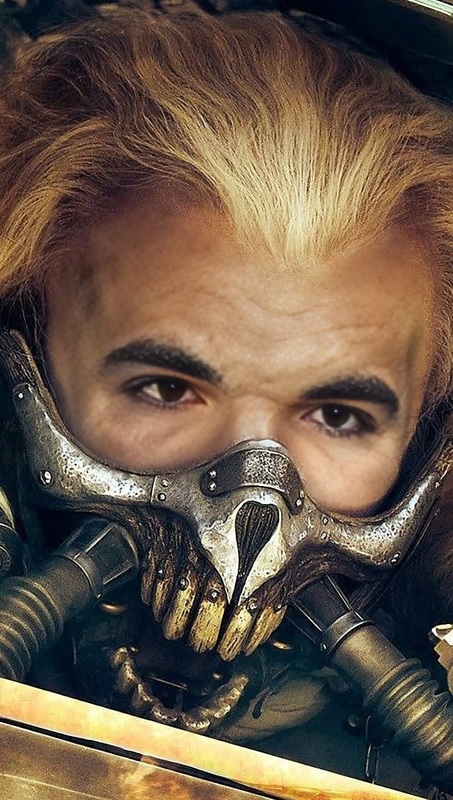
Step into the world of apocalyptic adventure with the Nux Mad Max Fury Road template. This Video Face Swap tool allows you to transform yourself into iconic characters from the Fury Road saga. With just a few clicks, join the high-octane journey of survival and escape.
What It Does
This template leverages advanced face-swapping technology to seamlessly integrate your face onto characters in Mad Max Fury Road scenes. The output is a captivating video that maintains all the original motion nuances, offering a professionally blended cinematic experience. Explore more about face-swapping techniques on our dedicated Face Swap page.
Who It's For
Whether you are a fan of the Mad Max series, a content creator looking for unique material, or someone simply seeking a creative way to entertain friends, this template is perfect. It's also ideal for brands seeking to engage audiences with dynamic content. Consider our Video to Video solutions for additional creative transformations.
Summary
Bring the thrilling world of Mad Max to life with the Nux Mad Max Fury Road face swap template. Create unforgettable video experiences that capture the essence of adventure and rebellion. If you're interested in other vivid transformations, check out the AI Image Editor for more creative possibilities.
How To
Choose the Mad Max Template

Customize Your Video

Generate Your Face Swapped Video

Use Cases
Social Media Content
- Engage followers with apocalyptic-themed content
- Enhance your storytelling with dynamic visuals
Advertising Campaigns
- Attract attention with creative ads
- Tell brand stories by embedding characters into popular scenes
Entertainment Production
- Create fan edits for online communities
- Explore character-driven narratives
Best Practices
High-Quality Images
Ensure you use high-resolution images for the best swap results, maintaining clarity and detail.Experiment with Angles
Try different facial angles to see which provide the most realistic swap, enhancing the final product.Review and Adjust
After the initial swap, review your video and make necessary adjustments to light and contrast for a polished look.
Frequently asked questions
More Like This