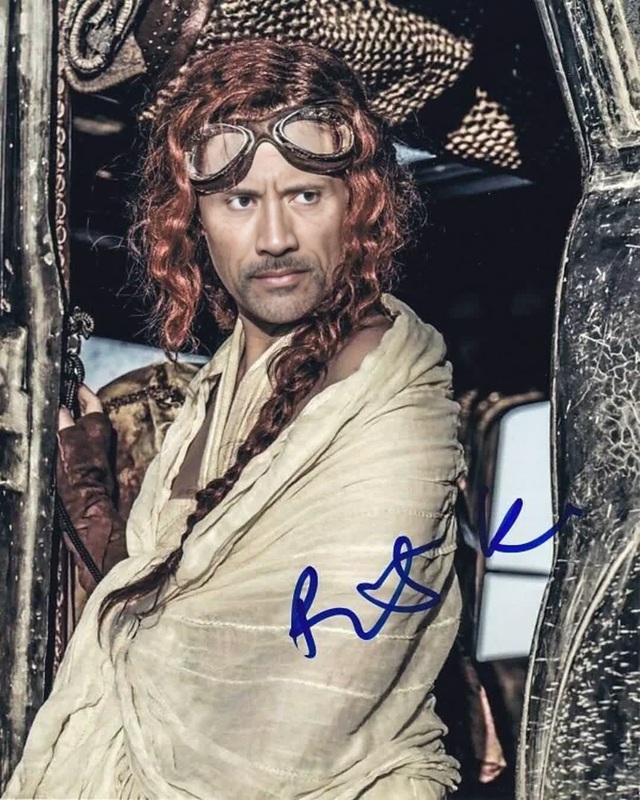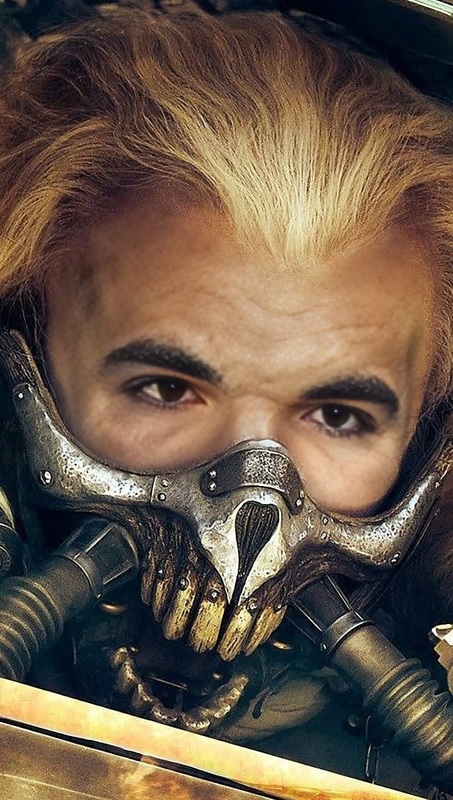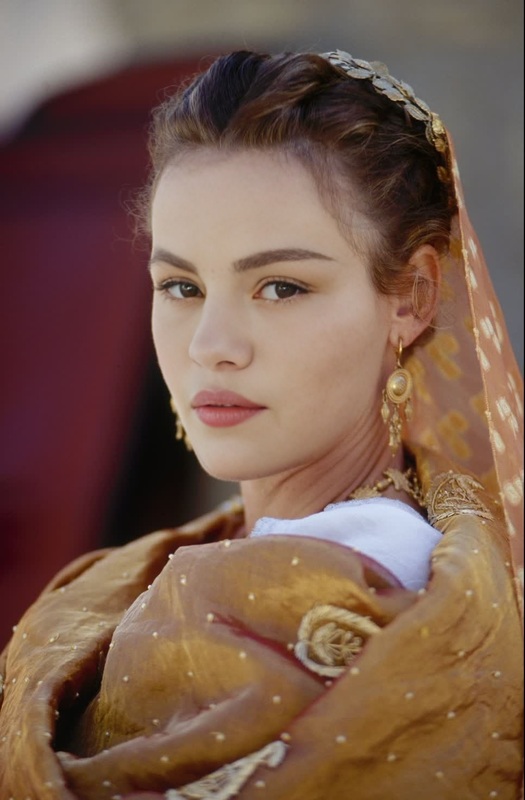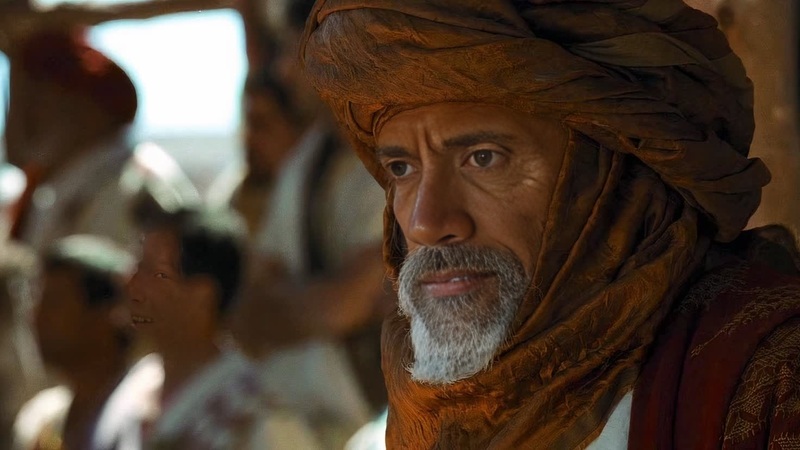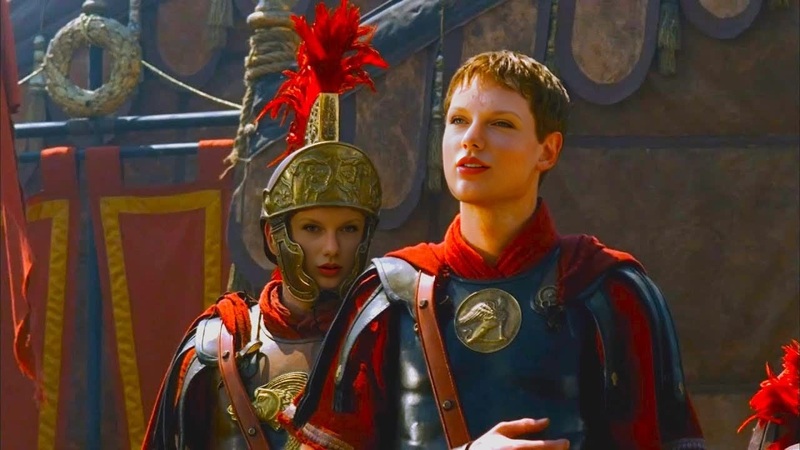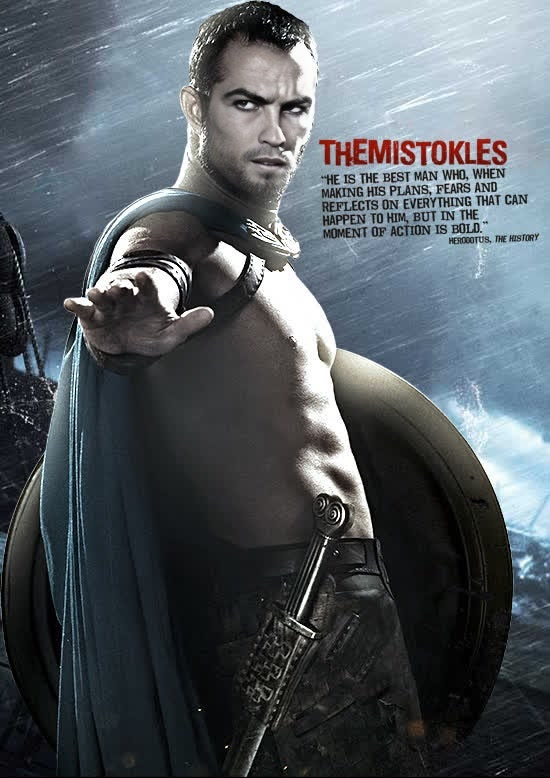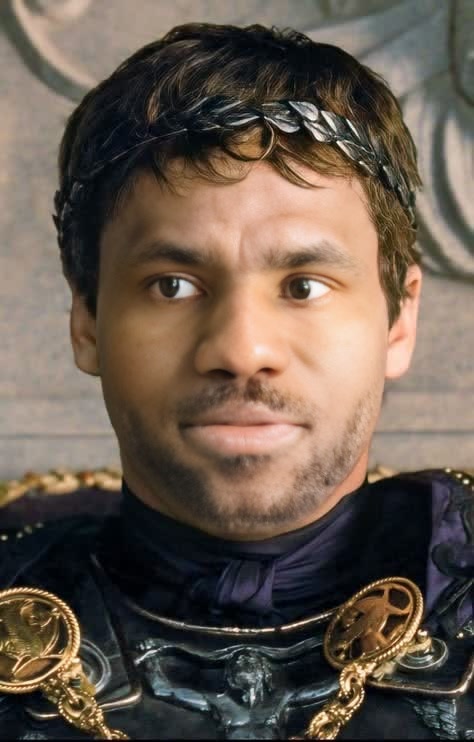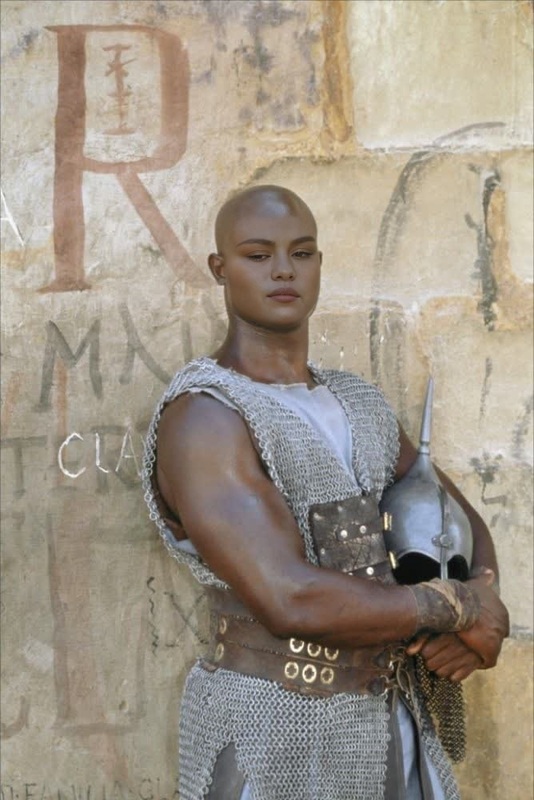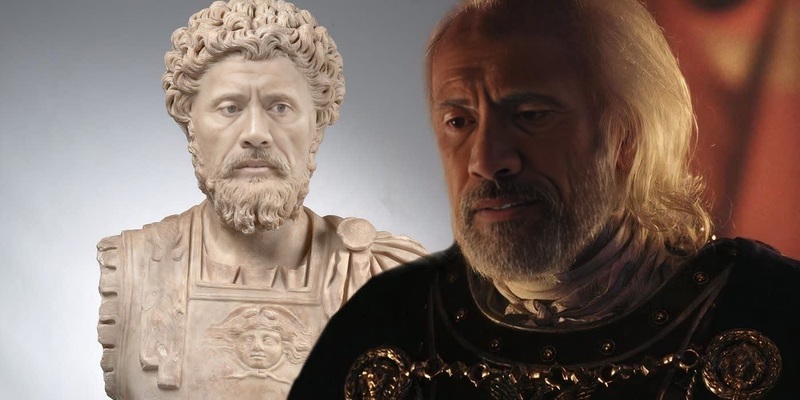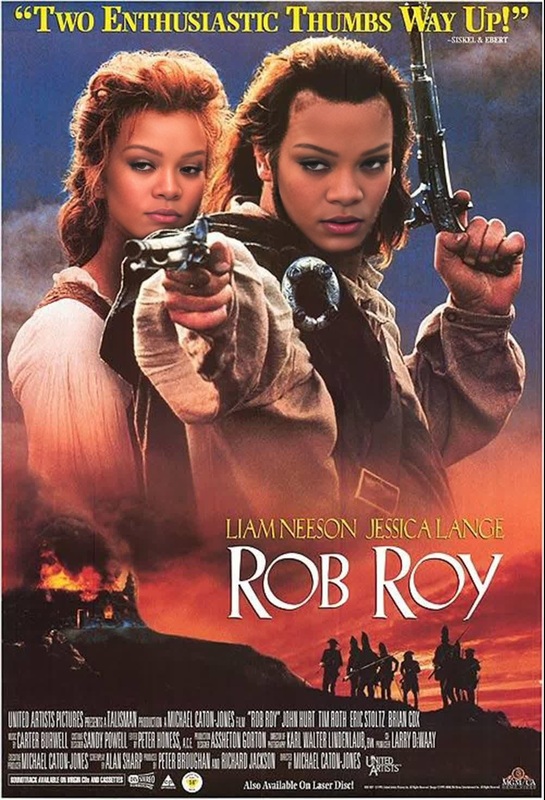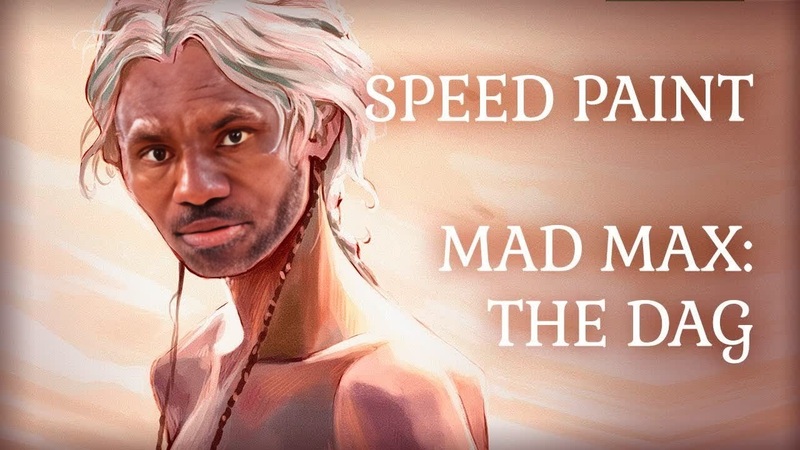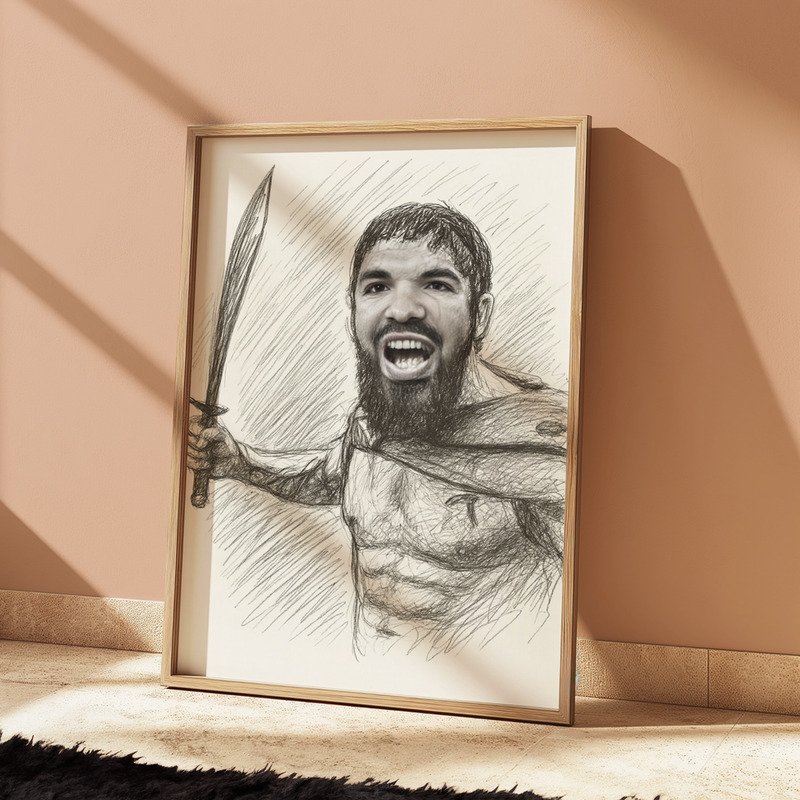
Maximus Decimus Meridius Gladiator Film Portrait
- Image
- 720 × 1280 px
Any aspect ratio
Overview
The Maximus Decimus Meridius Gladiator Film Portrait template offers a unique way to immerse yourself in the legendary world of Gladiator by transforming your face into that of the iconic character. This Video Face Swap template enables users to integrate themselves into scenes reminiscent of the epic film, adding a layer of personalization and connection to classic storytelling.
What It Does
This template replaces faces in video clips with your own, using advanced AI to maintain authenticity in skin tone, expression, and movement. The video face swap process offers seamless blending with original clip details, making every emotion and dialogue natural and life-like.
To further explore similar transformations, visit our Video Face Swap page.
Who It's For
This template is perfect for film enthusiasts who enjoy personalizing classic movie scenes, content creators leveraging popular culture in their storytelling, and anyone looking to add a creative twist to video projects. Whether you're creating content for social media or personal enjoyment, this tool brings scenes to life with your personal touch.
Summary
The Maximus Decimus Meridius Gladiator Film Portrait offers a transformative video experience, enabling anyone to embody a legendary character from the comfort of their own home. This tool is part of an innovative suite of face transformation options available on Magic Hour, aligning with related products like the Face Swap and AI GIF Generator, further broadening creative possibilities.
How To
Choose the Gladiator Template

Customize Your Inputs

Generate and Share

Use Cases
Social Media Engagement
- Instagram Stories and Reels
- Facebook Video Posts
Creative Video Marketing
- Brand storytelling
- Video ads
Personalized Entertainment
- Birthday videos
- Family fun
Best Practices
Ensure High-Quality Inputs
For best results, use high-definition video clips and clear, well-lit images of your face.Select Appropriately-Themed Clips
Choose scenes where facial expressions match the context of your intended portrayal.Review Final Outputs
Before sharing, check the final video for any tweaks needed. Some adjustments may be necessary for lighting and contrast consistency.