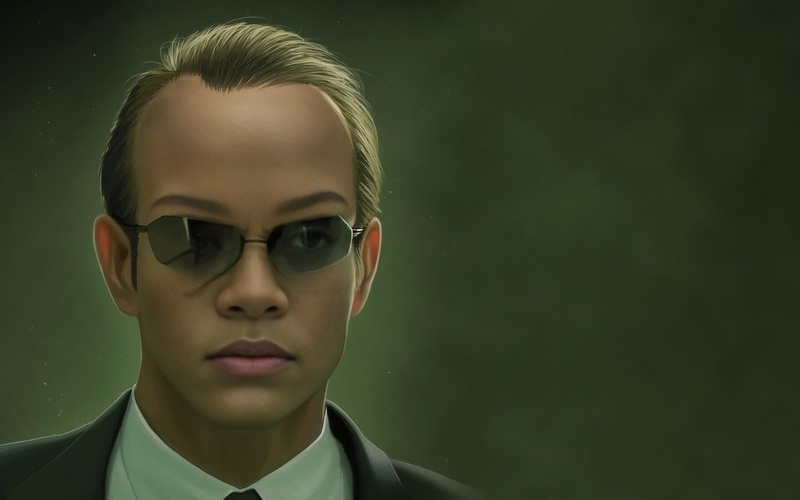
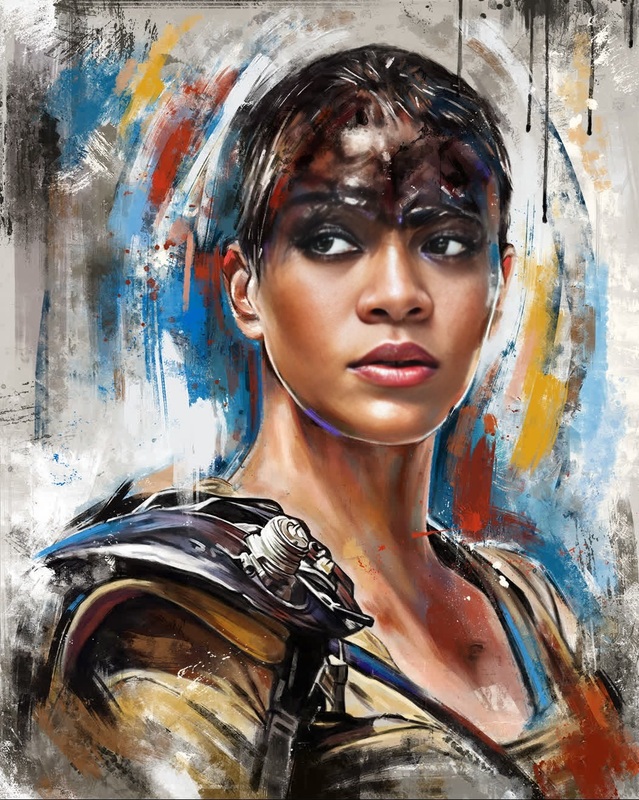
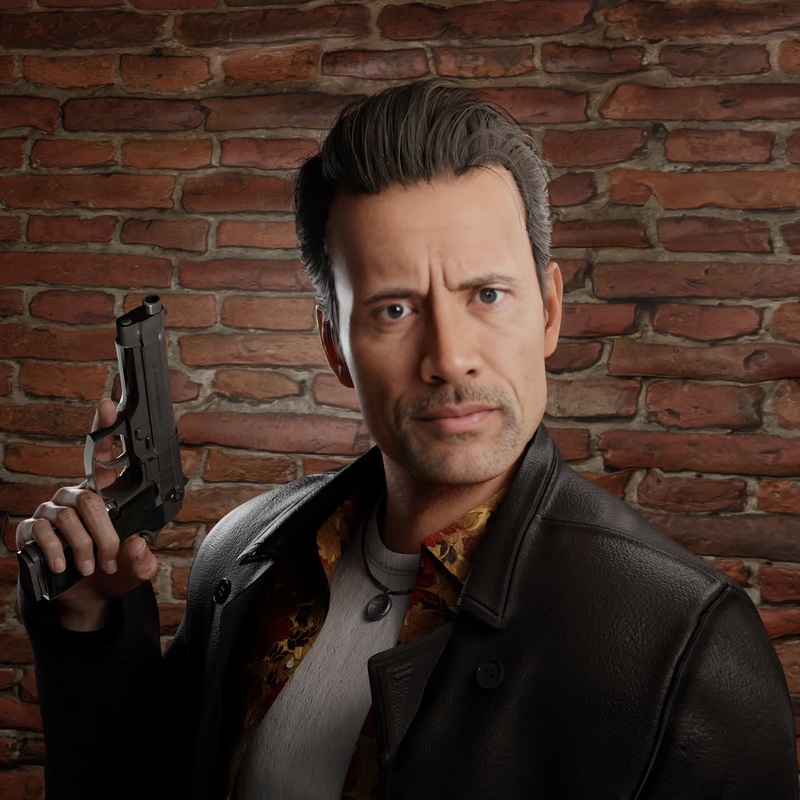
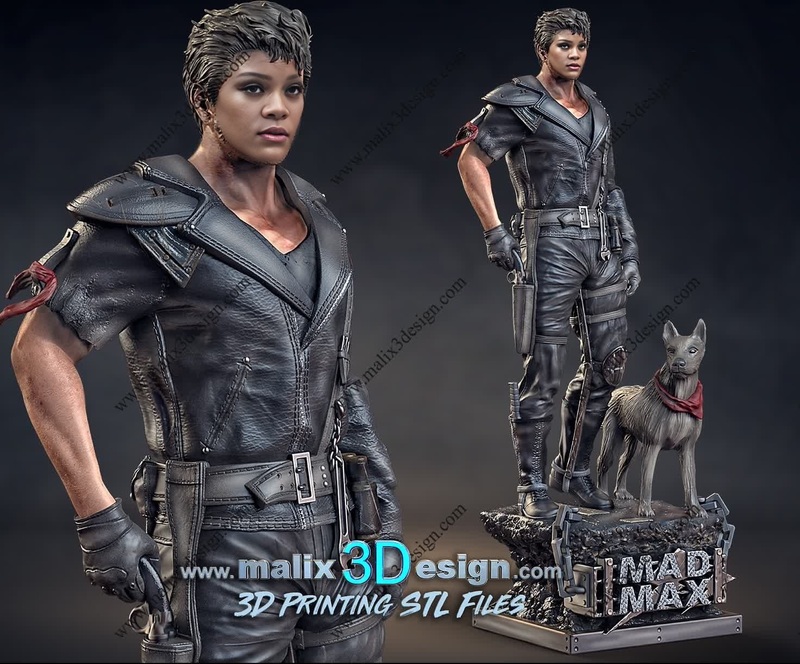
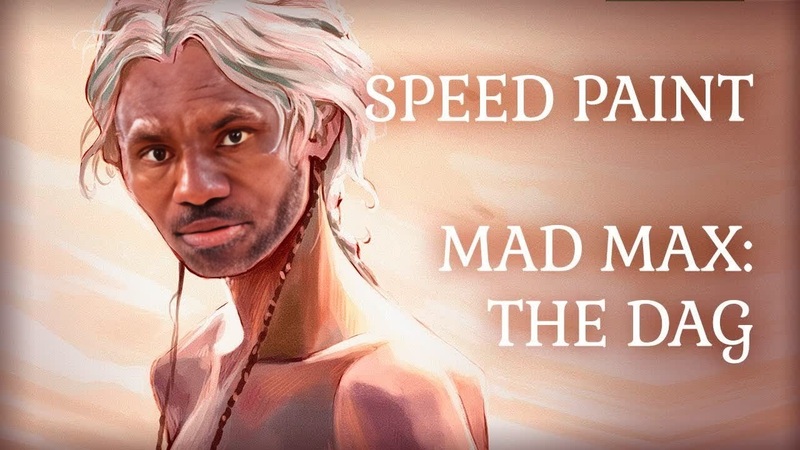
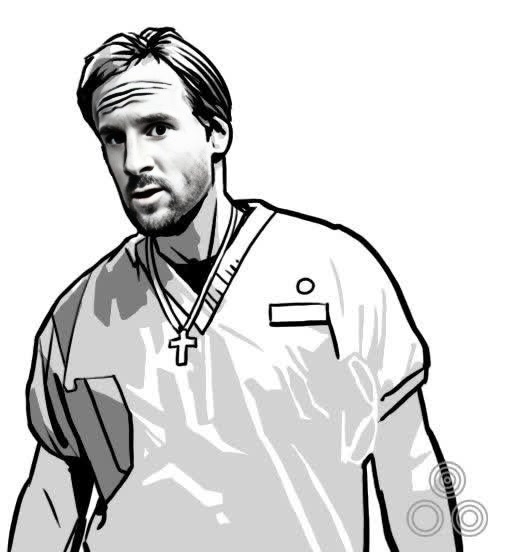
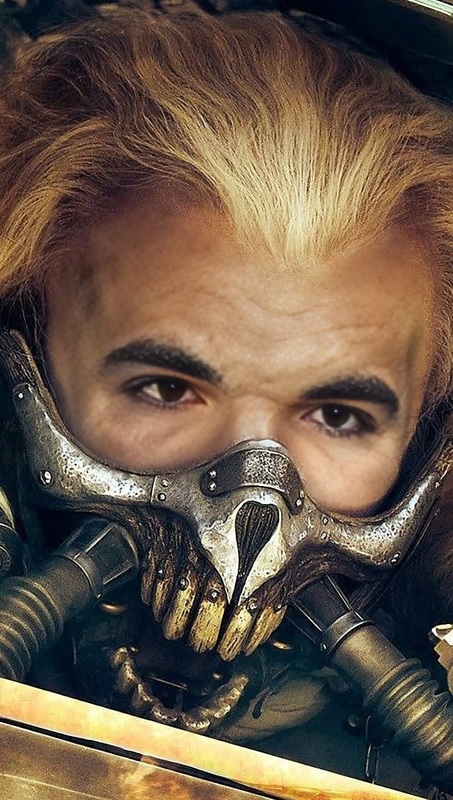
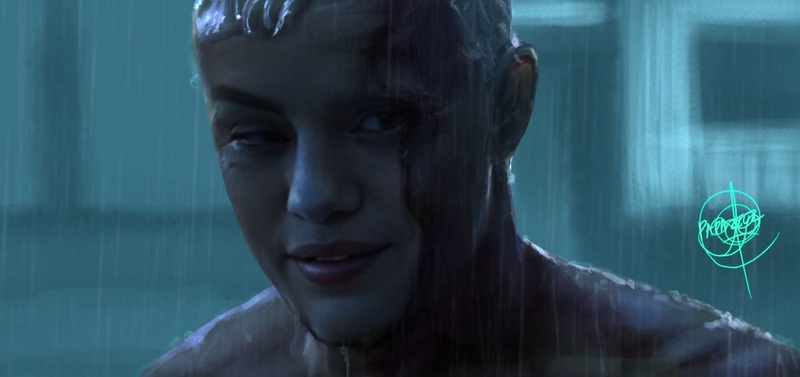
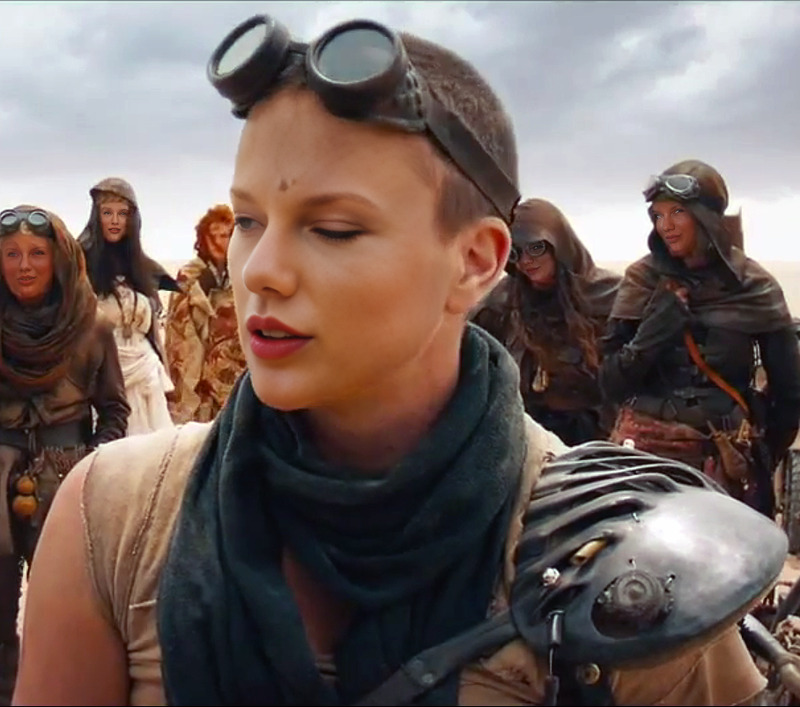
Recreate the adrenaline-pumping action of Mad Max Fury Road with our specialized Video Face Swap template. Transform your videos by inserting faces into iconic scenes, giving them a fresh, personal twist. This template utilizes advanced AI models to accurately overlay faces while maintaining the high-energy visuals of the original footage.
What It Does
The Capable Mad Max Fury Road template enables you to perform face swaps in high-octane video scenes with precision. This tool is perfect for creating personalized content for fans, social media videos, or engaging marketing campaigns. By leveraging this template, you can maintain the original atmosphere while bringing a new face to the forefront. Explore other transformations with the Face Swap and Video-to-Video products to further customize your projects.
Who It's For
This template is designed for creators looking to merge creativity with cutting-edge technology. Whether you're a filmmaker, social media influencer, or marketing professional, the Video Face Swap tool allows you to craft captivating content that stands out. Ideal for those with a love for transformative storytelling and action-packed visuals.
Summary
Embark on a cinematic adventure by making Mad Max Fury Road your own with our Video Face Swap template. Personalize your videos by layering new faces onto the iconic characters, all while maintaining the movie's thrilling essence. This tool is just part of a suite of powerful options, including the popular AI Image Editor for comprehensive editing needs.
How To
Begin your Mad Max Fury Road adventure with just a few steps, detailed below for easy video transformation.
01
Choose Template
Navigate to the Video Face Swap templates and select the Capable Mad Max Fury Road option from the template library.
02
Customize Inputs
Upload the faces you'd like to incorporate into the video scene and make any necessary adjustments to alignment and other options available.
03
Generate Video
Click on the Generate button to process your video. Once completed, download your new Mad Max Fury Road creation.
Use Cases
Explore practical applications for this template across various domains.
🎥
Filmmaking
Create unique character adaptations in film projects for creative storytelling.
📱
Social Media Content
Produce viral content by swapping faces in iconic scenes, perfect for platforms like TikTok or Instagram.
💡
Marketing Campaigns
Develop attention-grabbing advertisements by incorporating personalized faces into well-known video footage.
Best Practices
Optimize your video face swap experience with these helpful tips.
Choose High-Resolution Input
Use high-resolution images for face uploads to ensure the best fit and finish in your final video.
Align Faces Carefully
Pay attention to aligning facial features correctly within the template for a natural look.
Experiment with Lighting
Adjust lighting settings when necessary to better match the lighting conditions of the target video for a seamless integration.
Related Tools
Expand your creative capabilities with these tools.