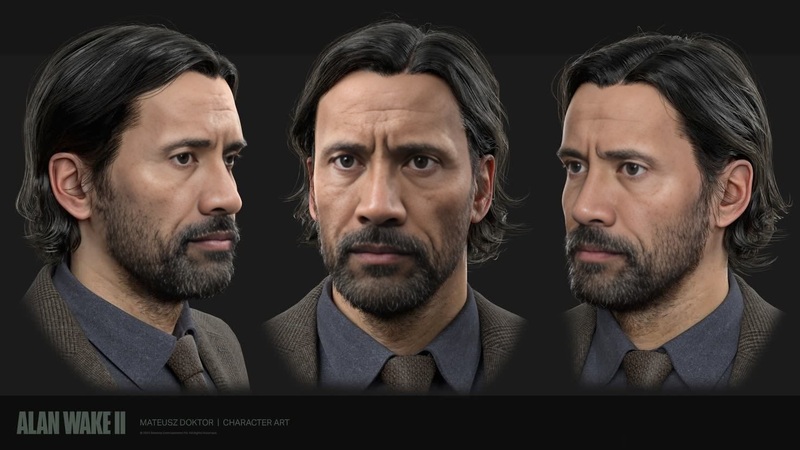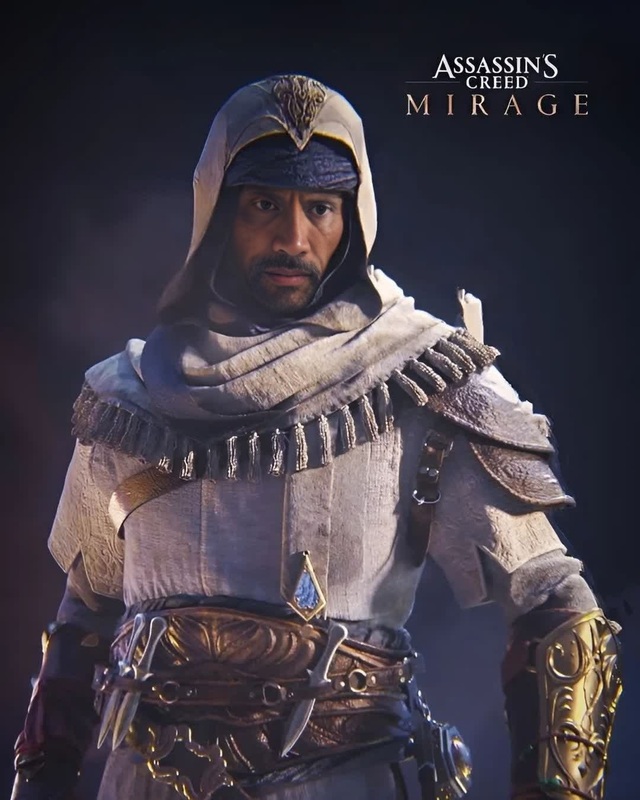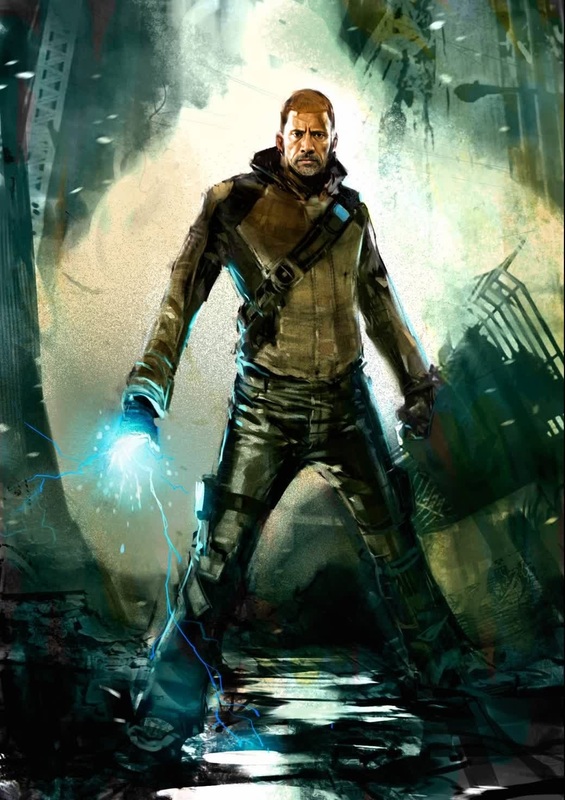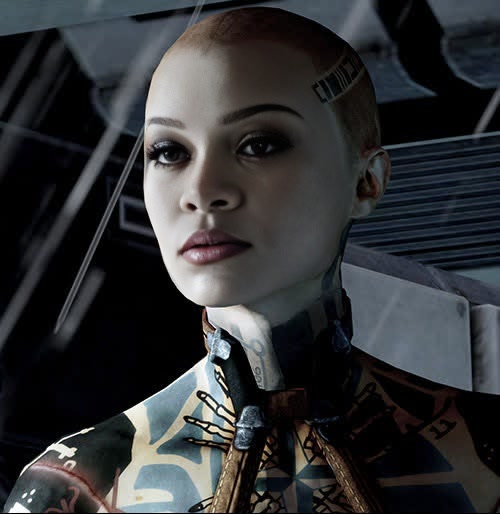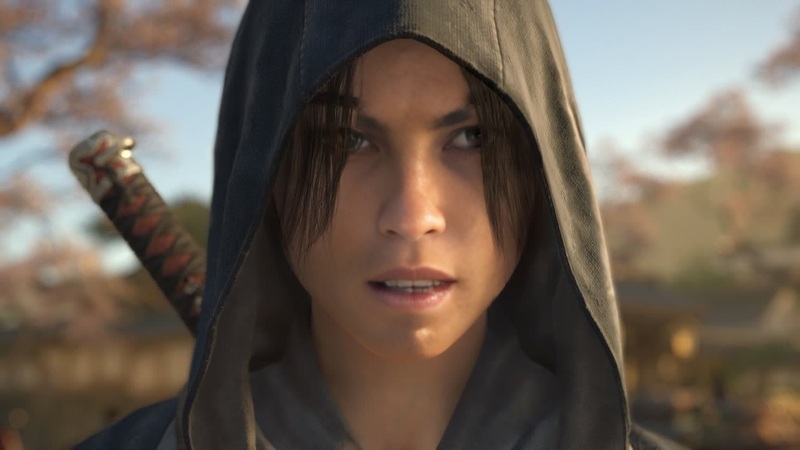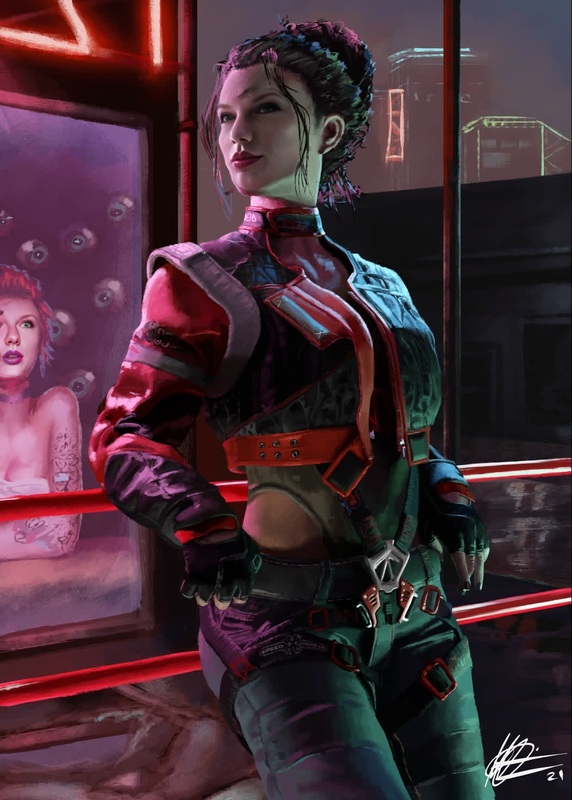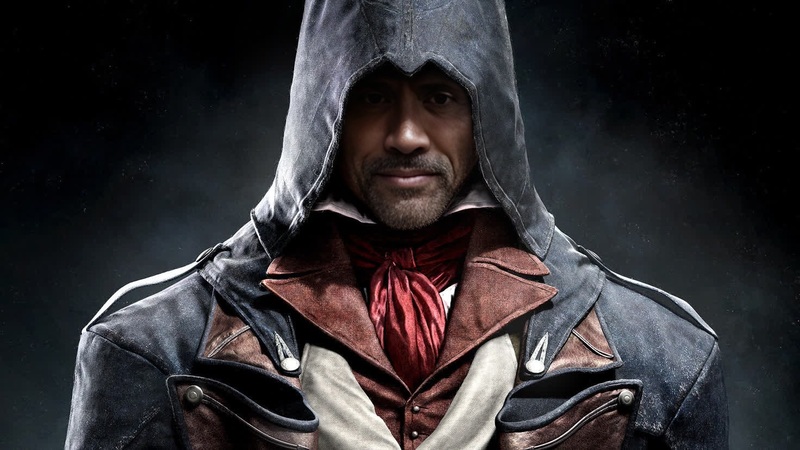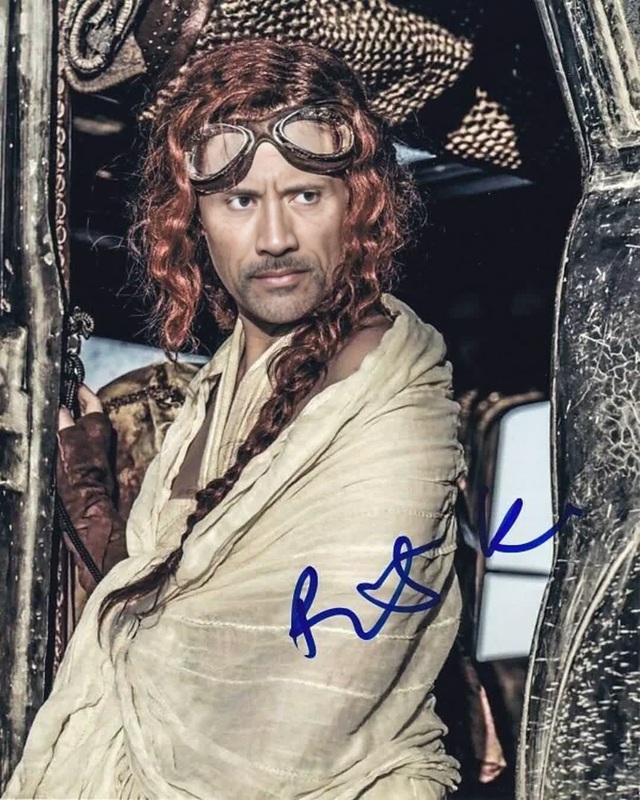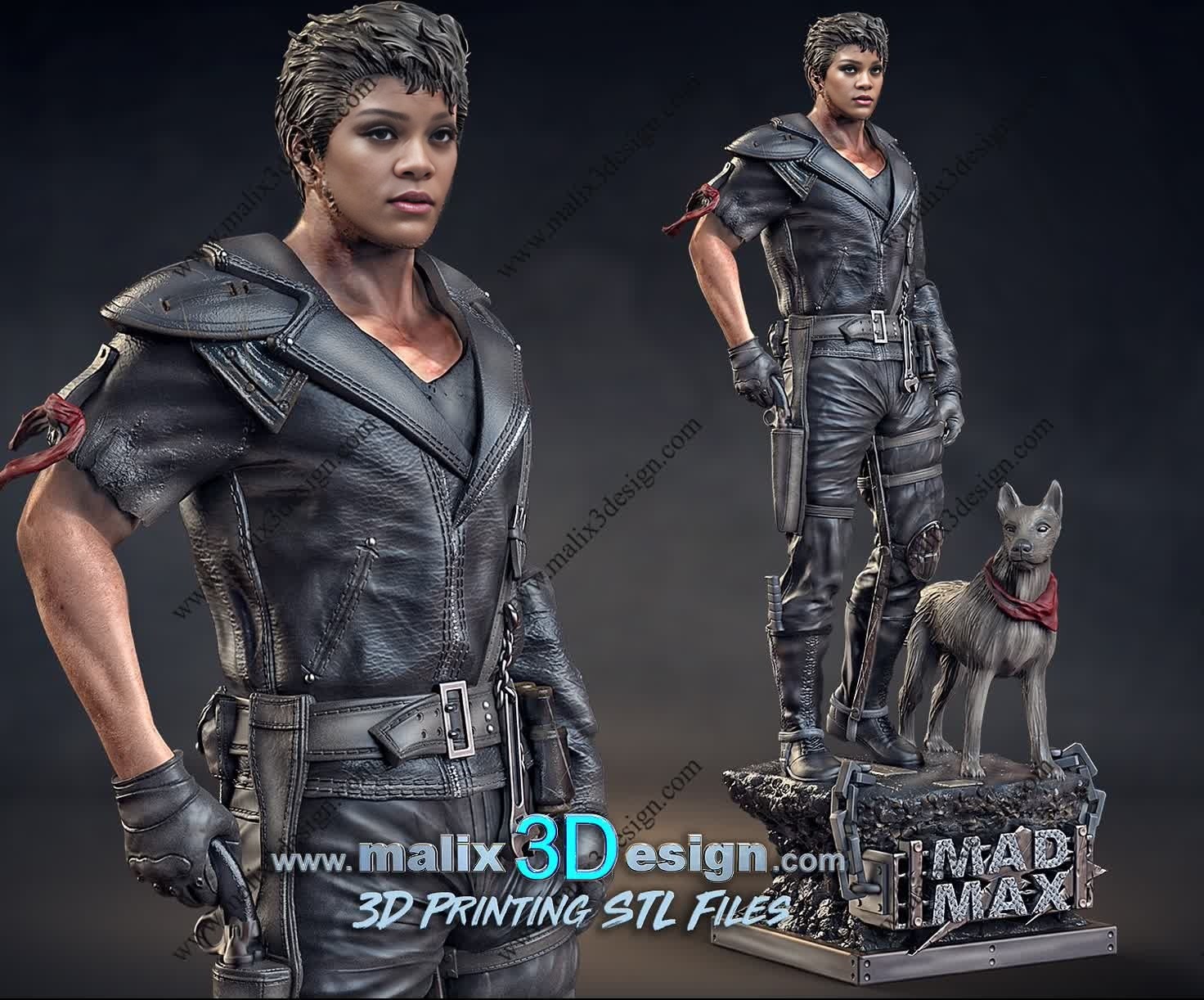
Max Rockatansky Mad Max Game Photorealistic Portrait
- Image
- 1472 × 1222 px
Any aspect ratio
Overview
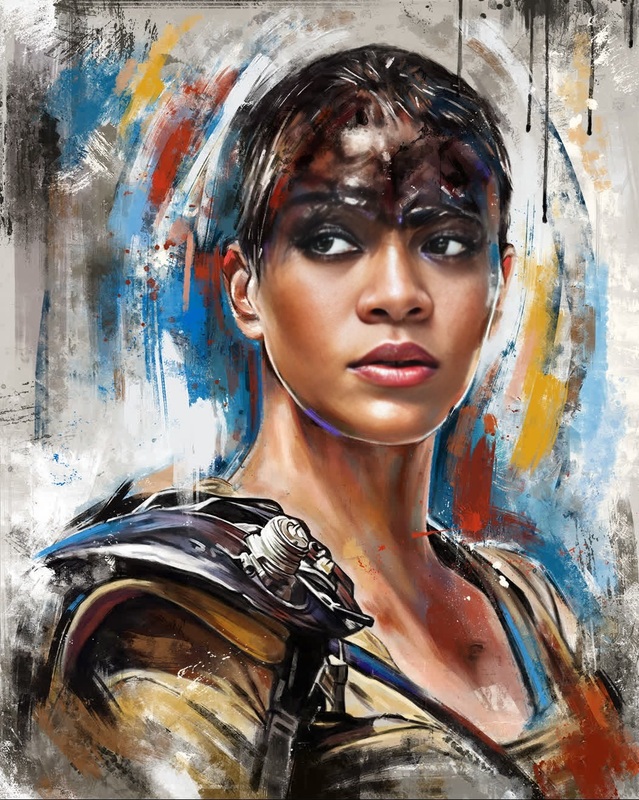
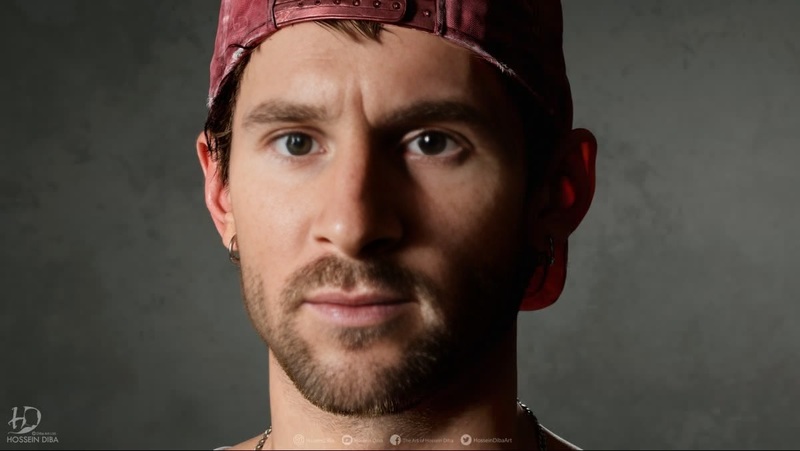
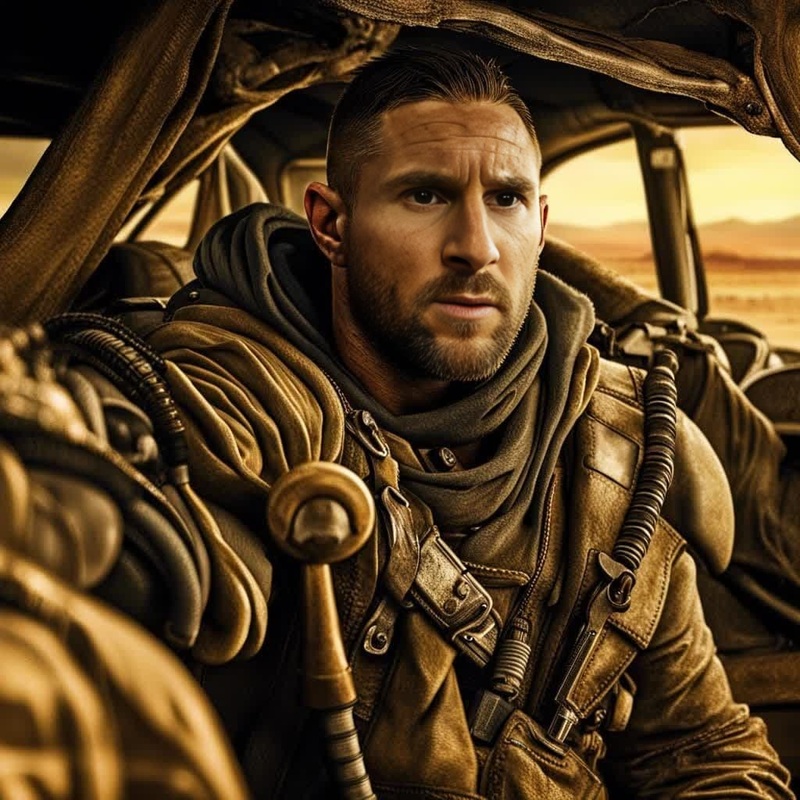
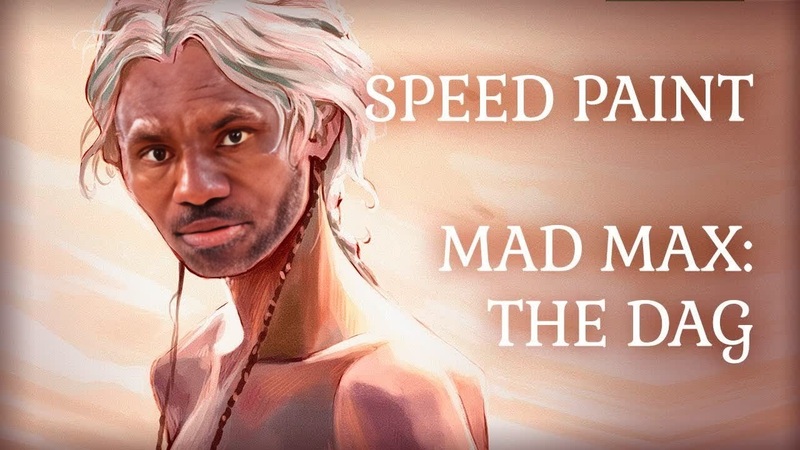
The Max Rockatansky Mad Max Game Photorealistic Portrait template is designed for creating engaging and realistic face swaps. This video face swap template offers builders and creators a chance to transform characters in their videos into stunning likenesses of Max Rockatansky. Crafted for enthusiasts of the iconic Mad Max series, this template brings your content to life with cinematic quality.
Enhance your video projects by integrating our Video Face Swap technology, known for its precision and ease of use. This template is supported by advanced AI models that ensure a high level of photorealism in every frame.
What It Does
This template operates as a Video Face Swap tool, allowing you to imbue your footage with the character of Max Rockatansky. The AI efficiently maps facial features and maintains the subject's expression dynamics, ensuring each frame is both realistic and true to the source material.
By leveraging the power of the AI Image Editor, you can achieve outstanding photorealistic results. This technology works seamlessly to blend skin tones and textures, making every swap appear natural and integrated within the original video environment.
Who It's For
This template is ideal for video content creators, filmmakers, and fans of the Mad Max series who are looking to create unique video experiences. Whether you're producing content for social media, movie tributes, or game-related projects, this tool offers a professional edge.
Utilize the Image to Video converters for additional assets, ensuring a comprehensive toolbox for your ambitious projects. From YouTubers to professional video editors, anyone can take advantage of this detailed and versatile video face swap tool.
Summary
In summary, the Max Rockatansky Mad Max Game Photorealistic Portrait template empowers creators to enhance video projects with face swaps that emphasize detail and realism. This tool is essential for producing compelling content that captivates audiences and highlights your creativity.
With a combination of Video Face Swap technology and auxiliary tools like the AI Image Editor, your potential is limitless in transforming ordinary footage into extraordinary artistry.
How To
Choose Your Template

Customize Your Inputs

Generate Your Video

Use Cases
Music Videos
- Create thematic visuals
- Boost engagement with a novel element
Movie Tributes
- Highlight iconic scenes
- Re-imagine classic moments
Social Media Content
- Engage fans with creative posts
- Utilize trending topics
Best Practices
Choose High-Quality Video
For best results, always use high-resolution video inputs to ensure the face swap appears seamless.Pay Attention to Lighting
Ensure that the lighting in the original video matches the source material of Max Rockatansky for a more realistic swap.Experiment with Angles
Test different angles in your original footage to find the most compelling result that maintains character integrity.
Frequently asked questions
More Like This