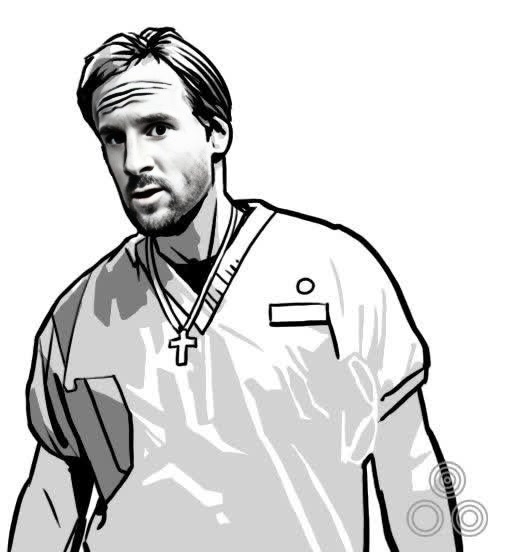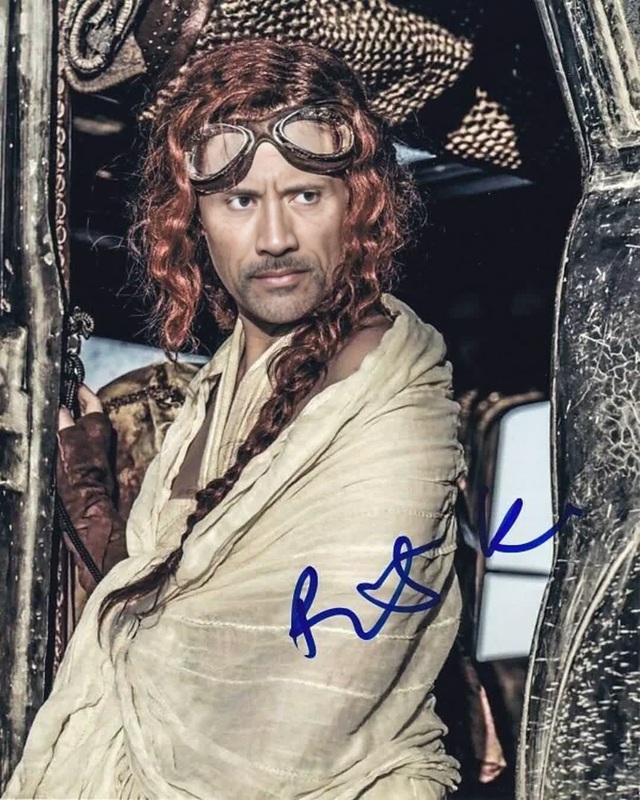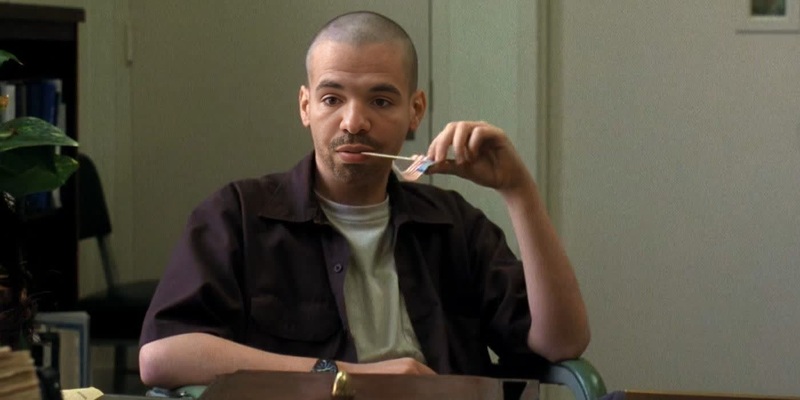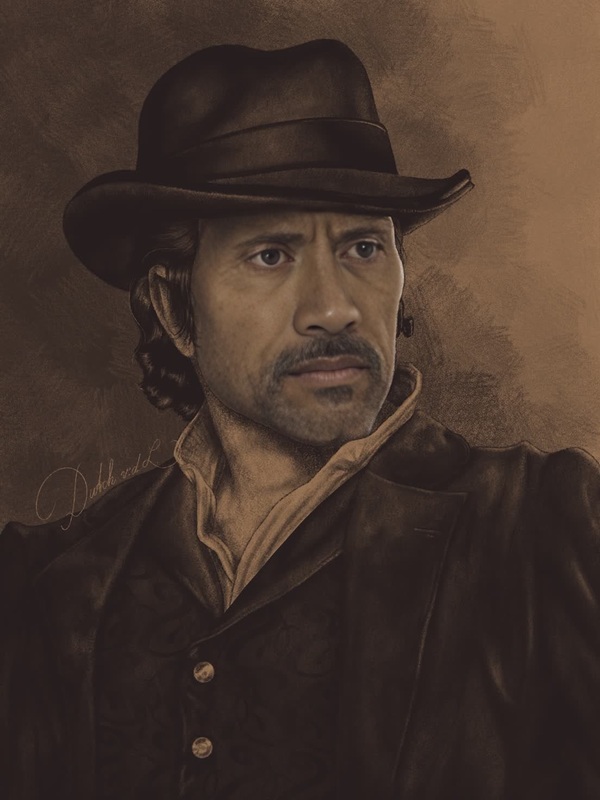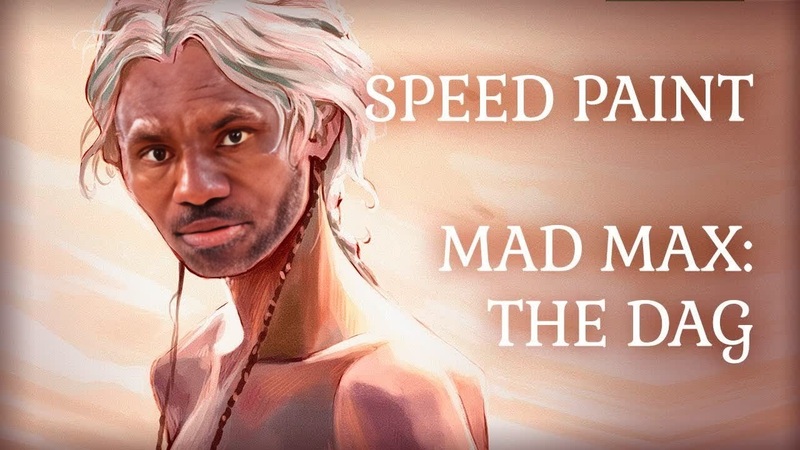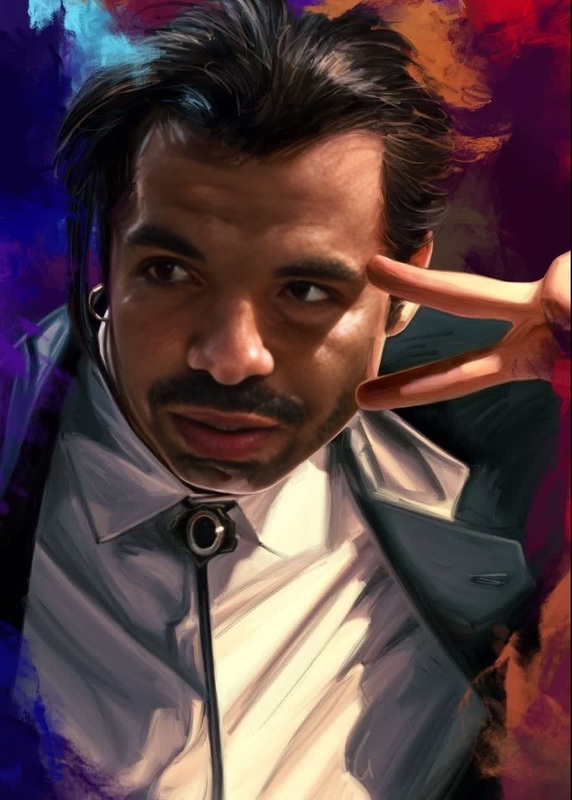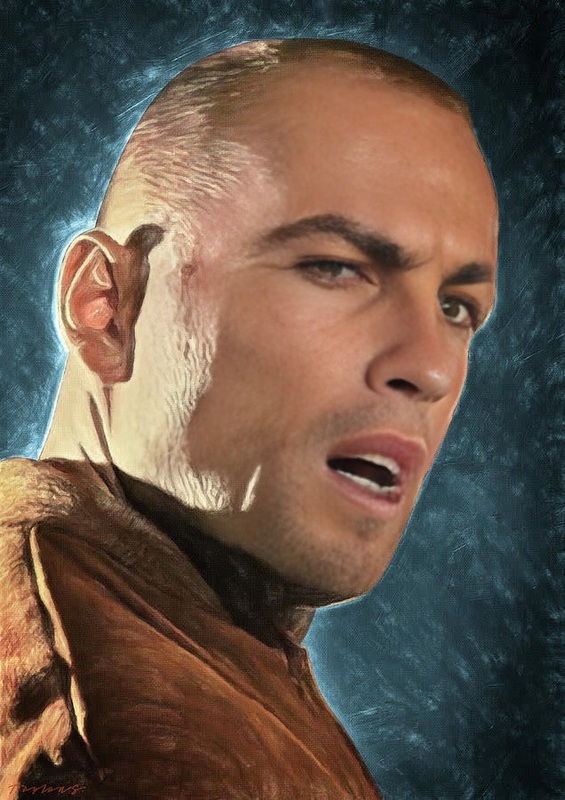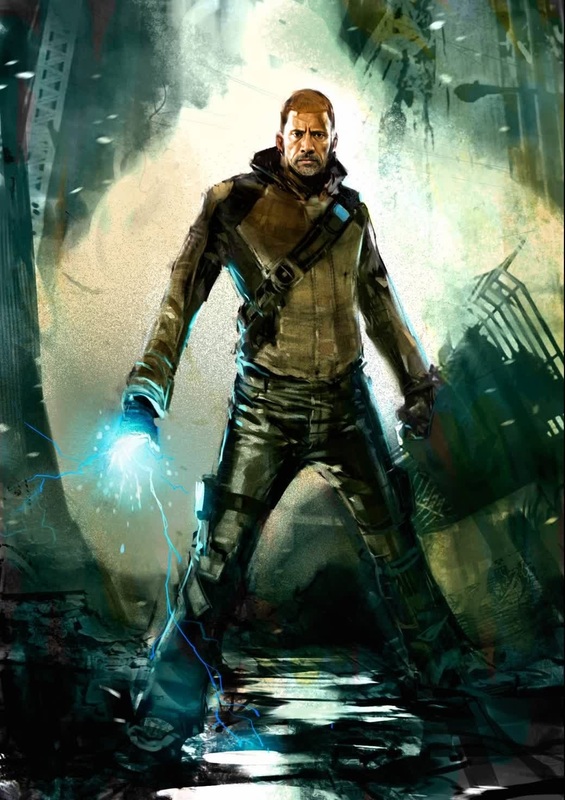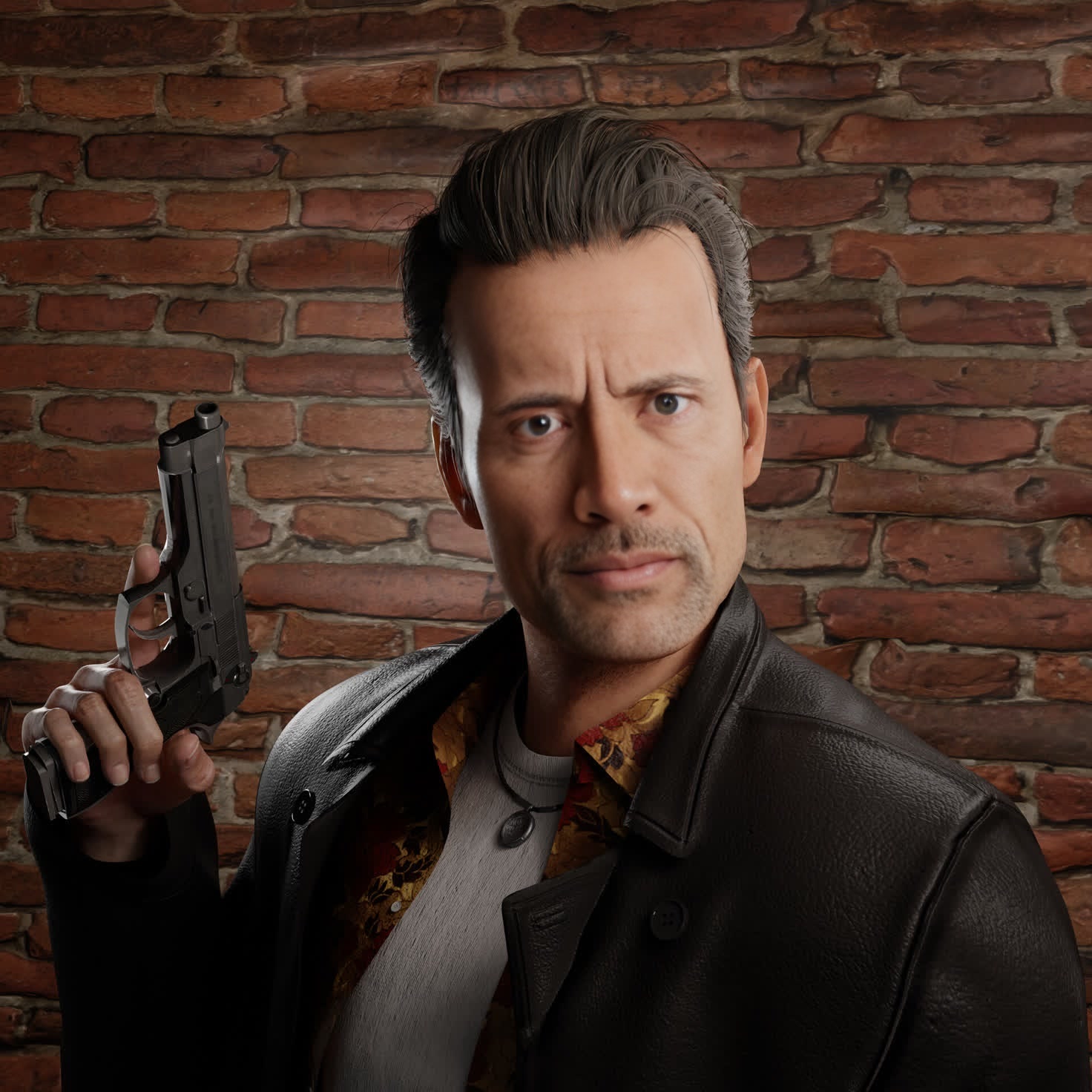
Max Payne Max Payne Portrait
- Image
- 1472 × 1472 px
Any aspect ratio
Overview
The Max Payne Portrait template is a dynamic Video Face Swap tool perfect for creating engaging and transformative visuals. Whether you're updating a portrait or creating content for social media, this template offers a straightforward pathway to achieving professional results.
What It Does
This template allows you to replace faces in videos with the iconic Max Payne character's look. Ideal for adding a dramatic and recognizable twist to your video projects, it uses AI to map the facial expressions and features of Max Payne onto your selected subjects.
Who It's For
This tool is designed for video editors, content creators, and social media enthusiasts looking to engage their audience with something unique. It's also great for gamers and fans of Max Payne who want to incorporate the game's aesthetics into their personal projects.
Summary
How to Use
Choose Your Template

Customize Your Video

Generate and Download

Use Cases
Social Media Content
- Ideal for Instagram and TikTok
- Attract followers with unique transformations
Gaming Content
- Perfect for Twitch and YouTube
- Combine with gameplay for dramatic effect
Creative Video Projects
- Use for storytelling
- Differentiate personal projects from the rest
Best Practices
Choose High-Quality Videos
For best results, always pick high-definition video inputs to ensure the swap appears natural and seamless.Use Comparable Angles
Ensure that the angle and lighting of your input face somewhat match those of the target face for a realistic swap.Experiment with Settings
Take the time to adjust the various settings to better match facial animation and swap characteristics.
Frequently asked questions
More Like This