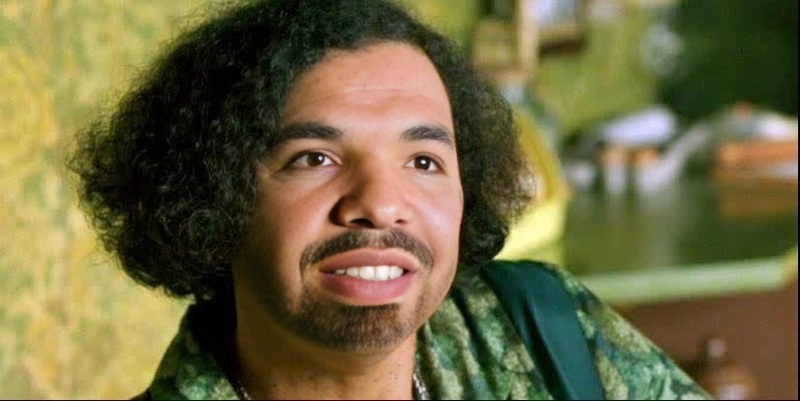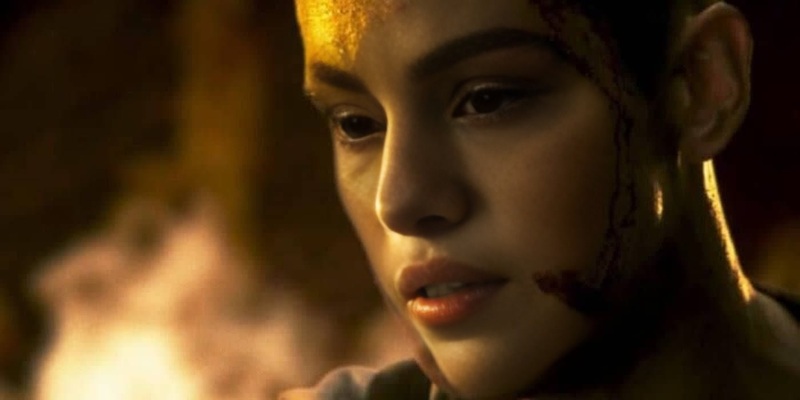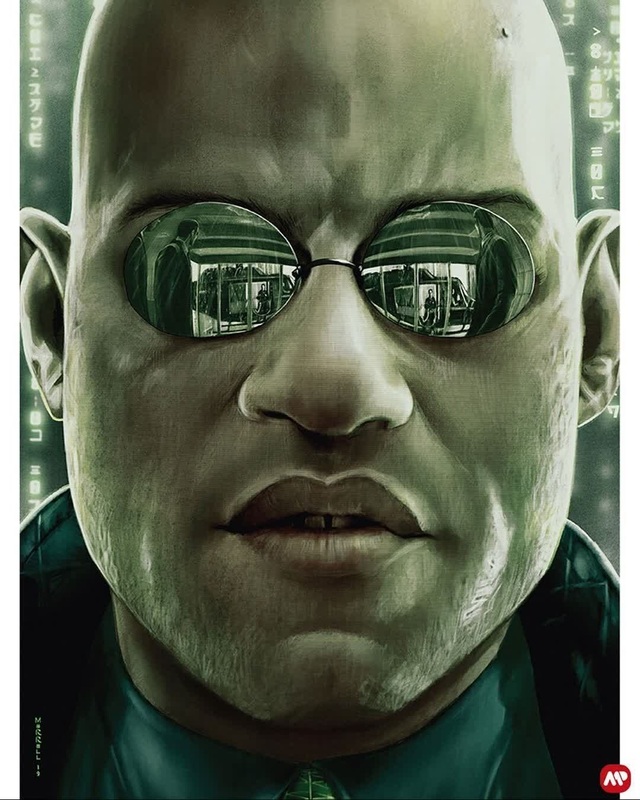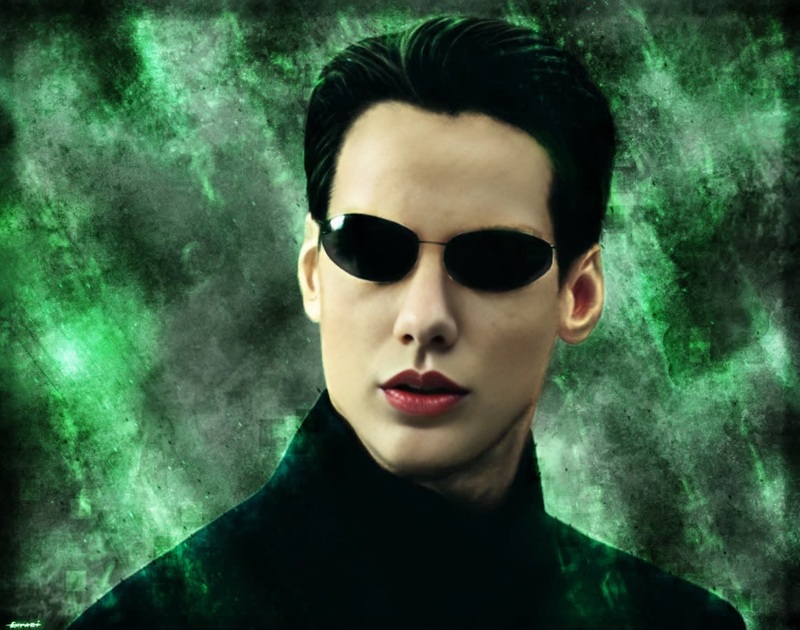
Thomas Anderson The Matrix Portrait
- Image
- 1020 × 574 px
Any aspect ratio
Overview
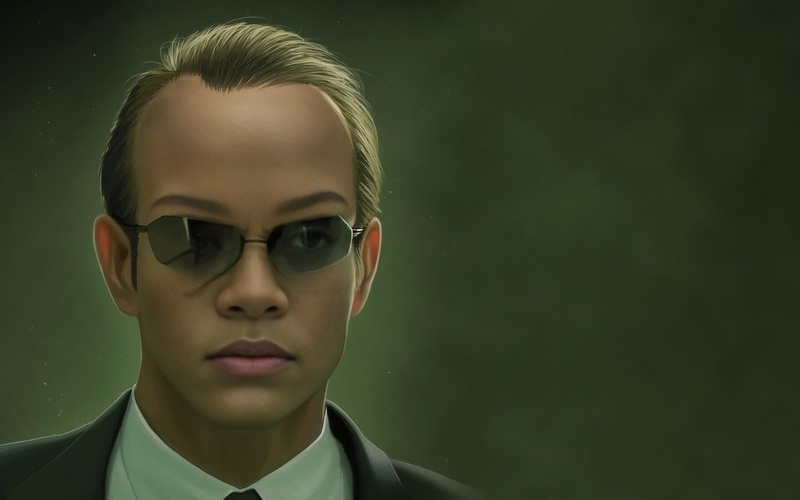
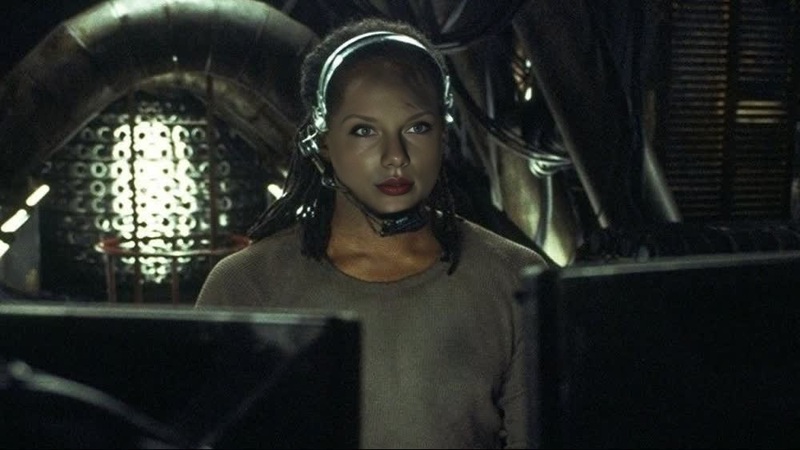
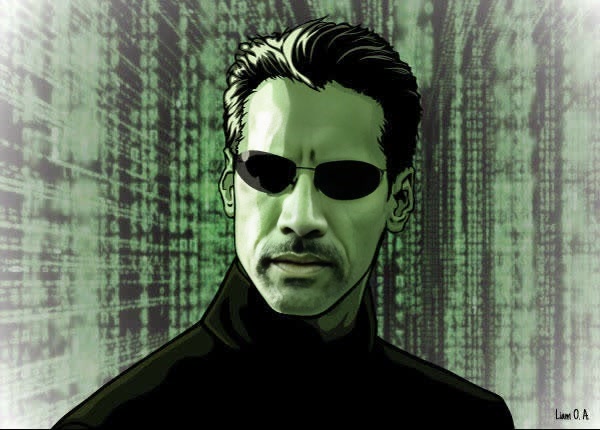
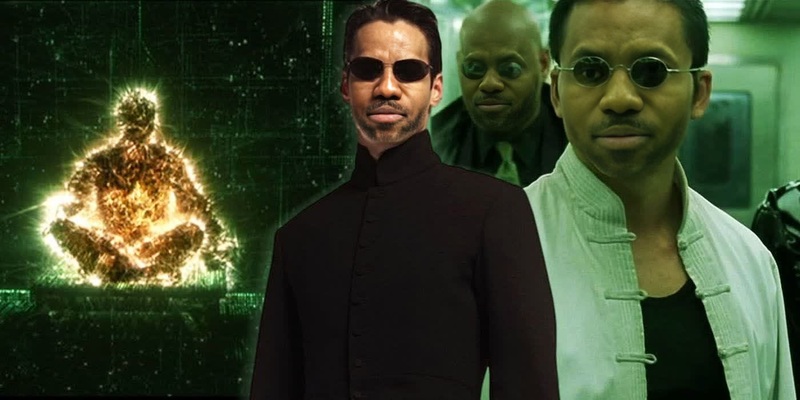
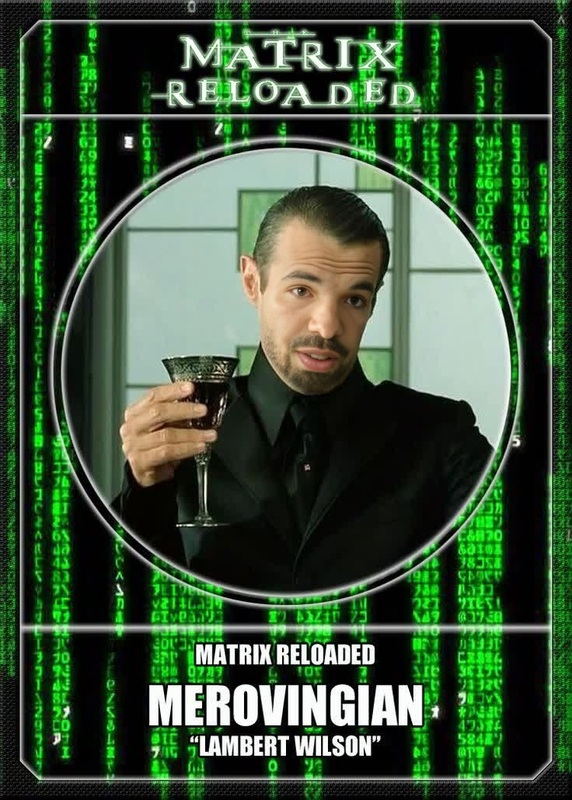
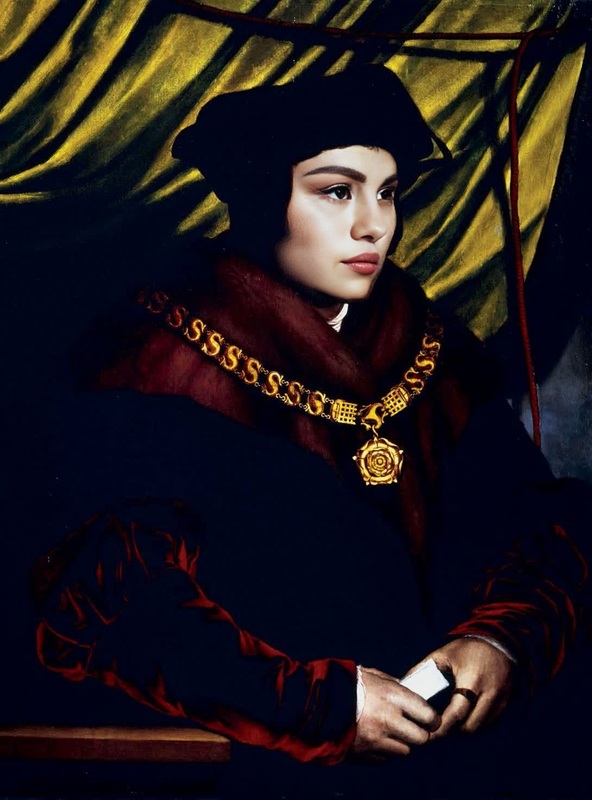
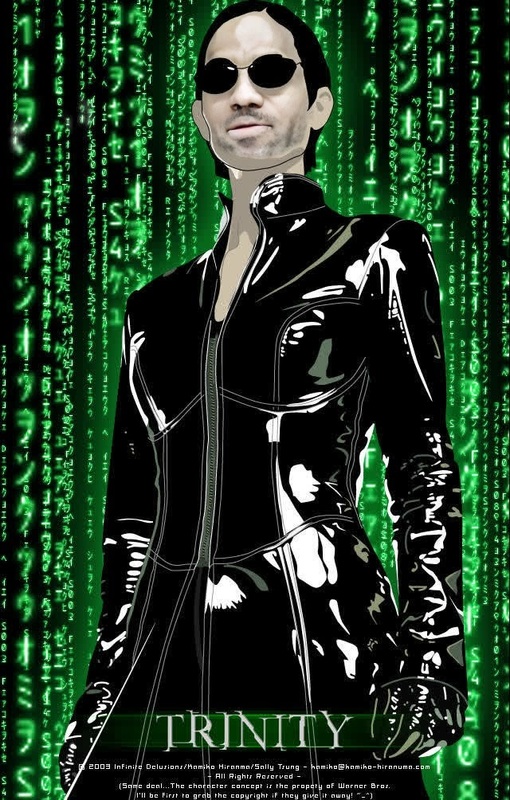
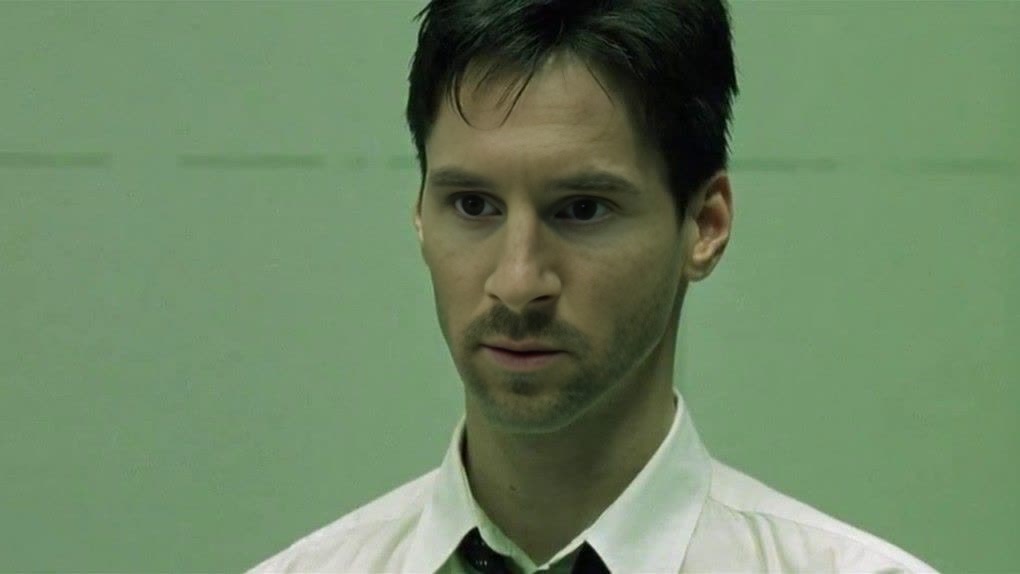
Capture the iconic look of Thomas Anderson with the Video Face Swap template. Seamlessly integrate Thomas Anderson's visage into your videos to transport your audience to the matrix. This template provides an uncanny level of detail, offering creators a novel way to remix their content.
What It Does
This template swaps the faces in your video with that of Thomas Anderson, the main protagonist from "The Matrix." By employing cutting-edge AI technology, it ensures that facial expressions and lighting match seamlessly with the original footage, creating a convincing transformation.
Explore other visually transformative tools like the Face Swap product, or create lively animations with the AI GIF Generator.
Who It's For
The Thomas Anderson Face Swap is perfect for content creators and Matrix fans alike. Whether you're a video editor looking to infuse a touch of cinematic flair or a social media influencer aiming for engaging content, this template is versatile and user-friendly.
Summary
Unleash the potential of your video projects by transforming them with the face of Thomas Anderson. This template simplifies the process of creating distinctive Matrix-themed content, leveraging the power of AI for stunning results.
For additional image editing capabilities, consider using the AI Image Editor, which pairs beautifully with face swapping tasks.
How to Use
Choose Your Template

Customize Your Video

Generate and Download

Use Cases
Cinematic Remixes
- Edit scenes to include Thomas Anderson in place of other characters.
- Reimagine key moments with this iconic face.
Social Media Content
- Share Matrix-themed challenges with fans.
- Start trends using iconic movie dialogues.
Brand Marketing
- Offer viewers engaging, themed ad content.
- Leverage the iconic imagery for a unique brand identity.
Best Practices
Choose High-Quality Source Footage
For the best results, use videos with clear and well-lit facial expressions. This aids the face-swapping process and maintains high output quality.Optimize for Lighting
Adjust the lighting settings during customization to match the lighting of the environment in your video, ensuring seamless blending.Experiment with Angles
Try different facial angles and expressions to achieve more dynamic outcomes. This flexibility allows for creative exploration in your project.