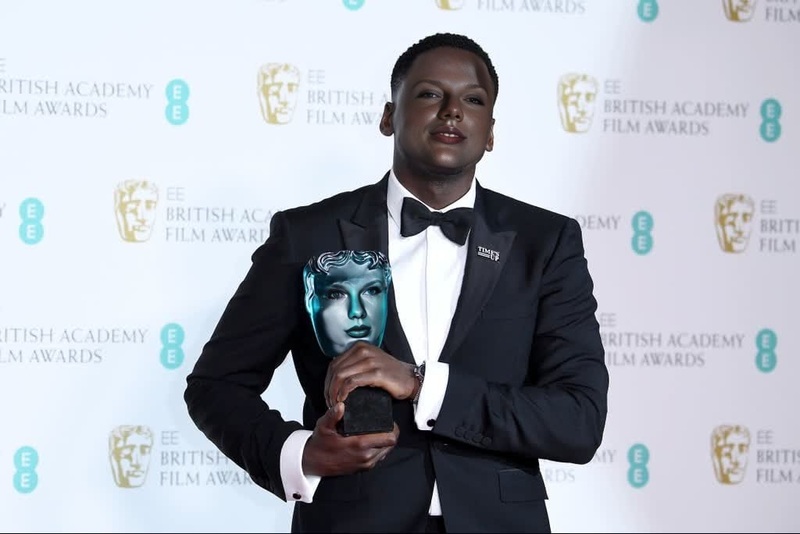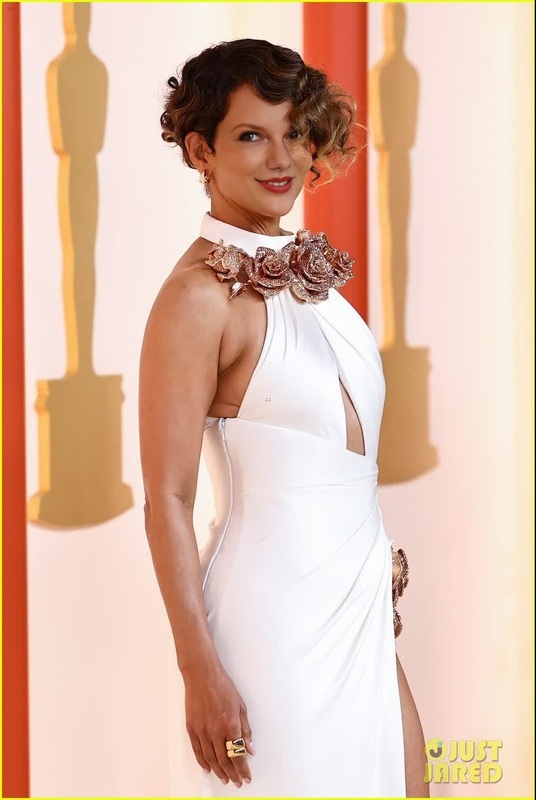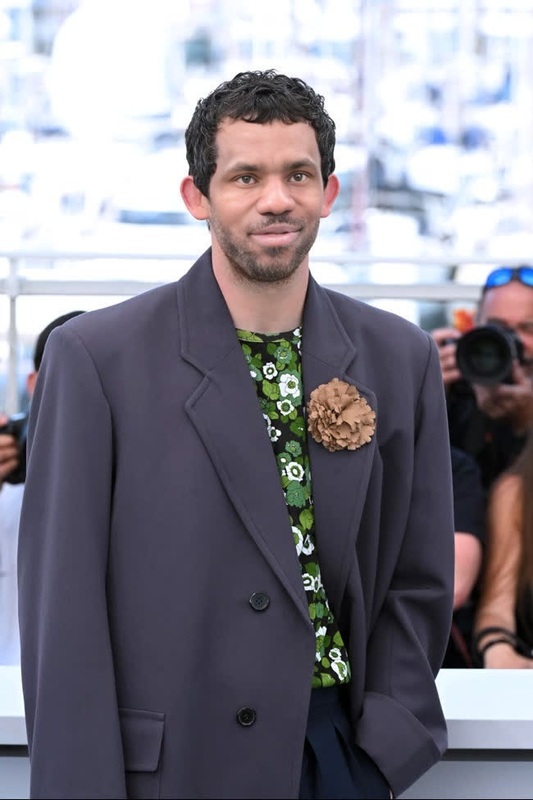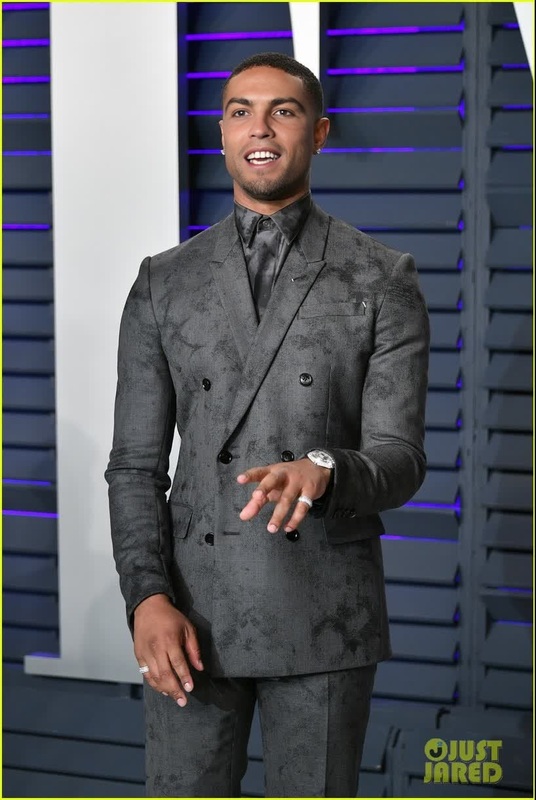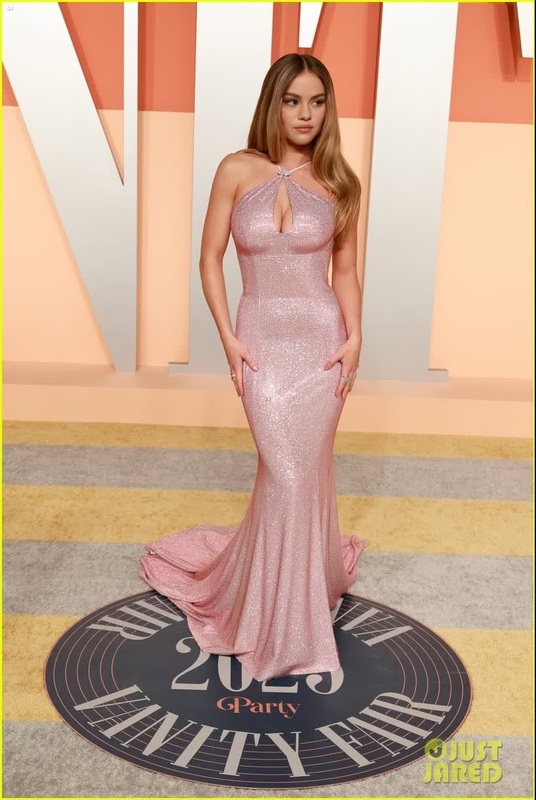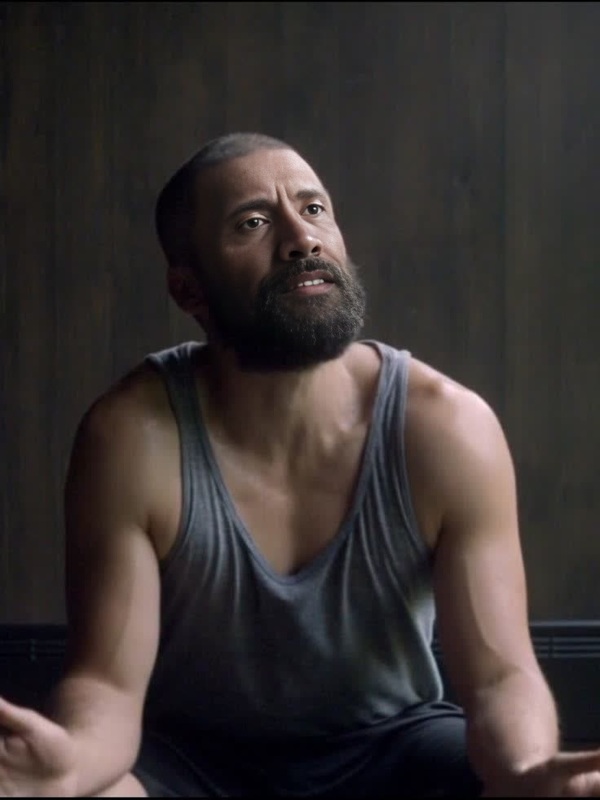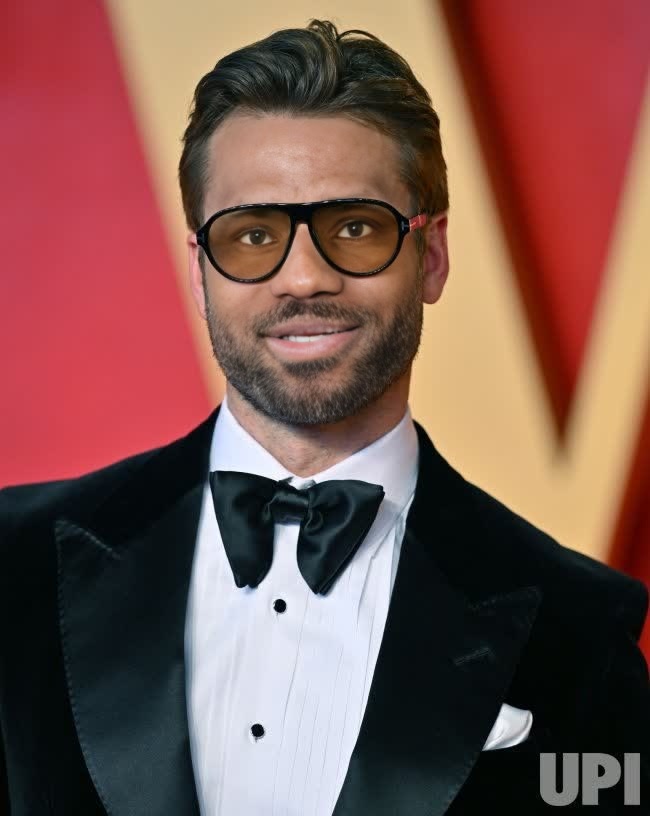
Glen Powell Vanity Fair Oscar Party Portrait
- Image
- 650 × 816 px
Any aspect ratio
Overview
Explore the captivating world of video transformations with the Glen Powell Vanity Fair Oscar Party portrait inspired template. This Video Face Swap tool allows you to creatively infuse Glen Powell's legendary Oscar night style into your own media. Perfect for both professional and personal projects, this template offers a novel way to add glamour and personality to videos.
What It Does
The Glen Powell Vanity Fair Oscar Party Portrait template specializes in Video Face Swap, giving you the capability to blend Glen Powell's Oscar-ready look into any compatible video file. Whether you're working with standard MP4 or alternative video formats, this tool allows you to substitute the face in your video with Glen Powell's, maintaining intricate details and expressions.
Who It's For
This template is ideal for creatives in the entertainment industry, social media enthusiasts aiming to entertain their audience, and marketers looking to catch attention in campaigns. Additionally, educators and trainers can use this tool to provide playful yet engaging learning content. If you're familiar with Video Face Swap and want to take your content to the next level, this template is for you.
Summary
Capture the essence of a star-studded event with this specialized Video Face Swap template. It's more than just a face swap—it's about transforming your video projects with a splash of celebrity flair. To deepen your creative toolbox, pair it with functionalities like the AI Face Editor for additional customization or the AI Image Editor for enhancing image quality.
How To
Choose Your Template

Customize Your Video

Generate and Download

Use Cases
Social Media Content
- Create celebrity mashups for TikToks.
- Craft unique Instagram reels with a Glen Powell feature.
Promotional Material
- Enhance advertisements with recognizable faces.
- Design eye-catching video thumbnails.
Event Highlights
- Transform event recap videos with celebrity appearances.
- Spice up sports highlights with famous guest appearances.
Best Practices
Choose High-Quality Source Videos
For the best results, use videos with high resolution and proper lighting to allow for a more seamless integration of the face swap.Align Facial Expressions
Ensure that facial expressions in the original video match those in Glen Powell's template to maintain natural transitions and expressions.Combine with Other Tools
Enhance swap results by combining this with other Magic Hour tools like the AI Video Generator for extended content possibilities.
Frequently asked questions
More Like This