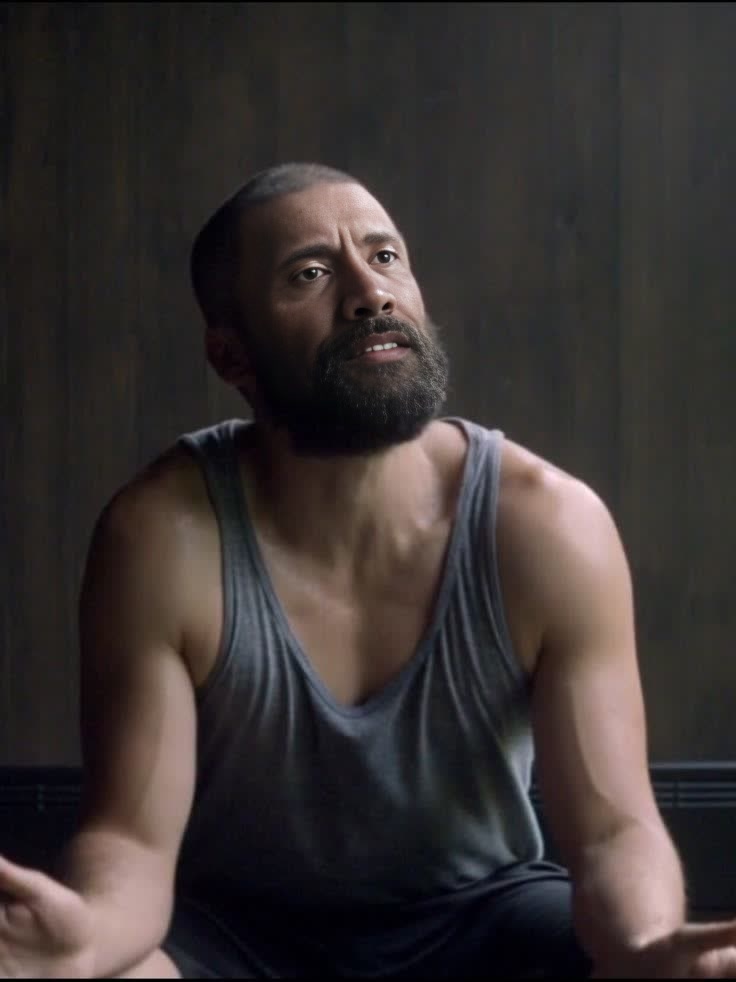
Oscar Isaac Ex Machina Promotional Portrait
- Image
- 736 × 982 px
Any aspect ratio
Overview
With the Oscar Isaac Ex Machina Promotional Portrait Video Face Swap template, step into the captivating world of this sci-fi thriller. Utilize cutting-edge technology to seamlessly blend your face with Oscar Isaac's for a striking promotional visual effect.
What It Does
This Video Face Swap tool allows you to transform your appearance into that of Oscar Isaac's character from "Ex Machina". Perfect for creating promotional content that demands attention, this template integrates your face with high realism, ensuring a professional output suitable for various media platforms.
Who It's For
Summary
Join the ranks of visionary promoters utilizing our Video Face Swap template to create memorable content inspired by "Ex Machina". Leverage this technology as part of your multi-angle campaigns to deliver content that resonates with modern audiences.
How to Use
Choose

Customize

Generate

Use Cases
Promotional Videos
- Film advertisements
- Social media teasers
Social Media Campaigns
- Instagram stories
- Twitter posts
Creative Projects
- School assignments
- Personal art projects
Best Practices
Use High-Resolution Images
Ensure the photo you upload is high resolution for the best results in the face swap process.Align Facial Features
Carefully align your facial features with the template's guide to achieve a natural look.Test Different Lighting
Experiment with lighting conditions in your photo to ensure they match the template's image.
Frequently asked questions
More Like This