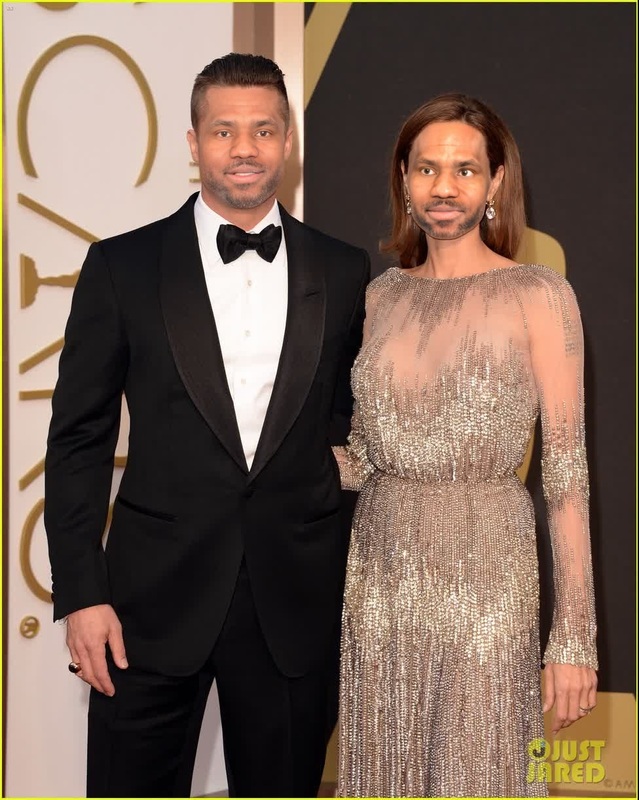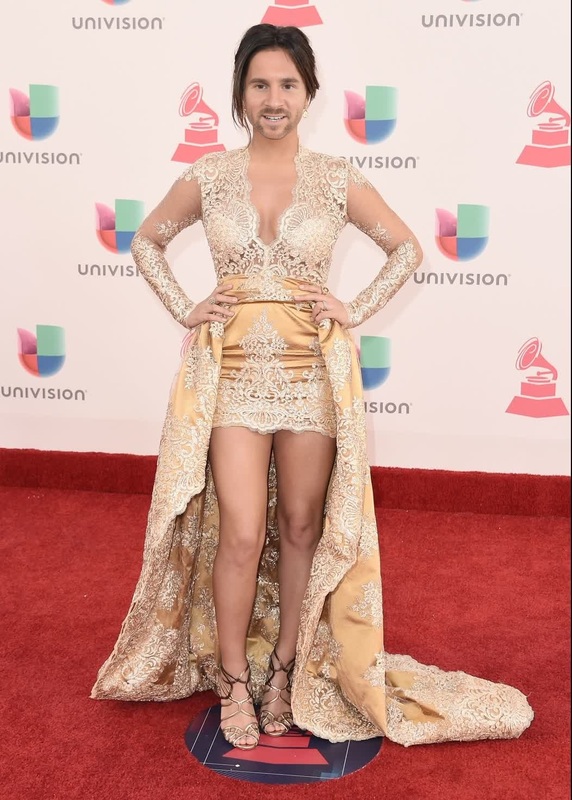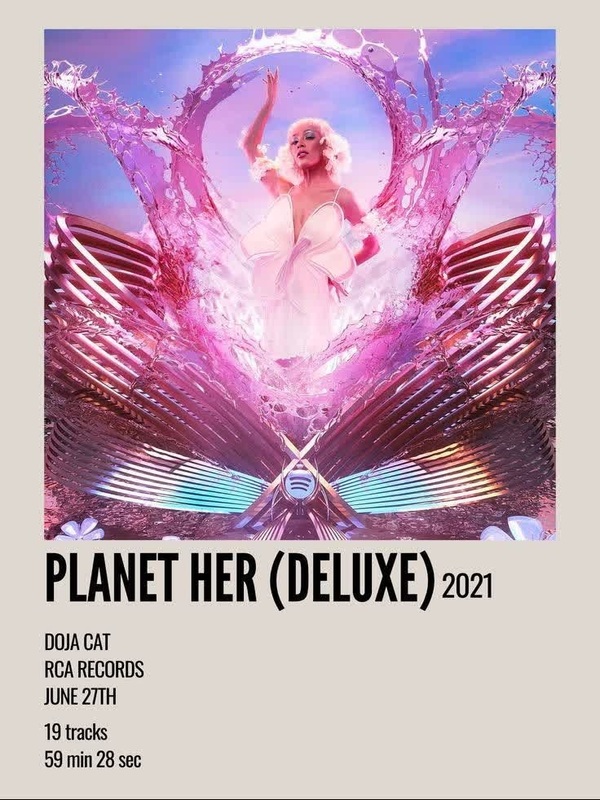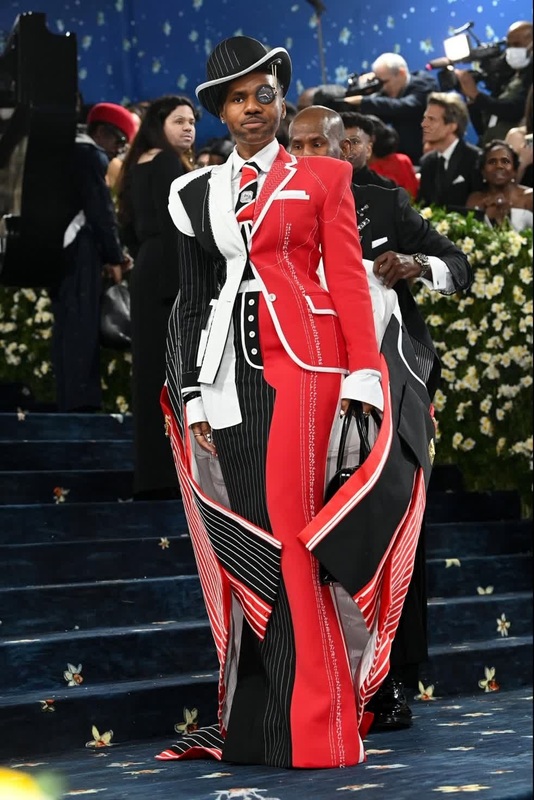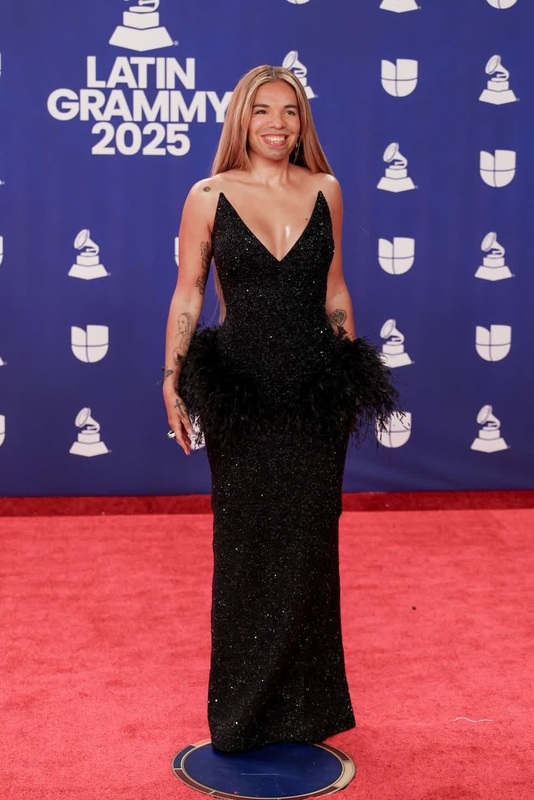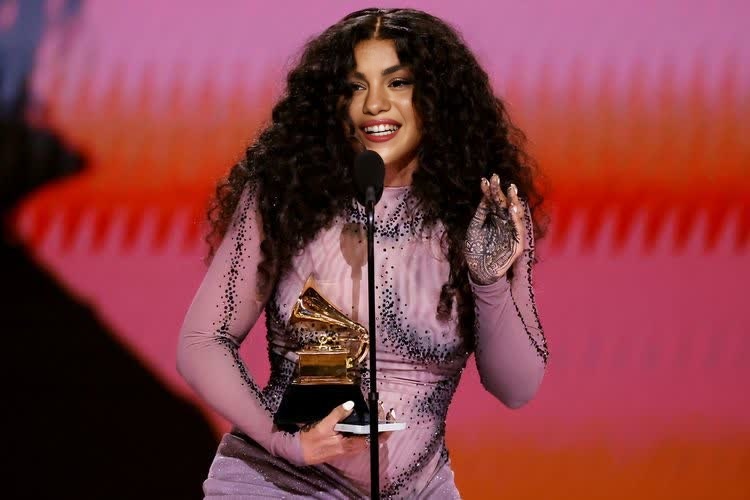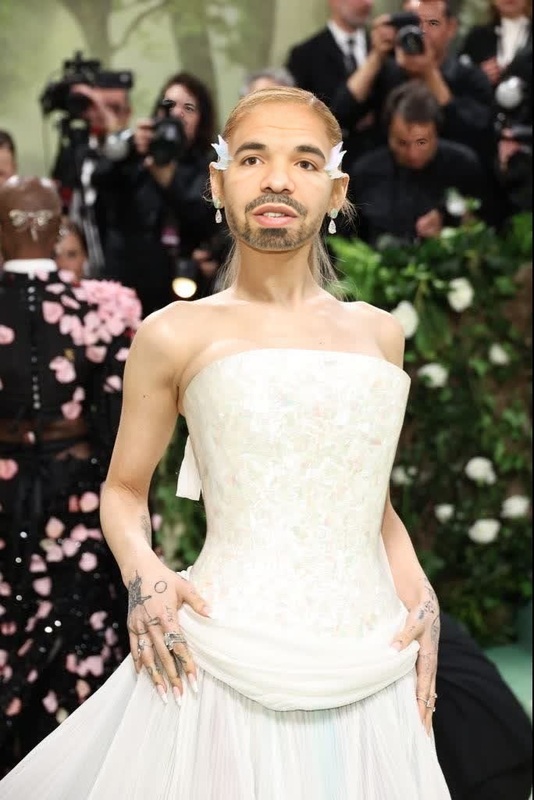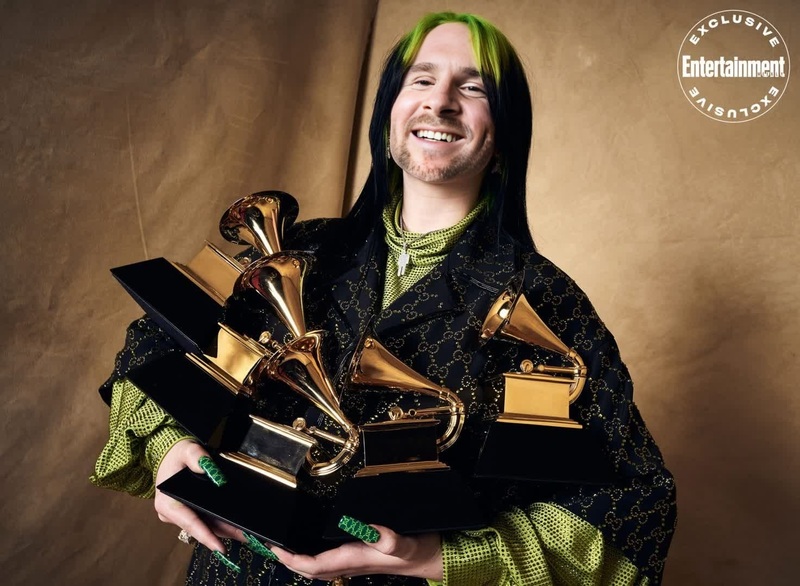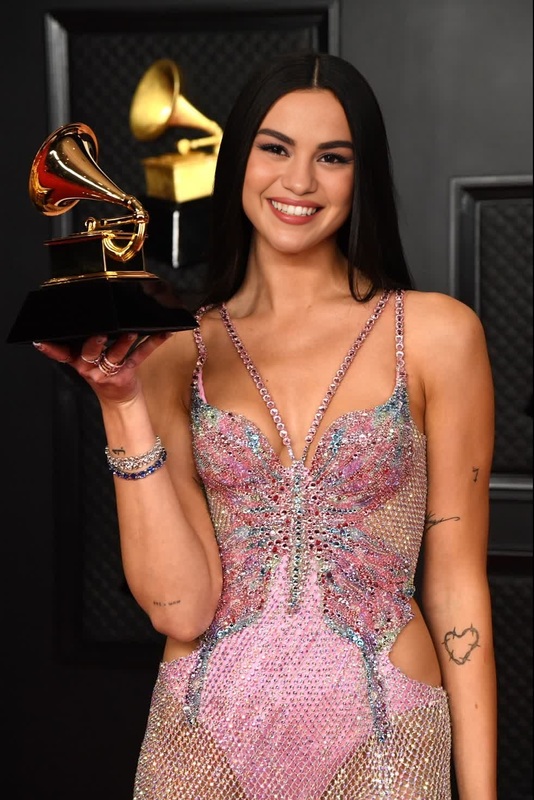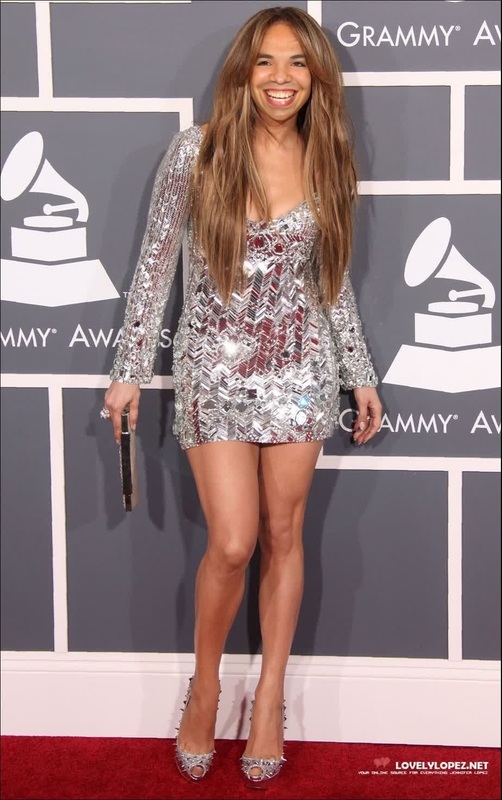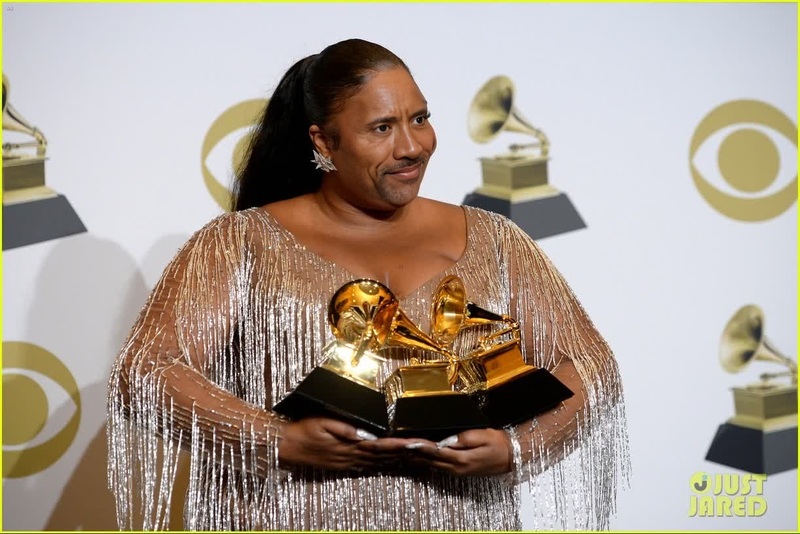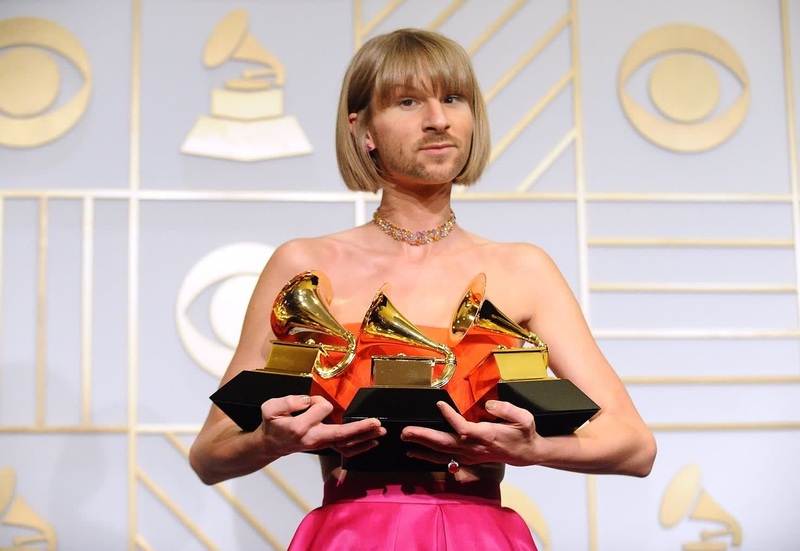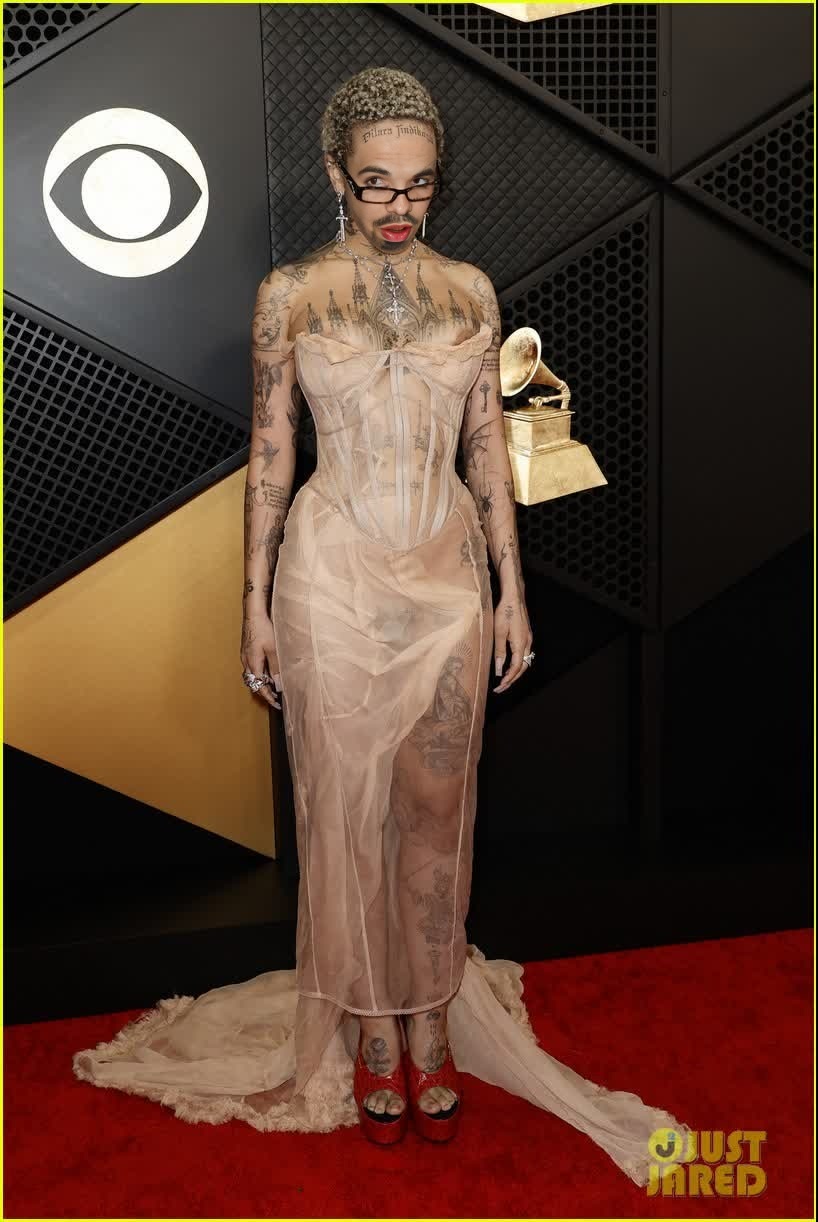
Doja Cat Grammys Red Carpet Portrait
- Image
- 818 × 1222 px
Any aspect ratio
Overview
Breathe a new life into your portraits with the Doja Cat Grammys Red Carpet Portrait template. This video face swap tool allows you to replace faces in photos with precision and style. Channel the glamor of the Grammys by transforming your images with a twist of celebrity flair.
What It Does
Our Video Face Swap technology replaces faces in photos with impressive accuracy. Utilize the Doja Cat Grammys Red Carpet theme to bring an element of celebrity artistry into your portraits. Perfect for crafting memorable content that stands out.
Who It's For
This template is tailored for creators, influencers, and anyone looking to give their visuals a distinctive edge. If you're seeking to elevate your content for social media or personal projects, this tool is a perfect fit. From fashion enthusiasts to meme artists, the possibilities are endless.
Summary
The Doja Cat Grammys Red Carpet Portrait template offers a straightforward method to animate and transform photographs with a video face swap. Integrate this tool into your workflows to showcase your creative touch in unique and high-impact ways.
How to Use
Choose Template

Customize Inputs

Generate Video

Use Cases
Personal Blogs
- Craft unique content for posts.
- Engage readers with interactive visuals.
Social Media Content
- Capitalize on trending faces.
- Boost engagement and shares.
Digital Art Projects
- Add a dash of humor or style to art projects.
- Explore celebrity artistry.
Best Practices
Select a Clear Portrait
Use high-quality, well-lit images for best face swap results.Align Faces Accurately
Double-check facial alignment to maintain natural proportions and expressions.Explore Different Angles
Try experimenting with various photos to see which offer the most compelling transformations.