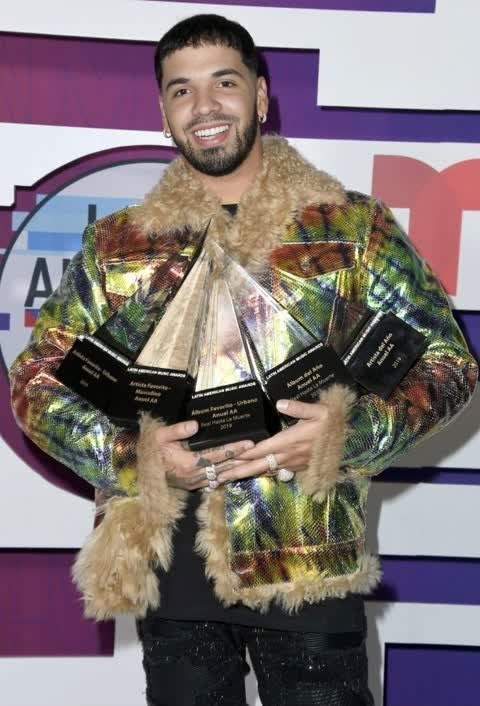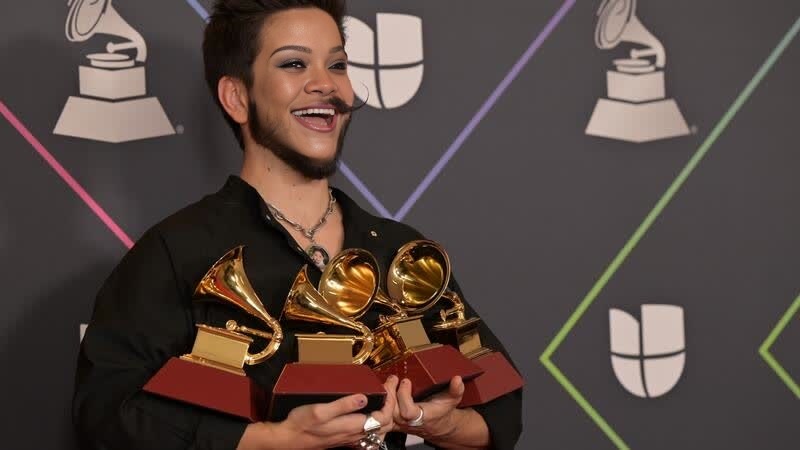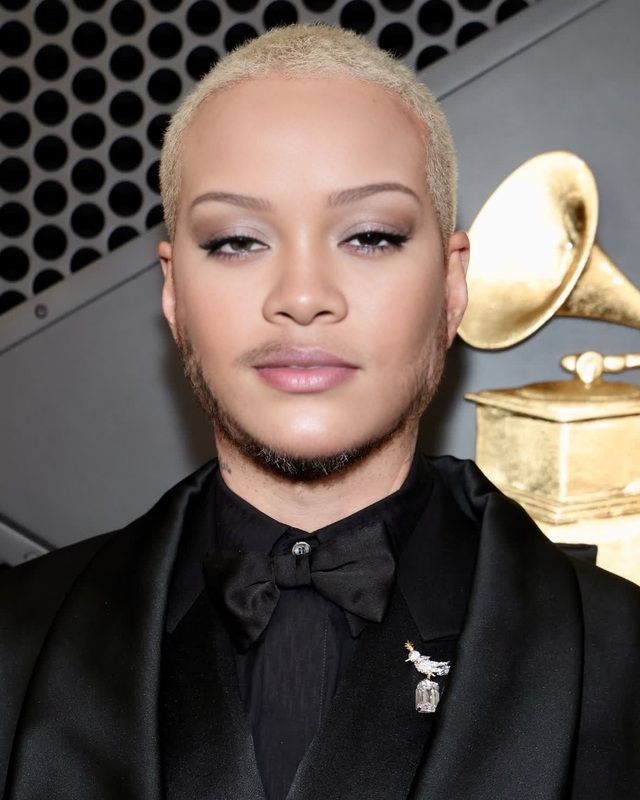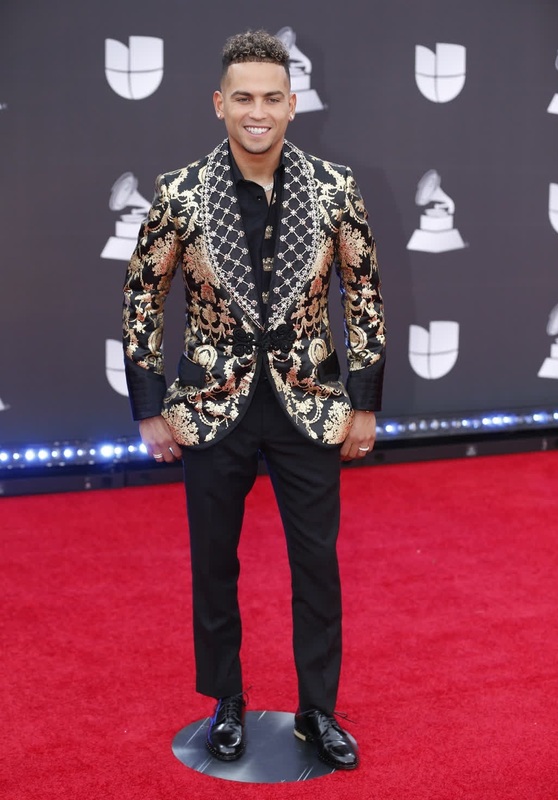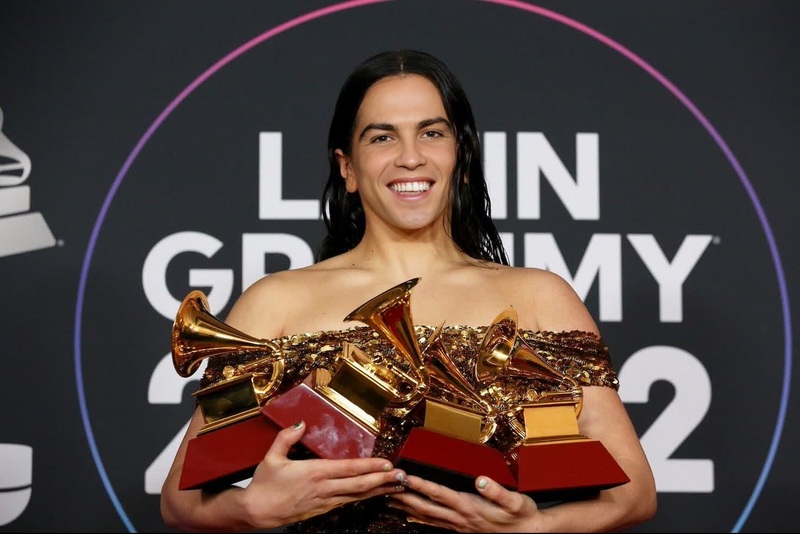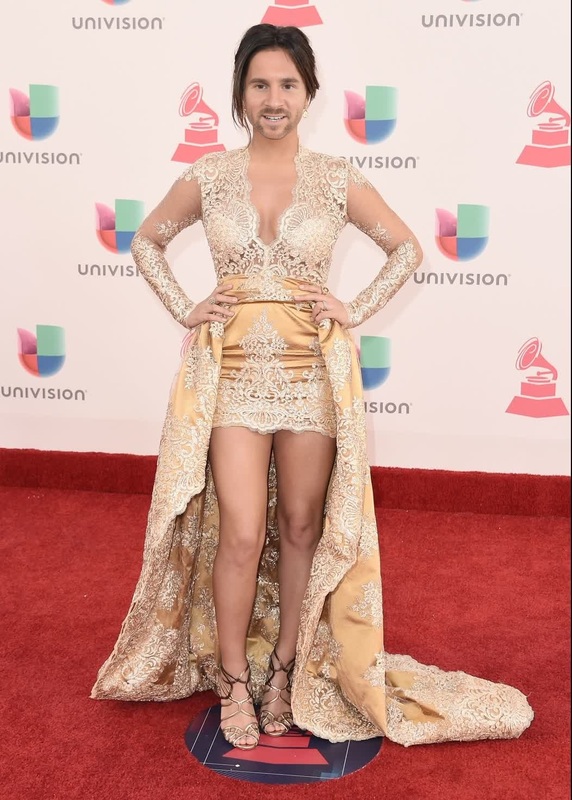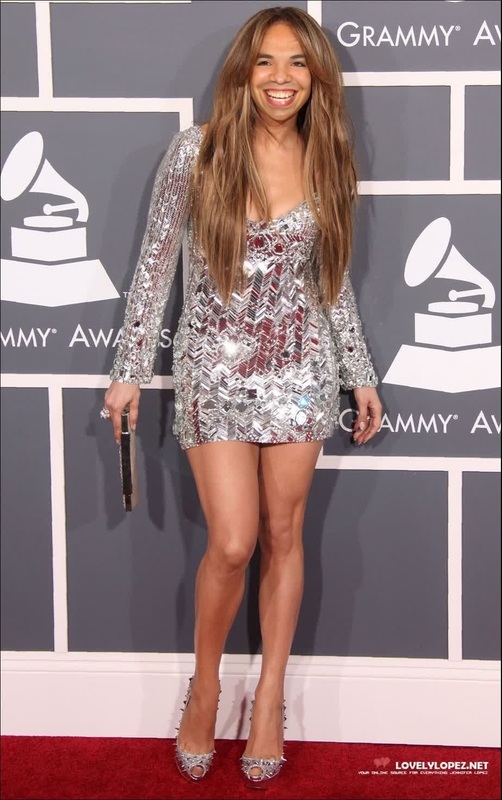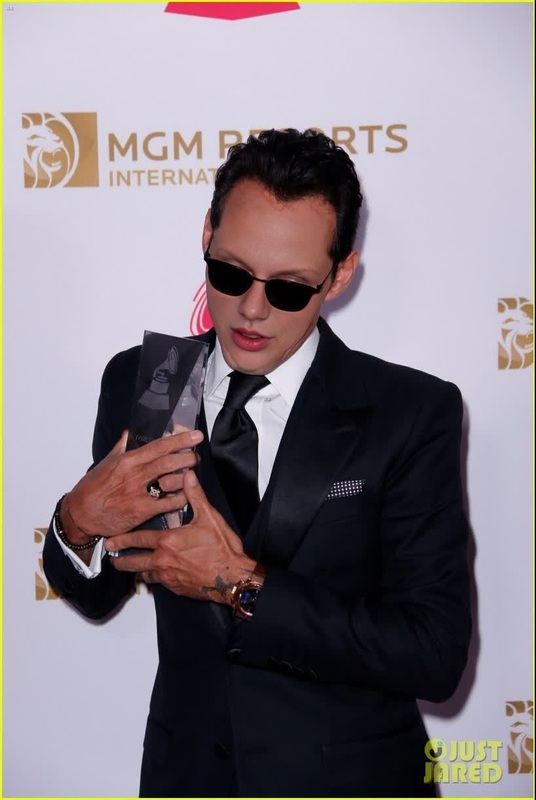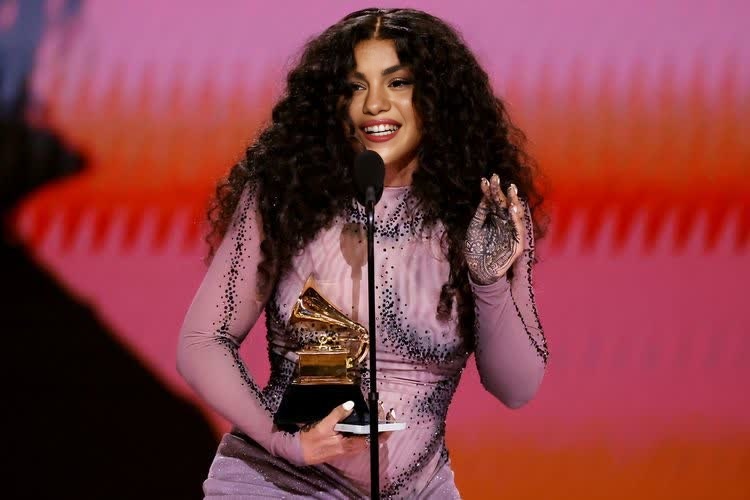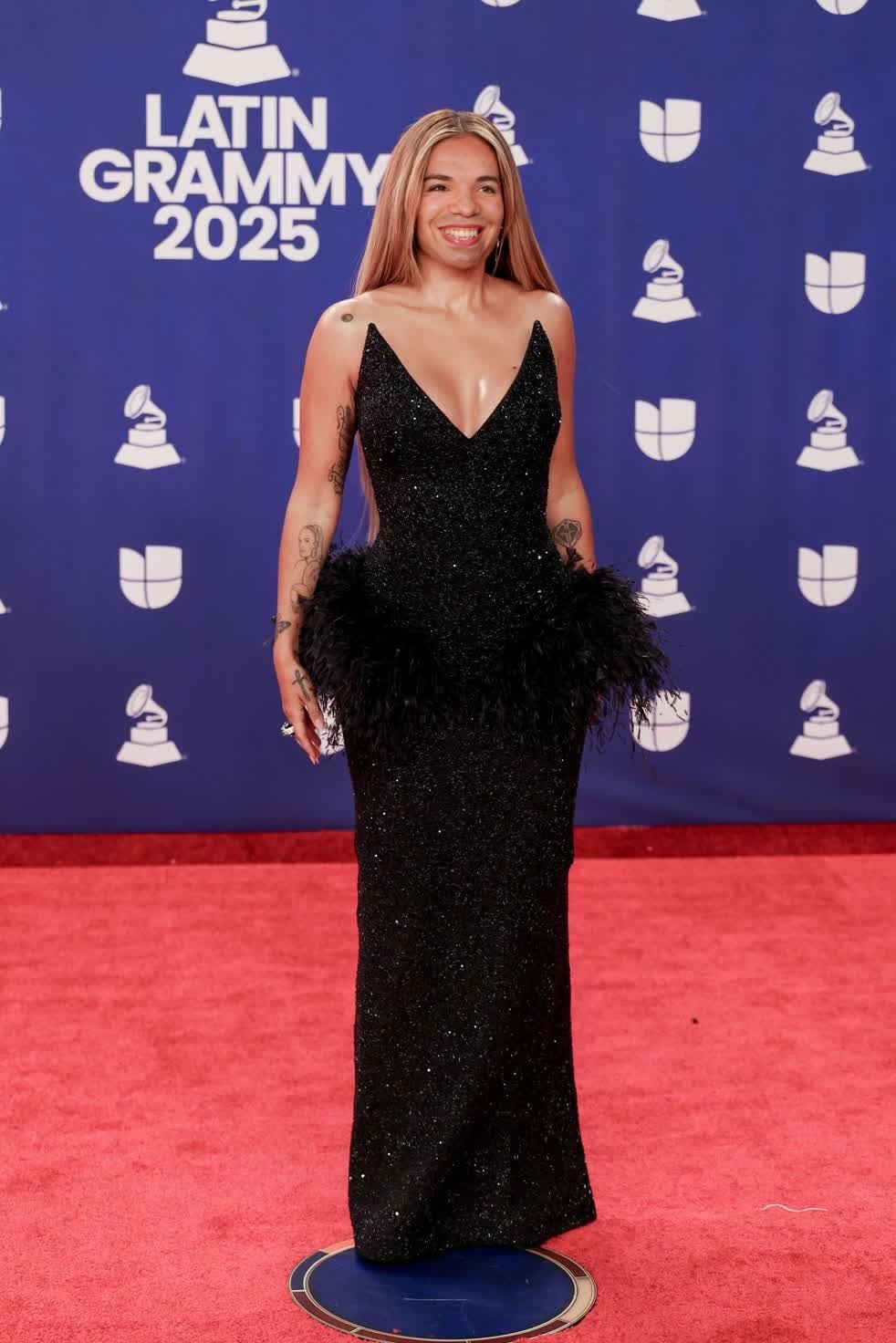
Karol G Latin Grammy Awards Portrait
- Image
- 982 × 1472 px
Any aspect ratio
Overview
The Karol G Latin Grammy Awards Portrait Template is your key to crafting personalized and vibrant video content. By utilizing Video Face Swap technology, this template allows you to insert your own image into iconic moments from the Latin Grammy Awards, making your content stand out.
What It Does
This template leverages Video Face Swap to replace chosen faces with yours or others in a video featuring Karol G at the Latin Grammy Awards. It maintains video quality while ensuring a realistic and engaging transformation.
Who It's For
This tool is perfect for fans looking to interact creatively with their favorite celebrities or content creators crafting engaging social media posts. It's also suitable for marketers aiming to create personalized promotional content.
Summary
Use the Karol G Latin Grammy Awards Portrait Template to transform moments by swapping faces in notable award ceremonies. This tool is designed for fan engagement and marketing efforts, integrating seamlessly with platforms like AI Video Generator and Image to Video tools.
How To
Choose

Customize

Generate

Use Cases
Fan Engagement
- Create personalized fan experiences
- Enhance social media interaction
Social Media Content
- Stand out on platforms like Instagram and TikTok
- Encourage user-generated content
Marketing Campaigns
- Promote brand association with celebrities
- Capture audience attention with dynamic visuals
Best Practices
Select High-Quality Images
For the best results, use high-resolution images for the face to be swapped.Mind the Lighting
Ensure the lighting of the face image matches the original video to maintain realism.Use Consistent Angles
Choose face images with angles similar to the video for a smoother swap process.