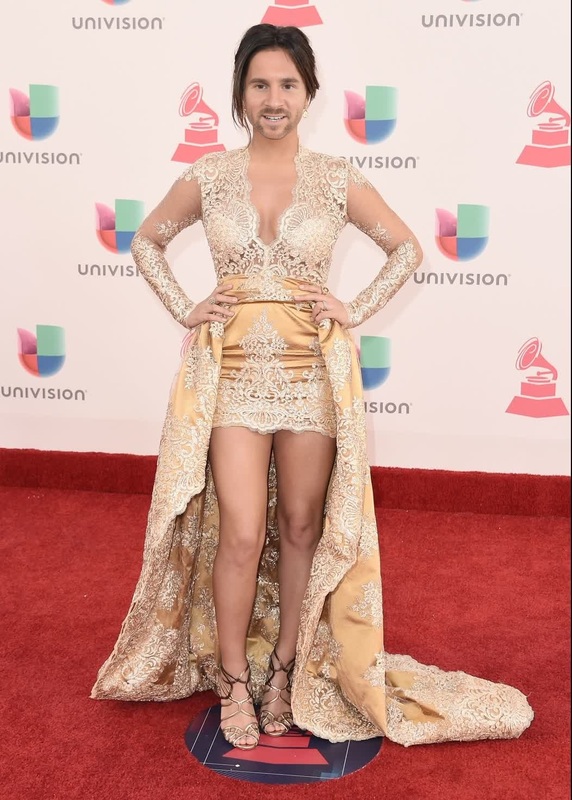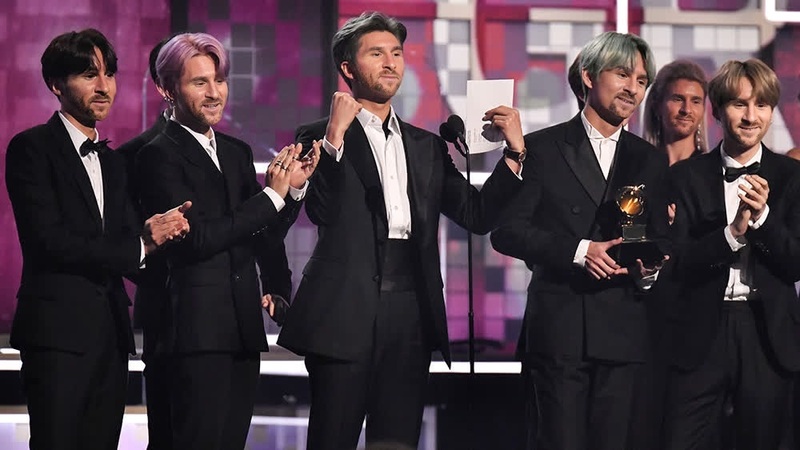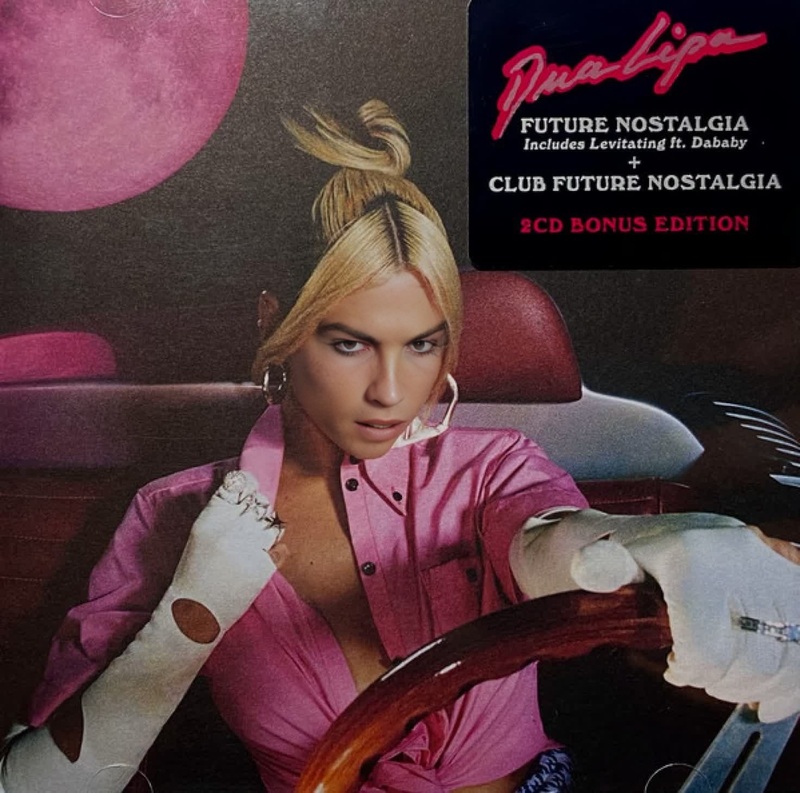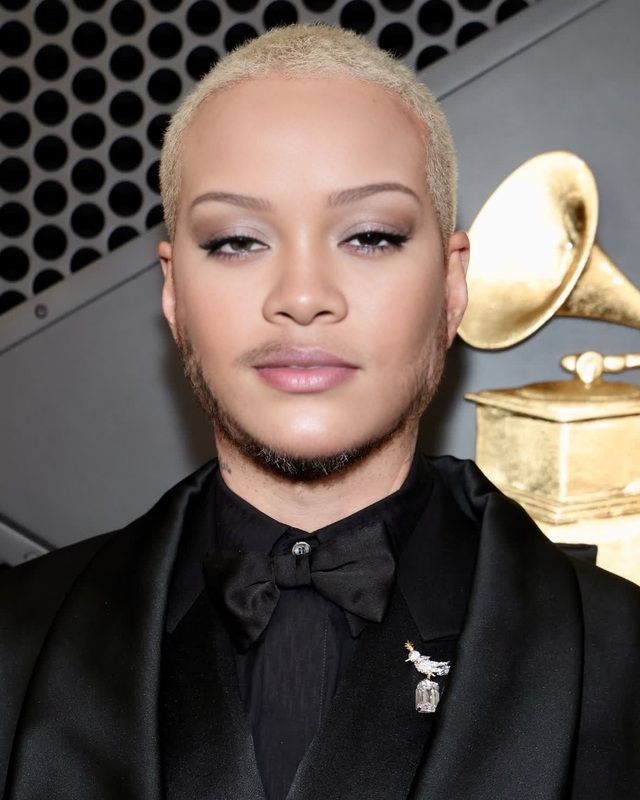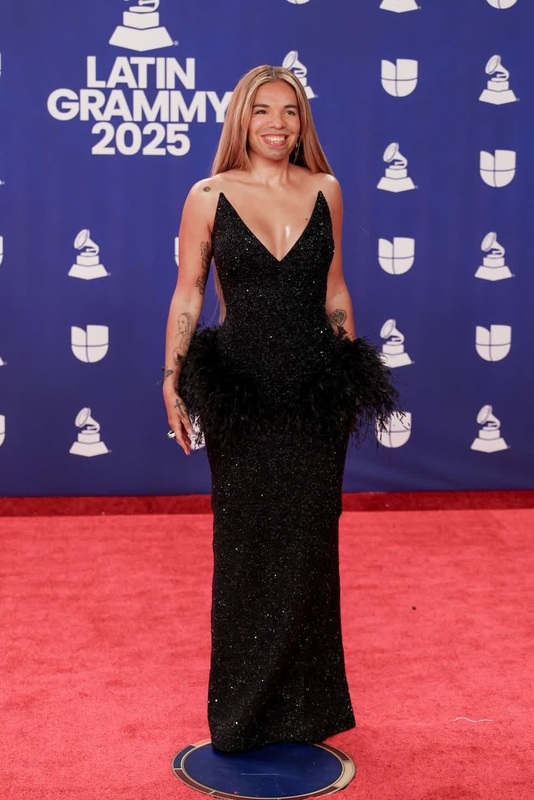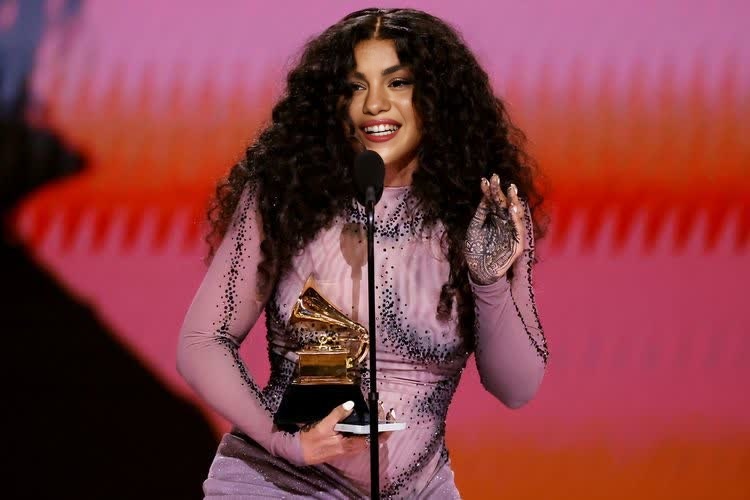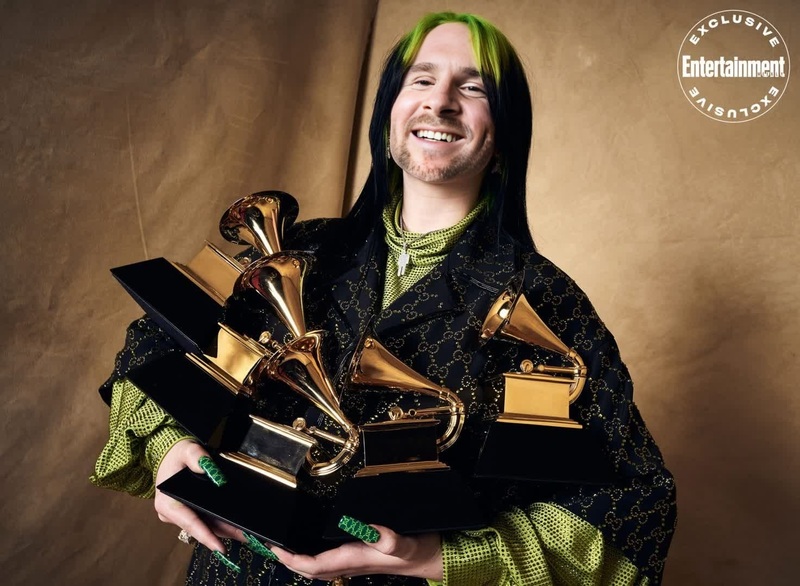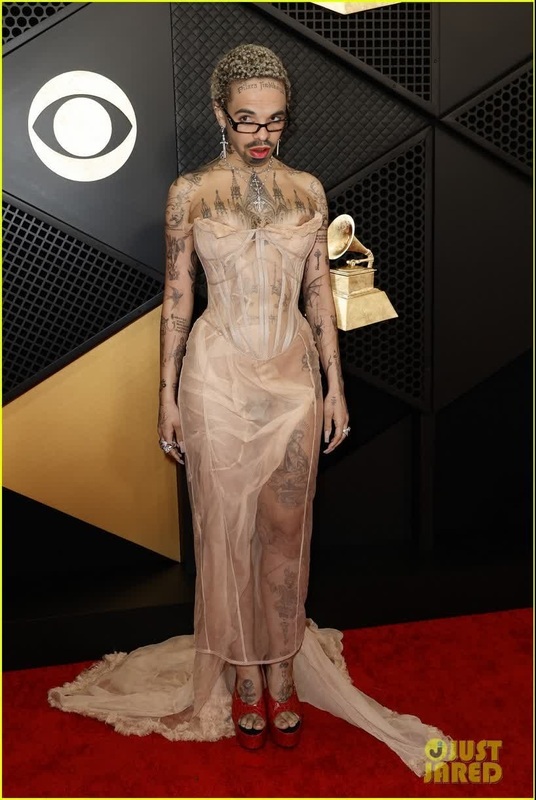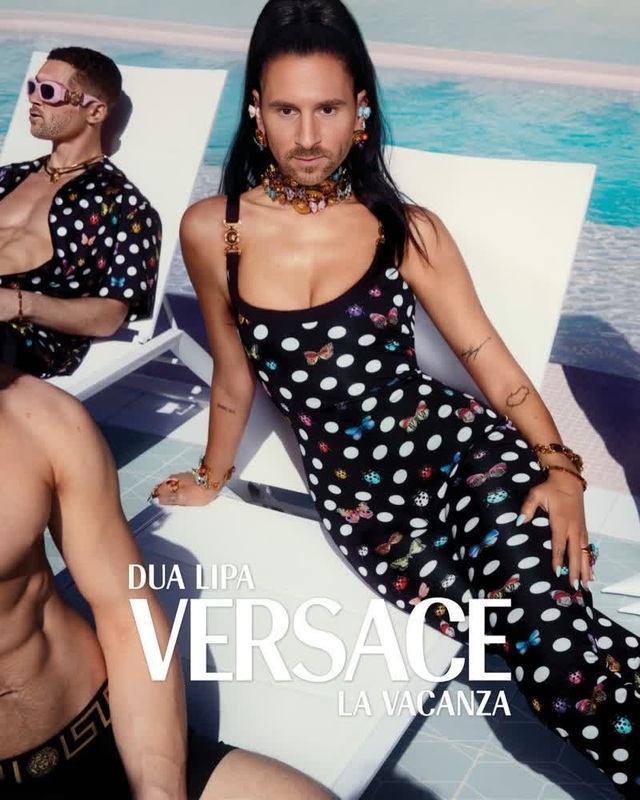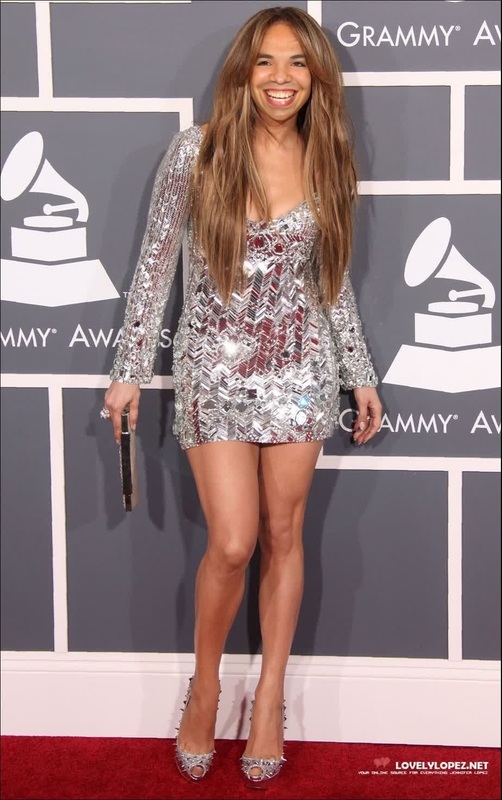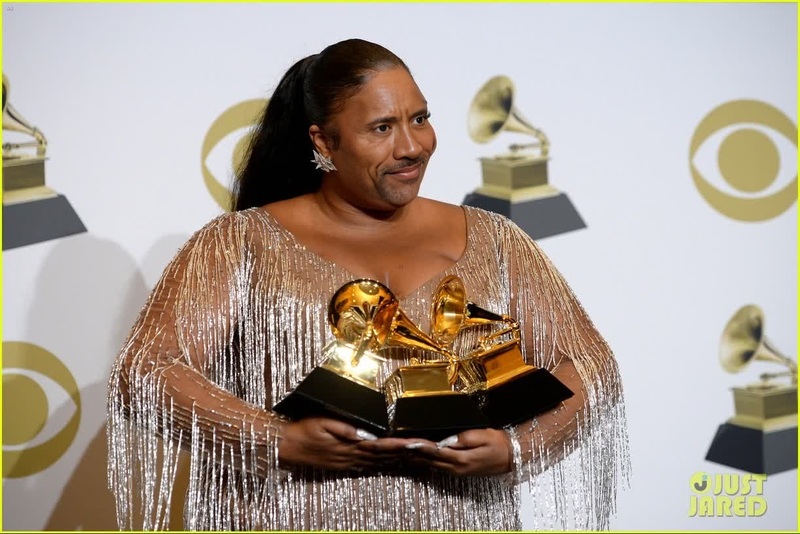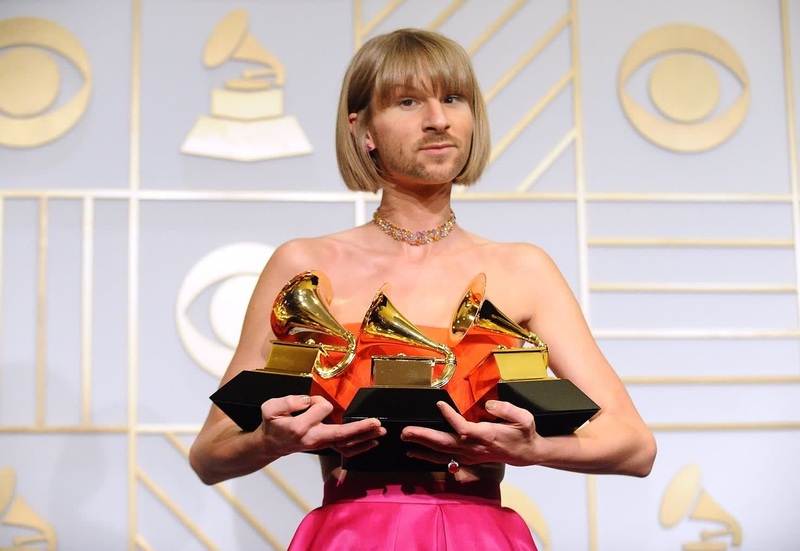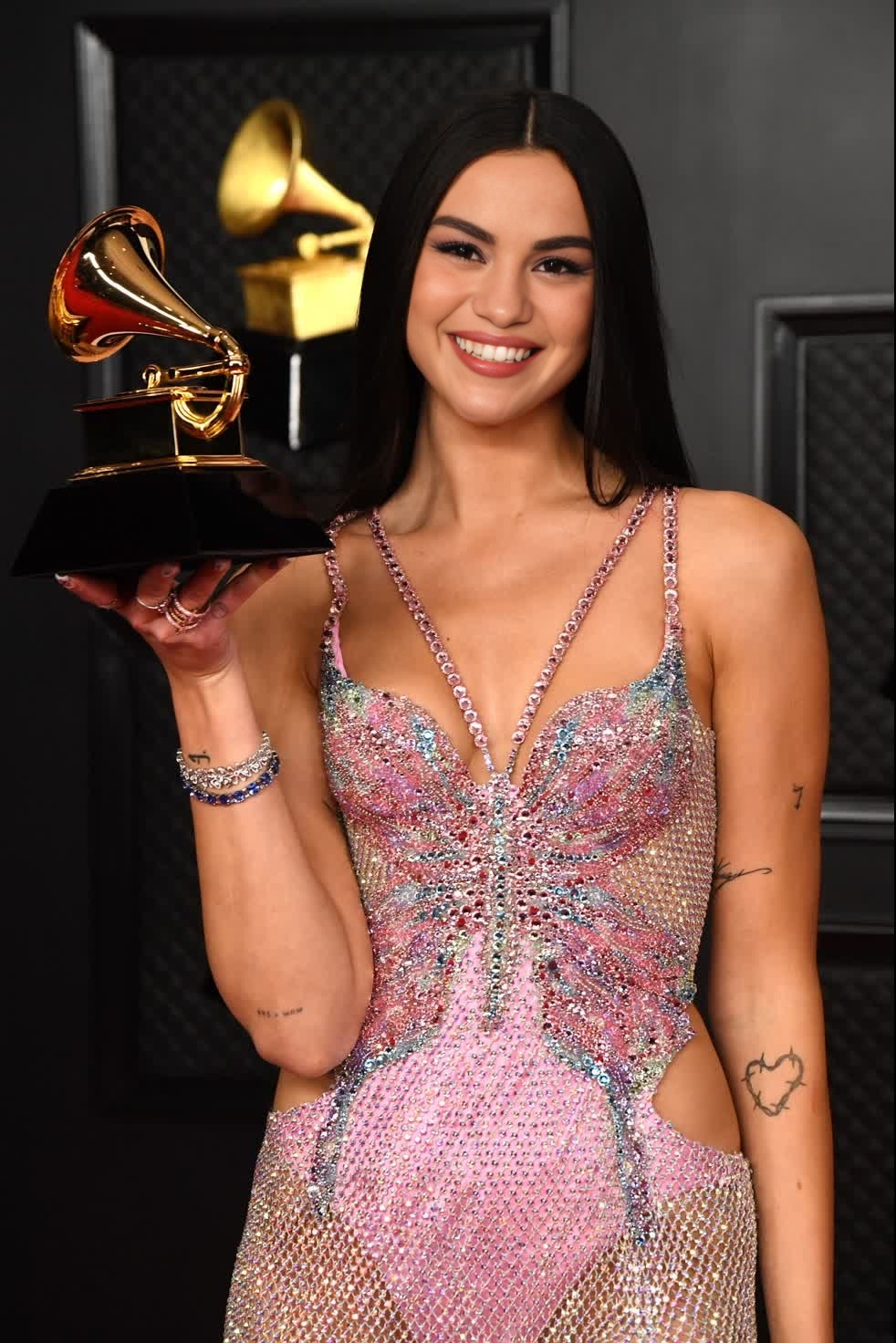
Dua Lipa Grammy Awards Portrait
- Image
- 982 × 1472 px
Any aspect ratio
Overview
Take your creativity to new heights with the Dua Lipa Grammy Awards Portrait template. This Video Face Swap tool allows you to place your face onto Dua Lipa's stunning Grammy red carpet look. Perfect for social media and personal fun, it's never been easier to take part in the glitz and glamour of a major music event.
What It Does
This template utilizes advanced Video Face Swap technology to seamlessly integrate any face onto a video of Dua Lipa at the Grammy Awards. You can adjust face alignment and expression to ensure a realistic transformation that maintains the elegance and style of the original footage.
Who It's For
Ideal for content creators, social media enthusiasts, and fans of music and fashion, this template offers a unique way to engage your audience or add a new layer to your personal projects. It's accessible to both beginners and experienced users looking to experiment with fun video edits.
Summary
The Dua Lipa Grammy Awards Portrait template transforms any face into a star-studded moment. This intuitive tool, supported by our robust AI Video Generator, promises professional results without the need for technical expertise, making it perfect for both creative and entertainment purposes.
How To
Choose the Template

Customize Your Face Swap

Generate Your Video

Use Cases
Social Media Content
- Instagram Reels
- TikTok Videos
Entertainment & Fun
- Birthday Parties
- Fan Events
Marketing & Promotion
- Music Promotions
- Brand Collaborations
Best Practices
Use High-Quality Images
For the best results, ensure the photo you upload is of high resolution and well-lit to blend seamlessly into the video.Align Carefully
Position your face precisely to match the angles and expressions in the video for a natural look.Review and Edit
Take advantage of editing features to refine facial alignment and enhance the overall appearance for realistic integration.