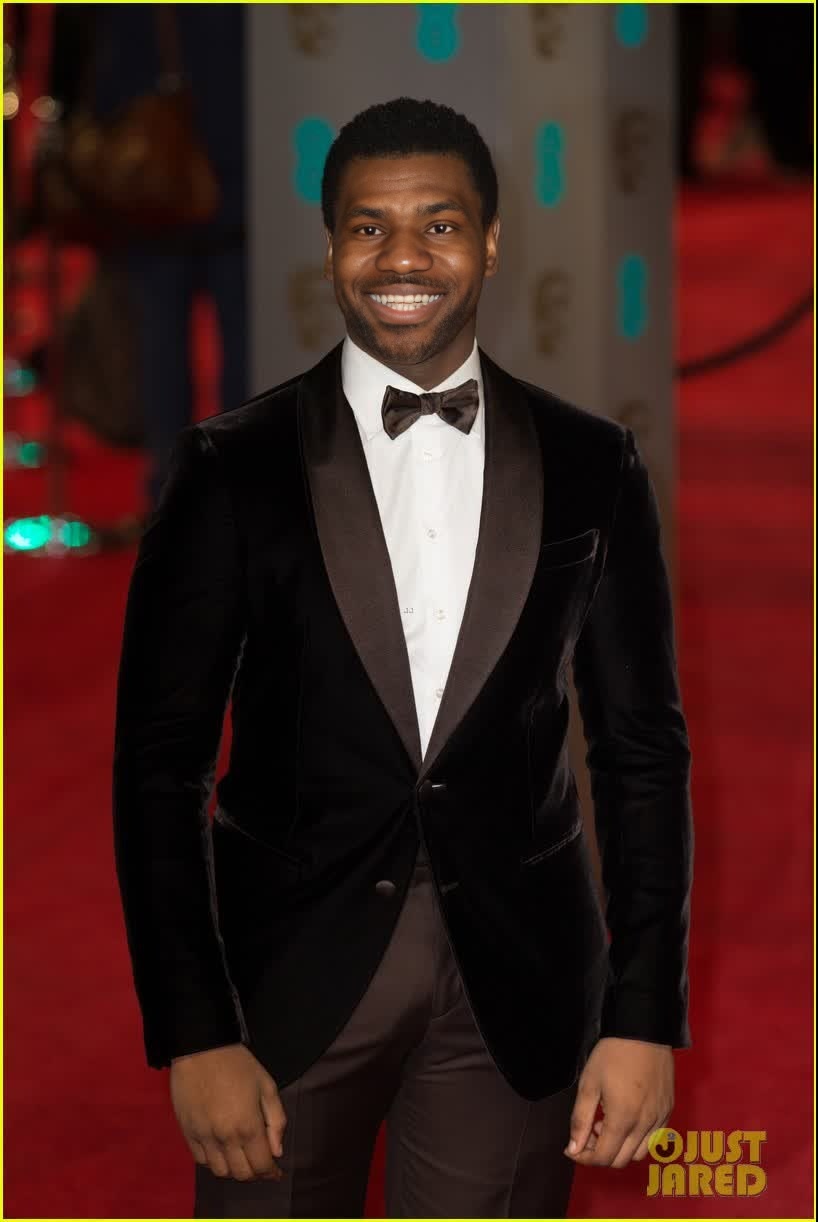
John Boyega Bafta Arrival Portrait
- Image
- 818 × 1222 px
Any aspect ratio
Overview
Step into the world of digital transformations with the John Boyega Bafta Arrival Portrait video face swap template. This tool empowers creators to replace any face in a video with the face of a renowned actor, creating visually compelling content suitable for professional editing and personal projects alike.
What It Does
The template allows you to perform realistic video face swaps using a model of John Boyega's likeness. It's designed to work with various formats, providing a means to digitally overlay his facial expressions onto a chosen subject in your video scene. By coupling it with the Face Swap product, you can easily achieve a seamless result.
Who It's For
This template is perfect for filmmakers, social media influencers, and content creators looking to make a striking visual impact. Whether you're crafting a short film or need engaging content for a marketing campaign, this tool, together with our AI Video Generator, transforms your creative vision into a polished end product.
Summary
Utilize the John Boyega Video Face Swap template to elevate your video projects. This tool works seamlessly within the broader suite of products such as the Image to Video converter, optimizing your workflow from conception to final output. It's a critical asset for any video editor aiming for high-quality transformations.
How To
Choose Template

Customize Inputs

Generate Video

Use Cases
Filmmaking
- Create alternate scenes with John Boyega as a character.
- Enhance visual storytelling by altering cast appearances.
Social Media Content
- Boost engagement with innovative face swap content.
- Appeal to fans of John Boyega and increase shareability.
Best Practices
Select High-Quality Video
For the best results, use high-definition video sources to ensure clarity in the face swap output.Adjust Swap Parameters
Fine-tune the alignment and expression settings to achieve the most realistic effect.Pair with Other Tools
Consider using our AI Image Upscaler for enhancing video quality post-swap.
Frequently asked questions
More Like This