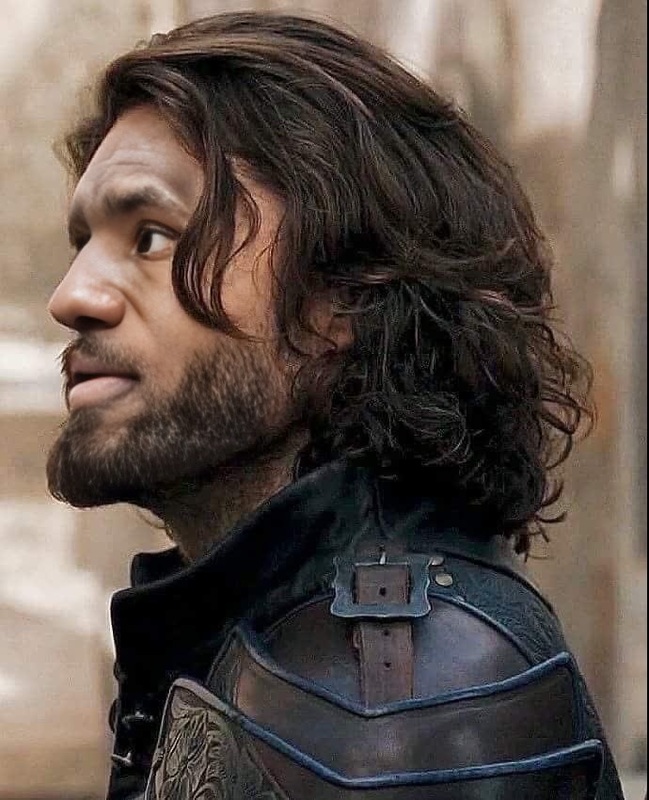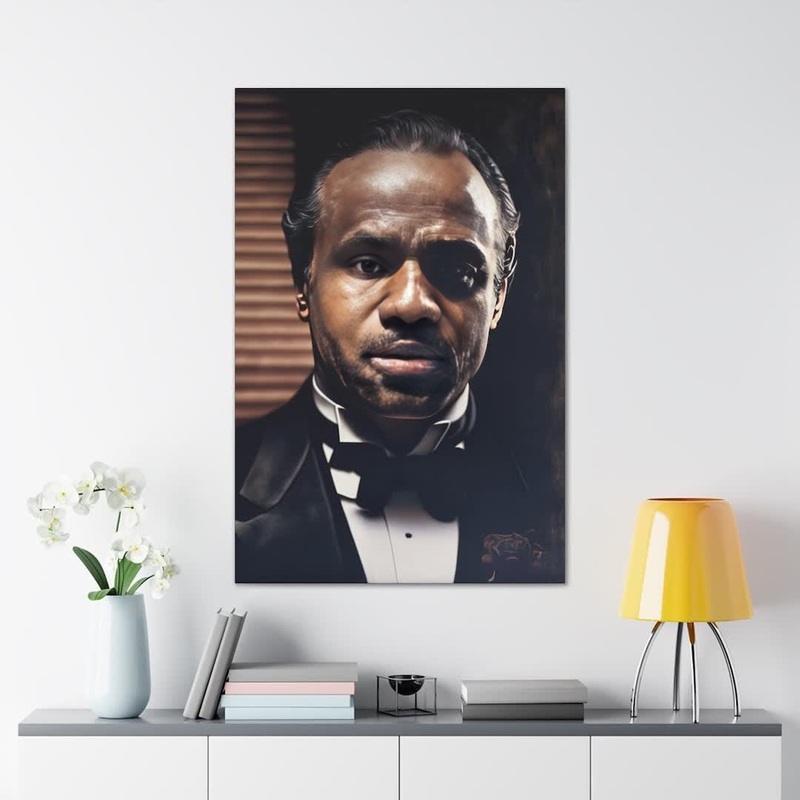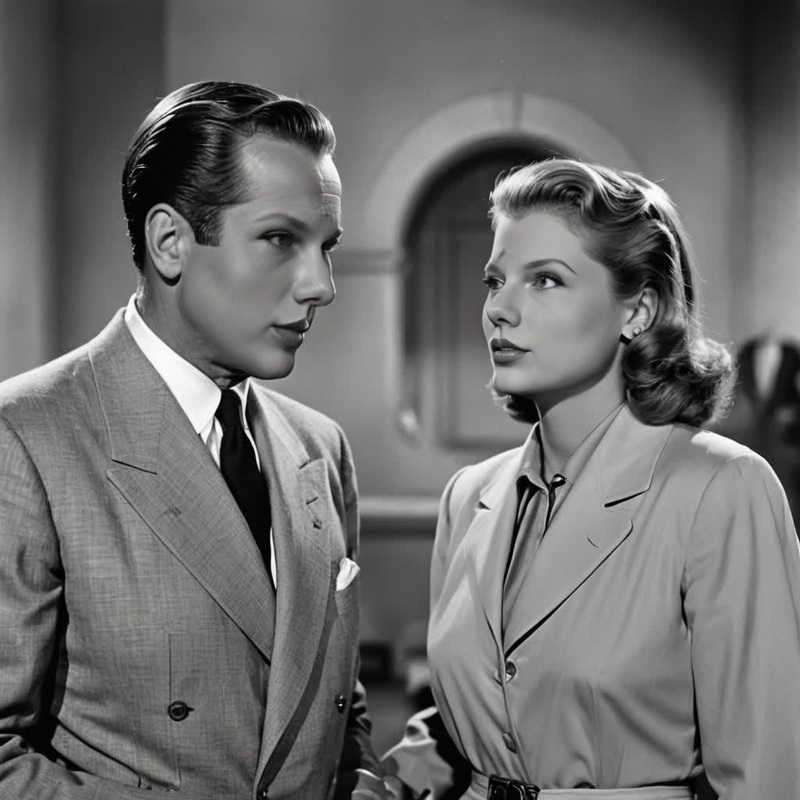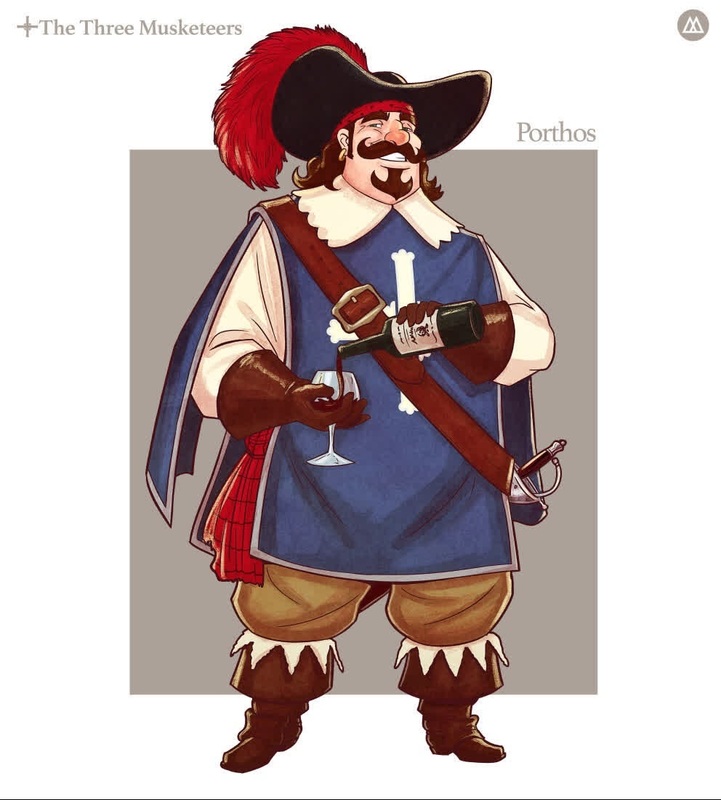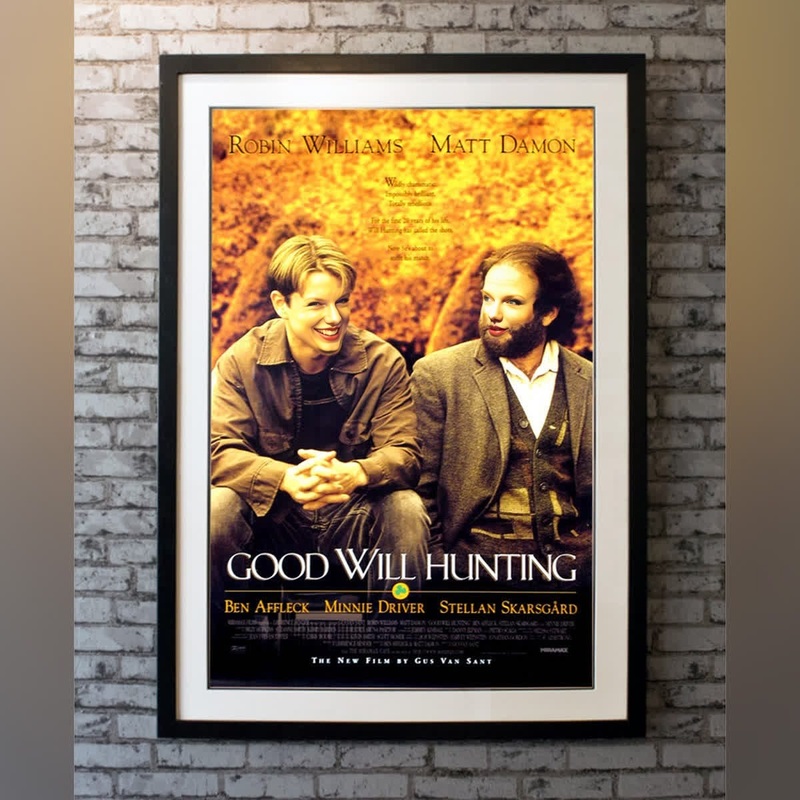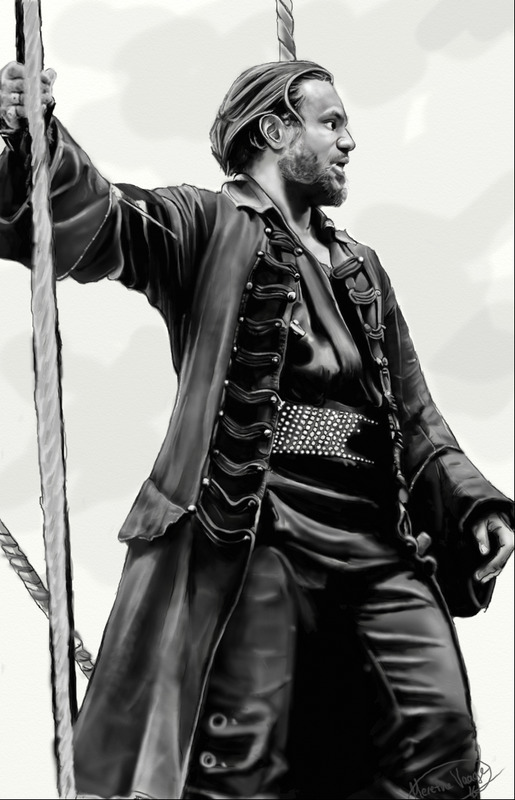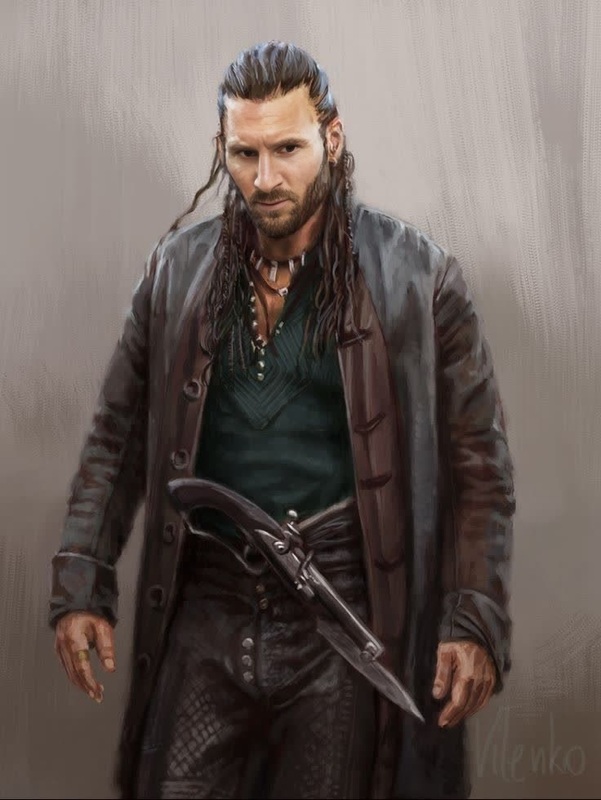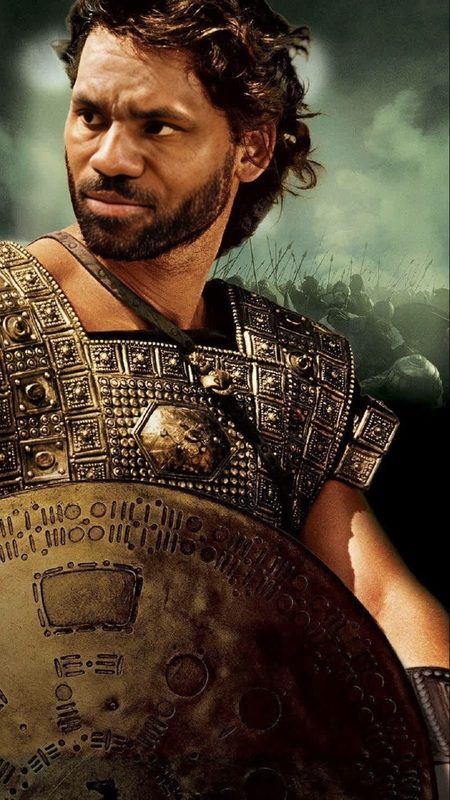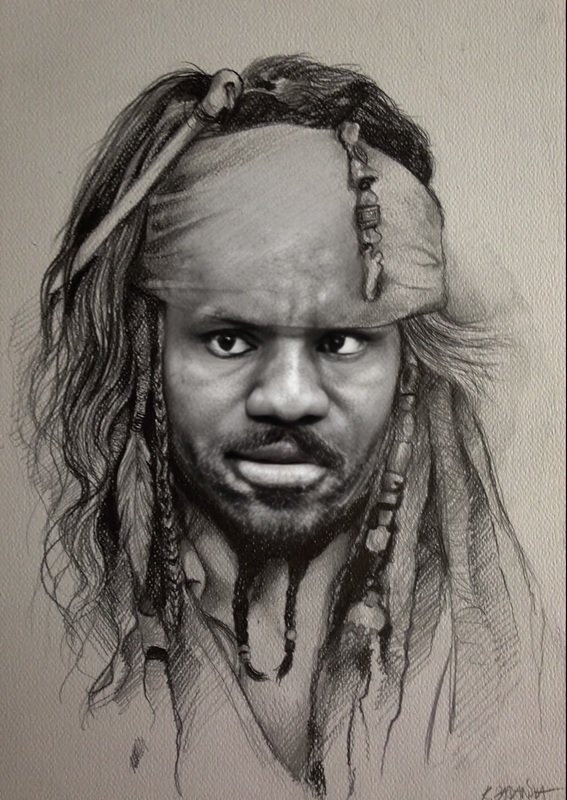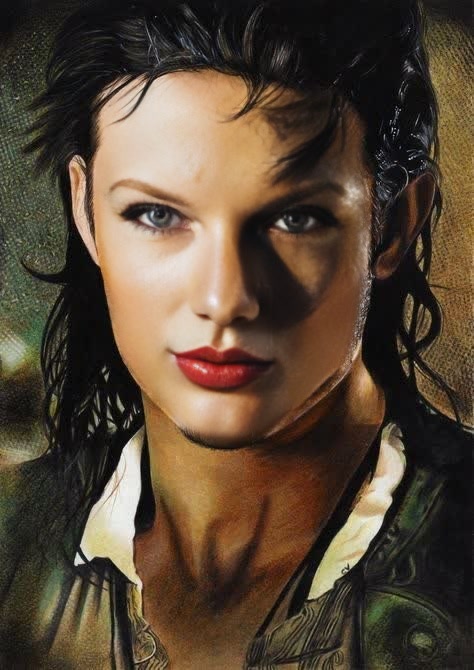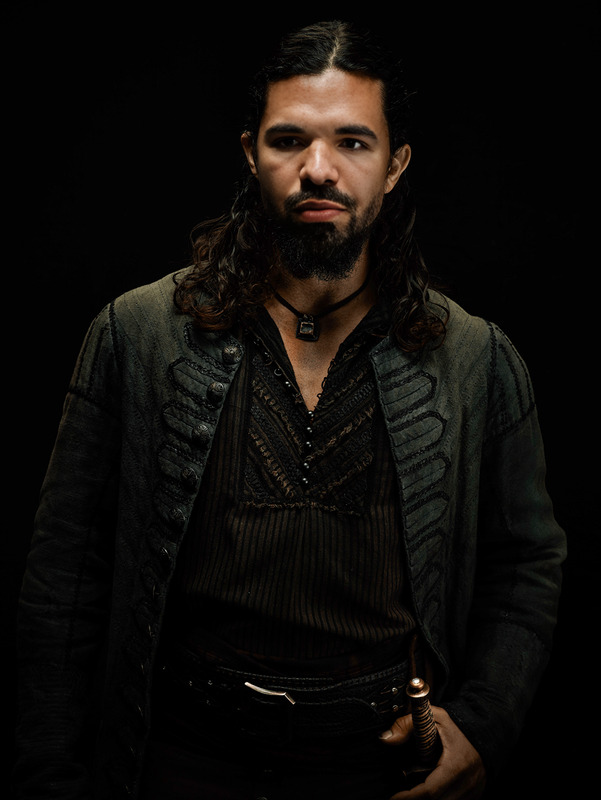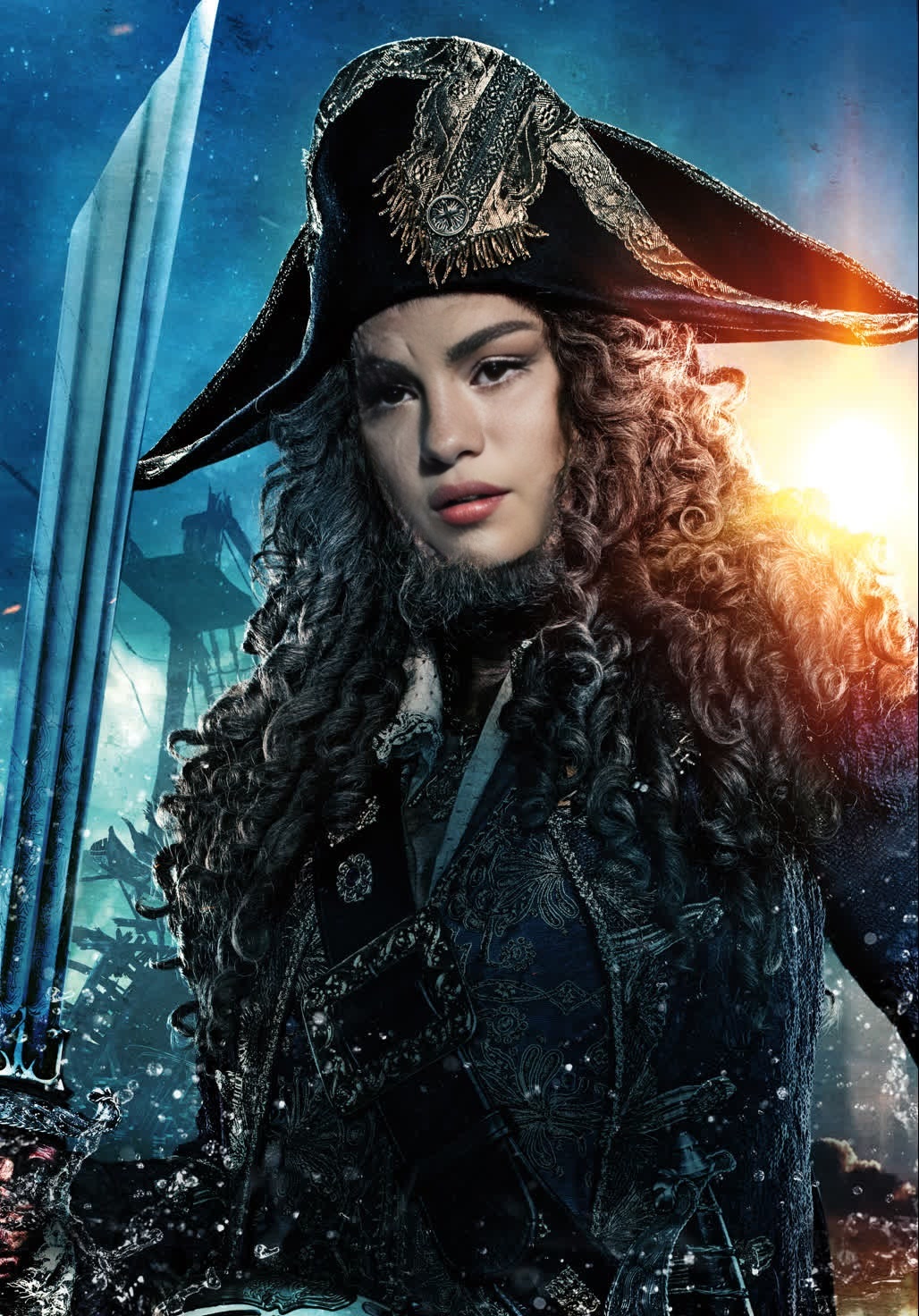
Hector Barbossa Pirates Of The Caribbean Portrait
- Image
- 1028 × 1472 px
Any aspect ratio
Overview
Step into the shoes of the legendary pirate Hector Barbossa with our Video Face Swap template. Ideal for adding a swashbuckling twist to your content, this template lets you replace faces in your videos with that of the notorious pirate from Pirates of the Caribbean. This is perfect for creators looking to craft content that engages and amazes.
What It Does
This template effectively swaps the face of any character in your video with Hector Barbossa's, creating an authentic swashbuckling transformation. Integrate this with the Video Face Swap tool to enhance your project. The resulting video maintains high quality, ready to captivate audiences with every viewing.
Who It's For
This template is tailor-made for content creators, social media influencers, and fans of the Pirates of the Caribbean series. It's an excellent fit for anyone looking to create engaging fan content or unique social media posts that stand out in the crowd. Pair this with the AI Image Editor for further customization options.
Summary
Create fascinating video content with the Hector Barbossa Video Face Swap template. Transform routine clips into pirate adventures that intrigue and entertain. Check out how our Image to Video tool can further enhance your storytelling possibilities.
How-To
Choose Your Template

Customize Your Swap

Generate and Download

Use Cases
Fan Edits
- Enhance storytelling with a visually unique element.
- Increase the shareability of your content.
Social Media Content
- Drive engagement through novelty and creativity.
- Use in short skits or imaginative series.
Marketing Videos
- Appeal to audiences by tapping into popular culture.
- Enhance product or event promotions with creativity.
Best Practices
Ensure High-Quality Footage
Using high-resolution videos will produce the best face swap results, maintaining clarity and detail.Focus on Lighting
Ensure that the original footage is well-lit so the facial features are clearly defined.Align Angles Correctly
Make sure faces are at similar angles to get the most realistic swap effect.
FAQs
More Like This