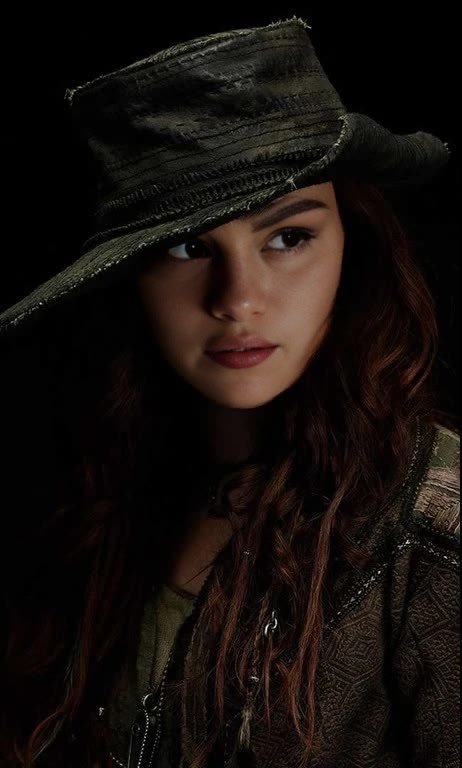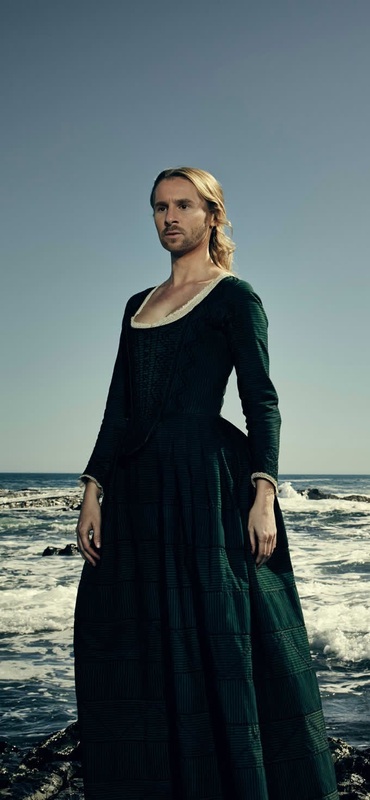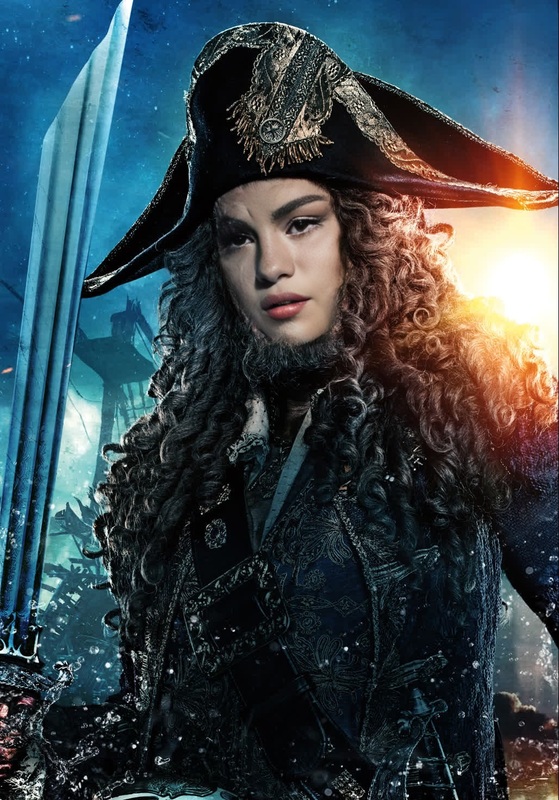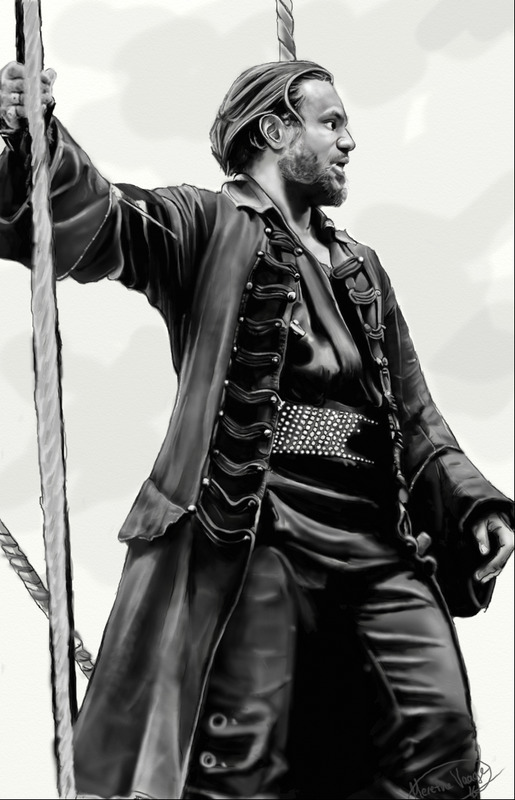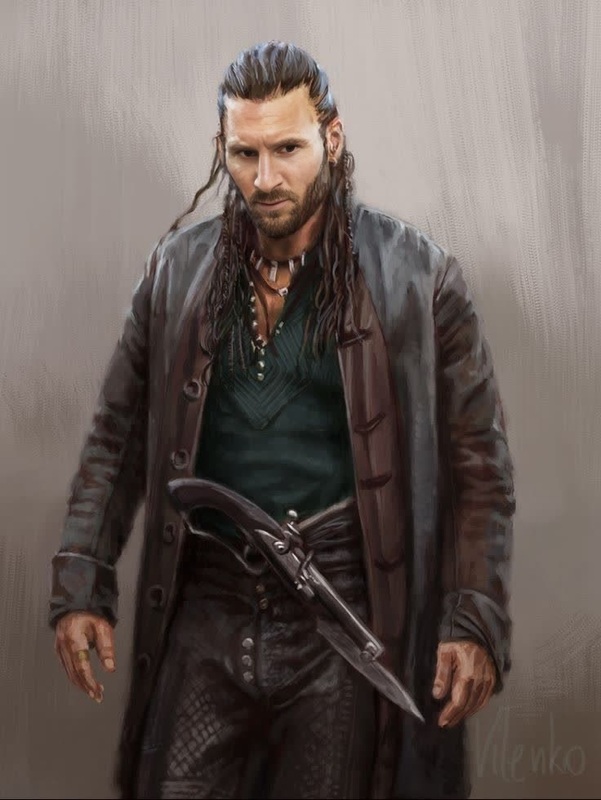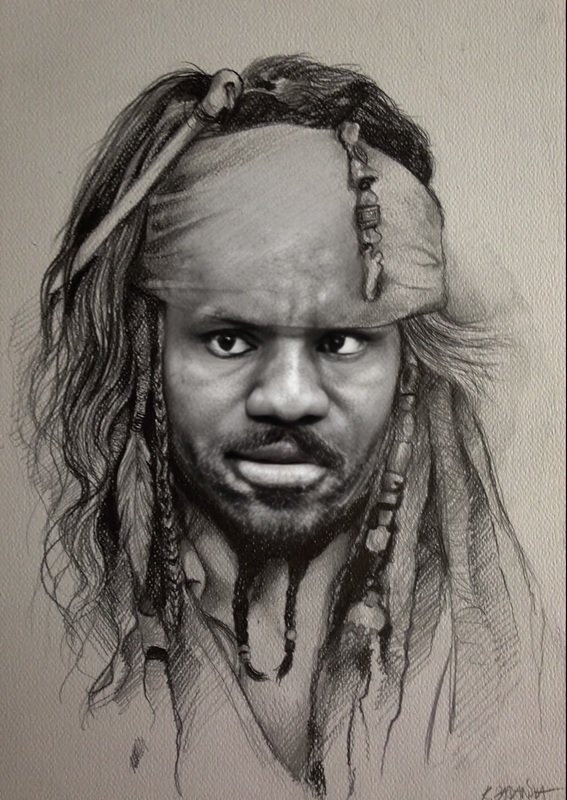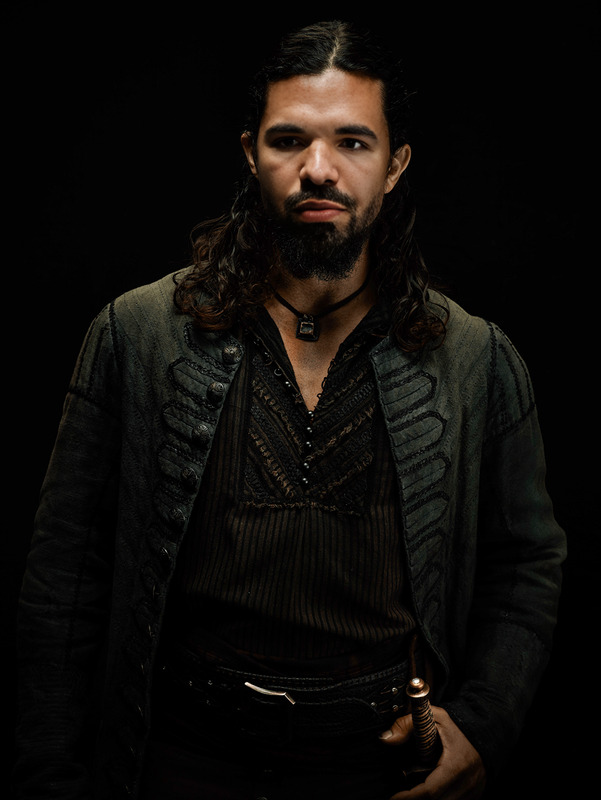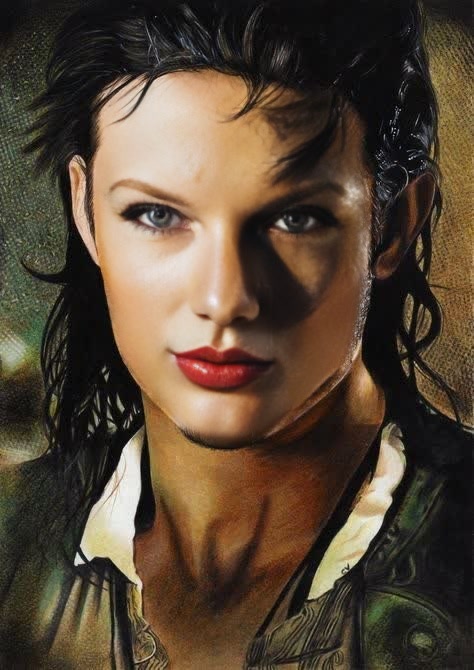
Will Turner Pirates Of The Caribbean Portrait
- Image
- 474 × 670 px
Any aspect ratio
Overview
Transform yourself into Will Turner with the Video Face Swap template. Dive into the Pirates of the Caribbean universe with a simple and intuitive process. Perfect for creators looking to add a cinematic touch to their projects.
What It Does
This template swaps your face with Will Turner's from Pirates of the Caribbean in any video clip you choose. Simply adjust your input for a seamless blend and consider using the Face Swap product for additional customization options.
Who It's For
Ideal for content creators, movie enthusiasts, and social media influencers, this template offers an engaging way to incorporate famous film characters into your videos. Thanks to the AI Video Generator, it's straightforward to use, making it accessible even for beginners.
Summary
Whether for personal fun or engaging audience content, this video face swap template brings a touch of Hollywood magic to your projects. Enhance your video storytelling by exploring our extensive library of templates, including Video to Video transformations.
How To Structure
Choose Your Template

Customize Your Inputs

Generate Your Video

Use Cases
Social Media Content
- Engage with trending challenges
- Create funny character transformations
Fan Edits
- Combine with various scenes
- Share in fan communities
Best Practices
Use High-Quality Source Video
Higher quality footage ensures better face alignment and overall final video quality.Adjust Lighting
Match the lighting of your source video to the template for more natural results.Preview Changes
Regularly preview during editing to fine-tune the alignment before generating the final video.
Frequently asked questions
More Like This