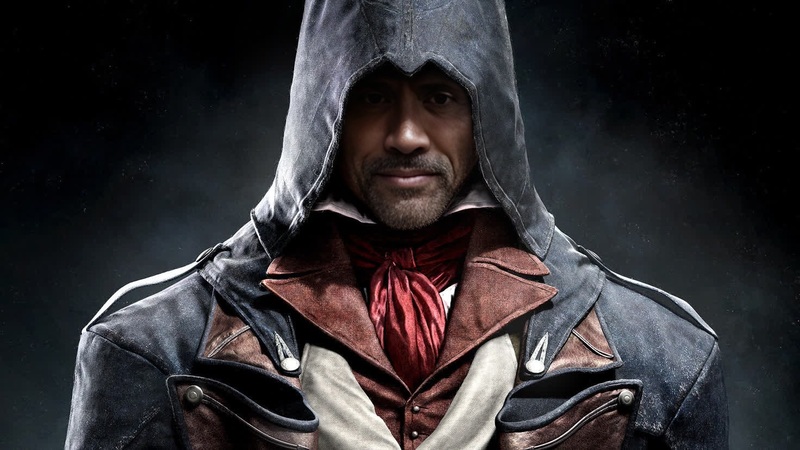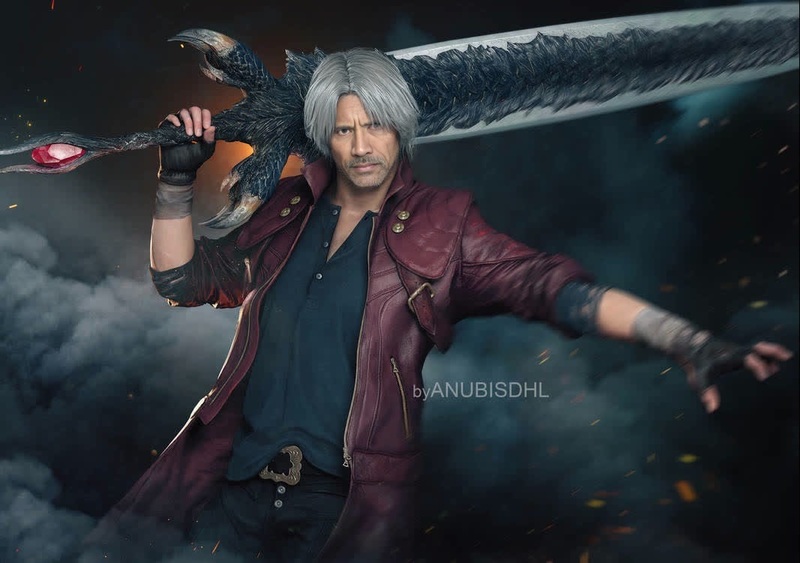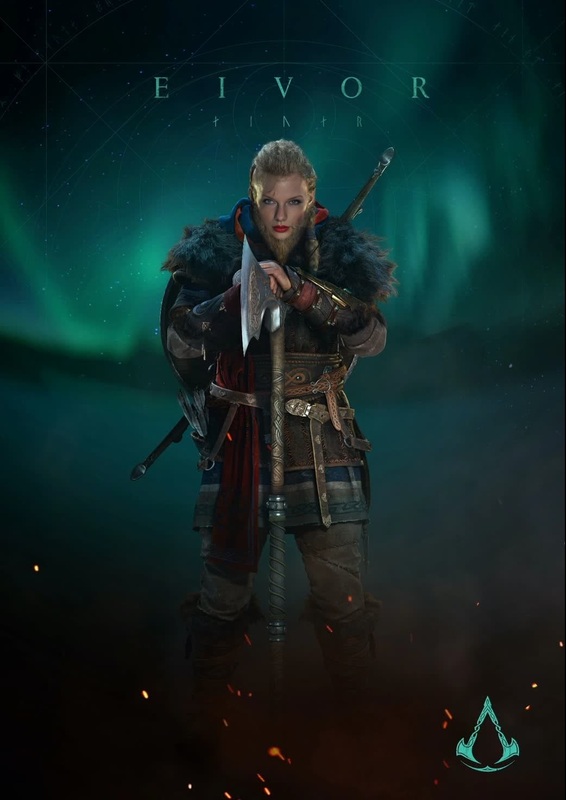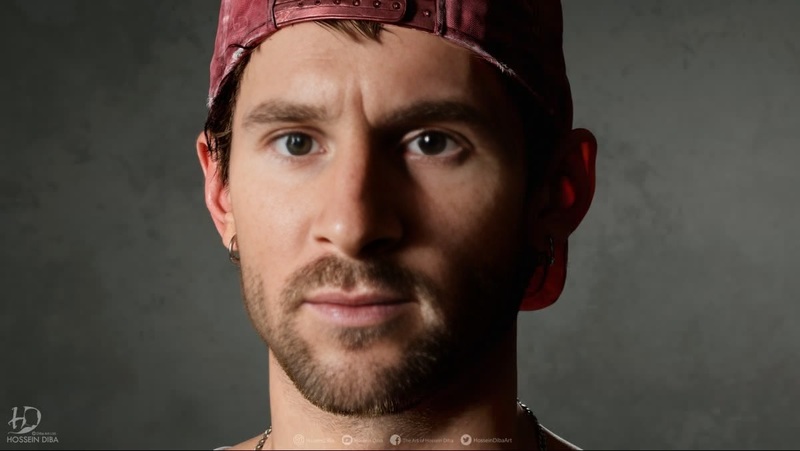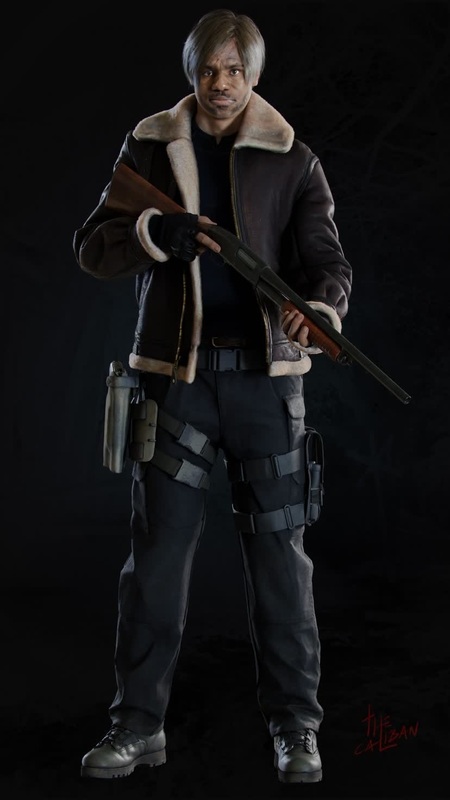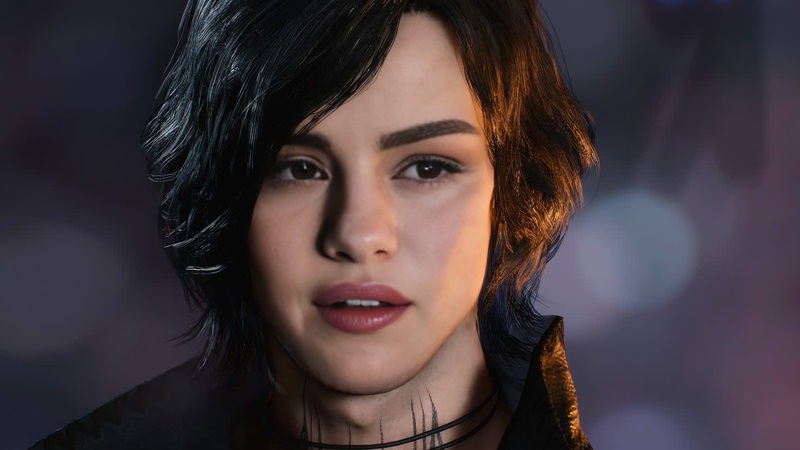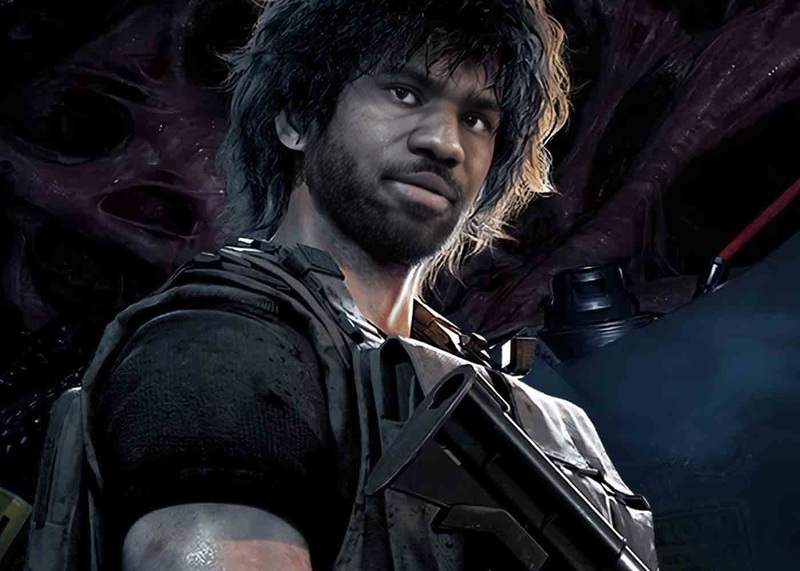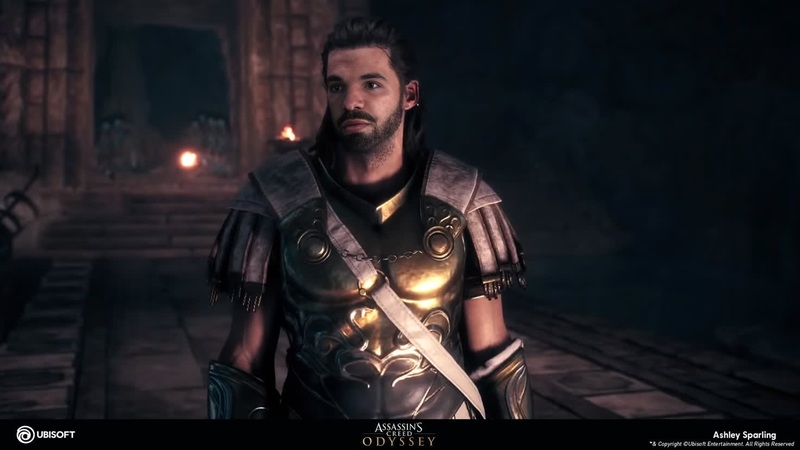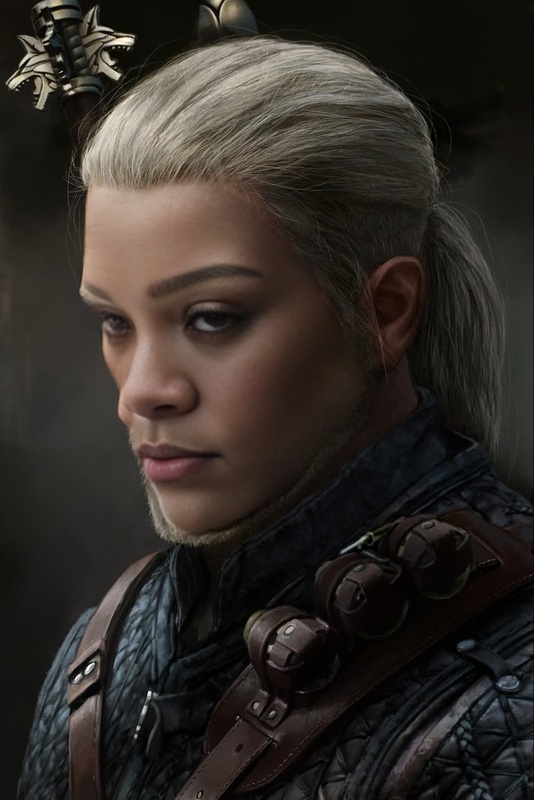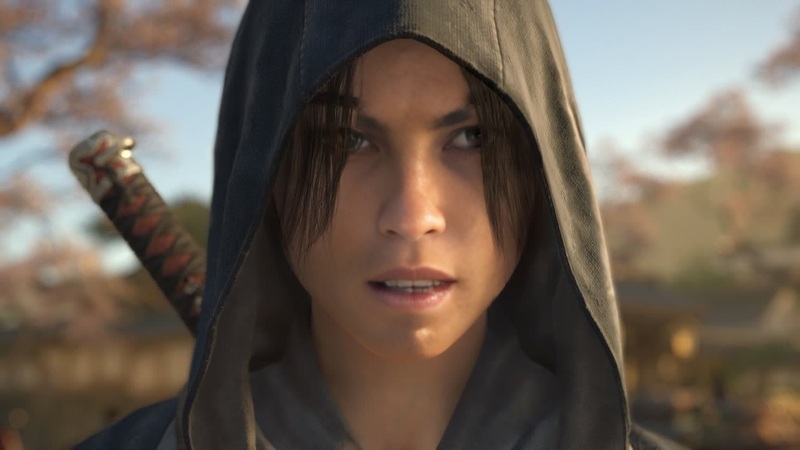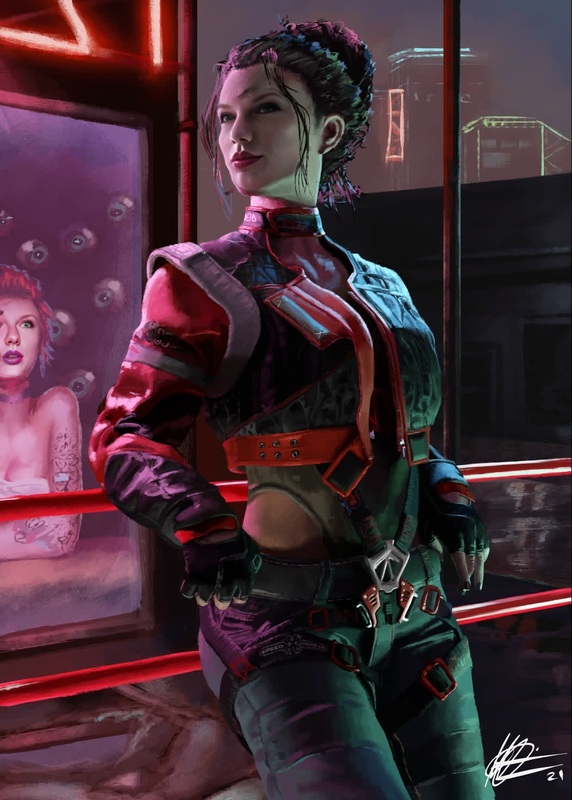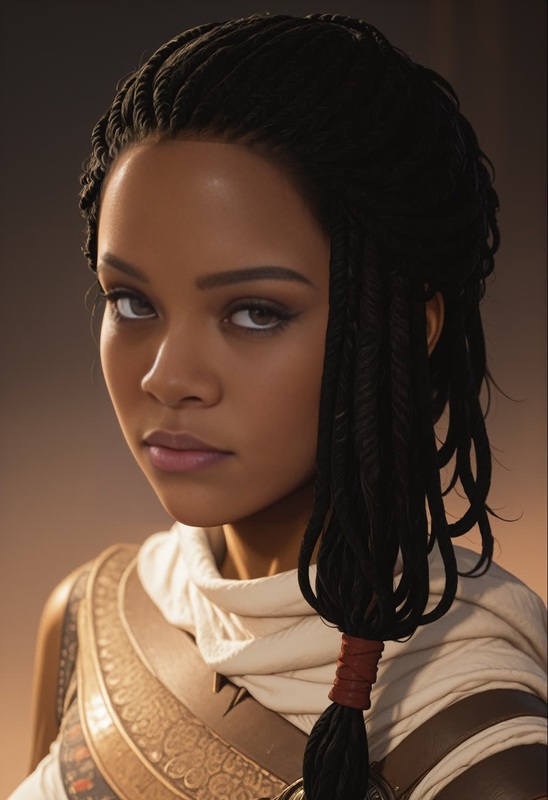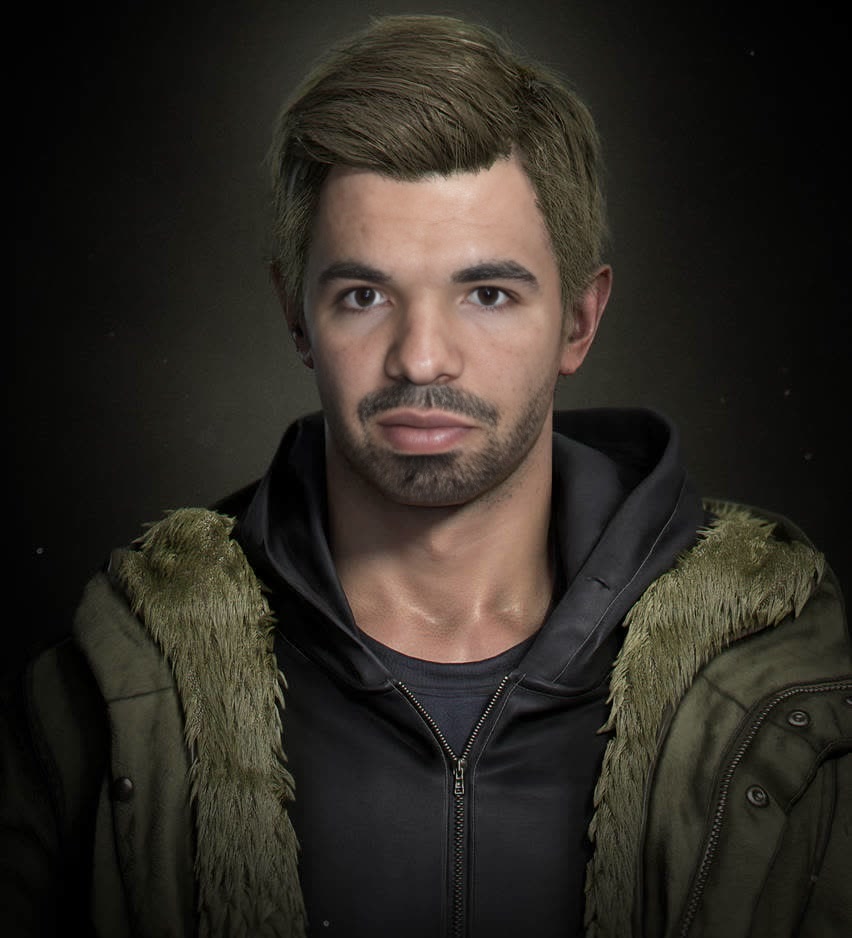
Ethan Winters Resident Evil Village Photorealistic Portrait
- Image
- 852 × 938 px
Any aspect ratio
Overview
The Ethan Winters Resident Evil Village Photorealistic Portrait template enables you to create incredible video face swaps, merging your face with Ethan Winters directly from the world of Resident Evil Village. Perfect for gamers and hobbyists, this tool brings your content a lifelike quality that's hard to resist.
What It Does
This template leverages advanced Video Face Swap technology to map your facial features onto Ethan Winters, achieving a seamless blend of reality and fiction. It supports a variety of video formats, making it compatible with different video projects.
Who It's For
Whether you're a content creator aiming to enhance your gaming streams, a social media enthusiast wanting to create share-worthy content, or a Resident Evil fan dreaming of stepping into Ethan Winters' shoes, this template is for you. It's also a great fit for anyone interested in video face swapping or creating image-to-video transformations.
Summary
Embark on a creative journey with the Ethan Winters Resident Evil Village Photorealistic Portrait template. By integrating your image with Ethan's, you can generate captivating content that resonates with audiences. Plus, you're not just limited to this character; explore similar transformations using our Video Face Swap suite for more diverse applications.
How to Use
Choose the Template

Customize Your Input

Generate Your Video

Use Cases
Gaming Content Creation
- Add a personal touch to game reviews
- Create immersive lore videos
Social Media Engagement
- Share themed content for Halloween
- Post engaging reels or stories
Fan Creations
- Design alternative storylines in video format
- Engage with fan communities
Best Practices
Choose High-Resolution Images
Upload high-quality images for best results and a photorealistic finish.Align Faces Precisely
Ensure the facial outlines match for a seamless swap, adjusting parameters if needed.Experiment With Formats
Try different video formats to find the perfect fit for your content, potentially using the AI Video Generator for more options.
FAQs
More Like This