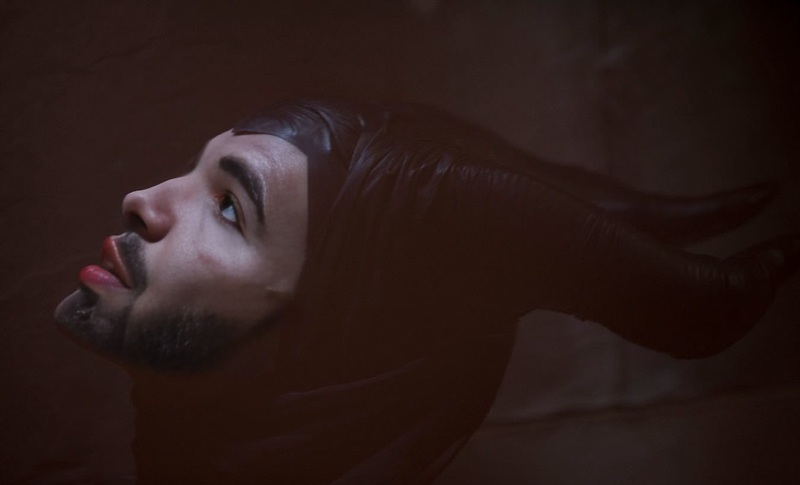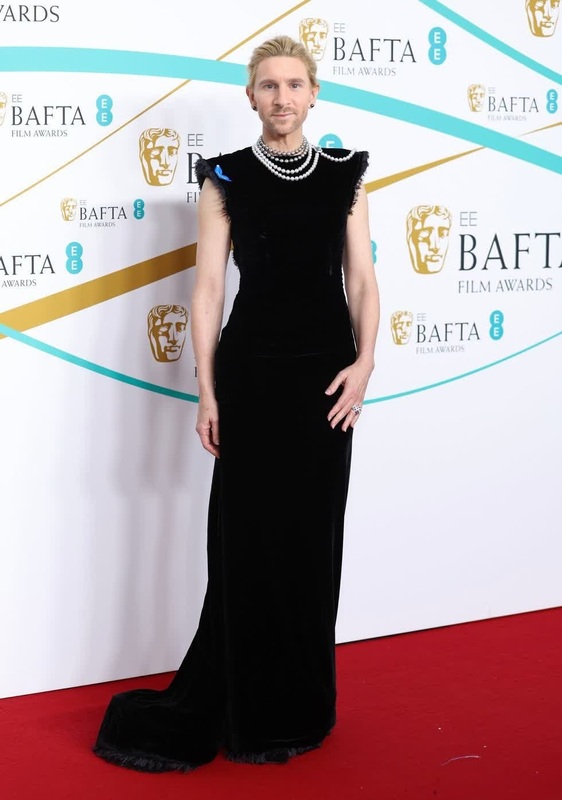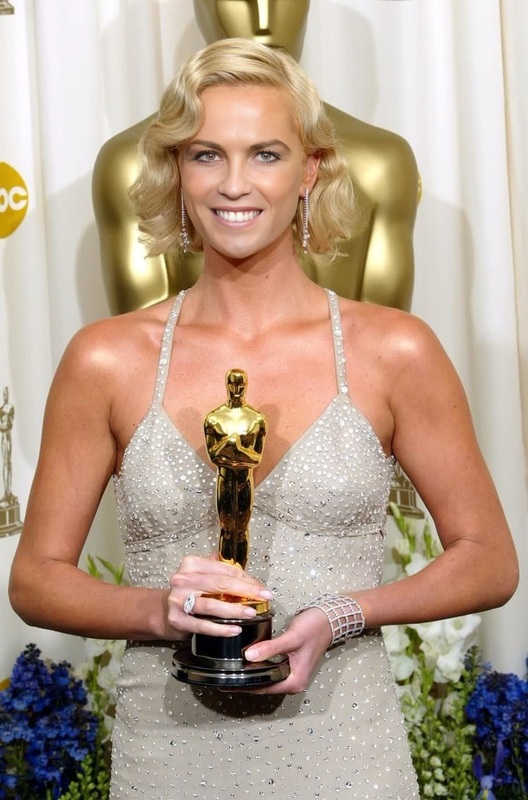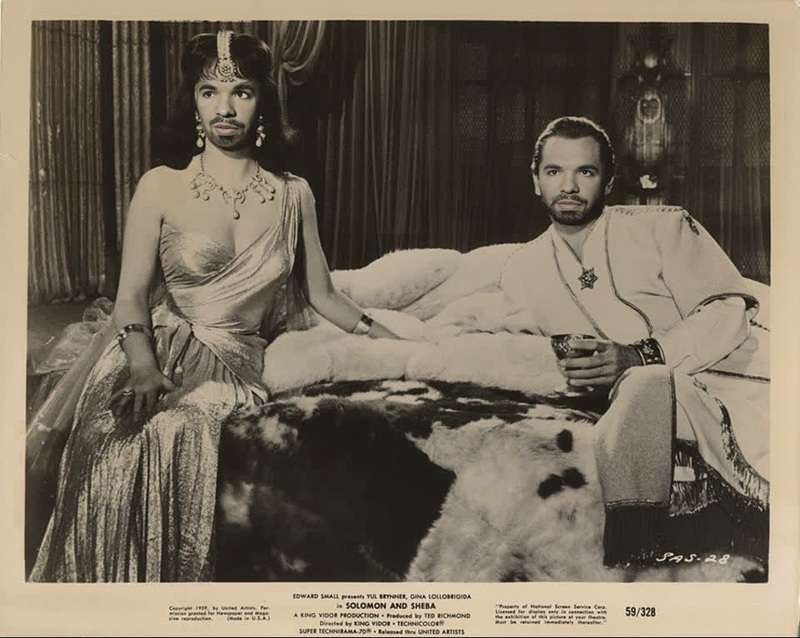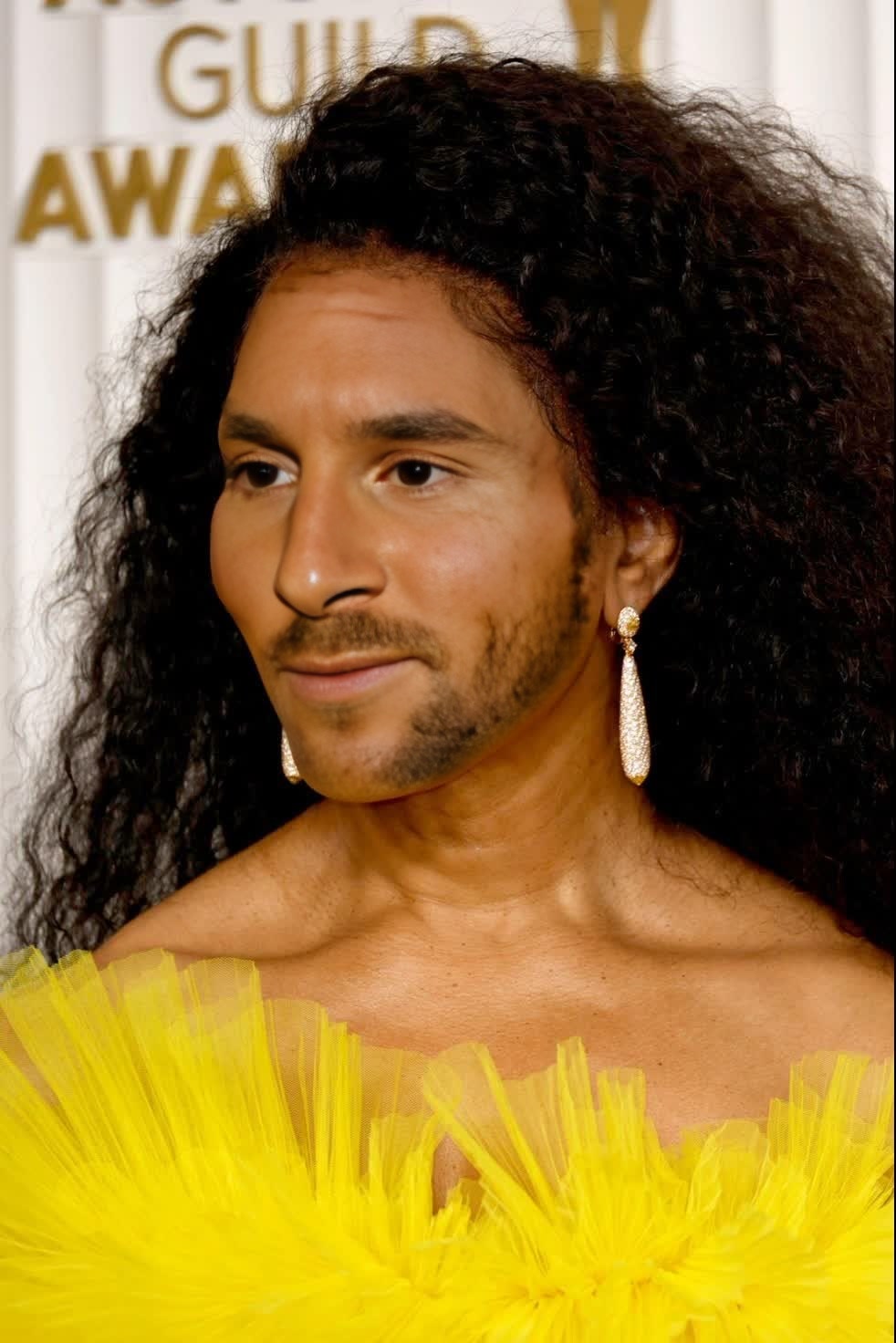
Angela Bassett Screen Actors Guild Portrait
- Image
- 982 × 1472 px
Any aspect ratio
Overview
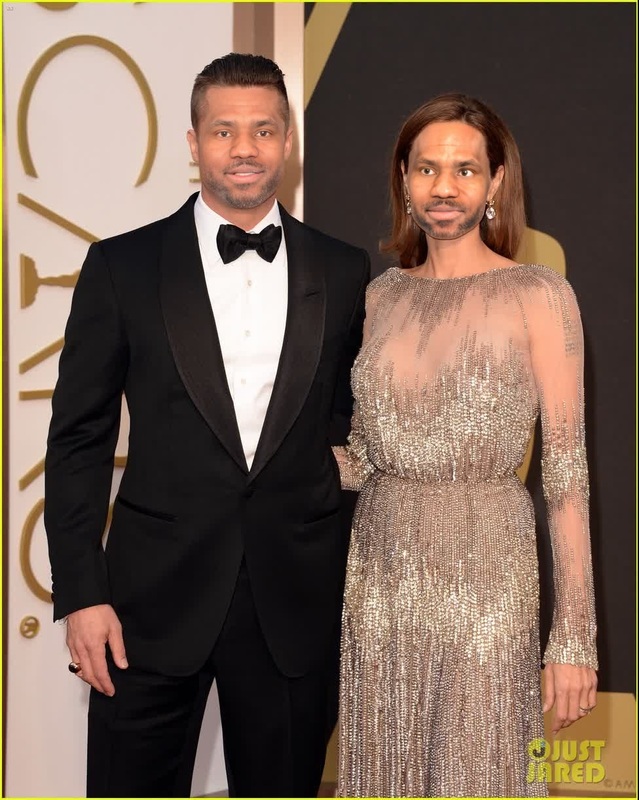
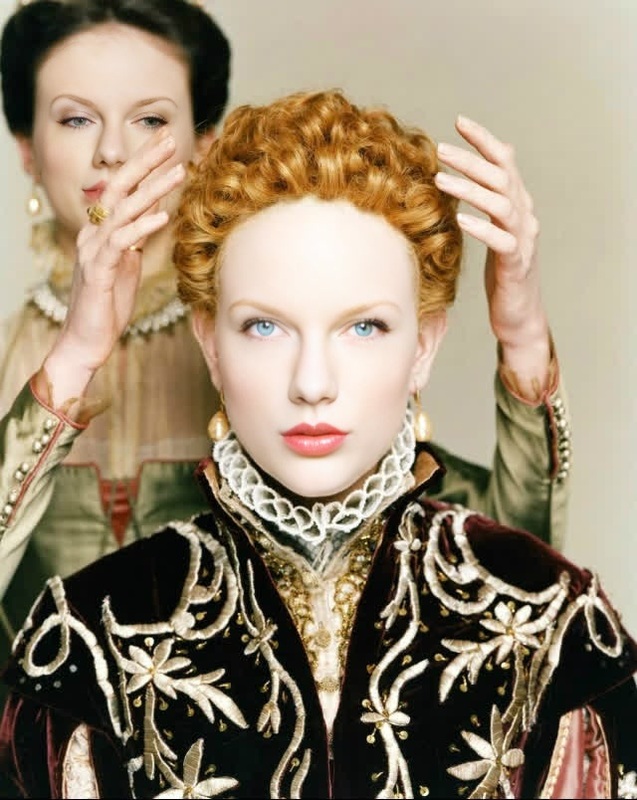
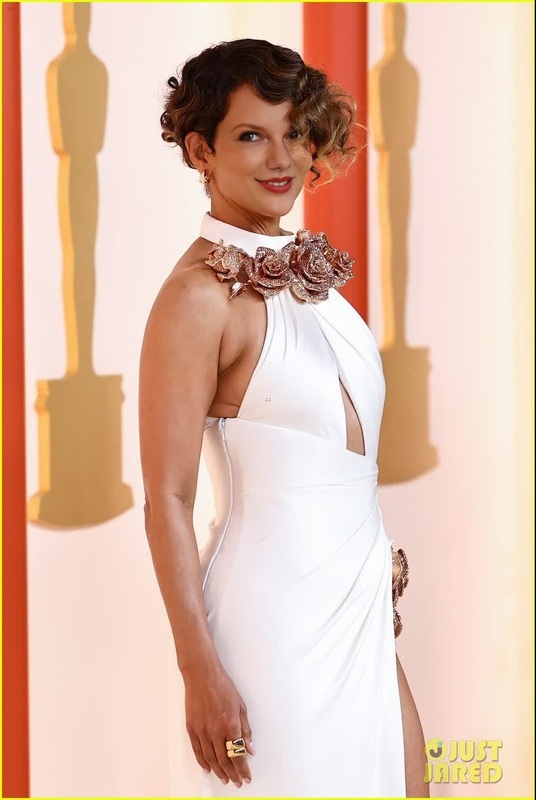
The Angela Bassett Screen Actors Guild Portrait template offers a compelling Video Face Swap option. Effortlessly create engaging and shareable content by swapping Angela Bassett's iconic features onto any existing video, leveraging this advanced AI-powered tool.
What It Does
This Video Face Swap template allows you to replace faces in video footage with Angela Bassett's SAG portrait. The process is quick and leverages powerful AI to ensure high-quality results. Explore the capabilities of face transformation with our Face Swap product suite.
Who It's For
Ideal for social media creators, filmmakers, and anyone interested in entertainment and fun edits, this template can transform any project. It's perfect for generating content that stands out and engages audiences. For those seeking additional creative options, the Video-to-Video tool can further enhance your video edits.
Summary
The Angela Bassett Screen Actors Guild Portrait offers a unique avenue for video face swapping in entertainment and social media content. By utilizing this template, you can craft videos that resonate with fans and leverage the power of AI for dramatic transformations. To complement your projects, check out the AI Image Editor for a complete editing suite.
How To
Choose Your Template

Customize Your Content

Generate Your Video

Use Cases
Social Media Content
- Instagram stories
- TikTok videos
- YouTube shorts
Entertainment Projects
- Short films
- Music videos
- Comedy sketches
Best Practices
Select High-Quality Source Videos
Ensure your original footage is high quality for the best results. Clear frames help the face swap process maintain authenticity.Fine-Tune Parameters
Experiment with the swap intensity and alignment settings to perfect your video output.Preview Before Finalizing
Always preview the video after swapping faces to catch any alignment issues or visual glitches before finalizing the project.
Frequently asked questions
More Like This