Street Basket 2
- Model
- Nano Banana 2
- Image
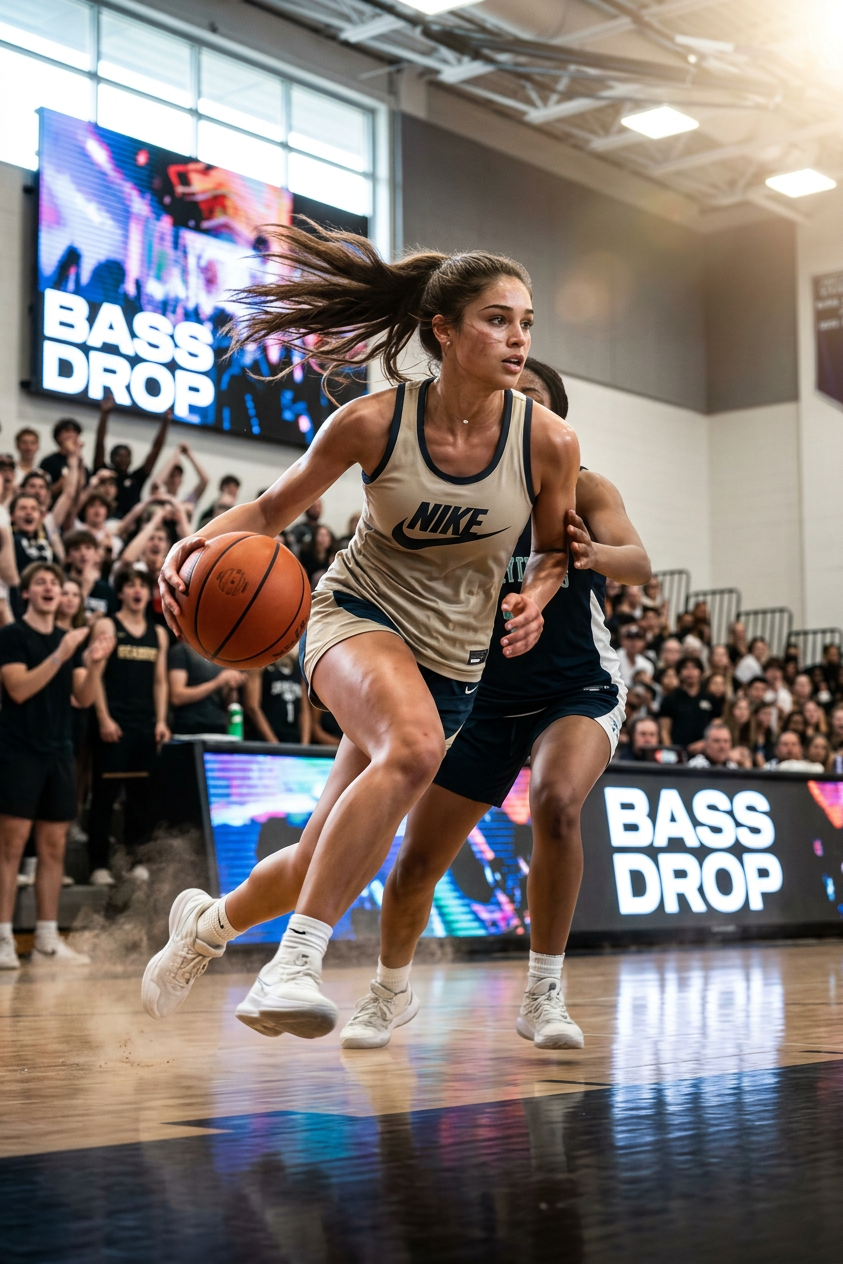
- 843 × 1264 px
Prompt
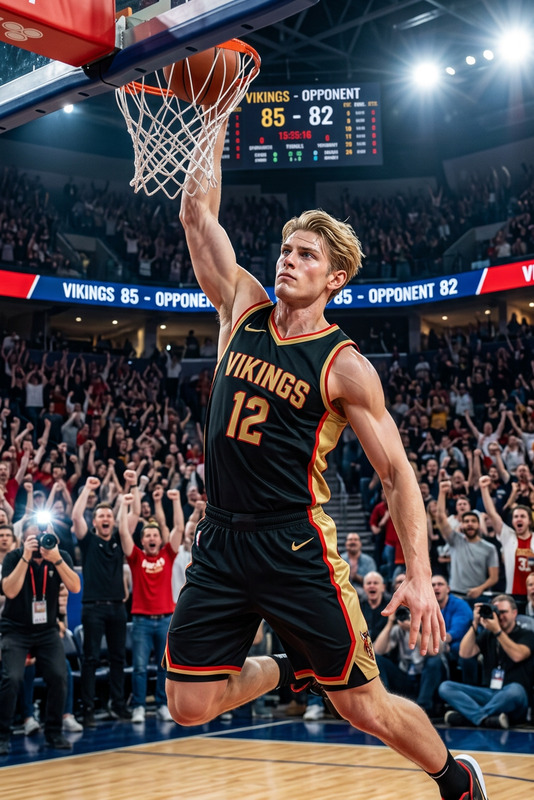
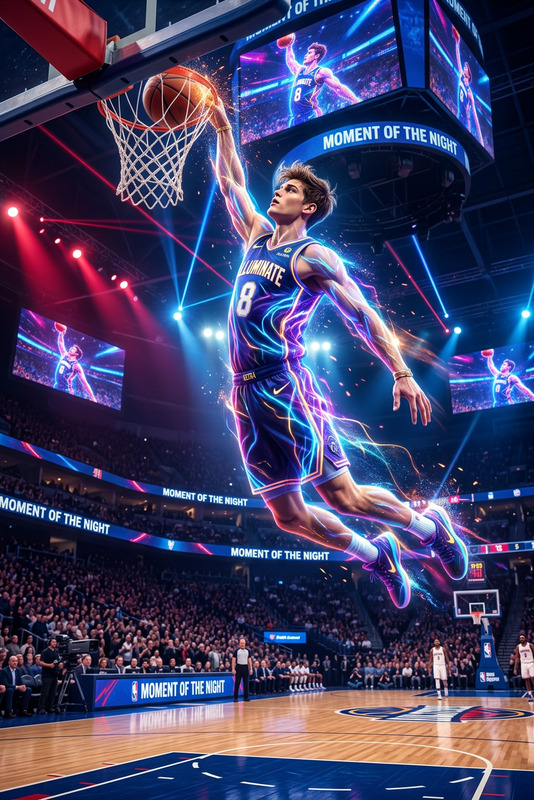
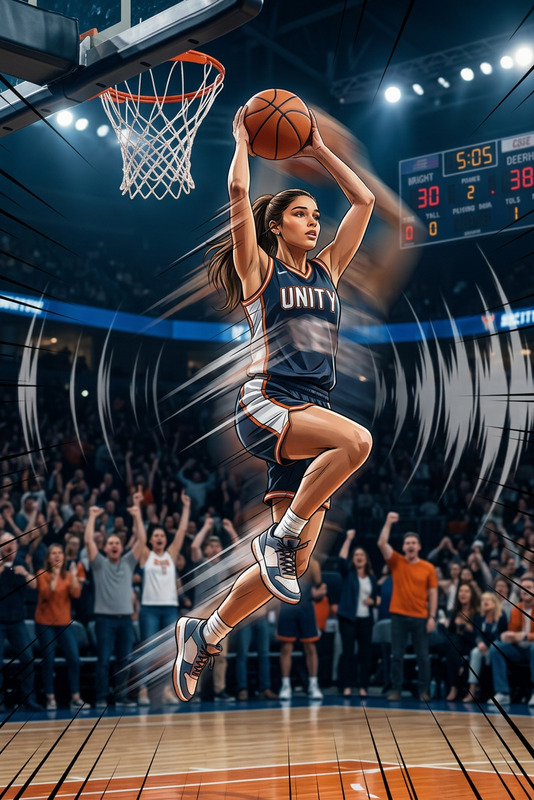
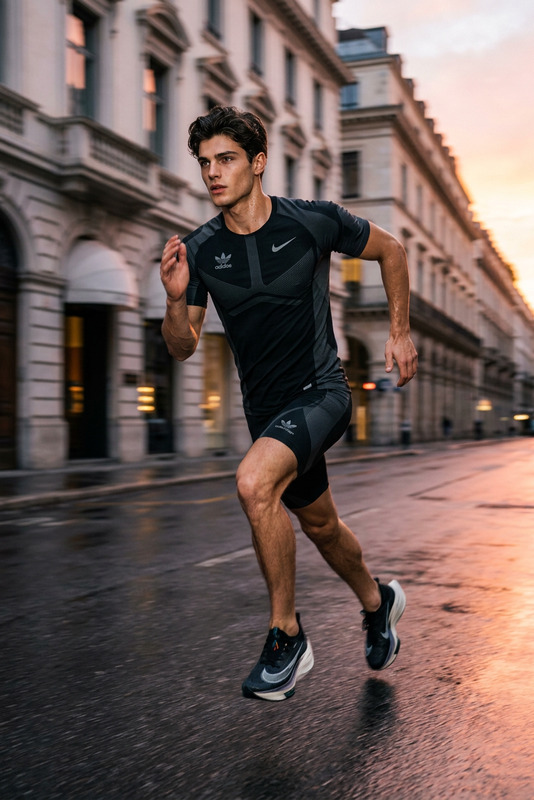
A cinematic, gravity-defying basketball moment with aggressive acceleration—a sprint, a jump, an epic mid-air pose. Soundtrack from the gym, a dramatic bass drop.
Any aspect ratio
Overview
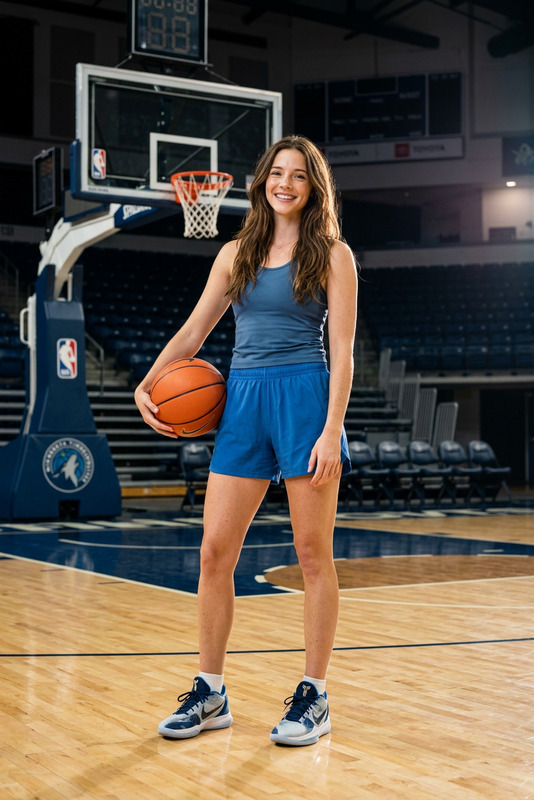
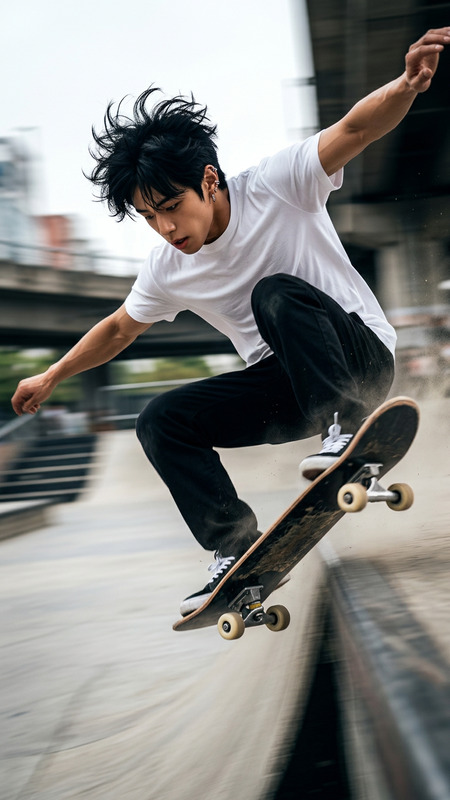
Capture gravity-defying basketball moments with the Street Basket 2 AI Image Editor template. Leveraging the power of the nano-banana-2 model, this template gives you the tools to create stunning visuals of intense basketball action. From sprints to epic mid-air poses, immerse your audience in the dynamic world of street basketball.
What It Does
The Street Basket 2 template focuses on crafting cinematic basketball imagery. It uses AI to highlight high-speed actions, such as sprints and jumps, with an authentic gym soundtrack that includes dramatic bass drops. These elements are seamlessly integrated into your image editing workflow by enhancing the vibrancy and dynamics of each frame.
Combine this with tools like our AI Image Editor to achieve a professional-grade finish. You can also explore other templates for diverse effects and applications.
Who It's For
This template is ideal for sports photographers, social media managers, and marketers seeking to create electrifying basketball visuals. Additionally, video content creators involved in sports highlight reels or promotional materials will find this tool effective for boosting engagement and visual appeal.
Consider pairing it with the AI Video Generator or the AI Multi-Angle Generator to further amplify your basketball storytelling.
Summary
In essence, the Street Basket 2 template empowers you to craft dynamic basketball scenes with AI-enhanced detail. By using the AI Image Editor template, you can generate images that not only capture the essence of high-speed sports action but also convey a cinematic atmosphere. Enhance your visuals with tools like the Video Face Swap for a comprehensive editing experience.
How To
Choose the Template

Customize Your Inputs

Generate Your Image

Use Cases
Sports Marketing
- Create eye-catching ads for social media.
- Design promotional content for basketball events.
Social Media Content
- Generate viral posts showcasing basketball tricks.
- Create Instagram stories featuring highlight reels.
Training Review
- Highlight key moments in training footage.
- Draw attention to performance metrics visually.
Best Practices
Fine-Tune the Soundtrack
Ensure that the soundtrack complements the visuals by timing the bass drops to key moments for an immersive experience.Embrace Dynamic Poses
Focus on capturing moments of high tension and action, such as leaps and slam dunks, for maximum impact.Combine with Other Tools
Utilize the AI Image Generator alongside this template to create themed collections or series.