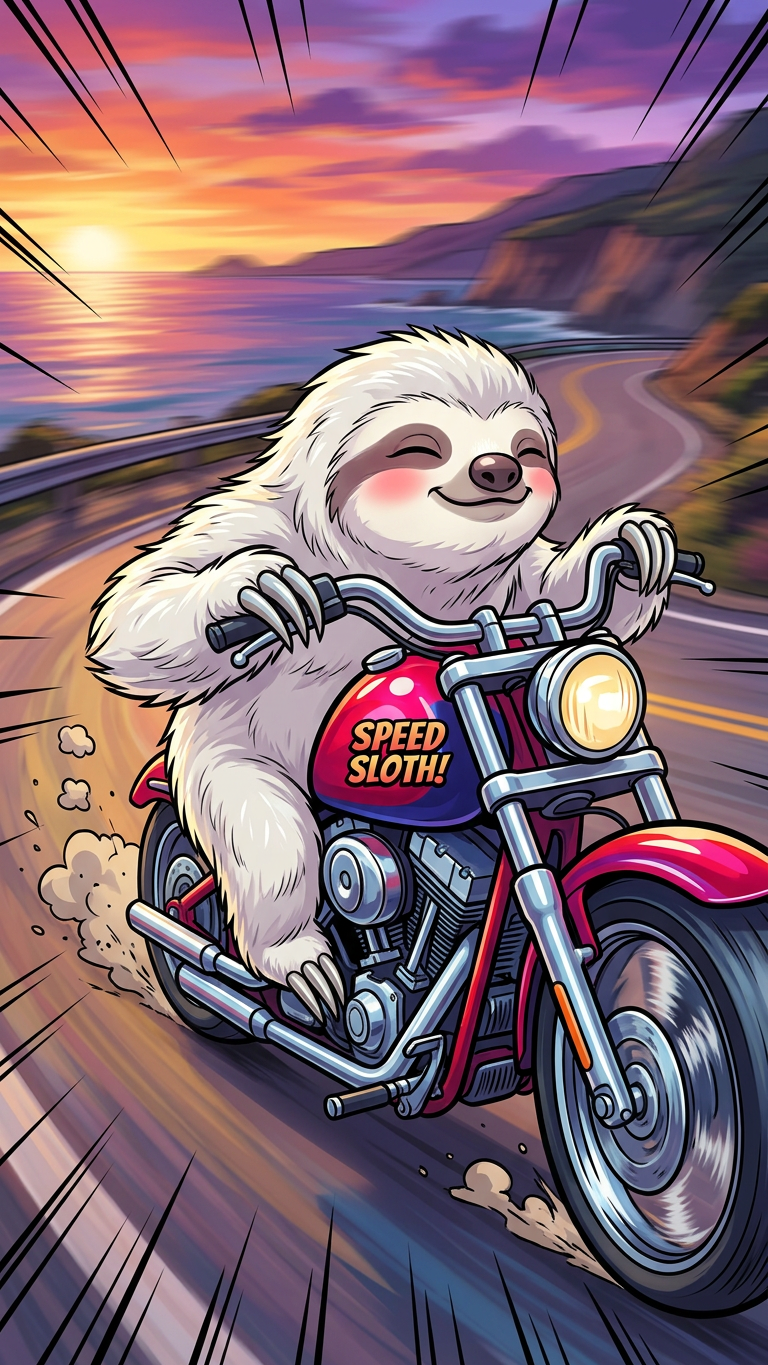
Cartoon Motorcycle Speed
- Model
- Nano Banana 2
- Image
- 768 × 1365 px
Prompt
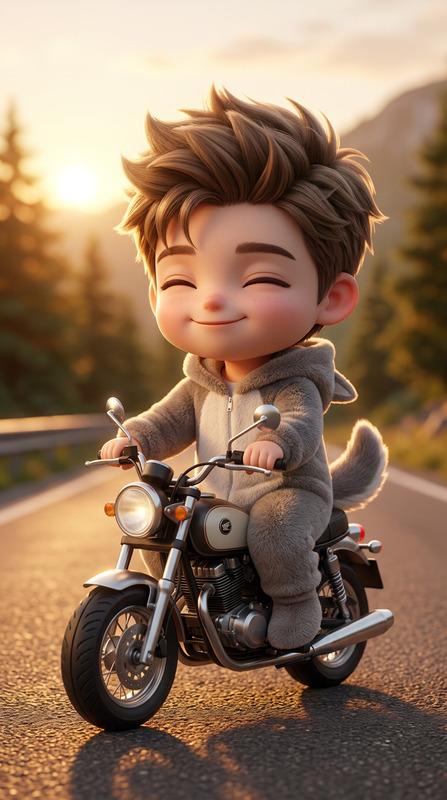
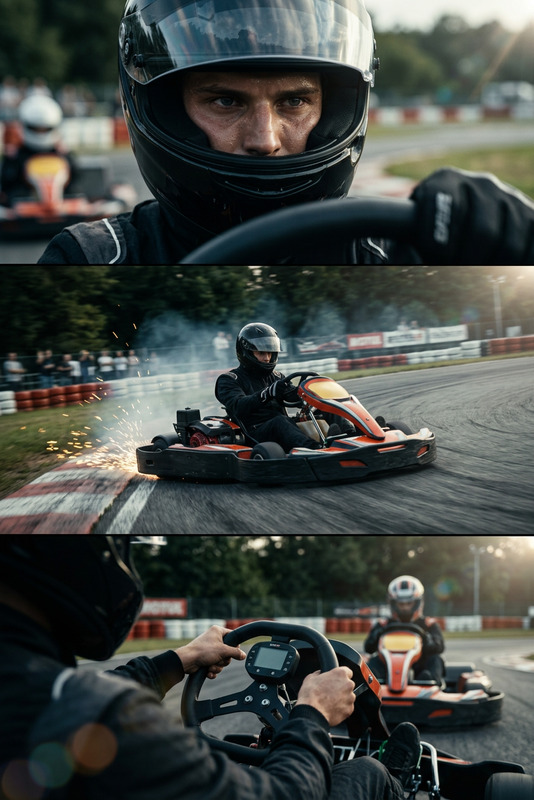
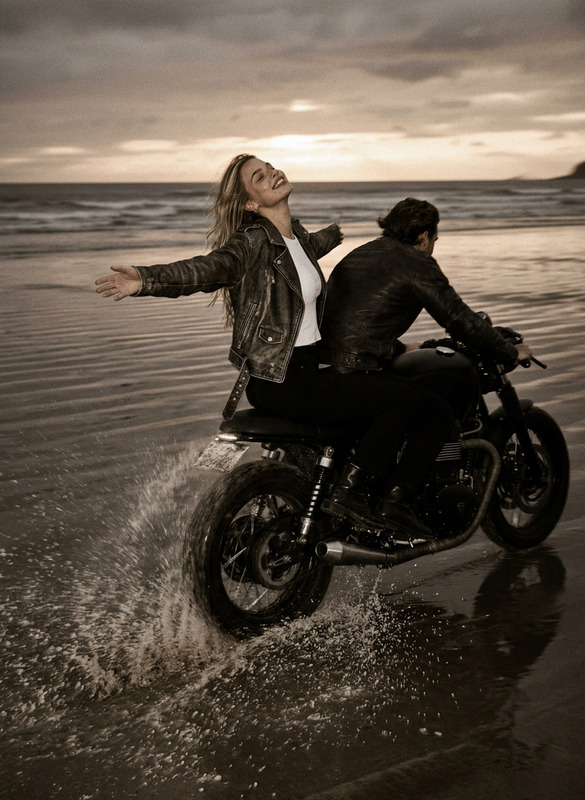
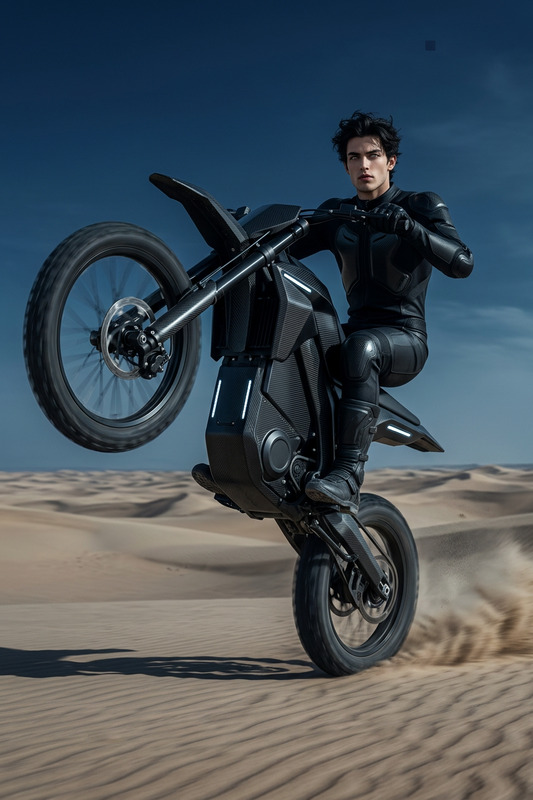
Cartoon-style scene of a subject riding a fast heavy motorcycle at high speed, dynamic motion pose, leaning forward aggressively. Exaggerated proportions, bold outlines, vibrant colors. Motion blur on wheels and background, speed lines emphasizing velocity. Urban or open road setting, high-energy composition, expressive and stylized animation look.
Any aspect ratio
Overview
Unleash a burst of action and creativity with the Cartoon Motorcycle Speed template. Ideal for bringing dynamic energy to your racing videos or animations, this AI Image Editor tool leverages the nano-banana-2 model. Create vibrant, bold, and exaggerated scenes with ease, perfect for a high-speed visual punch.
What It Does
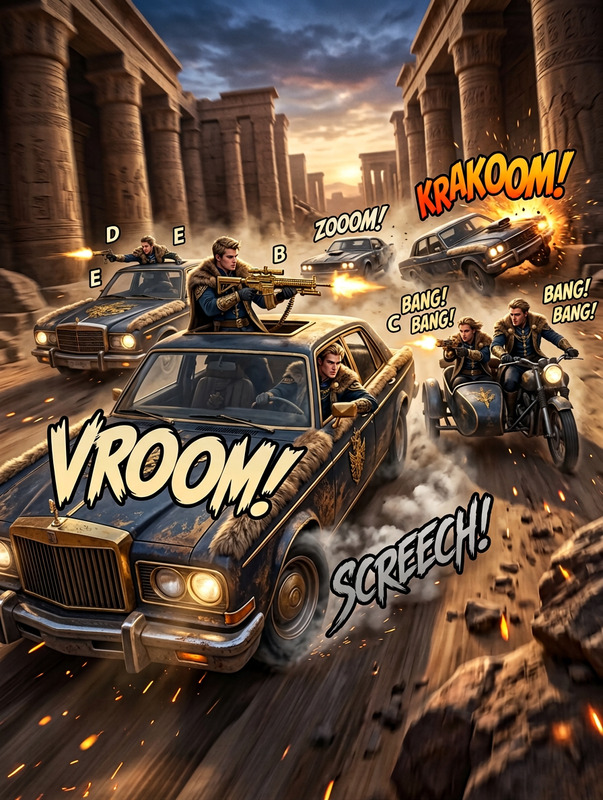
This template allows you to transform an image into a lively cartoon-style depiction of a fast-paced motorcycle chase. It features dynamic poses, bold outlines, and motion elements such as blur and speed lines.AI Image Editor capabilities ensure the output is expressive and vibrant, giving a stylized animation feel suitable for high-energy compositions.
Who It's For
Perfect for creative professionals, animators, and video producers looking to inject a sense of speed and excitement into their projects. Whether you're crafting a racing video, an urban adventure, or a high-octane chase scene, this template provides the tools needed to create stunning and dynamic visuals.AI Product Photography enthusiasts might also find it a fun way to explore new styles.
Summary
With the Cartoon Motorcycle Speed template, harness cutting-edge AI to create dynamic and engaging visuals. By focusing on exaggerated motion, vibrant colors, and stylized animation, your images will captivate audiences and elevate visual storytelling. Ideal for high-energy content that demands attention.AI Video Generator users, take note of its synergy for animated projects.
How To
Choose the Template

Customize Your Scene

Generate Your Image

Use Cases
Racing Videos
- Capture high-speed chases in stylized form.
- Add vibrant race animations.
Dynamic Animations
- Leverage bold outlines and speed lines.
- Perfect for cartoon animation projects.
Advertising Campaigns
- Craft unique ad visuals with dynamic flair.
- Stand out with stylized racing themes.
Best Practices
Select the Right Subject
Choose subjects that naturally fit the energetic, dynamic theme and are visually distinct against the background.Leverage Bright Colors
Vibrant colors enhance the cartoonish quality, maintaining viewer interest and elevating visual impact.Adjust Motion Elements
Fine-tune motion blur and speed lines to highlight the desired sense of speed and action for your scene.