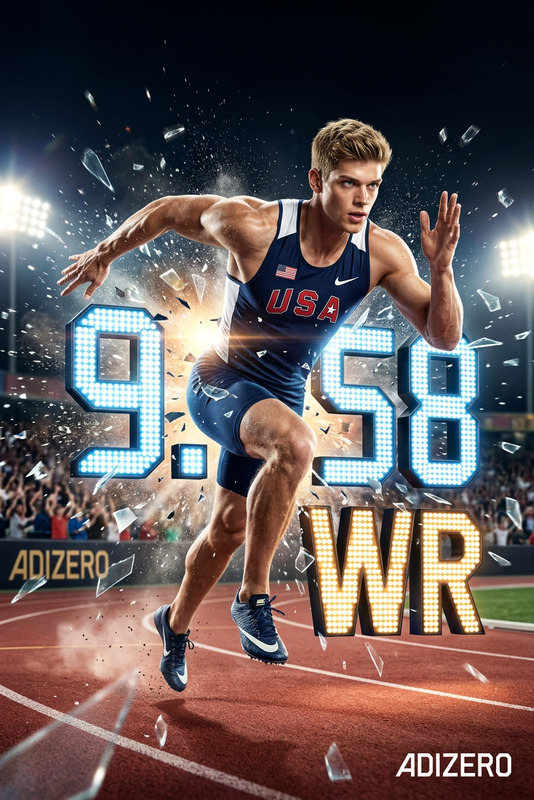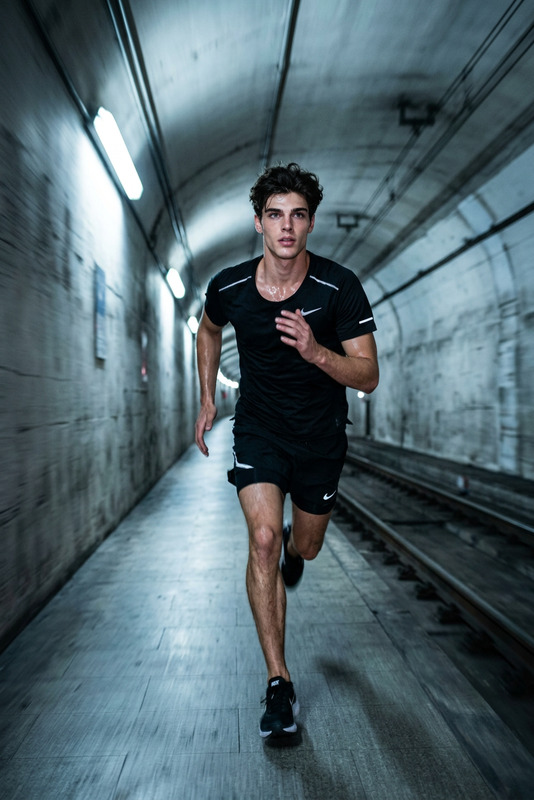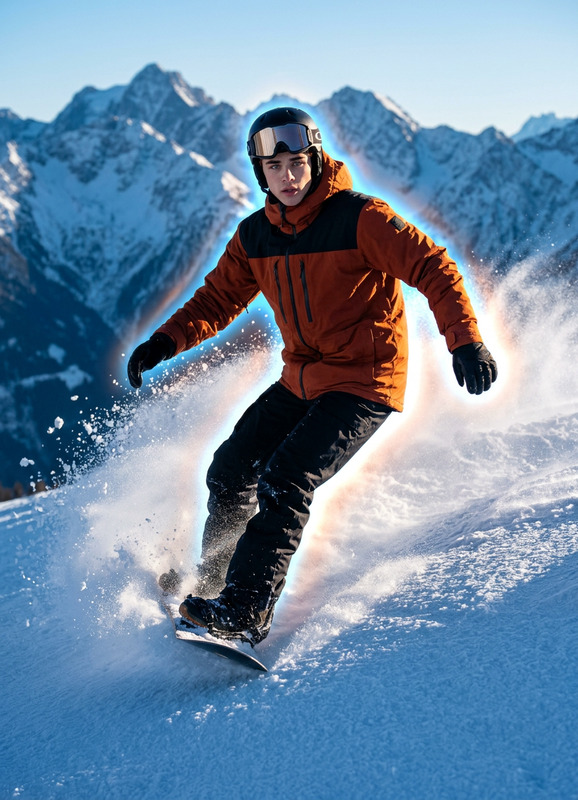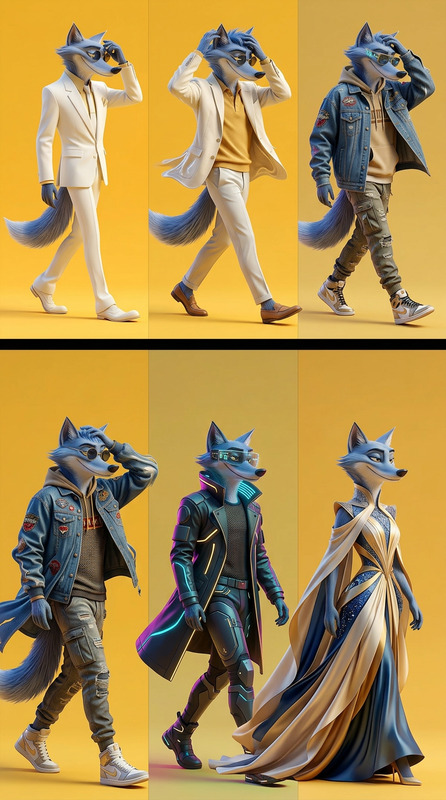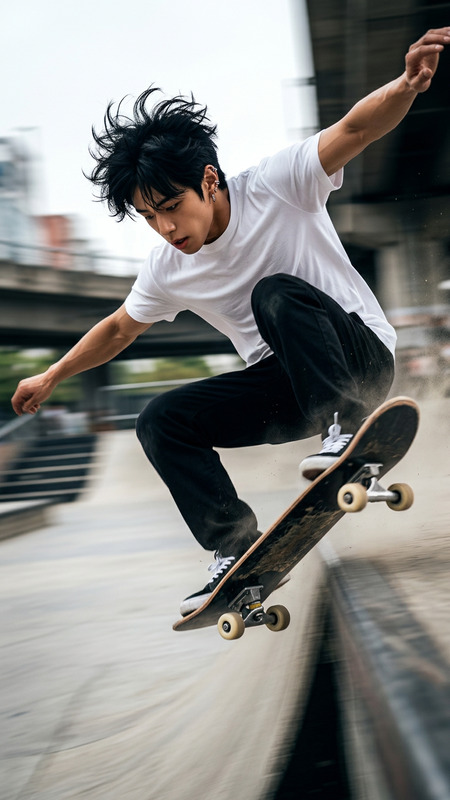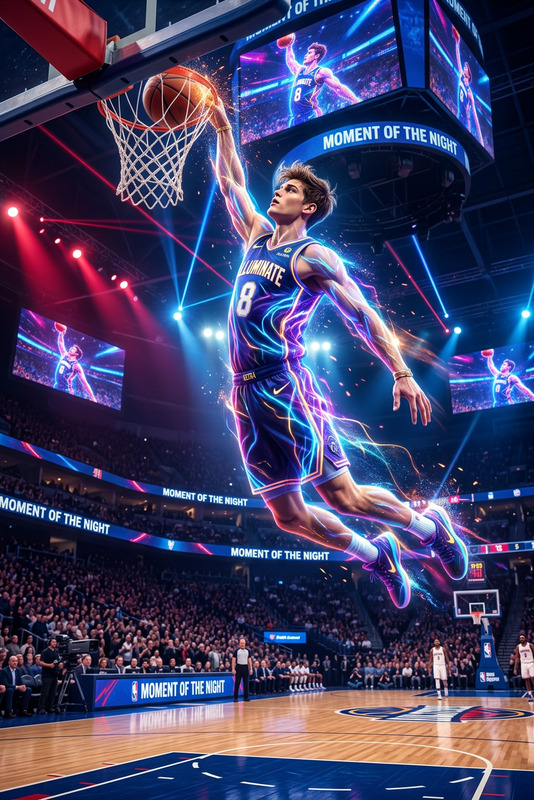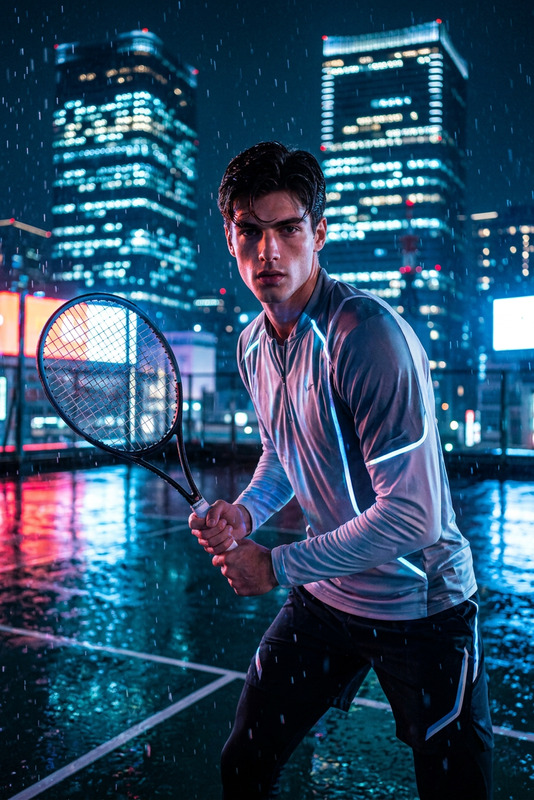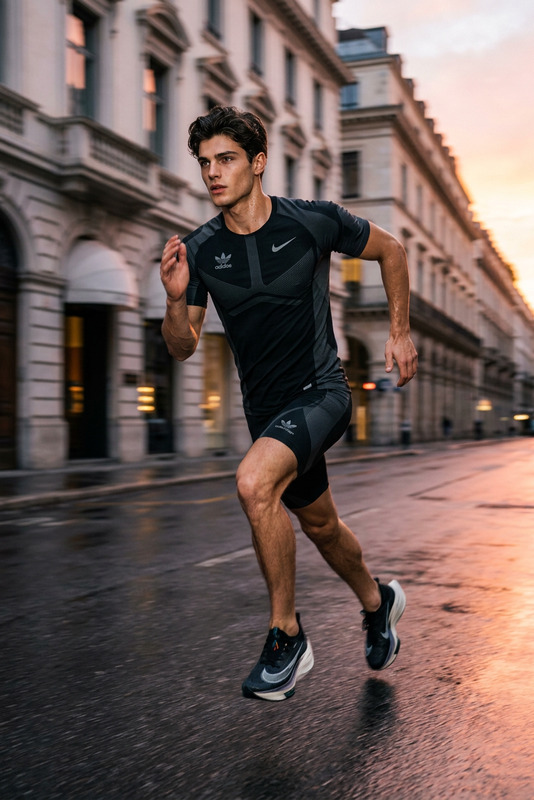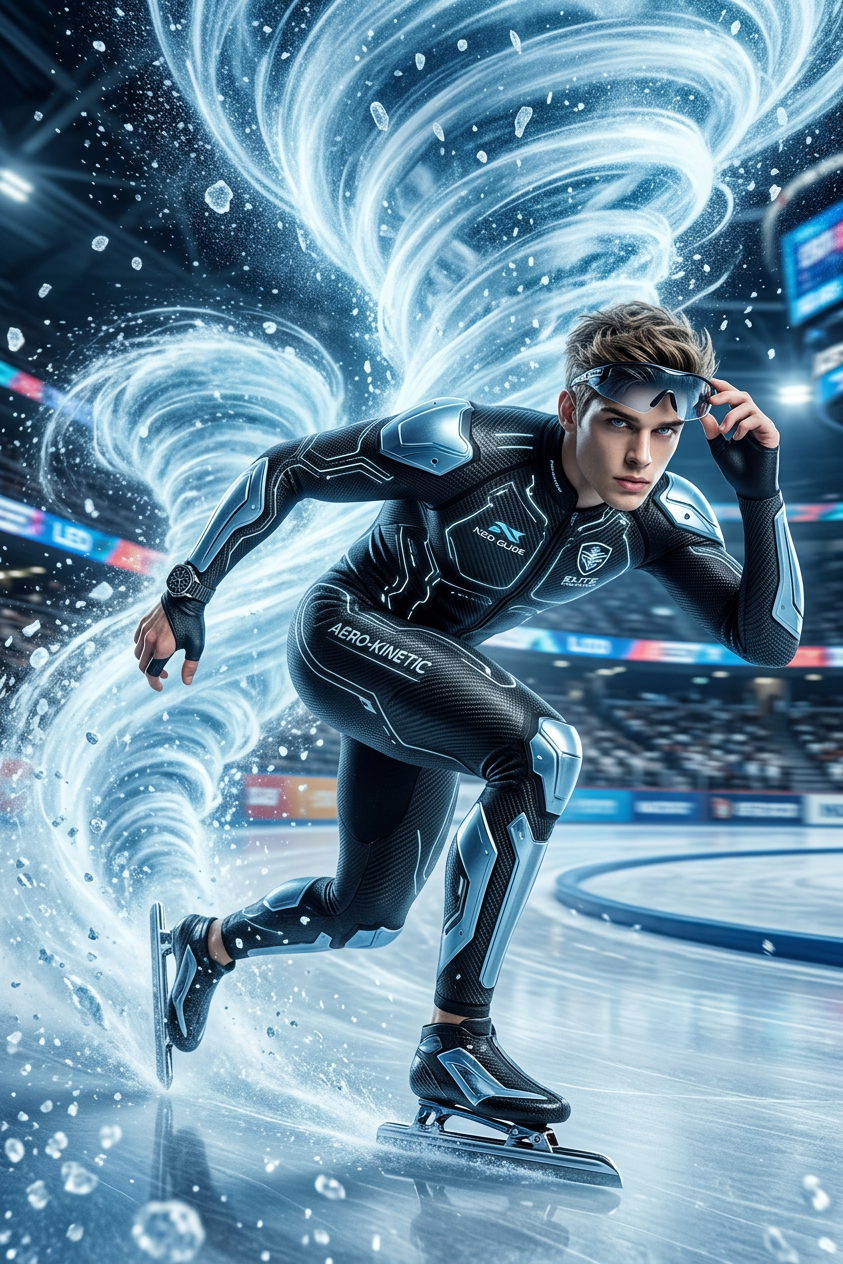
Speed Skater Energy Trail
- Model
- Nano Banana 2
- Image
- 843 × 1264 px
Prompt
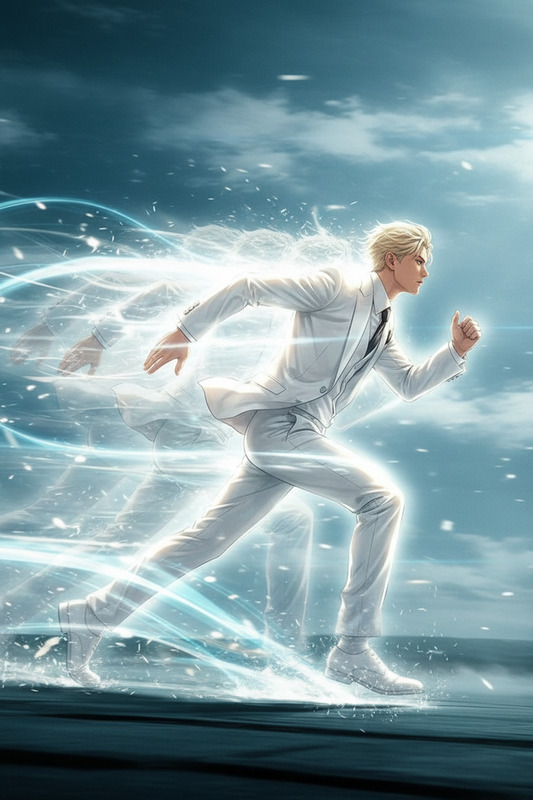
Transform the subject into a professional speed skater wearing a futuristic racing suit. Powerful icy energy trails spiral behind the body as if moving at extreme speed, frozen particles suspended in the air, cinematic sports advertisement.
Any aspect ratio
Overview
The Speed Skater Energy Trail template redefines dynamic imagery by turning your subjects into professional speed skaters. Designed with the advanced nano-banana-2 model, this AI AI Image Editor template adds a cinematic flair to your sports visuals, complete with icy energy trails and futuristic racing suits.
What It Does
This template empowers you to infuse images with the sensation of speed and power. It transforms the subject into a speed skater, equipped with a futuristic racing suit, and surrounded by cinematic energy trails. Ideal for creating visually entrancing sports advertisements, this effect captures the urgency and excitement of extreme speed sports.
Who It's For
This tool is perfect for sports photographers, video marketers, and social media managers who want to elevate their content with dynamic visuals. Suited for creating content for social media ads or enhancing sports event promotions, it delivers high-impact imagery with ease.
Summary
Incorporate this AI Image Editor template into your workflow to transform ordinary images into compelling speed skater scenes. With nano-banana-2 technology, you get seamless ice trail effects, bringing a futuristic edge to your promotional content. Explore similar creative capabilities with the AI Clothes Changer for costume modifications or the AI GIF Generator for animated versions.
How To
Choose Your Template

Customize Your Image

Generate Your Image

Use Cases
Sports Advertisement
- Dynamic imagery for event marketing
- Enhanced athlete portraits
Social Media Content
- Engaging posts for Instagram and TikTok
- Eye-catching cover images for videos
Event Promotion
- Compelling visuals for digital flyers
- Attractive leaderboards and score graphics
Best Practices
Select High-Quality Images
For best results, use well-lit, high-resolution images that clearly feature the subject in motion.Adjust Trail Density
Experiment with the density of the energy trails to create a more realistic speed effect or to highlight specific areas.Complement with Other Effects
Pair this template with other tools like the AI Background Changer to enhance or alter the scene's environment.