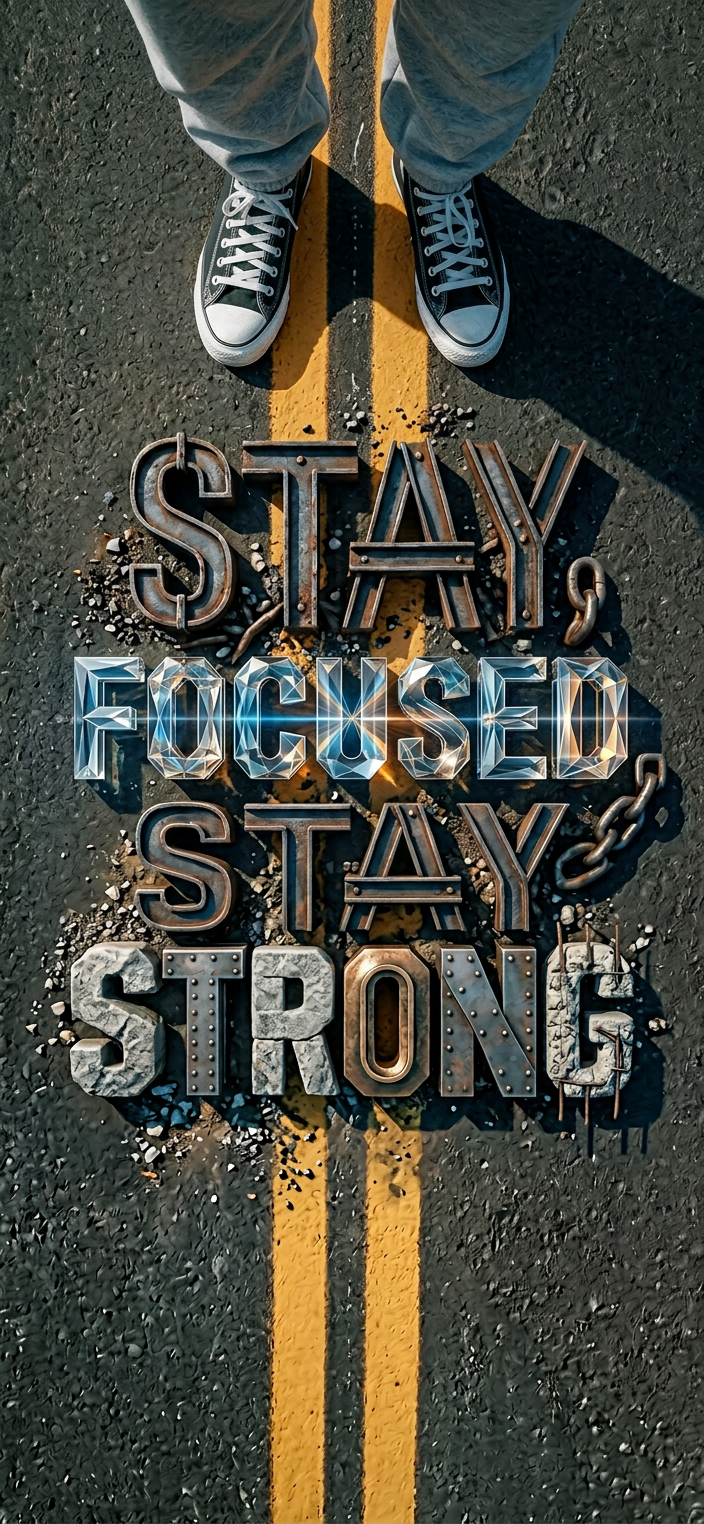
Cinematic Wordmark Design
ai-image-editor
Any aspect ratio
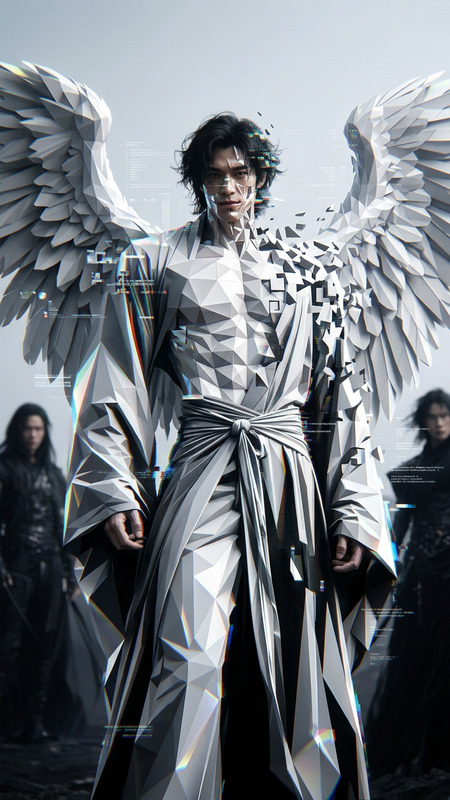
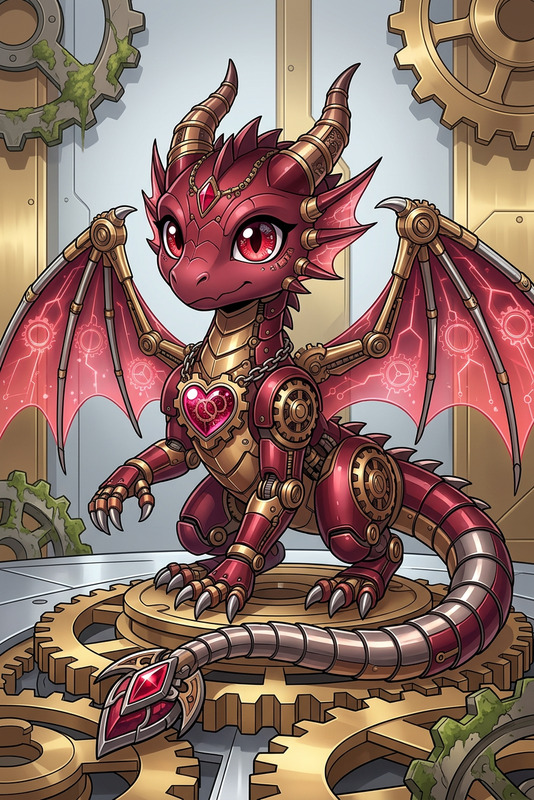
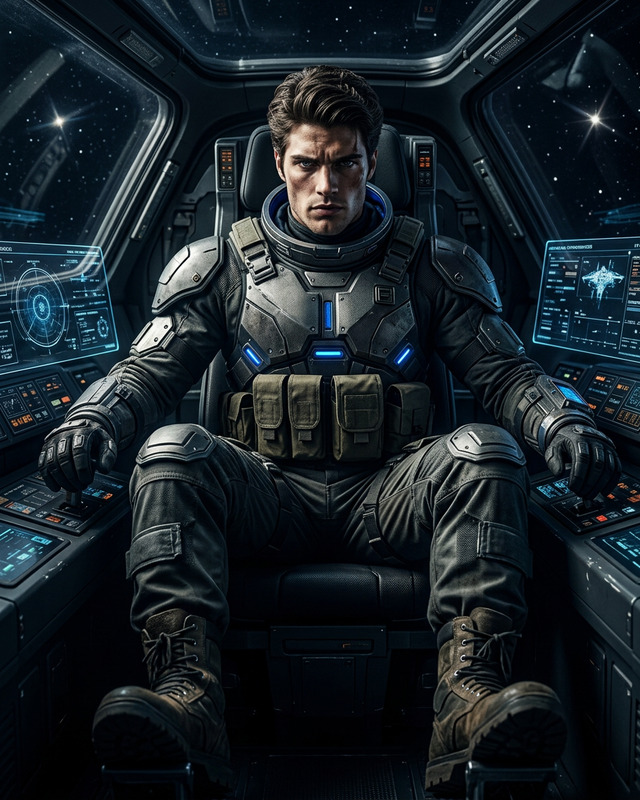
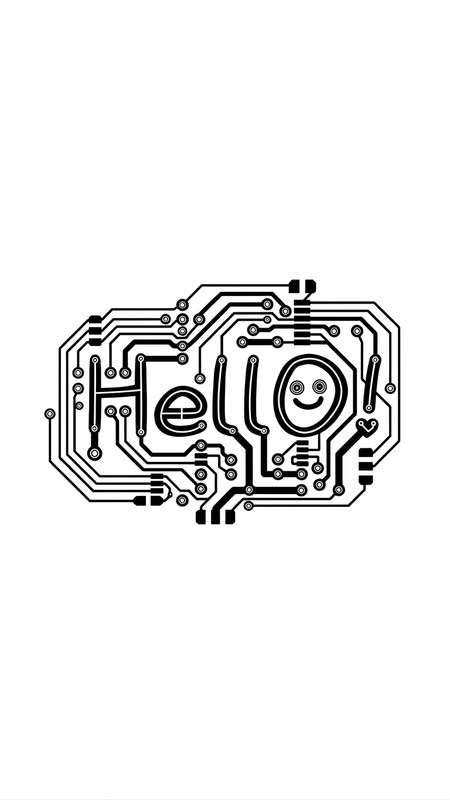
Subject transforms into a custom cinematic title built from the word “[WORD]”, where each letter is uniquely designed to visually express the meaning of the word. Typography becomes expressive and symbolic—shapes, textures, and forms reflect the concept (e.g., sharp for intensity, fluid for calm, fragmented for chaos). Original decorative font style, not based on existing typefaces. Letters feel handcrafted, cinematic, and concept-driven. Background color is carefully chosen to enhance contrast and mood, complementing the word’s meaning. High-detail rendering, dramatic lighting, refined composition, film-title aesthetic, bold and visually striking.
Transform any photo with the Magic Hour AI Image Editor template. This template is built for fast, precise visual edits—ideal for creators, marketers, designers, and founders who need on-brand visuals without a full production workflow.
What this template does
This AI Image Editor–based template lets you:
- Edit or replace specific parts of an image using text prompts
- Change backgrounds while keeping the subject consistent
- Clean up photos by removing unwanted objects or distractions
- Enhance clarity, lighting, and visual style for social, ads, or product pages
- Create multiple design variations from one base image
Under the hood, it uses the same engine as the AI Image Editor, combining inpainting, outpainting, and style transfer in a single, browser-based workflow.
How to remix this template in Magic Hour
You can turn this template into your own reusable editing system in a few minutes:
Duplicate the template
- Click to remix or duplicate the template inside Magic Hour.
- Rename it with your use case in mind (e.g., “UGC Ad Cleanup,” “Product Hero Generator,” “Brand Illustration Editor”).
Define your input images
- Use your own photos (product shots, portraits, campaign images).
- Or quickly generate base images using:
Write reusable prompt patterns
Treat your prompts like mini design systems. For example:- “Replace the background with a clean, soft gradient in [brand color], keep the subject sharp and realistic, commercial photography style.”
- “Turn this scene into a minimal, flat illustration, suitable for a SaaS landing page hero.”
- “Clean up skin imperfections while preserving texture, natural beauty, and realistic lighting.”
Keep variables in brackets (e.g.,
[brand color],[target style]) so you can quickly swap details per project.Set up common edit types as variants
Remix your template so you can select between common workflows:- Background replacement (studio, lifestyle, seasonal)
- Object removal and cleanup
- Style transfer (photo → illustration, realistic → anime, etc.)
- Color and lighting enhancement for ad-ready images
Chain with other Magic Hour tools (optional)
Once you’ve edited the core image, you can:- Turn images into short clips with Image to Video
- Create GIFs for social and email using the AI GIF Generator
- Upscale low-res assets with the AI Image Upscaler
- Remove or replace backgrounds at scale with the Image Background Remover
Save the final flow as a new template so your team can reuse it without rebuilding prompts every time.
High‑impact use cases
This AI Image Editor template is especially useful for:
1. Performance marketing & growth
- Clean and standardize UGC for paid social
- Generate multiple ad variations from one shoot
- Produce platform-specific creatives (Instagram, TikTok, LinkedIn, email) quickly
- Create on-brand visuals for A/B tests with minimal design overhead
You can combine this with:
- Thumbnail Maker for YouTube and course previews
- Album Cover Generator for podcasts or playlists
- Book Cover Generator for lead magnets and ebooks
2. Product, ecommerce & marketplaces
- Swap cluttered backgrounds for clean studio shots
- Localize visuals (different environments, seasons, or regions)
- Remove reflections, tags, or props using the AI Remover or Remove Object from Photo
- Upscale older catalog images with the AI Image Upscaler
Pair this with:
- AI Clothes Changer to test apparel styling
- AI Fashion Generator for lookbooks and moodboards
- AI Outfit Generator for styled product imagery
3. Brand, content & storytelling
- Convert photos into on-brand illustrations or comic-style assets using:
- Design avatars and characters for your product, docs, or community with the
AI Character Generator or
Avatar Generator - Build visual series: recurring templates for newsletter covers, blog hero images, or social carousels
Use the AI Image Editor template as the “last-mile” refinement layer after generating raw concepts with AI Art Generator.
4. Founders & product teams
- Mock up UI on devices, pitch decks, and landing page visuals without a designer
- Visualize product directions (e.g., turning whiteboard photos into polished diagrams or illustrations)
- Create personas and user archetypes with the AI Face Generator, then lightly edit them for consistency
Related templates and workflows worth exploring
If this template fits your workflow, these AI-powered flows often pair well with it:
- Face Swap Video Template – Turn edited portraits into dynamic content:
Face Swap Video - Lip Sync Template – Make edited faces speak your script or audio:
Lip Sync - Video to Video Template – Apply new visual styles to existing videos (e.g., match your edited image look):
Video to Video - Animation Template – Animate your edited characters or illustrations:
Animation
You can also extend your image edits into richer media:
- Turn portraits into talking avatars with AI Talking Photo
- Clone voices for consistent content using AI Voice Cloner
- Generate narration with AI Voice Generator
- Add captions to video assets with the Auto Subtitle Generator
Tips for better AI image edits
To get consistent, production-ready results from this template:
Be explicit in your prompts
Include: subject, environment, lighting, style, mood, and intended use.
Example:
“Clean product photo on a white background, soft diffused studio lighting, high contrast, suitable for ecommerce listing, no text, no reflections.”Reference known visual styles
Describe styles using phrasing like “editorial photography,” “vector flat illustration,” “cinematic lighting,” or “pixel art” to anchor the model.Use a consistent brand vocabulary
Reuse core descriptors (e.g., “bold, minimal, high contrast, blue-accent tech brand”) across all variations so your visuals feel cohesive.Work non-destructively
Save intermediate variations as separate versions and only commit when you’re sure. This makes it easier to build a library of reusable looks.Combine with upscaling and restoration for legacy assets
If you’re modernizing old visuals:- Clean and edit with this template
- Restore with Old Photo Restoration
- Sharpen with Unblur Image and the AI Image Upscaler
Who this template is for
This AI Image Editor–driven template is designed for:
- Creators and YouTubers who need thumbnails, channel art, and social assets without a full-time designer
- Performance marketers and growth teams running continuous creative tests across channels
- Startup founders and product managers validating ideas and shipping polished visuals quickly
- Designers and creative leads who want a repeatable system for generating on-brand variations at scale
If you work with visuals and care about speed, consistency, and control, remixing this template into your own “visual engine” inside Magic Hour will pay off quickly.
Next steps
- Duplicate this AI Image Editor template inside Magic Hour.
- Plug in your own brand language, base images, and prompt patterns.
- Save your customized version as a reusable template for your team.
- Extend it with related tools like AI Image Generator, Image Background Remover, and AI Image Upscaler.
Once set up, you’ll have a repeatable, AI-powered image editing pipeline that turns raw photos into ready-to-ship assets in minutes.