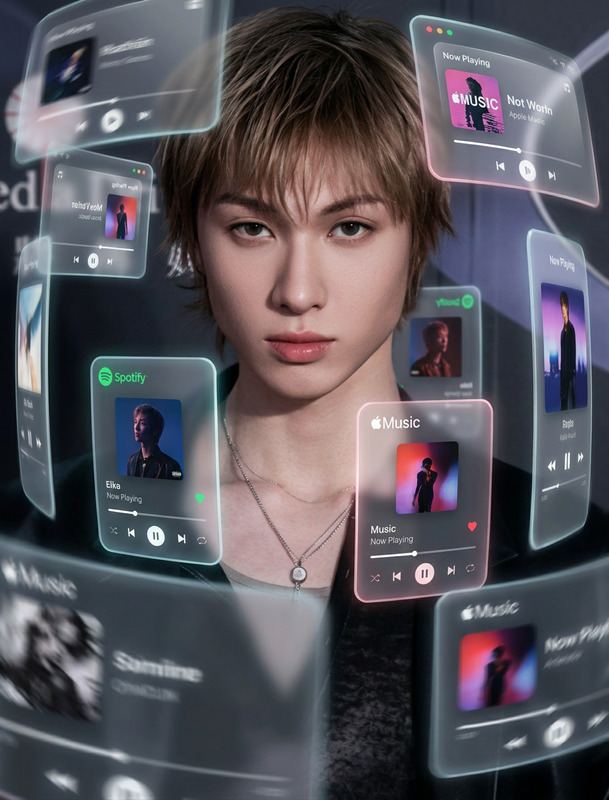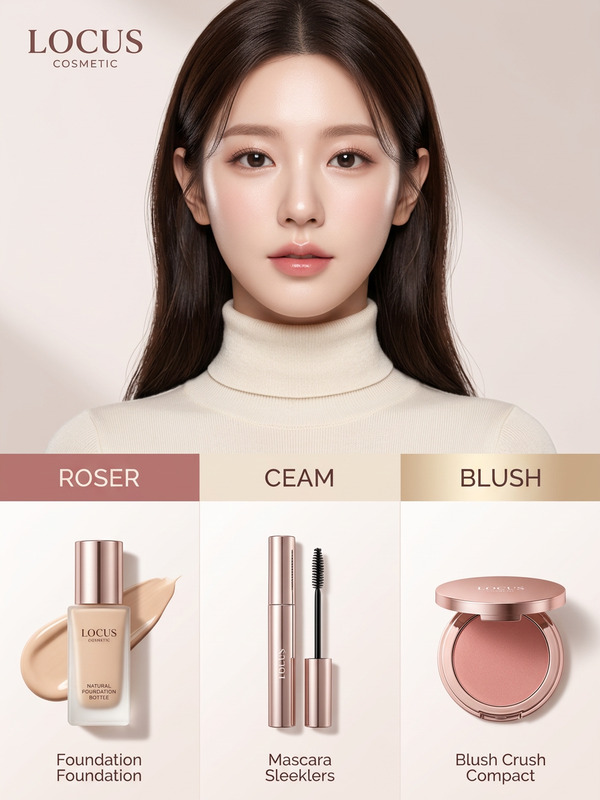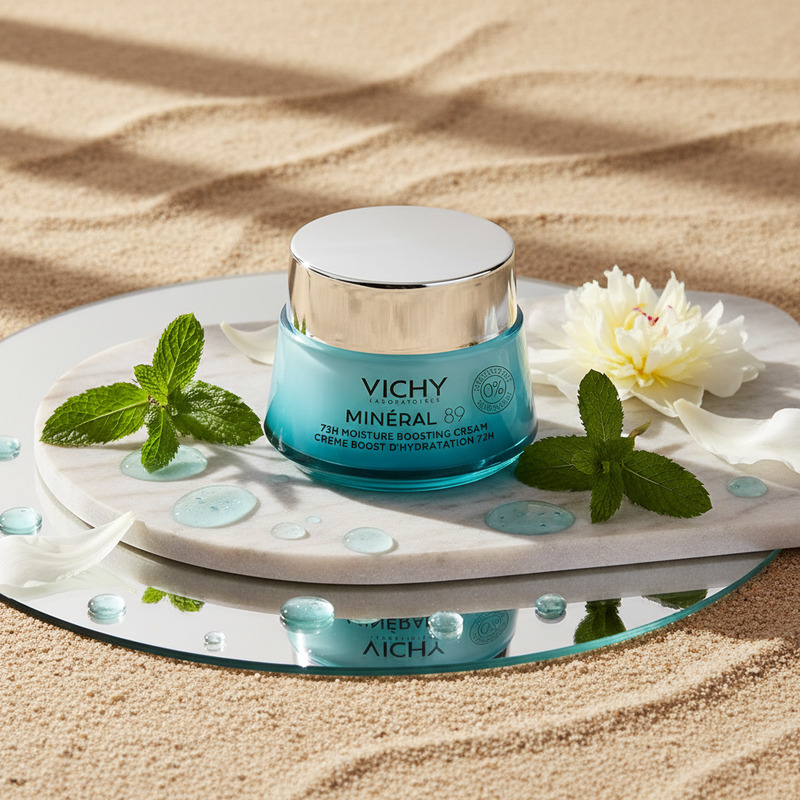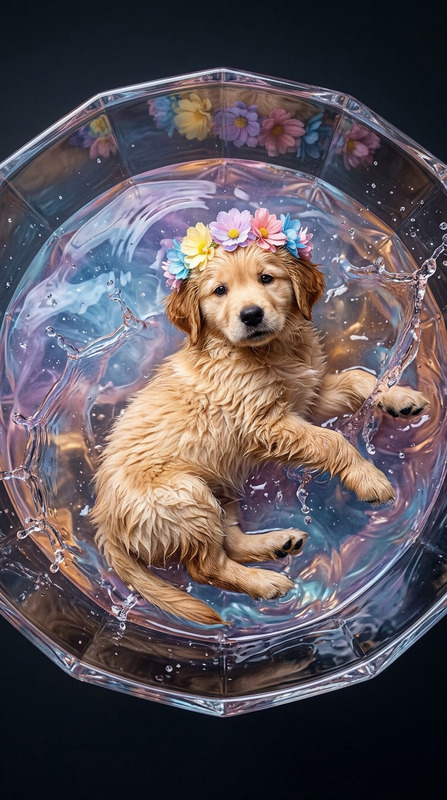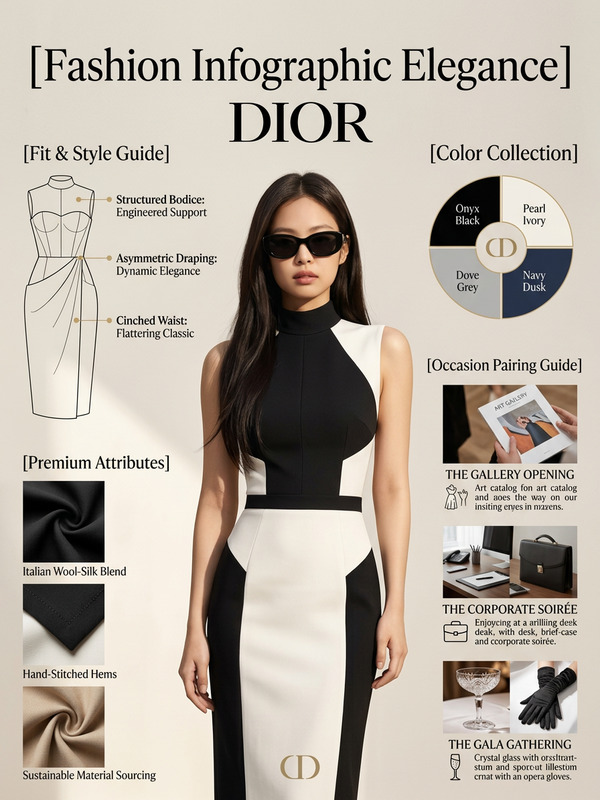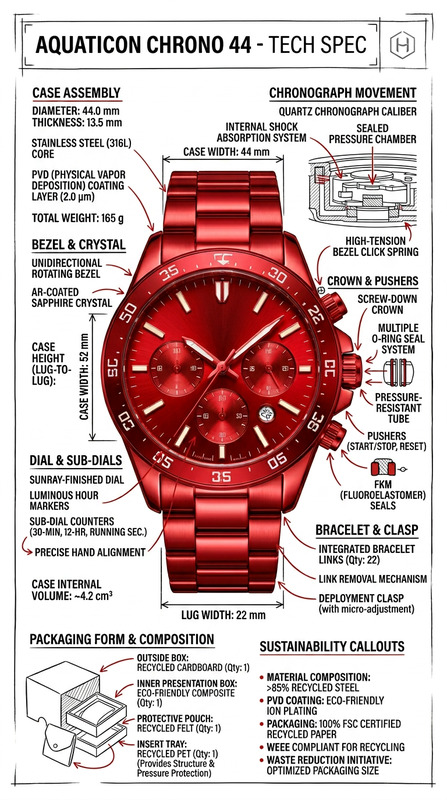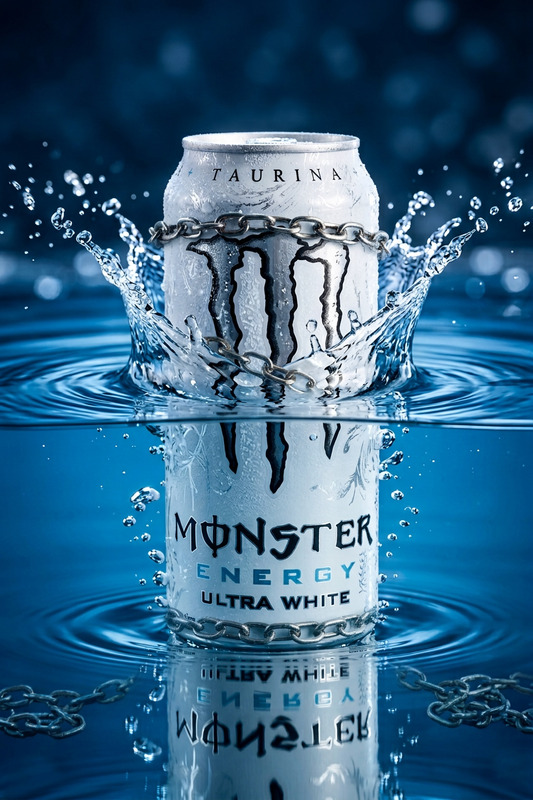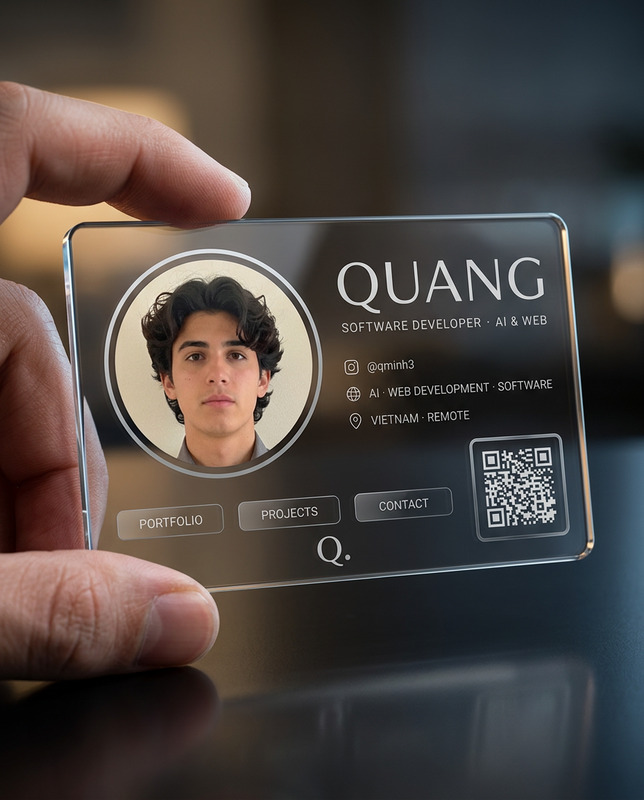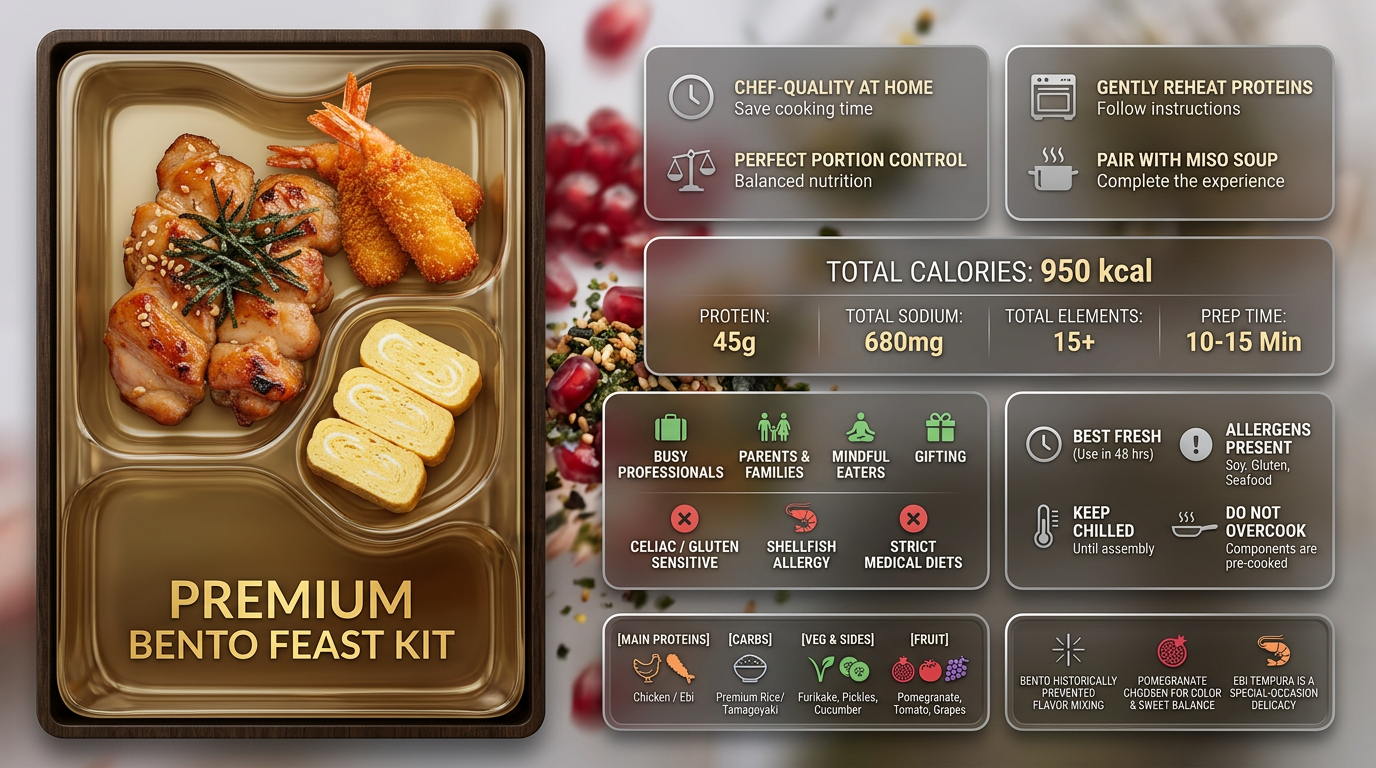
Liquid Glass Product Grid
- Model
- Nano Banana 2
- Image
- 1376 × 768 px
Prompt
Subject transforms into a premium 16:9 liquid glass Bento infographic for [insert product name] in [English]. Hero color derived from product’s natural dominant color. Full saturation for product and accents, muted (30–40%) for icons and borders. Apple-style liquid glass cards (85–90% transparent), whisper-thin borders, subtle shadows, floating depth. Background [ethereal / macro / pattern / context], heavily blurred behind cards, with soft motion effect. Asymmetric Bento layout: hero ~30%, others ~70%. M1 — Hero: Subject displayed as [real photo / 3D glass / stylized], elegant composition + product name M2 — Core Benefits: 4 benefits + icons M3 — How to Use: 4 methods + icons M4 — Key Metrics: 5 exact data points (FOOD / MEDICINE / TECH format) M5 — Who It’s For: 4 suitable + 3 caution groups M6 — Important Notes: 4 precautions M7 — Quick Reference: category-based summary M8 — Did You Know: 3 facts Ultra-clean, high-end, futuristic aesthetic, sharp typography, balanced spacing, visually premium.
Any aspect ratio
Overview
The Liquid Glass Product Grid is an AI-driven AI Image Editor template designed for creating immersive product infographics. Utilizing the nano-banana-2 model, it enables you to showcase products in a sleek and modern format, featuring a liquid glass style with subtle depth and motion effects.
What It Does
This template transforms your product images into a high-end infographic grid, using an asymmetric Bento layout. The hero image captures attention with its stylized depiction, while other sections provide clear, icon-based information on benefits, metrics, and usage. The use of full saturation for products and muted tones for background elements ensures visual clarity and focus.
Who It's For
Ideal for product marketers, designers, and e-commerce businesses looking to enhance their visual content. This template is perfect for creating polished presentations that communicate complex product details effectively. Whether you're in AI Product Photography or crafting Product Launch Videos, it provides the tools to showcase your offerings with clarity and elegance.
Summary
The Liquid Glass Product Grid template is your go-to solution for transforming static product images into dynamic, informative infographics. By leveraging cutting-edge AI models, it offers a futuristic aesthetic that elevates your visual storytelling. Explore more possibilities with our AI Image Editor and discover related technologies to further enhance your visual assets.
How to Use
Choose Template

Customize Inputs

Generate Infographic

Use Cases
Product Launch Presentations
- Showcase new products with a premium aesthetic
- Highlight product features and benefits
Retail Marketing Collaterals
- Create visually compelling displays
- Utilize in-store for digital kiosks
Corporate Training Materials
- Simplify complex product information
- Enhance learning with clear visuals
Best Practices
Leverage Hero Images
Utilize the prominent space for compelling hero images to draw attention to critical product features.Maintain Consistent Branding
Ensure that fonts, colors, and styles are aligned with your brand guidelines for a professional look.Emphasize Clarity
Use icons and brief text to communicate effectively without overwhelming the viewer.