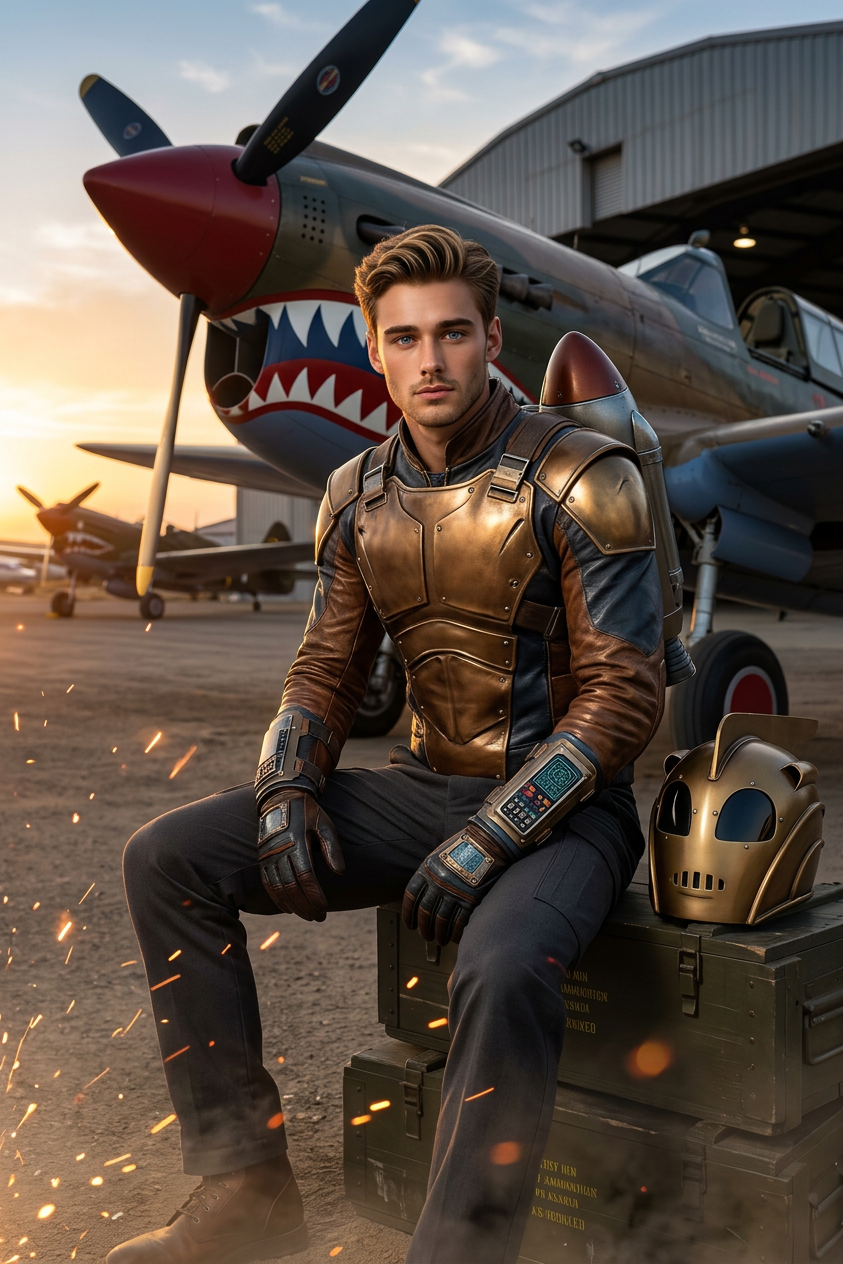
Retro Jet Hero

Retro Jet Hero

ai-image-editor

1 clip
0 uses

Any aspect ratio

Prompt

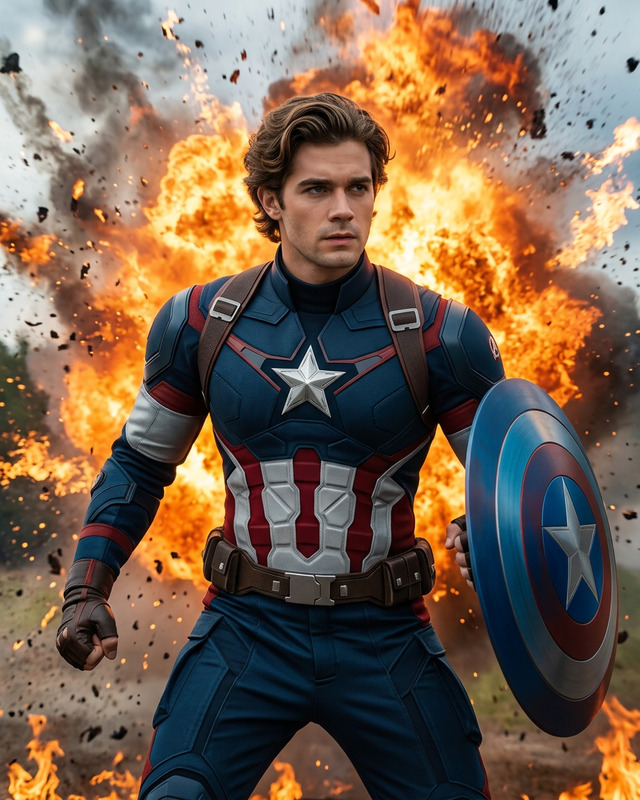
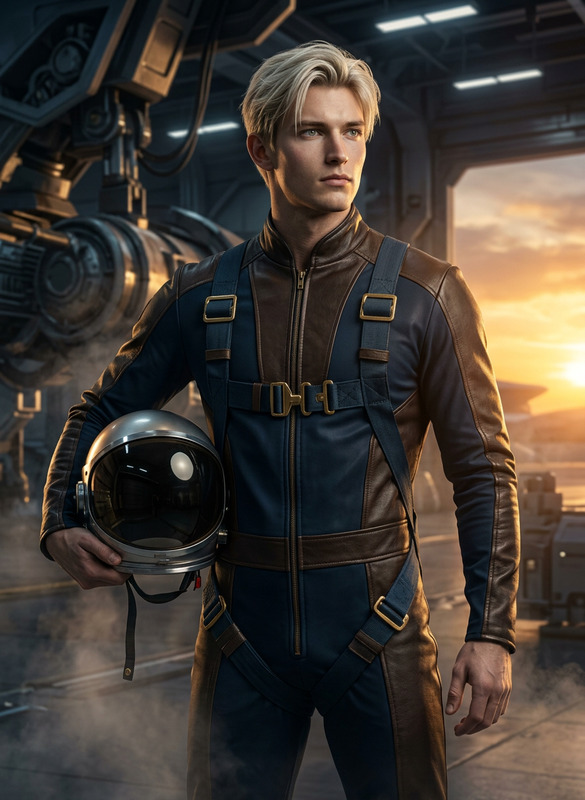
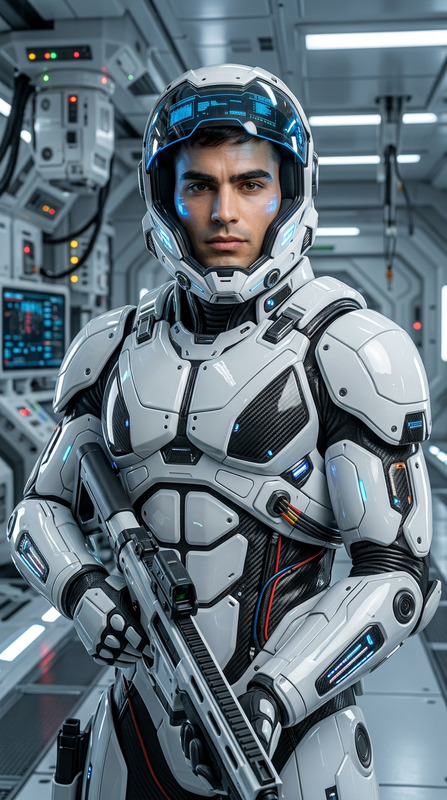
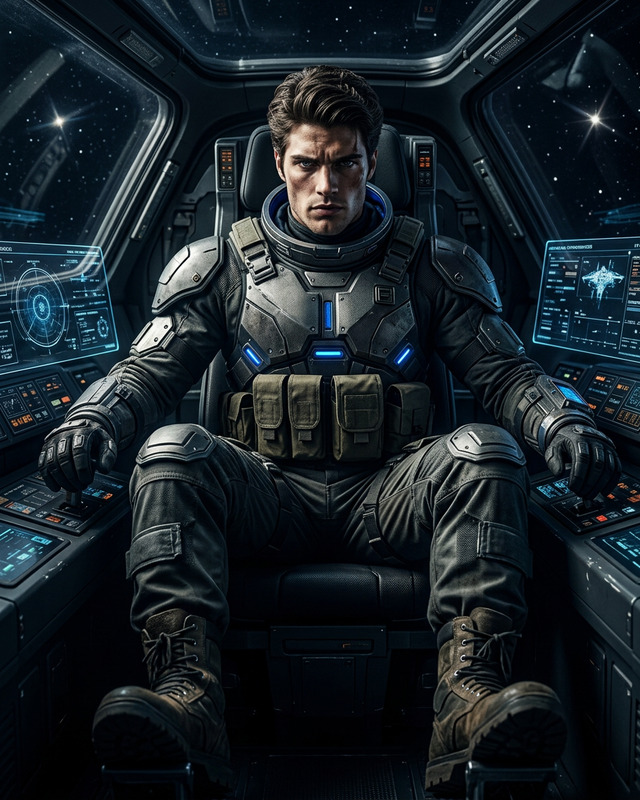
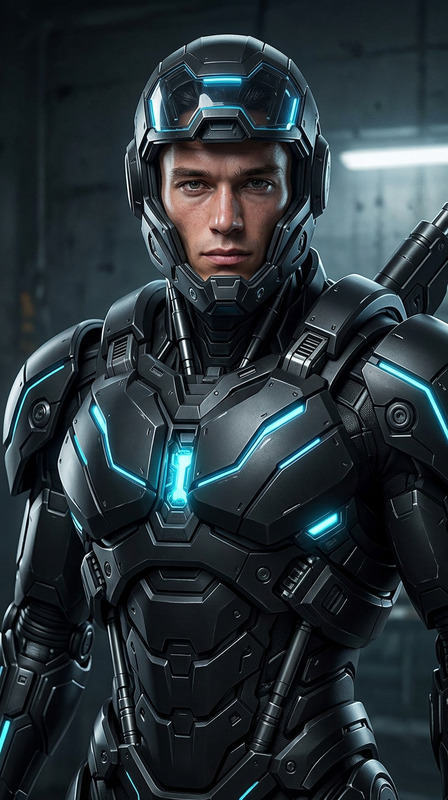
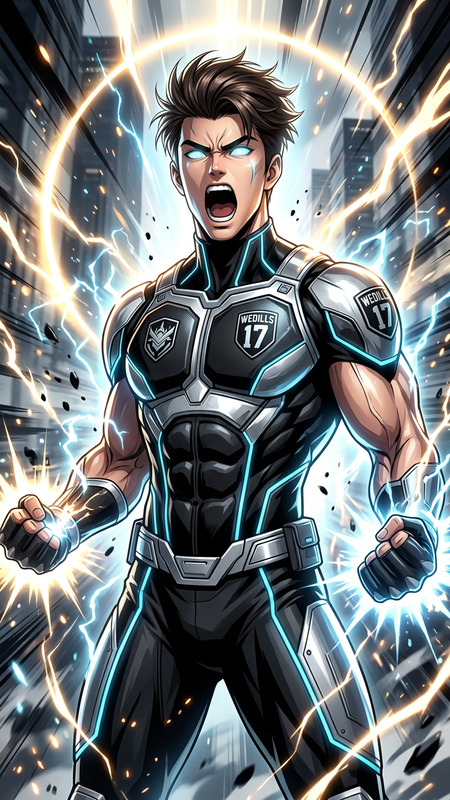
Subject transforms into a male superhero in a Rocketeer-inspired outfit with a modern twist, featuring a sleek retro-futuristic helmet and expressive, realistic facial features. Full-body portrait showcasing a fit, agile physique, seated beside a vintage war airplane. Hyper-realistic 8K detail, cinematic lighting, intricate design. Vibrant triadic color scheme, dynamic splash art composition, polished and immersive atmosphere.

Transform any image with Magic Hour’s AI Image Editor template. Clean up photos, replace backgrounds, remove objects, and add new elements in minutes—without touching Photoshop or writing a single line of code.

This template is powered by the AI Image Editor, and is fully remixable. You can duplicate it, tweak the prompts, and adapt it to your own brand or workflow.


What you can do with this template

Use this template as a starting point for fast, production‑ready visual edits:

  • Remove distractions and objects
    Instantly erase people, logos, text, or clutter from a scene. For focused product shots, combine this with the AI Remover or Object Remover.

  • Change or refine backgrounds
    Swap a messy background for a clean studio look, a lifestyle scene, or on‑brand gradients using the AI Background Generator or Image Background Remover.

  • Add new elements with text prompts
    Drop in props, signage, decor, UI overlays, or brand assets using natural language. This is especially useful for marketing mockups, ads, and pitch decks.

  • Polish faces and portraits
    Retouch lighting, smooth imperfections, or adjust details with the help of the AI Face Editor, AI Headshot Generator, or AI Selfie Generator.

  • Upgrade image quality
    Upscale low‑res screenshots, old marketing assets, or user‑generated content with the AI Image Upscaler and Unblur Image.

  • Reframe content for social and campaigns
    Adapt a single core asset into multiple versions for ads, landing pages, app stores, and social feeds. Combine with Thumbnail Maker, Album Cover Generator, or Book Cover Generator for channel‑specific variants.


Who this template is for

This template is designed for:

  • Growth & performance marketers
    Rapidly A/B test creative variations, swap hooks and backgrounds, and localize visuals without waiting on design.

  • Founders & startup teams
    Generate pitch deck visuals, app screenshots, and landing page imagery from a single base photo.

  • Designers & creatives
    Use AI as a fast ideation layer: explore composition tweaks, background alternatives, and concept variations before committing to a final design.

  • Developers & product teams
    Prototype in‑product visuals (avatars, UI mockups, characters) quickly, then hand off to design or integrate with other Magic Hour tools like Text‑to‑Video or AI Talking Photo.


How to remix this template in Magic Hour

You can create your own version of this template in a few steps:

  1. Open the AI Image Editor
    Go to the AI Image Editor. Start from the template or upload any image you want to edit.

  2. Define the core editing workflow
    Decide what your remix is optimized for:

    • Ad and landing page cleanup
    • Product photography (e‑commerce, SaaS UI, mobile apps)
    • Portrait and profile photos
    • Content for social, newsletters, or community posts
  3. Design reusable prompt patterns
    Turn your goals into reusable instructions. Examples:

    • “Clean, minimal e‑commerce product shot on a neutral studio background, no text, high contrast lighting.”
    • “Startup SaaS dashboard screenshot on laptop in modern workspace, soft natural light, realistic shadows.”
    • “Professional LinkedIn headshot, neutral background, soft lighting, business‑casual outfit.”

    You can also pair this workflow with:

  4. Create variants for different channels
    Remix the prompts to match where the image will be used:

    • Website hero sections
    • Paid social ads
    • App Store / Play Store listings
    • Slide decks and investor updates

    For avatars and characters, consider:

  5. Turn your process into a repeatable template
    Once you find a prompt and editing flow that works, save it as your go‑to workflow inside Magic Hour so your team can:

    • Drop in new source images
    • Reuse the same editing logic
    • Keep brand and visual style consistent across campaigns

Use cases and workflows

Here are practical ways teams are using AI image editing in production:

1. Startup and SaaS marketing visuals

  • Start from a raw UI screenshot or photo of your product
  • Use AI Image Editor to:
    • Remove clutter from the background
    • Replace the environment (e.g., office desk, coffee shop, home office)
    • Add subtle brand accents to keep everything on‑brand
  • Auto‑generate supporting visuals with:

2. Creators and personal brands

3. E‑commerce and product imagery

4. Content and storytelling


Advanced creative directions

If you want to push this template further, you can remix it with more specialized tools:

You can start from a real photo, edit it with AI Image Editor, then stylize or extend it with any of these tools to create a consistent visual universe for your brand, game, or story.


Connect images to motion, voice, and video

If you’re building a richer content pipeline, this template is a strong first step in a multi‑tool chain:

  1. Edit and finalize your key visuals with AI Image Editor
  2. Animate or bring them to life with:
  3. Enhance with voice and audio:
  4. Ship content with accessibility and polish:

Best practices when editing with AI

To get reliable, on‑brand results when remixing this template:

  • Start from a clear, reasonably high‑quality image
    Clean, well‑lit photos give the model more signal to work with. If your assets are low‑res, try the AI Image Upscaler first.

  • Be explicit in your prompts
    Describe subject, style, lighting, background, and what to remove or keep. The more specific your instructions, the more consistent the output.

  • Iterate instead of over‑engineering a single prompt
    Make small edits (background, then props, then lighting) rather than trying to transform everything in one step.

  • Document prompts that work
    Once you find a wording that reliably produces good results, save and reuse it as part of your own internal template or creative SOP.

  • Respect rights and likeness
    When working with real people or third‑party content, ensure you have the necessary permissions and follow your organization’s brand and legal guidelines.


Summary

This AI Image Editor template is a practical base for:

  • Cleaning and upgrading existing images
  • Creating consistent, on‑brand visuals at scale
  • Building a flexible pipeline that connects images to video, voice, and interactive content

Remix it to match your brand, your channels, and your workflow—then connect it with other Magic Hour tools like AI Image Generator, Image‑to‑Video, Face Swap Video, and Animation to build a full AI‑native creative stack.

More Like This