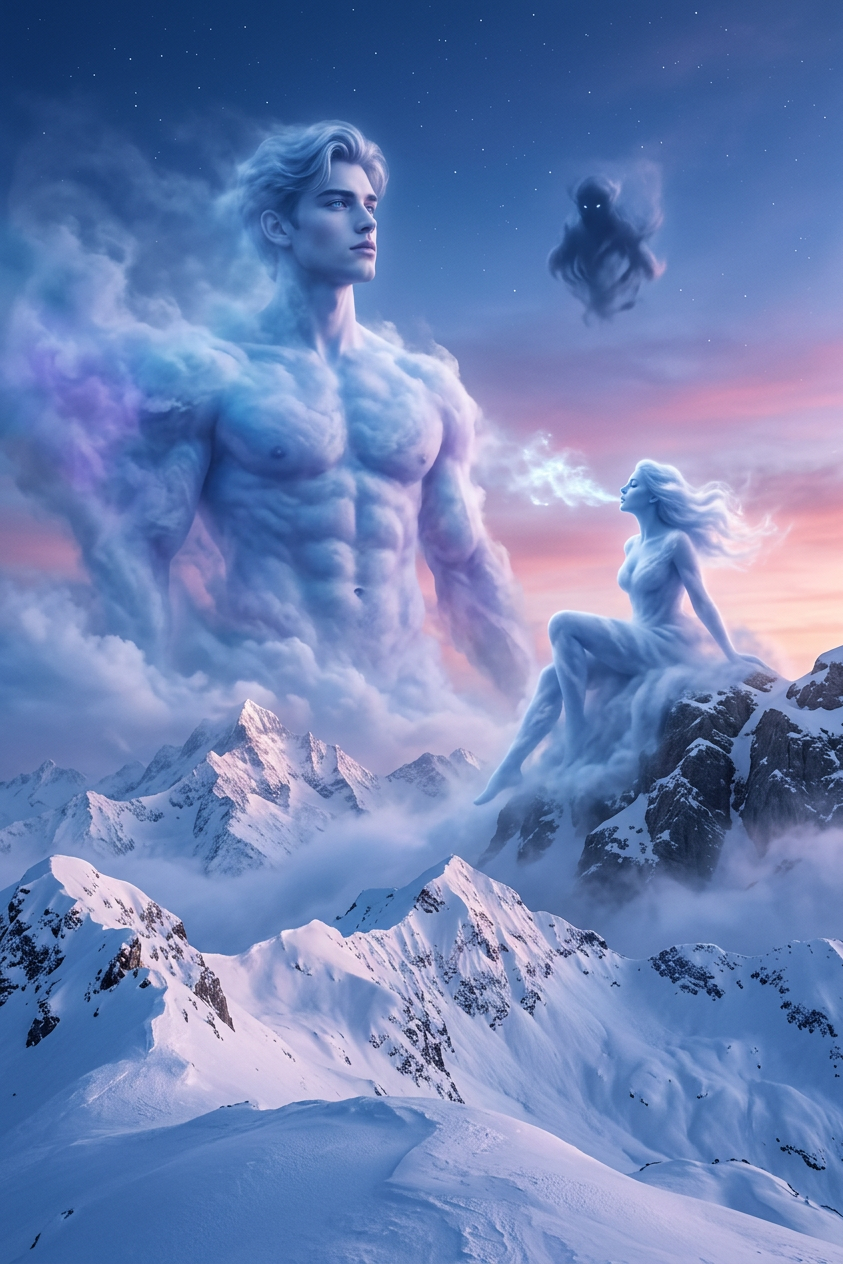
Titans of the Twilight Sky

Titans of the Twilight Sky

ai-image-editor

1 clip
2 uses

Any aspect ratio

Prompt

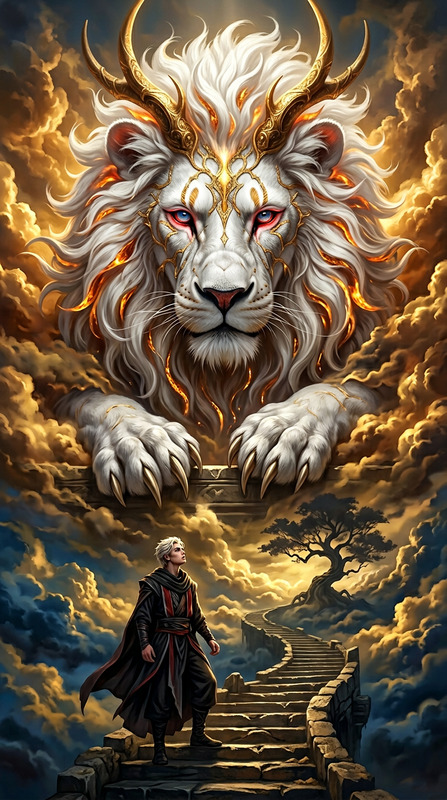
Epic photorealistic fantasy of the subject as ethereal cloud beings over a vast snow-covered mountain range at twilight. A towering muscular male cloud form stands in the sky, a graceful female form sits on a peak exhaling mist, with a smaller shadowy presence above. Sky shifts from deep blue to pink and violet with faint stars, swirling clouds and mist, soft glowing light illuminating snowy peaks. Ultra-detailed, cinematic, mystical atmosphere.

AI Product Mockups with Magic Hour Image Editor

Create polished, on-brand product mockups in minutes using Magic Hour’s AI Image Editor. This template is designed for founders, marketers, and product teams who need high-quality visuals for landing pages, pitch decks, social media, and app stores—without relying on a full design team.

Use this template as a starting point, then remix it to match your product, style, and brand system.


What This Template Helps You Create

With this AI Image Editor–based template, you can quickly generate:

  • SaaS dashboard mockups for websites and investor decks
  • Mobile app UI previews for App Store / Play Store and product hunts
  • Feature callouts and UI close-ups for launch posts and onboarding flows
  • Before/after visuals to demonstrate product impact
  • Ad-ready creatives for performance marketing and retargeting
  • Social graphics for LinkedIn, X, and newsletters

Because everything is editable, you can swap in your own UI, brand colors, typography, and layout ideas in just a few iterations.


How to Remix This Template in Magic Hour

You can reproduce and customize this template entirely inside Magic Hour using the AI Image Editor and related tools:

  1. Import or generate a base product image

  2. Edit the scene with AI Image Editor
    Use the AI Image Editor to:

    • Change backgrounds (e.g., plain gradient, workspace, abstract 3D shapes, device on a desk)
    • Add or adjust devices (laptop, phone, tablet, watch) around your UI
    • Insert supporting objects (coffee cup, notebook, keyboard, plant) to fit your brand aesthetic
    • Refine lighting, reflections, and shadows so the UI feels integrated and photo-realistic
  3. Brand the mockup to your product

    • Match color accents to your brand palette
    • Adjust composition to highlight your key feature or metric
    • Add or remove elements to avoid visual clutter and keep the eye on your product
  4. Create variations for different channels
    Once you have a strong base image, duplicate and adapt it for:

    • Hero section of your landing page
    • Slide decks (wider framing, more whitespace)
    • Paid ads (tighter crop, bolder focal point)
    • Social media (square and vertical framing)

    You can keep everything consistent by editing variants within the same project.

  5. Upscale and refine
    Before exporting, sharpen your image using:


Tips for High-Converting Product Mockups

These guidelines are drawn from common patterns in top-performing SaaS and app landing pages:

  • Focus on one core promise per image
    Each visual should communicate a single idea (e.g., “Automated reporting,” “Real-time collaboration”), not every feature at once.

  • Use real-ish data, not lorem ipsum
    Replace placeholder content with realistic metrics, labels, and user names. This increases perceived product maturity and trust.

  • Design for legibility at small sizes
    For social and ad creatives, assume the mockup will be viewed on mobile. Use clear contrast and uncluttered UI within your screenshot.

  • Highlight motion, even in static images
    Use visual cues (tooltips, overlays, cursor indicators, progress states) to suggest how the product behaves, not just how it looks.

  • Stay honest to the product
    Keep layouts, flows, and capabilities consistent with what your product actually does. Overly “fake” UI can hurt trust in demos and sales calls.

For additional visual experimentation (e.g., concept-style or illustrated product art), you can also combine this workflow with the AI Illustration Generator or AI Manga Generator for stylized brand worlds.


Advanced Workflows: From Static Mockups to Motion

Once you’ve refined your core product mockups, you can repurpose them into motion assets without re-designing from scratch.

1. Turn mockups into short videos

  • Use Image to Video to animate a single product mockup into a subtle, loopable motion clip (great for hero sections, LinkedIn posts, and product teasers).
  • Use Text to Video to script a short product story and combine it with your existing visuals.

2. Create UI animations and product explainers

  • Start with your static product mockup, then transform it using:
    • Video to Video to stylize screen recordings or walkthroughs
    • Animation to turn visuals into animated sequences or conceptual motion graphics

These tools let you go from screenshot → mockup → animated demo within a single ecosystem, without handing files back and forth between multiple apps.


Combining Product Mockups with Faces and Voice

If you’re building marketing or onboarding content, you can integrate your product visuals with human presenters and voice, all powered by Magic Hour:

  • Face + UI storytelling

    • Create a talking avatar or spokesperson with AI Talking Photo.
    • Overlay or cut in your product mockups to demonstrate features as they’re being described.
  • Face-swap on demo presenters

  • Voice for product videos

  • Sync voice with your visuals

    • Use Lip Sync to match mouth movements to your script when you’re showing a face next to your product mockups in a single frame.

Cleaning, Refining, and Reusing Existing Assets

You can also use this template as a way to “upgrade” existing assets rather than starting from zero.


Related Magic Hour Tools for Product & Brand Systems

If you’re building a full brand system around your product mockups, these tools can help you keep everything visually consistent:


Why Use Magic Hour for Product Mockups?

Using an AI-first workflow for product visuals can:

  • Compress design cycles from days to minutes
  • Help non-designers ship professional visuals quickly
  • Reduce dependency on stock mockups that don’t match your brand
  • Support rapid A/B testing of layouts and hero images
  • Keep all creative (images, video, voice, avatars) in a single workspace

This template showcases what’s possible with Magic Hour’s AI Image Editor, but it’s most powerful when you remix it—swap in your own product, adjust the style, and build a consistent set of visuals across web, mobile, decks, and campaigns.

Use it as your baseline system: one core mockup style, many executions.

More Like This

Insufficient credits