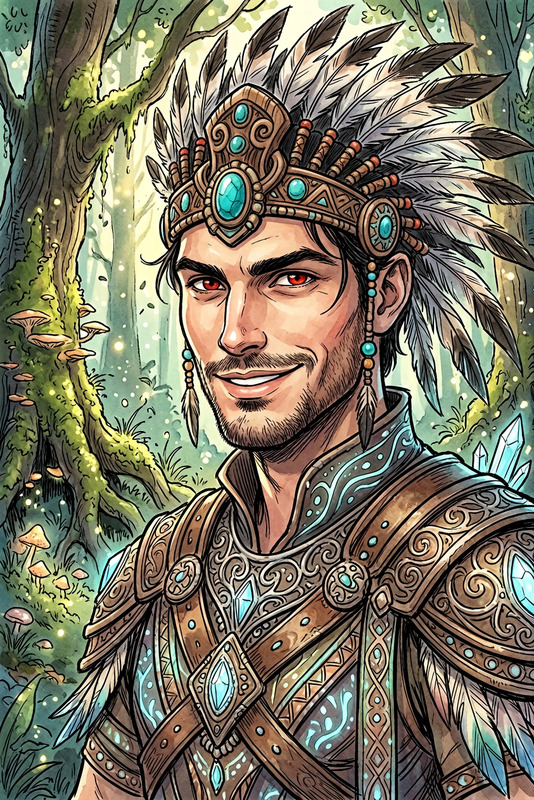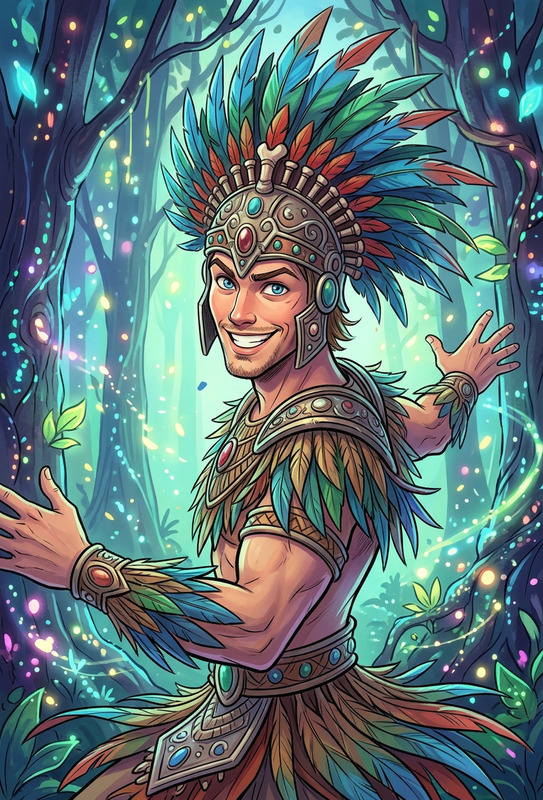
Kaleidoscope Desert Runner
ai-image-editor
Any aspect ratio
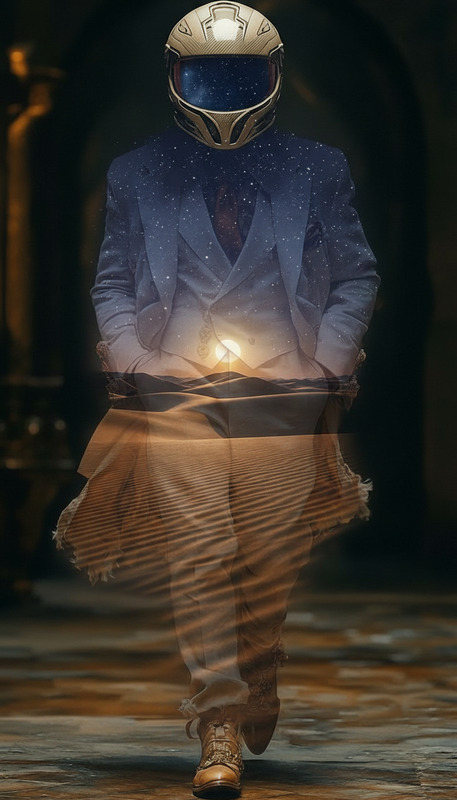
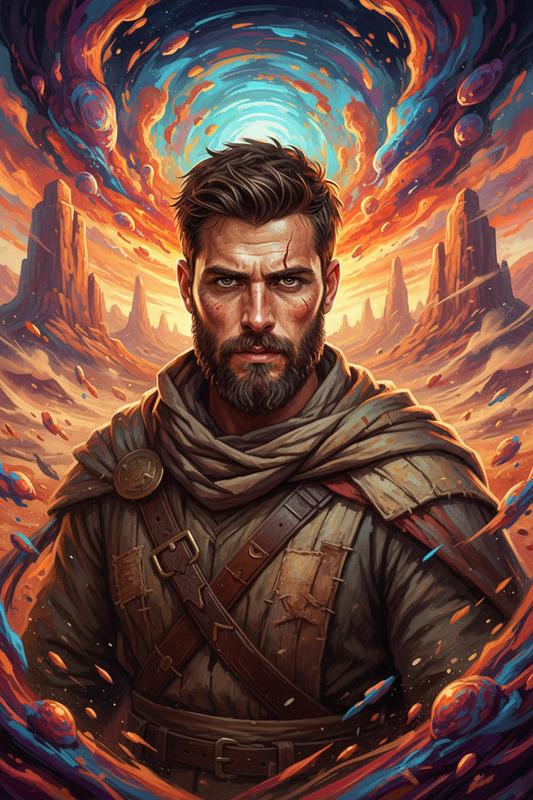
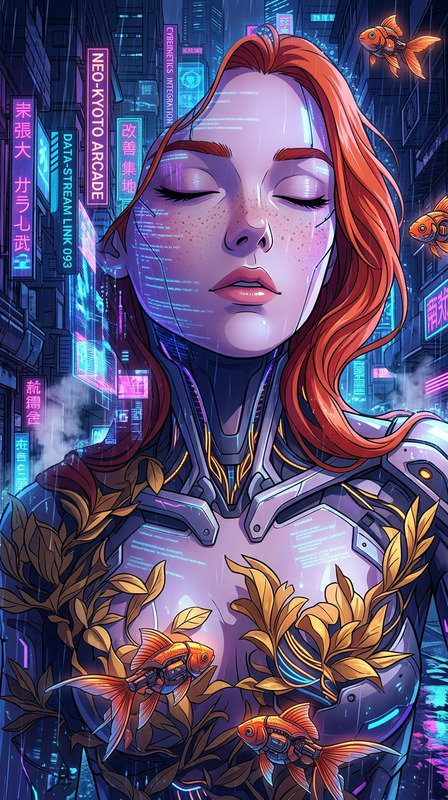
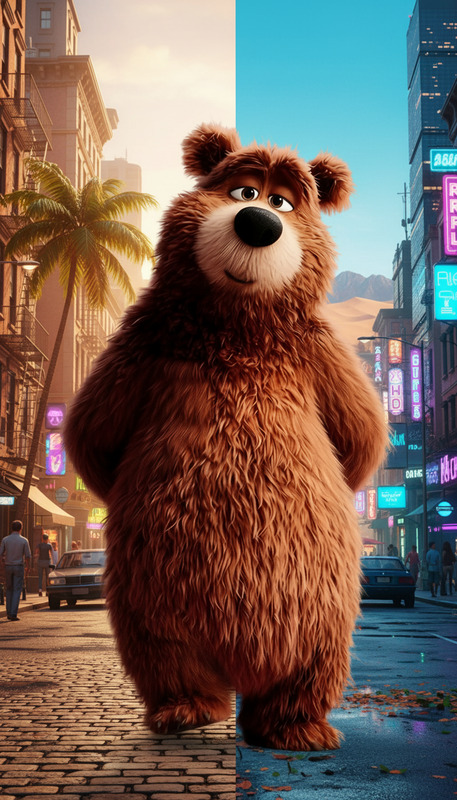
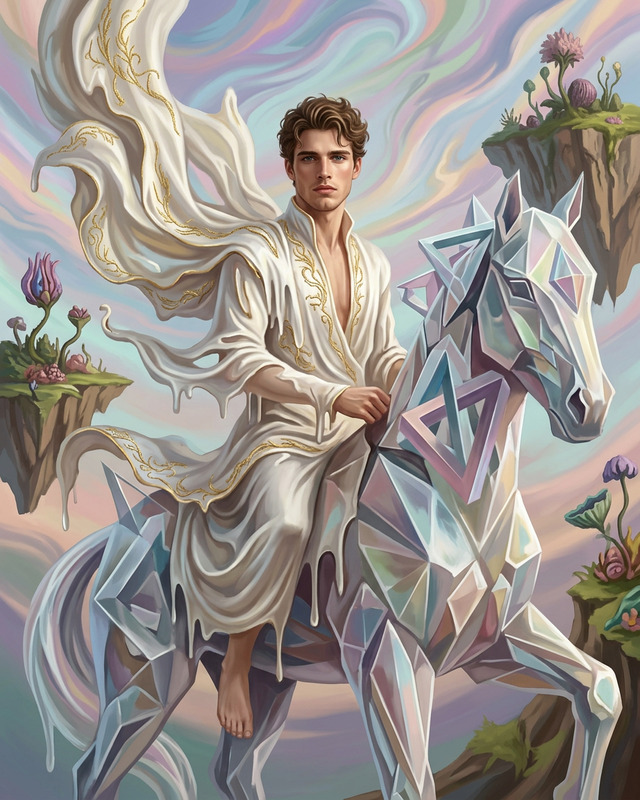
Subject transforms into a figure sprinting across pristine white sand dunes, gaze locked toward viewer. Subject wears an elaborate white tribal mask with vibrant geometric patterns and flowing oversized garments adorned with intricate colorful designs. Dreamlike desert setting with bright, futuristic hues. Anime-inspired style with whimsical, ethereal atmosphere, cinematic motion and soft magical lighting.
Transform Product Photos with AI Image Editor (Template Remix Guide)
Use this template to turn ordinary product shots into clean, on-brand ecommerce images in minutes using the AI Image Editor. You can remove cluttered backgrounds, generate studio-style scenes, and batch-update assets for your store, landing pages, ads, and marketplaces—without a design team.
This page explains:
- What this template does
- Who it’s for
- How to remix it in Magic Hour and create your own version
- How to combine it with other Magic Hour tools for full content pipelines
What This Template Does
This template is built on the AI Image Editor and focuses on product photo enhancement:
Background cleanup & replacement
- Remove messy or low-quality backgrounds
- Replace with solid colors, gradients, lifestyle scenes, or branded sets
- Create marketplace-ready white or light-grey backgrounds that follow common ecommerce guidelines
Lighting and composition improvements
- Subtly improve lighting and contrast so products look sharper and more premium
- Adjust framing to keep the product centered and clearly visible
Consistent visual style across SKUs
- Apply the same look to multiple products so your catalog feels cohesive
- Make it easy to enforce brand standards across teams or collections
Non-destructive editing
- Start from any existing photo—phone shots, studio photos, UGC—and refine them without needing Photoshop
- Export clean assets ready for websites, ads, email, social, and marketplaces
This makes it especially useful for:
- Ecommerce brands and DTC founders
- Marketplace sellers (Amazon, Etsy, eBay, Shopify, etc.)
- Growth and performance marketers
- Agencies producing product creatives at scale
How to Remix This Template in Magic Hour
You can create your own version of this template in a few minutes by remixing it in the AI Image Editor:
Start from this template
- Open this template in Magic Hour.
- Use it as a baseline flow for all future product images.
Upload your product photos
- Use any existing shots: simple smartphone photos, warehouse images, or studio photos.
- For best results:
- Keep the product well-lit and in focus
- Avoid heavy motion blur
- Ensure the product is clearly visible against the current background
Define your target “brand look”
- Decide on a consistent visual style for all products. For example:
- Clean white background for marketplaces
- Soft gradient in brand colors for landing pages
- Simple lifestyle scenes (desk, kitchen, bathroom, studio, etc.)
- Use short, clear descriptions when guiding the editor (e.g., “light grey studio background with soft shadows” or “minimal kitchen countertop scene, natural daylight”).
- Decide on a consistent visual style for all products. For example:
Apply AI-based background and object editing
- Use the AI Image Editor to:
- Remove distracting elements from the frame
- Replace the background with a clean, on-brand environment
- Refine edges around the product so it looks naturally integrated
- You can iterate quickly—run multiple variations and keep the best ones.
- Use the AI Image Editor to:
Create a reusable “house style”
- Once you like the result, use this template as your default for:
- New SKUs and product launches
- Seasonal variants (holiday, summer, limited editions)
- Campaign-specific looks (e.g., “premium dark studio” vs. “bright everyday lifestyle”)
- Once you like the result, use this template as your default for:
Export for different channels
- Create versions for:
- Product detail pages
- Carousel ads and performance creatives
- Email headers and inserts
- Social media posts and paid social
- Create versions for:
Because this is a template-driven flow, you can quickly re-run it whenever you introduce a new product or need updated visuals.
Best Practices for High-Quality Product Images
Based on common ecommerce and marketplace guidelines (see Amazon’s image requirements and Shopify’s product photography best practices), the following patterns work well:
Neutral or white backgrounds
- Ideal for product pages and marketplaces
- Keeps focus on the item and avoids visual noise
Clear, single product focus
- Make sure the primary product is not obscured by props or clutter
- Reserve lifestyle scenes for supporting images, not the main hero shot
Consistent framing and scale
- Similar crop and perspective across your catalog improves perceived quality
- Products should be roughly the same size within the frame
High resolution and sharpness
- Consider pairing this template with the AI Image Upscaler or Unblur Image when working from low-res or older assets
Advanced Workflows: Combine with Other Magic Hour Tools
To build more sophisticated content pipelines around this template, you can combine the AI Image Editor with other Magic Hour tools:
Generate products or scenes from scratch
- Use the AI Image Generator or AI Art Generator to create concept images or moodboards.
- Refine those generated images with the AI Image Editor to align them with your final brand look.
Turn edited product photos into motion content
- Animate your refined images into short videos with:
- Image to Video for product reveal clips
- Text to Video for scripted product explainers
- Video to Video to stylize or re-skin existing product videos
- Animation Templates to turn static assets into animated scenes
- Animate your refined images into short videos with:
Create social, ad, and campaign assets
- Generate GIFs and lightweight motion assets with the AI GIF Generator.
- Design scroll-stopping thumbnails with the Thumbnail Maker.
- Experiment with visual concepts using the Album Cover Generator or Book Cover Generator and adapt ideas for product campaigns.
Polish and fix legacy photos
- Clean and restore older product shots with:
- Old Photo Restoration
- Photo Colorizer for older catalog images
- Remove Object from Photo or AI Remover to clear unwanted items
- Clean and restore older product shots with:
Create full brand identity visuals
- Generate icons and visual systems with the AI Icon Generator and AI Logo Generator.
- Use the AI Background Generator to create reusable backgrounds for hero sections and social posts, then integrate your products via the AI Image Editor.
Who This Template is For
This template is designed for teams who care about speed, consistency, and brand control:
Founders & operators
- Launch new products without waiting on traditional photo shoots
- Keep visual standards high while moving quickly
Growth & performance marketers
- Rapidly generate and test creative variants for ads and landing pages
- Maintain consistent brand visuals across campaigns and channels
Agencies & studios
- Standardize production workflows for multiple clients
- Build reusable “client styles” as separate remixed templates
Developers & product teams
- Use Magic Hour as the visual backbone behind tools, internal dashboards, or automated asset pipelines
- Generate on-brand images programmatically and refine them using repeatable template flows
How to Customize This Template to Your Brand
When you remix this template, consider defining a few “modes” you can reuse:
Marketplace Mode
- Clean, white or light-grey background
- Single product, centered, no heavy props
- Ideal for Amazon, Etsy, Shopify, and other marketplace listings
Brand Site Mode
- Subtle gradients in brand colors
- Soft shadows, slightly more stylized look
- Great for PDP hero images and home page features
Lifestyle Mode
- Simple context: desks, shelves, kitchens, bathrooms, studios, etc.
- Still minimal, but with enough environment to suggest use cases
- Works for social, email, and top-of-funnel campaigns
Because this template is built on AI Image Editor, you can easily duplicate and adapt it for each “mode,” ensuring you don’t have to reinvent your flow for every new product.
Related Magic Hour Tools Worth Exploring
If you’re building a complete creative stack around this template, these tools pair well:
- AI Headshot Generator – for consistent team or model headshots to pair with product content
- AI Selfie Generator – useful for UGC-style product visuals
- AI Face Editor and Face Swap – for model-based campaigns and creative experimentation
- AI Clothes Changer and AI Fashion Generator – for apparel brands and lookbooks
- AI Talking Photo, AI Voice Generator, and AI Voice Cloner – to turn your visuals into short product explainers or demos
Using This Template as a Starting Point
- Open this template in the AI Image Editor.
- Import a small test set of product photos.
- Iterate until you have a visual style you’re happy with.
- Save and reuse that template for every new product or campaign.
Over time, this becomes your house-standard product image pipeline: fast, consistent, and fully controllable—without needing a dedicated photo studio or complex design stack.