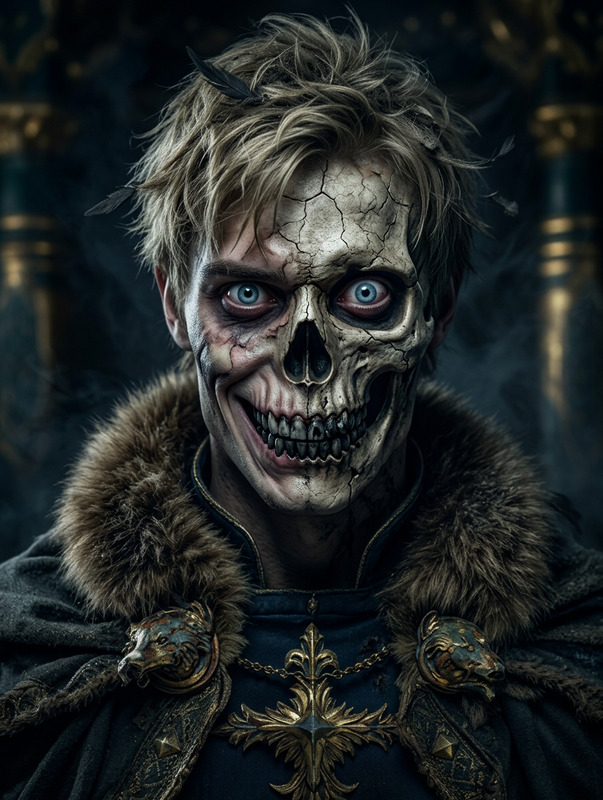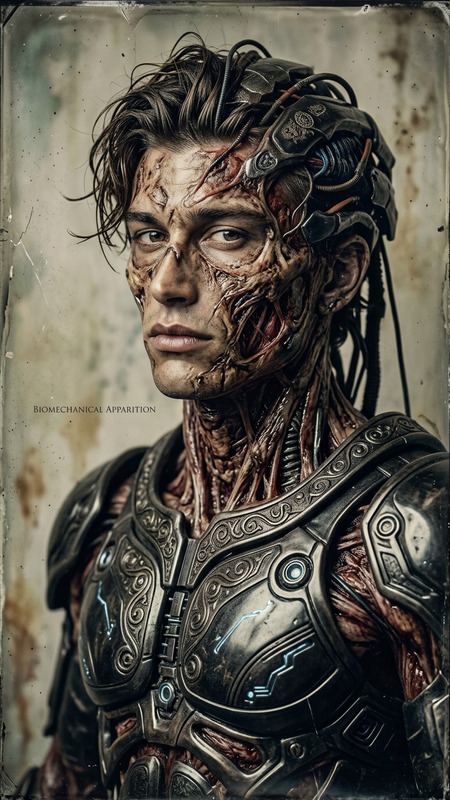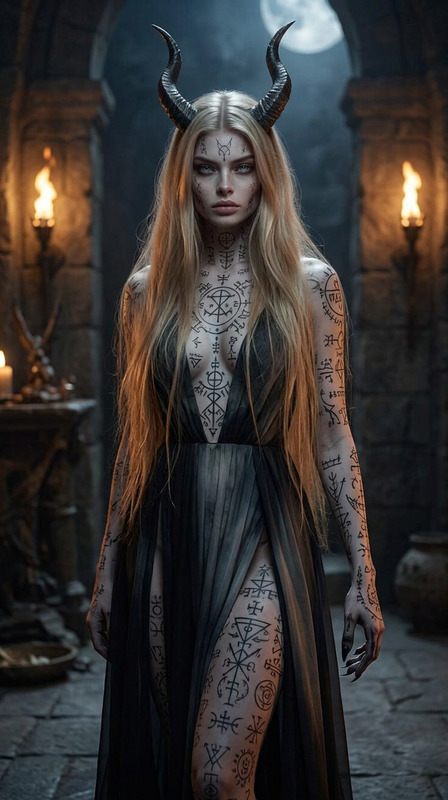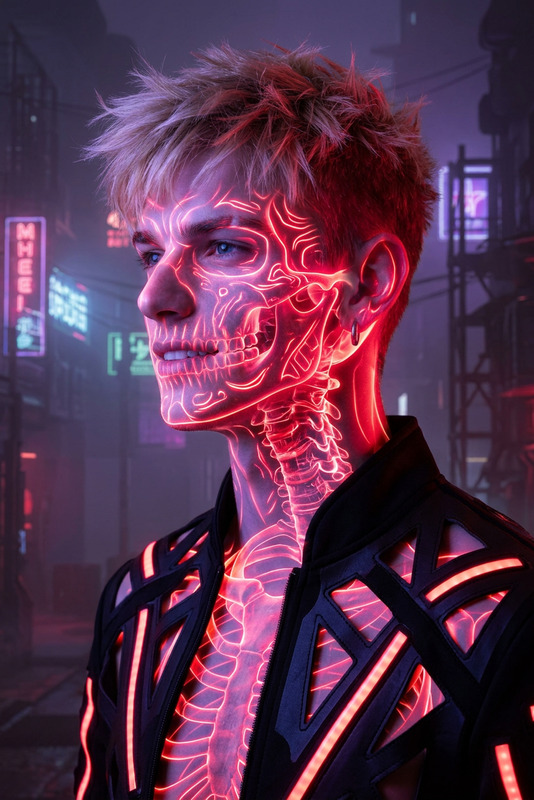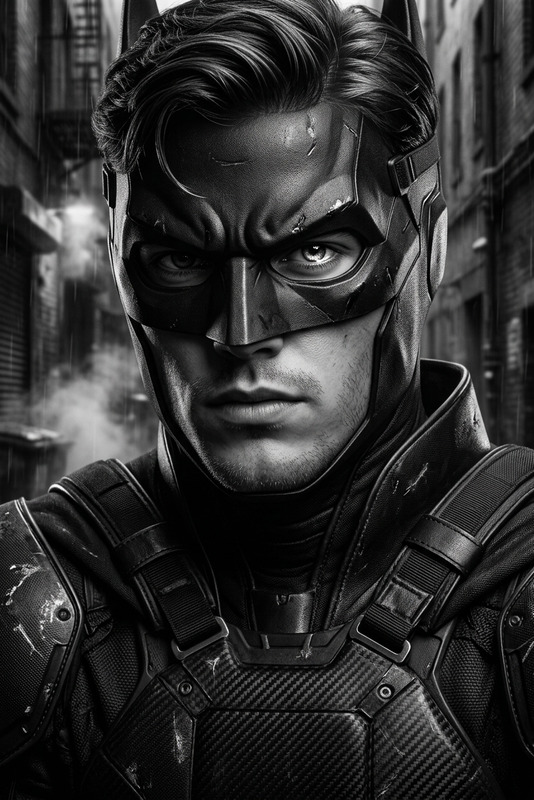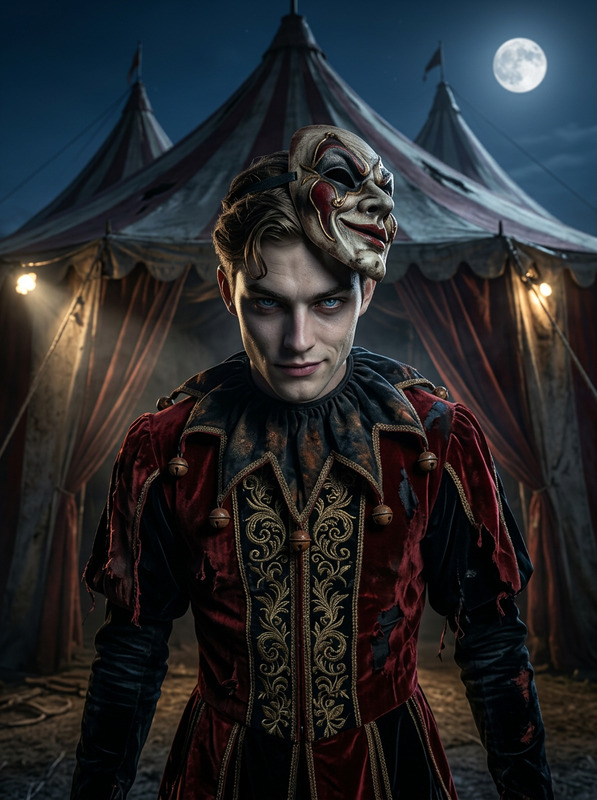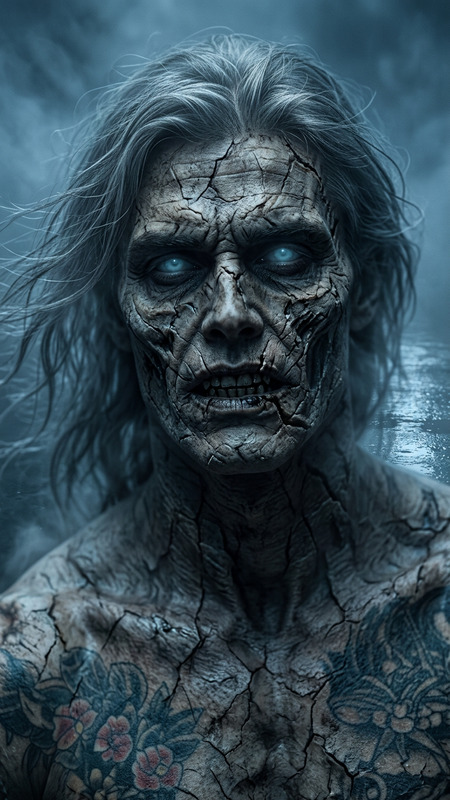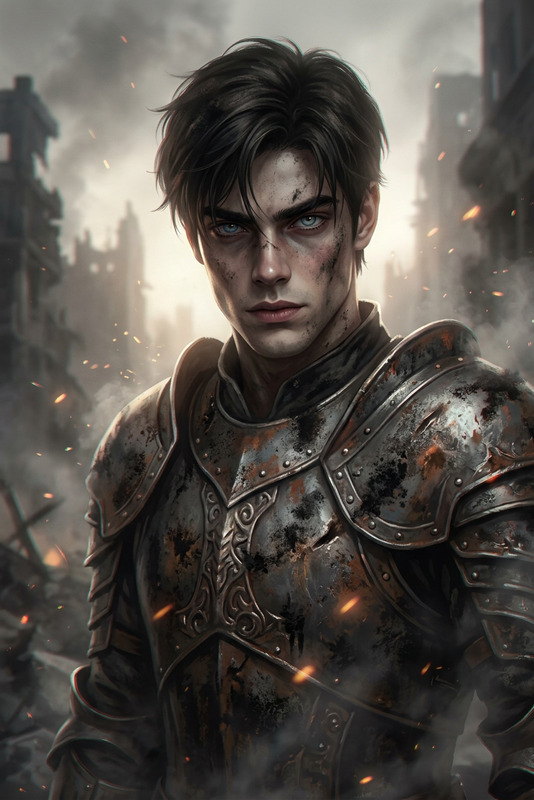
Desolate Reaper Presence
- Model
- Nano Banana 2
- Image
- 843 × 1264 px
Prompt
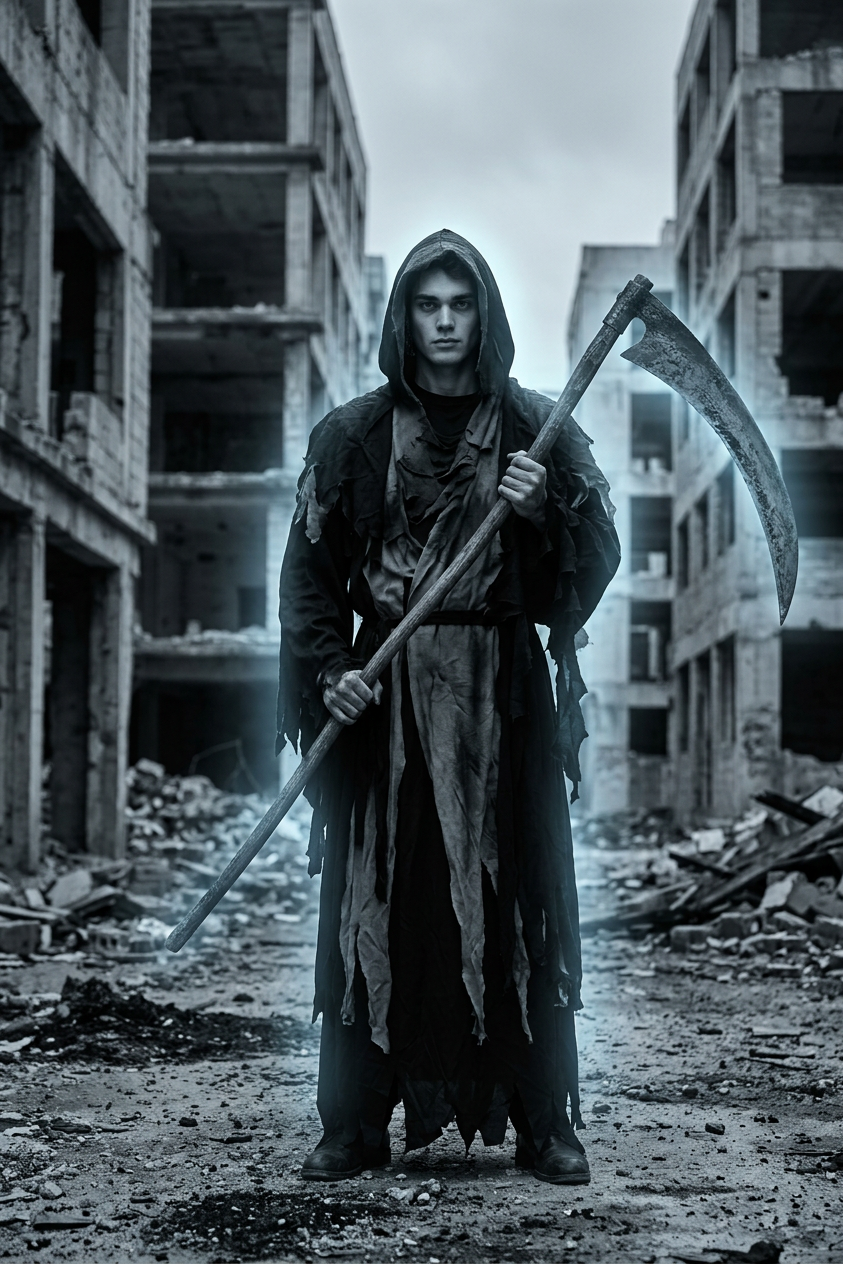
Subject transforms into a grim reaper figure in tattered dark robes, holding a large scythe, standing full-body in a ruined cityscape. Monochromatic palette with a faint ghostly glow. Cinematic composition, desolate environment, eerie and somber atmosphere.
Any aspect ratio
Overview
The Desolate Reaper Presence template is an AI Image Editor tool designed to transform mundane images into chilling visual narratives. With the help of the nano-banana-2 model, this template brings a grim reaper figure to life against a ruined cityscape, offering a monochromatic, ghostly appearance.
What It Does
This template utilizes advanced AI techniques to convert a subject into a cinematic representation of a grim reaper. Beyond just a simple costume change, it alters the entire ambiance, enveloping the image in an eerie and somber atmosphere. The integration with the AI Image Generator ensures the results are both haunting and visually striking.
Who It's For
This tool is ideal for creators and storytellers in the horror genre who seek to enhance the impact of their visuals. Whether you're an independent filmmaker, a digital artist, or a content creator on platforms like TikTok, the AI GIF Generator can complement your use of this template by adding dynamic elements to your static images.
Summary
Using the Desolate Reaper Presence template, creators can craft images that embody a desolate environment with precision and flair. Perfect for setting the tone in horror projects or for anyone needing a touch of the macabre in their imagery. Pair it with the AI Video Generator to produce fully immersive multimedia experiences.
How To
Choose Your Image

Customize the Template

Generate Your Visual

Use Cases
Horror Film Productions
- Add ominous characters
- Create desolate settings
- Intensify the eerie atmosphere
Promotional Material for Halloween
- Design posters
- Produce eerie social media posts
- Develop themed video content
Spooky Story Illustrations
- Illustrate digital books
- Create mood-boards
- Set the tone for online content
Best Practices
Optimize for Composition
Align the subject properly within the frame to maintain a cinematic quality that captures the viewer's attention.Use a Suitable Base Image
Start with a high-quality image that provides a clear view of the subject. This ensures the AI has a solid foundation to work from.Test Different Settings
Experiment with various settings to achieve the most effective transformation. Small adjustments can have a big impact on the final image.