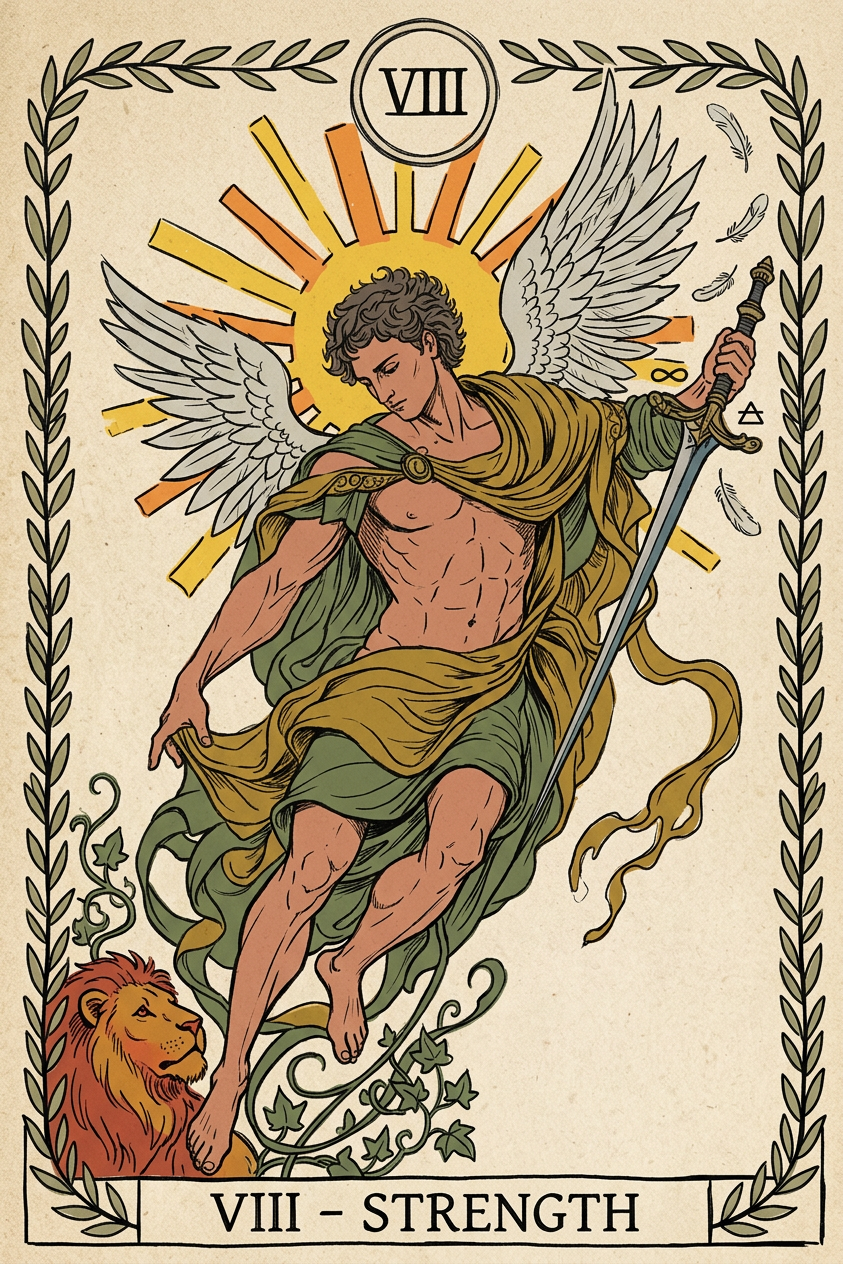
Tarot Ink
- Model
- Nano Banana 2
- Image
- 843 × 1264 px
Prompt
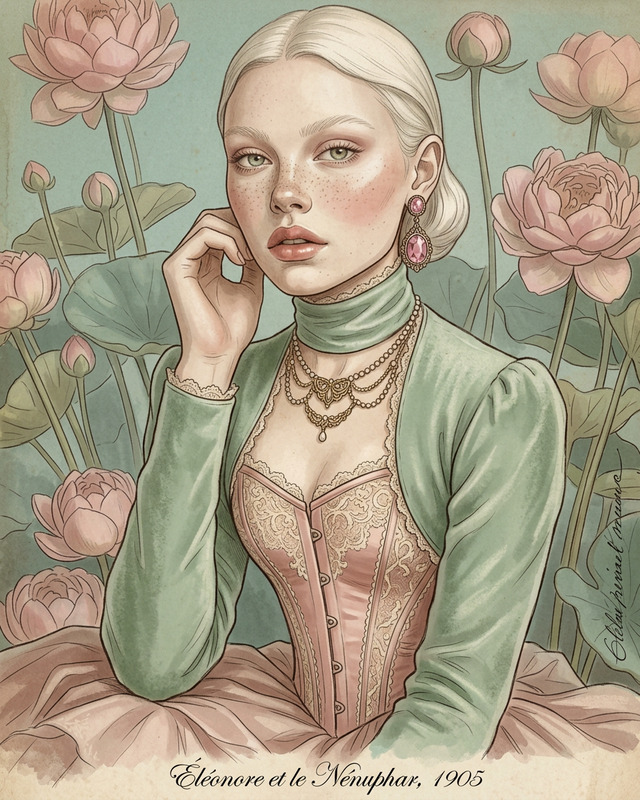
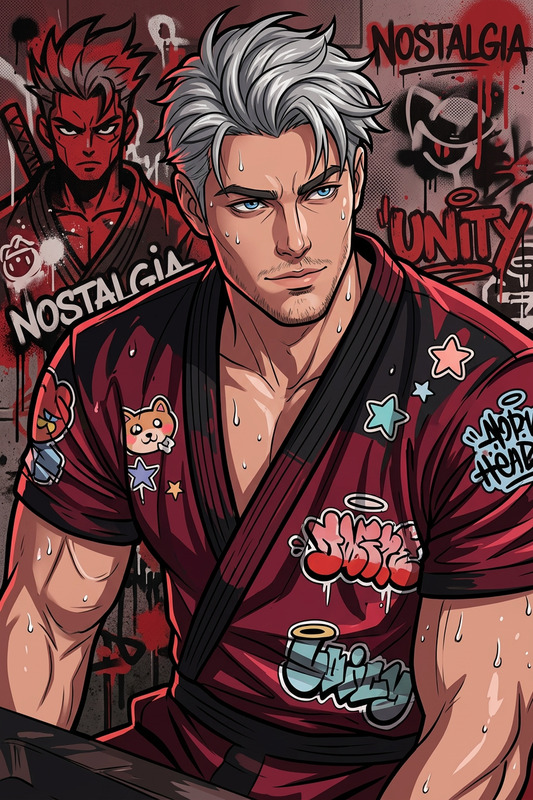
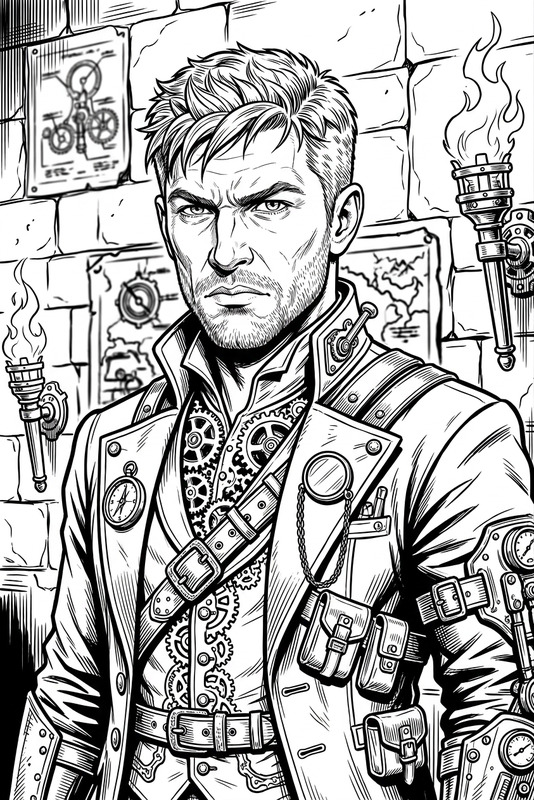
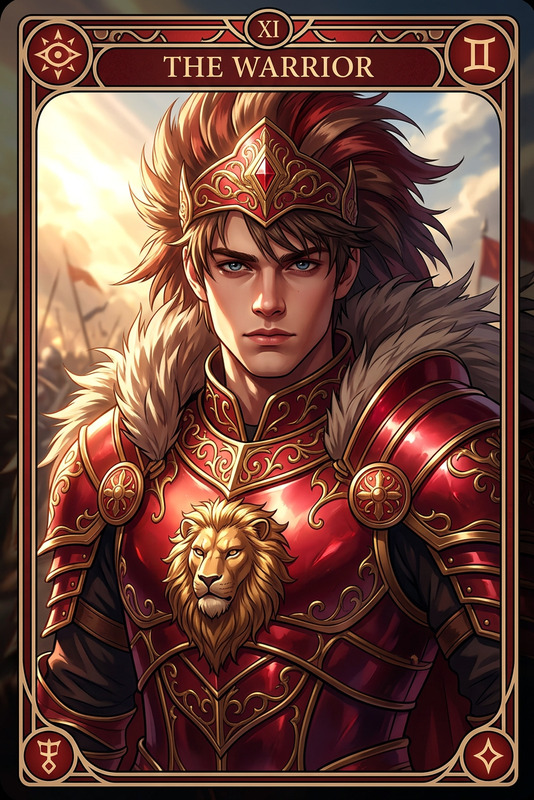
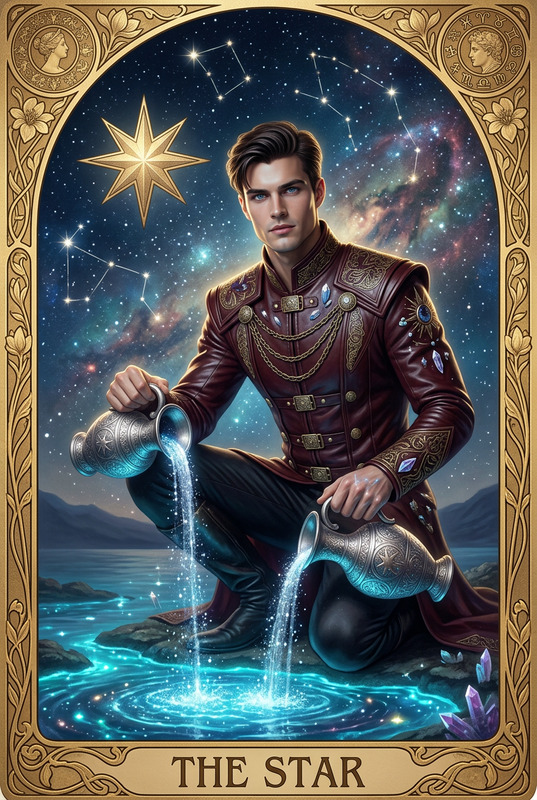
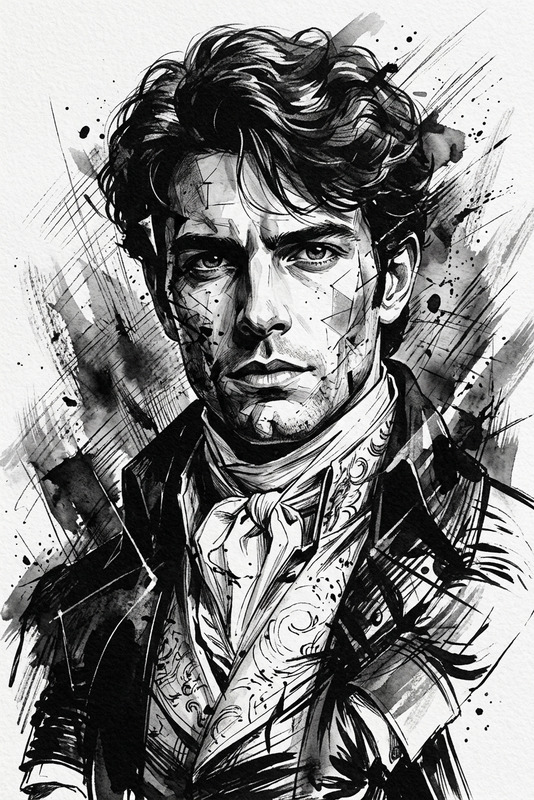
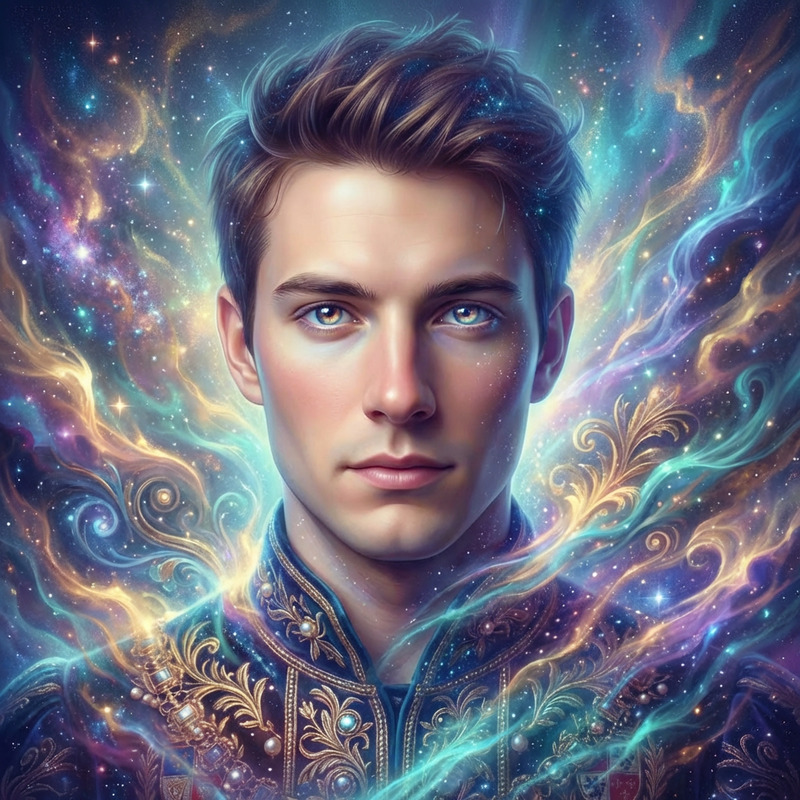
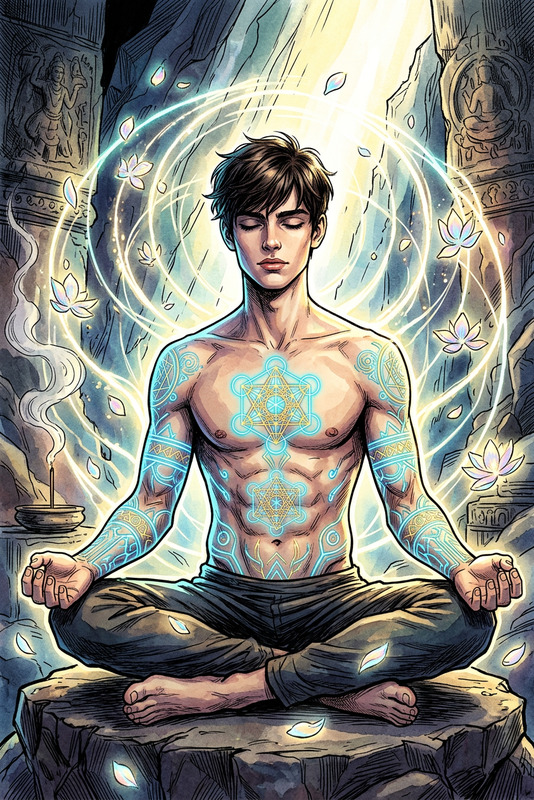
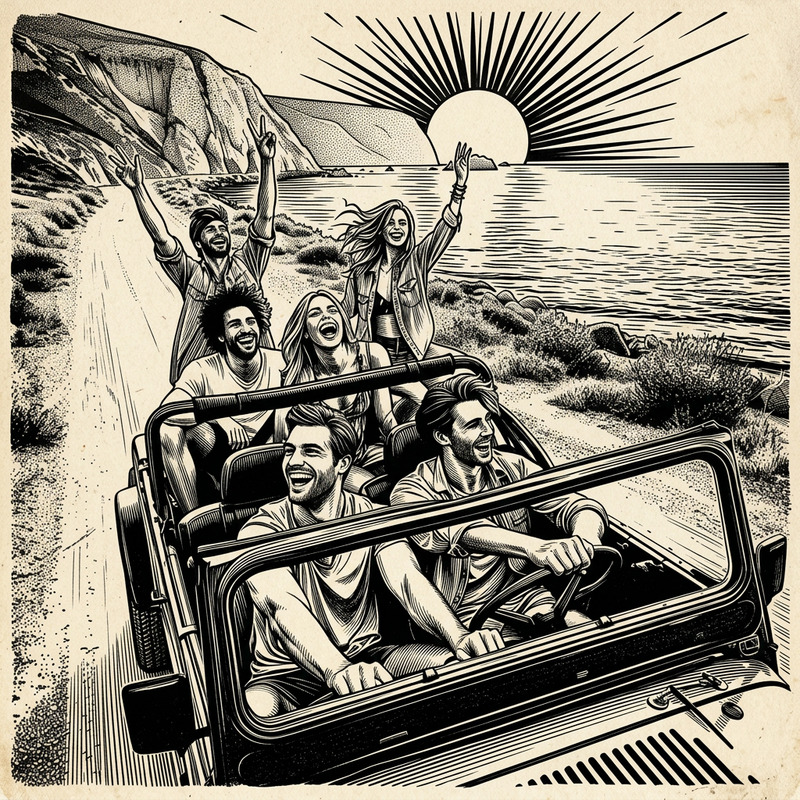
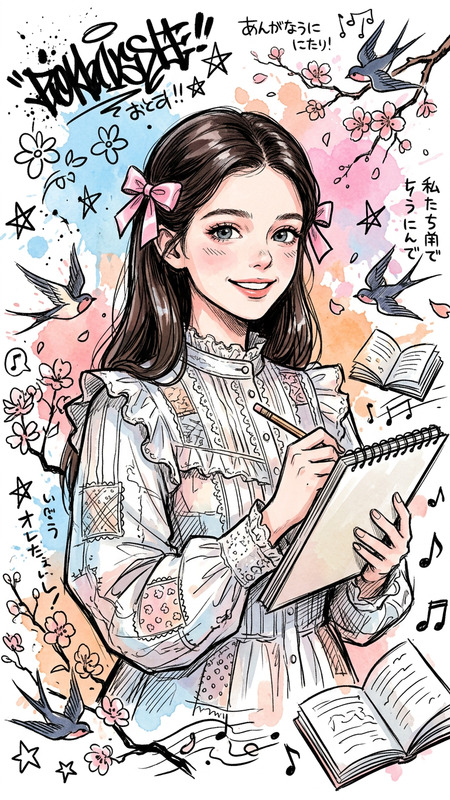
Create a tarot card based off of what you know about me in the classic Rider-Waite style. Style me in a hand-drawn figure using bold but imperfect black ink linework with wobble and variation, flat colors with no shading. Layer subtle tarot visual elements around the figure. Add paper texture and print feel.
Any aspect ratio
Overview
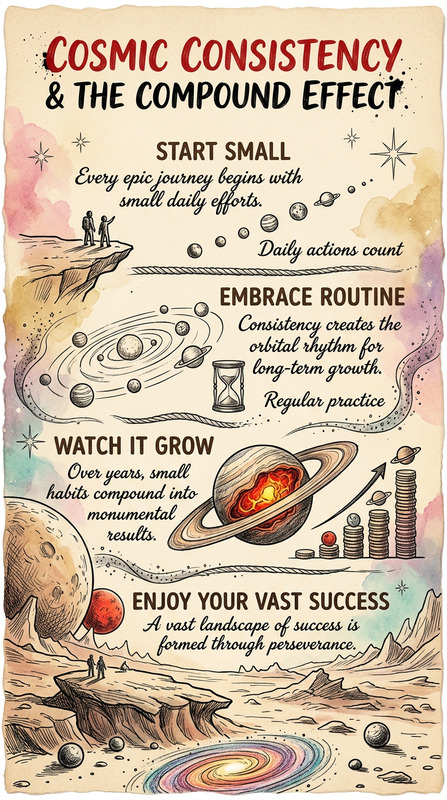
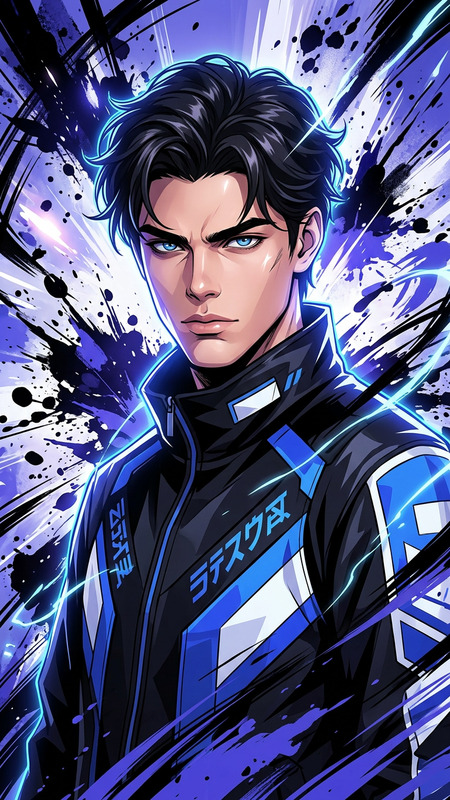
With the Tarot Ink template, transform your ideas into stunning tarot card visuals that exude the mystique of the Rider-Waite style. This AI Image Editor template leverages the nano-banana-2 model to give your creations an authentic and hand-crafted look, making them perfect for tarot enthusiasts and creatives alike.
What It Does
The Tarot Ink template creates a bespoke tarot card using your descriptive cues. It styles the card in bold black ink linework with a distinctive wobble, enriched by flat colors that evoke vintage tarot cards. The addition of subtle tarot visual elements and a paper texture provides each piece with an unmistakable print feel. This is perfect for anyone aiming to produce art with a mystical aura, whether for personal portfolios or professional tarot reading campaigns.
Who It's For
This AI tool is ideal for artists, content creators, and tarot enthusiasts who want to explore creative tarot designs without traditional limitations. Tarot readers looking to offer personalized content or brands in need of unique graphics for mystical-themed campaigns will find this template particularly useful. Additionally, it's a fantastic resource for creators on platforms like TikTok seeking visually engaging content.
Summary
The Tarot Ink template offers an easy path to harnessing the power of AI for creating beautiful, custom tarot cards. By combining Face Swap Video techniques with artistic enhancements, this tool brings your personalized tarot vision to life. Dive into the world of the occult with rich, authentic visuals. For more detailed face modifications, explore our AI Face Editor.
How-To
Choose Your Template

Customize Your Inputs

Generate Your Image

Use Cases
Personalized Tarot Readings
- Design cards for individual clients based on their personal energy.
- Offer unique tarot interpretations by adapting visual elements.
Mystical Branding
- Enhance marketing materials for psychics or tarot readers.
- Create visuals for themed workshops or spiritual retreats.
Social Media Content
- Make intriguing Instagram stories or posts with custom tarot art.
- Create TikTok content that captivates viewers with personalized tarot aesthetics.
Best Practices
Understand the Rider-Waite Style
Familiarize yourself with the distinctive features of the Rider-Waite tarot deck, focusing on its symbolism and artistic characteristics to better direct your template inputs.Use High-Quality Descriptions
The more specific and detailed your input, the more refined and compelling your tarot card will be. Include descriptions of emotions, traits, or themes to guide the AI's creation.Experiment with Variations
Try different prompt variations to explore a range of designs and discover unexpected creative results. This can lead to a broader portfolio of tarot card styles.