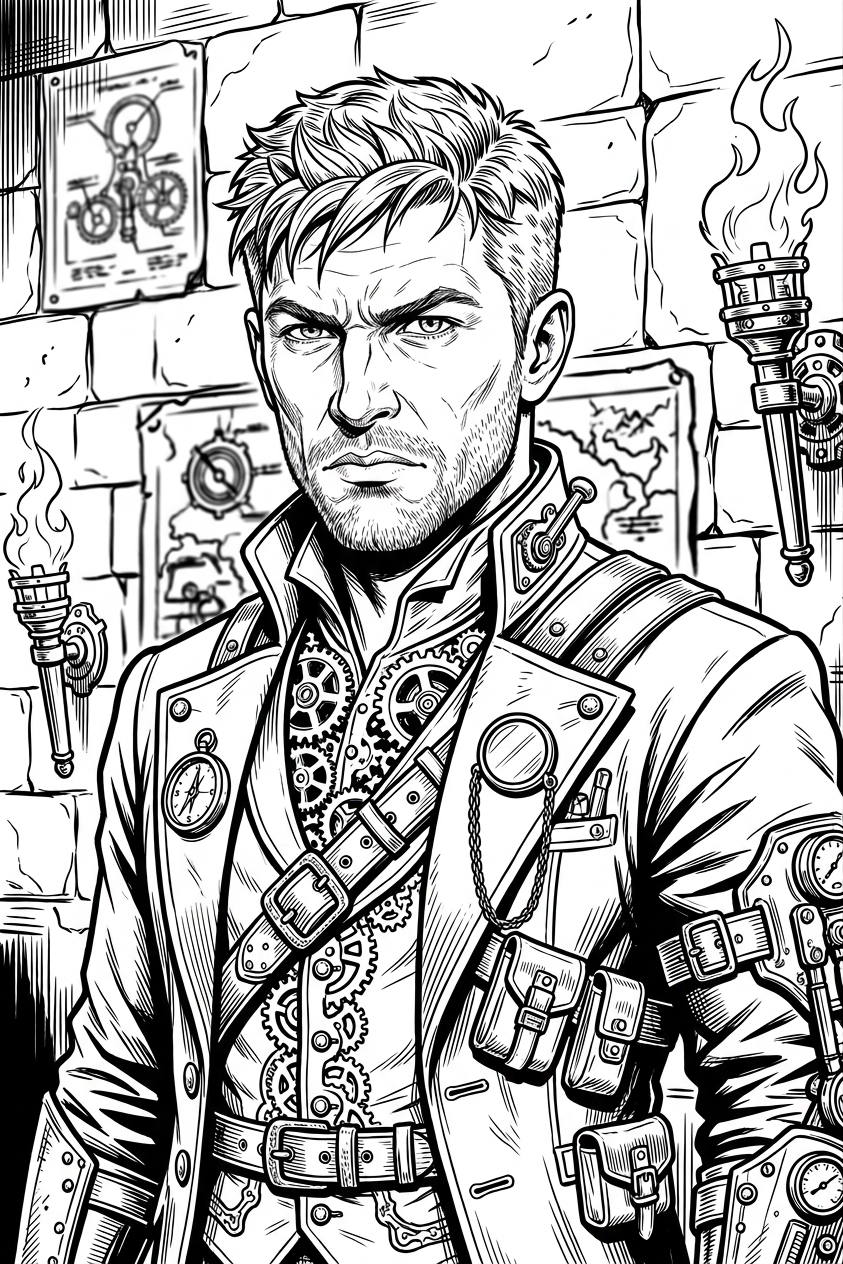
Steampunk Adventurer

Steampunk Adventurer

ai-image-editor

1 clip
3 uses

Any aspect ratio

Prompt

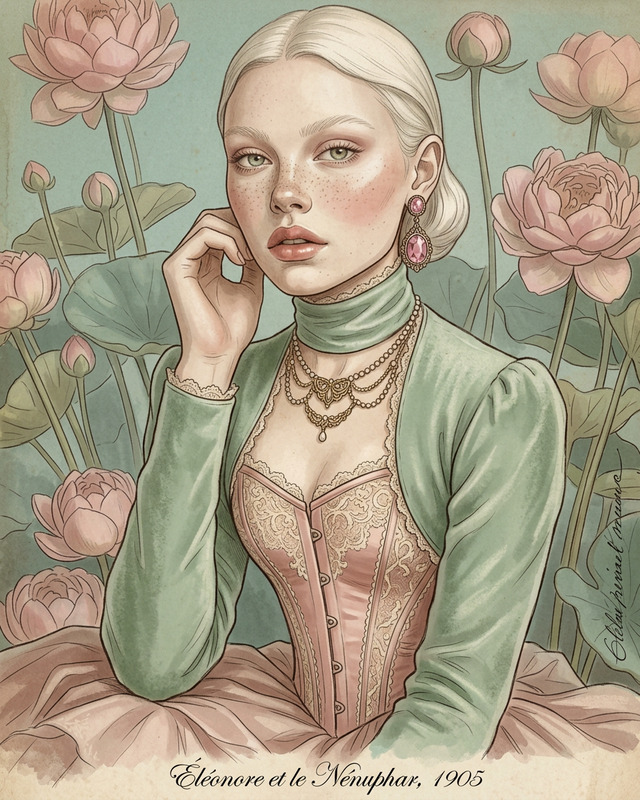
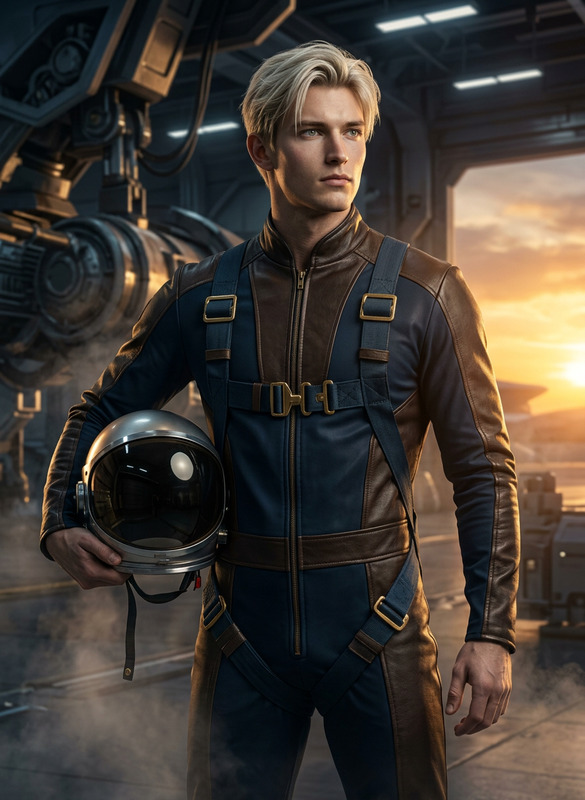
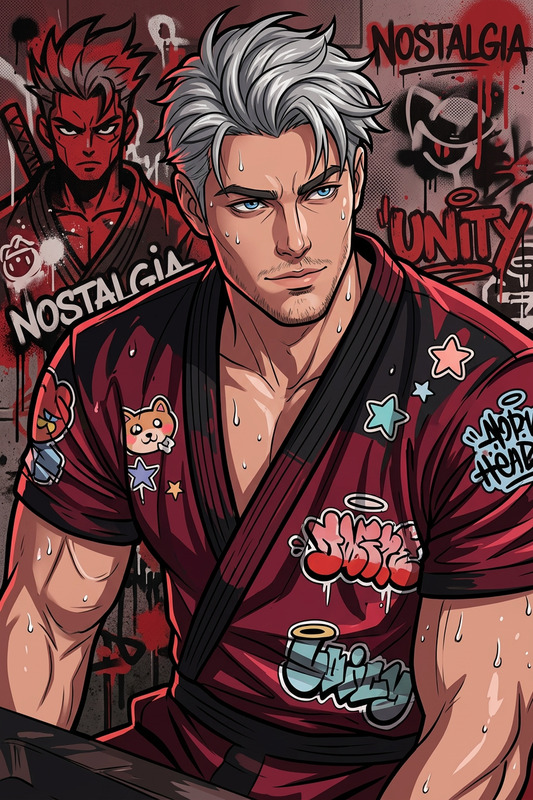
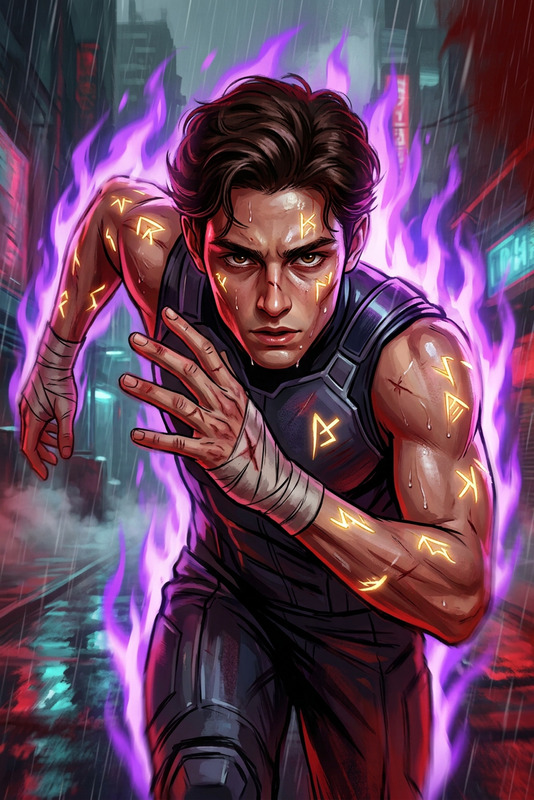
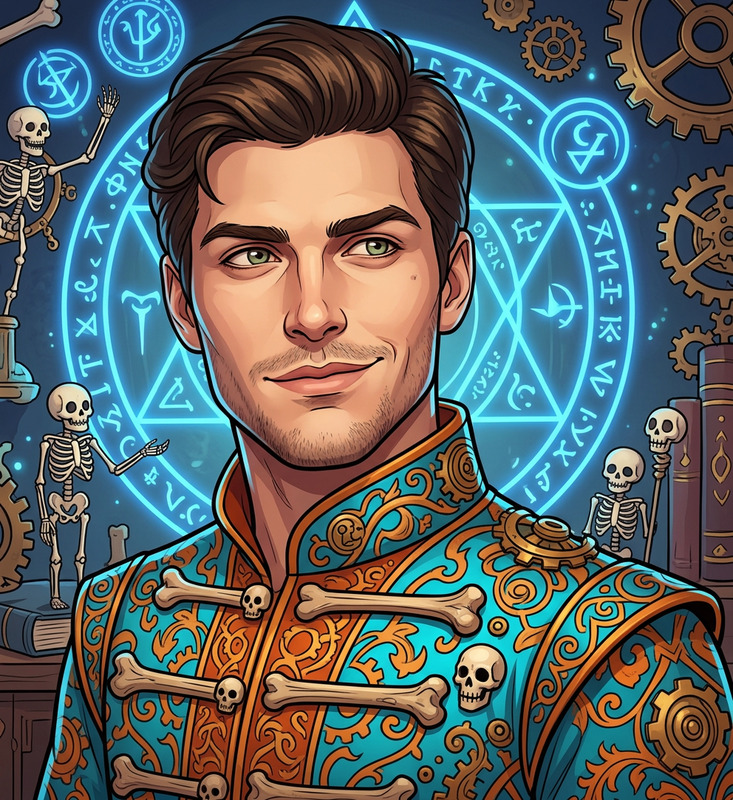
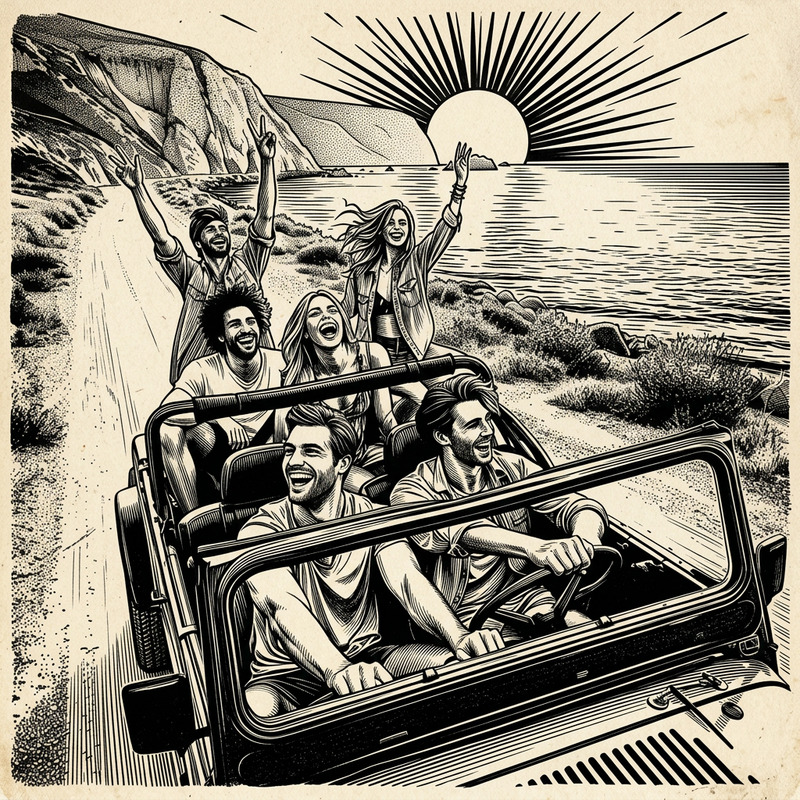
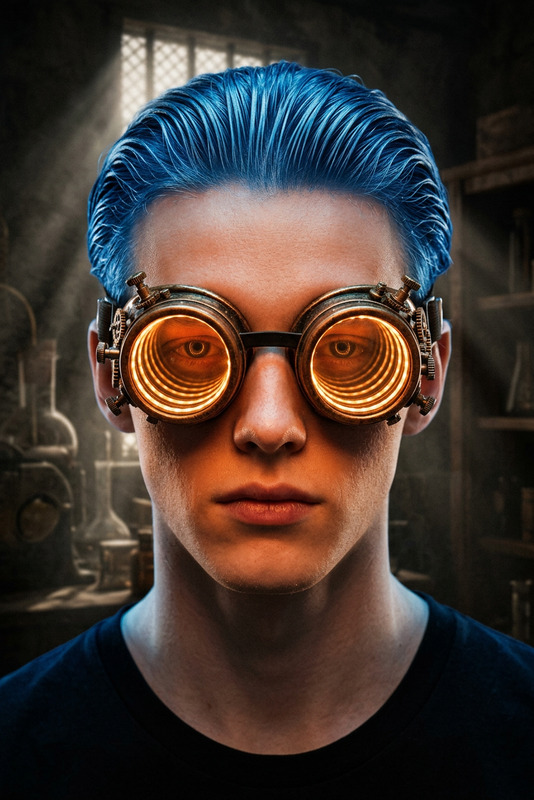
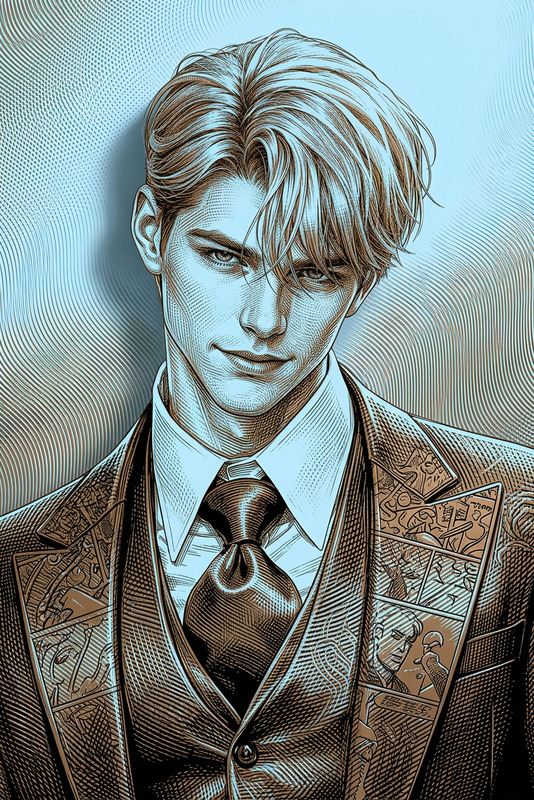
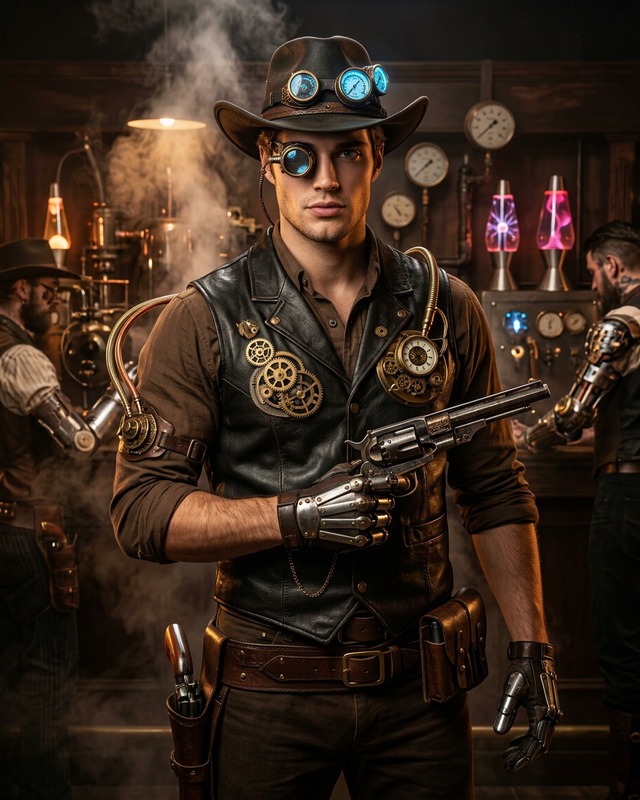
Generate a steampunk-inspired vector illustration of an adventurer subject with an athletic build and confident stance, dressed in detailed Victorian-era attire integrated with mechanical elements such as gears, straps, and brass accessories; the design features intricate linework in a bold comic-style aesthetic with dynamic inking and strong contrasts; the composition is monochrome, emphasizing depth, texture, and precision through clean vector lines and shading; the subject embodies an adventurous explorer archetype without referencing specific identities; the overall style is highly detailed, graphic, and expressive, with a focus on craftsmanship and stylized realism.

AI Image Editor Template – Fast, Precise Visual Edits for Creators & Teams

Use this template to edit any image in seconds with Magic Hour’s AI Image Editor. Remove objects, replace backgrounds, clean up flaws, or reimagine entire scenes while keeping your subject intact. It’s designed for creators, marketers, and product teams who need production‑ready visuals without manual Photoshop work.


What This Template Is For

This template is ideal when you need to:

  • Remove or replace distracting objects from a photo
  • Change or clean up a background (studio look, brand color, new environment)
  • Fix small issues (wrinkles, blemishes, stray hair, reflections, logos)
  • Localize creatives for different markets (swap text, signage, packaging)
  • Create multiple visual variations from a core asset for A/B testing
  • Turn a rough or user‑generated photo into something closer to a commercial shoot

If you’re working with campaigns, product pages, pitch decks, or social content, this is the fastest way to get “good enough to ship” visuals without a design bottleneck.


How to Use (and Remix) This Template in Magic Hour

You can recreate and customize this template workflow directly inside Magic Hour using the AI Image Editor:

  1. Upload your base image

    • Start with your product shot, portrait, screenshot, or UGC image.
    • Higher‑resolution inputs generally produce better outputs; you can further enhance results later with the AI Image Upscaler.
  2. Tell the editor what you want to change

    • Describe your desired edit in clear, concrete language:
      • “Remove the person in the background and extend the wall.”
      • “Replace the background with a soft gradient in brand colors.”
      • “Turn this office into a modern coworking space.”
    • Be explicit about what should stay the same (e.g., “Keep the person’s face and outfit unchanged.”).
  3. Refine with targeted edits

    • Use the editor to focus on specific regions: product, face, background, text area, etc.
    • Combine multiple localized edits in sequence (e.g., remove clutter first, then change background, then retouch).
  4. Export or chain into other Magic Hour tools

To “remix” this template, simply start from a similar use case (e.g., product background cleanup) and swap in your own prompt, style description, and images.


Practical Remix Ideas for Different Teams

For founders & marketers

  • Ad creatives & social posts

    • Replace cluttered real‑world backgrounds with clean, on‑brand scenes.
    • Generate localized variants (e.g., different city skylines, languages, or cultural references) from the same base product shot.
    • Create multiple hooks for A/B tests in minutes instead of scheduling new shoots.
  • Landing pages & product imagery

    • Turn scrappy early product photos into consistent web‑ready visuals.
    • Test multiple “visual narratives”: office vs. home vs. outdoor use, without reshooting.
    • When you’re ready for motion, convert hero images into short loops using Image to Video or go straight to Text to Video for fully generated scenes.

For creators & content teams

For product & game builders


Advanced Workflows You Can Build by Remixing

Because Magic Hour tools are modular, you can chain this template with others to create more powerful workflows:

From there, you can animate those faces in full videos with templates like:


Best Practices for High‑Quality AI Image Edits

These guidelines are drawn from common practices in AI image research and production workflows:

  • Be specific and visual in your prompts
    Models respond better to concrete visual language (“soft natural light,” “minimal white studio background,” “overhead perspective”) than vague adjectives (“nice,” “cool”).
    For reference on prompt engineering patterns, see open‑source guides like Anthropic’s and OpenAI’s model documentation, which emphasize clarity, constraints, and explicit instructions.

  • Work iteratively
    Instead of a single massive change request, break it down:

    1. Remove distractions → 2) Adjust environment → 3) Refine subject → 4) Upscale.
      This yields more predictable and controllable results.
  • Preserve brand consistency

    • Reuse the same short description of your visual style (e.g., “high‑key, Apple‑style product lighting,” “earth‑tone, editorial fashion look”).
    • Keep logo placement and negative space consistent so assets can be reused across channels.
  • Respect authenticity and ethics

    • When editing people, be careful not to misrepresent identity or context.
    • Ensure you have rights to the original image and any logos or IP you include, in line with standard creative and legal best practices.

Related Magic Hour Tools Worth Exploring

You can extend or remix this template further using:

These tools can all be combined with the AI Image Editor to build your own internal “template recipes” for recurring workflows—ads, product shots, social content, hiring assets, or investor updates.


Why Use Magic Hour’s AI Image Editor for This Workflow?

  • Speed: Turn around production‑ready edits in minutes instead of waiting on design queues or reshoots.
  • Control: Keep the parts of the image that matter (faces, products, layout) while only changing what you specify.
  • Consistency: Reuse this template as a repeatable editing pattern for your team, so new assets match your existing visual system.
  • Extendability: Seamlessly plug into other Magic Hour tools—image generation, video, voice, and avatars—whenever you want to grow from “single image edits” into full content systems.

Use this template as a starting point, then adapt it to your own stack: brand guidelines, campaign structure, content calendar, and experimentation cadence. The more you standardize how you remix and chain tools, the closer you get to a scalable, AI‑assisted creative pipeline.

More Like This

Insufficient credits