Pit Lane Legend
- Model
- Nano Banana 2
- Image
- 768 × 1375 px
Prompt
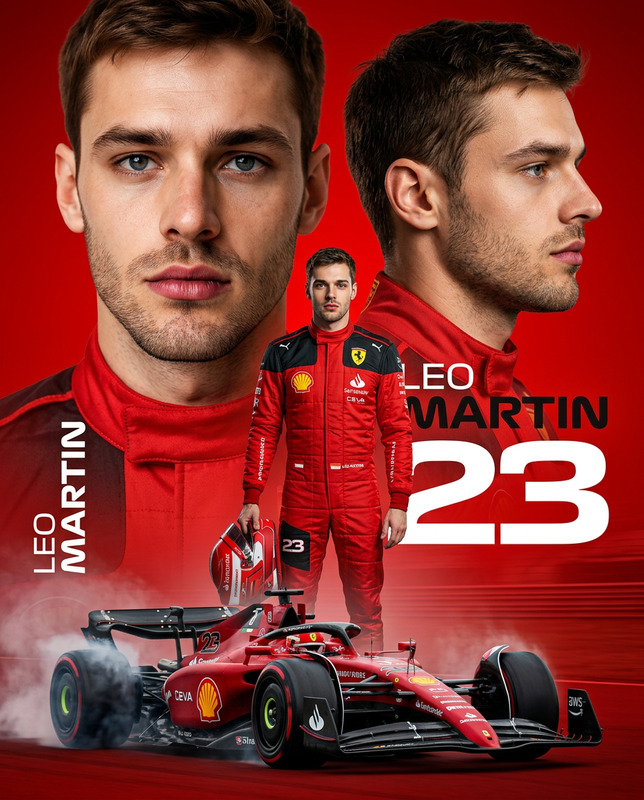
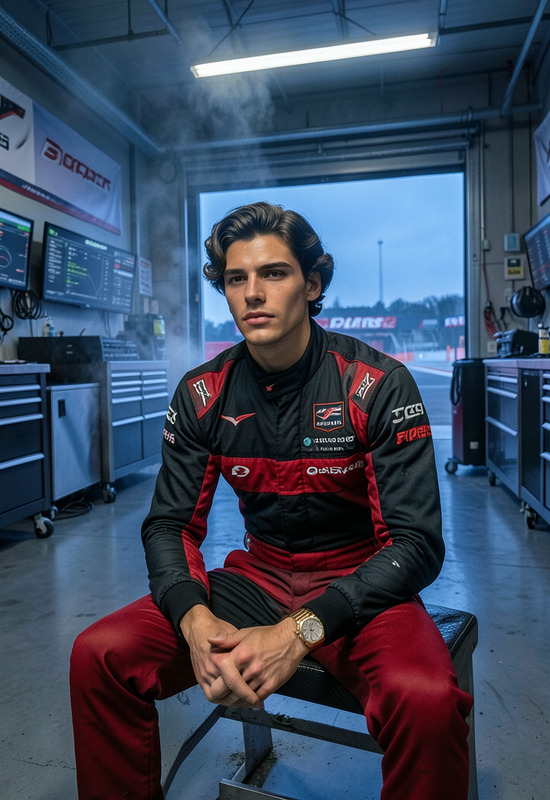
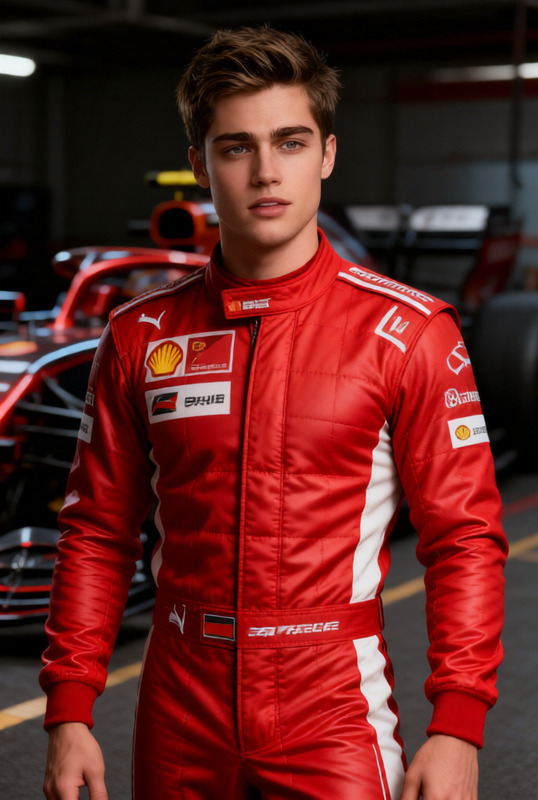
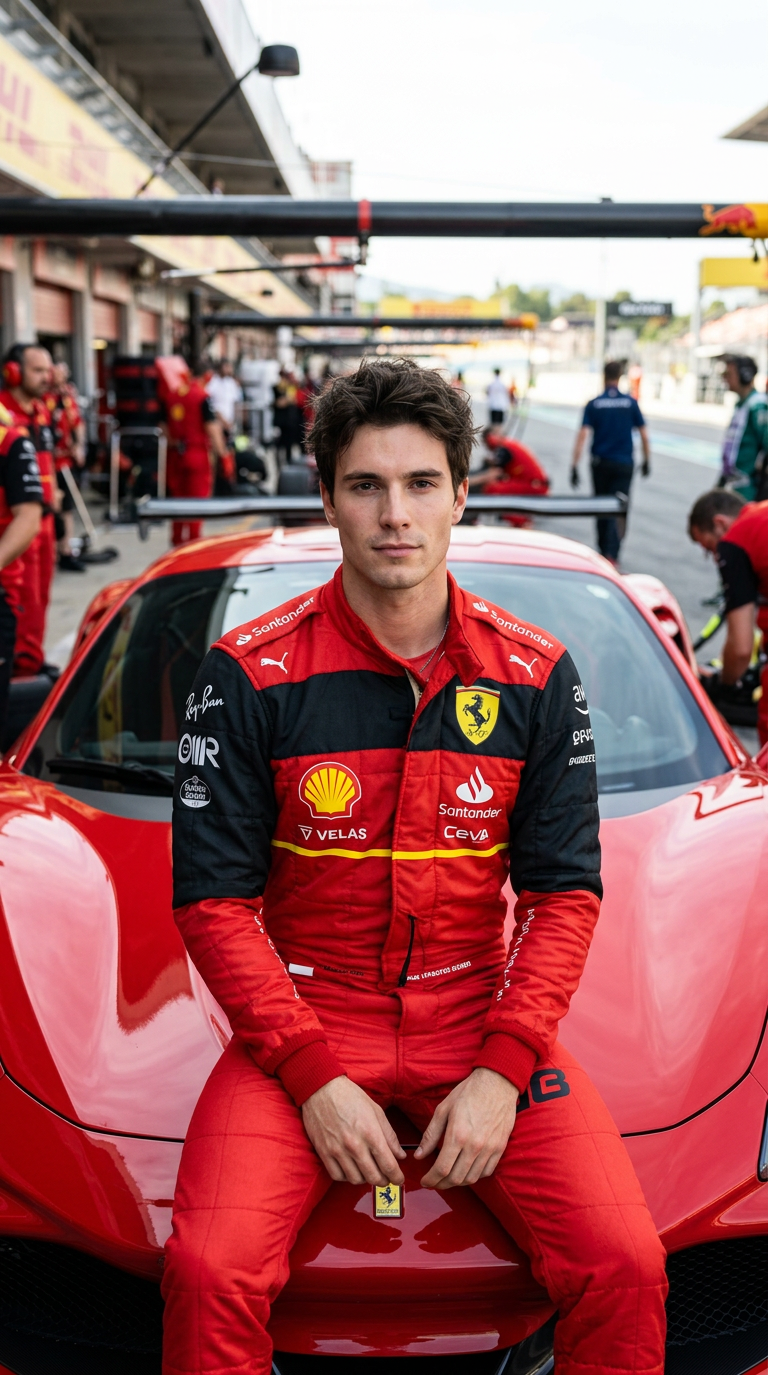
A professional, hyper-realistic cinematic magazine cover featuring a 25-year-old South Asian male with a lean, athletic build, 1.73 meters tall, and weighing 55 kg. The man is sitting confidently on the front hood of a sleek, glossy red Ferrari race car parked in a vibrant racetrack pit lane. He is wearing an authentic red and black Ferrari racing jumpsuit with official sponsor logos (like Shell and Santander) visible on the chest. Crucially, showing his clear facial structure and an intense, focused expression, keeping the face a 100% exact match to the uploaded photo without altering the natural facial features. keep face 100% match uploaded photo. don't change face Structur The background shows a detailed, slightly blurred Ferrari GT garage pit lane with racing crew members in red uniforms walking around, creating depth. Shot with a high-end camera body and an 85mm f/1.8 lens to achieve a shallow depth of field and beautiful background bokeh. The lighting is bright, dramatic daylight reflecting perfectly off the car's metallic body. Crisp details, commercial automotive photography style, 8k resolution, ultra-realistic textures.
Any aspect ratio
Overview
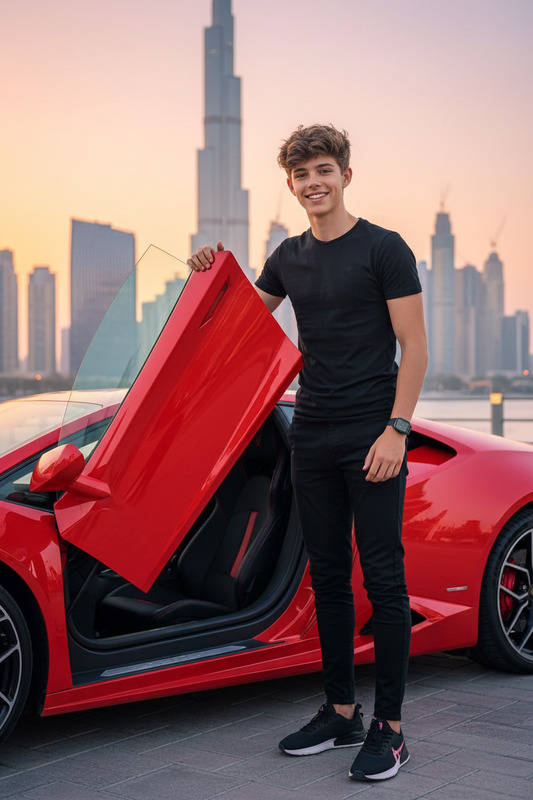
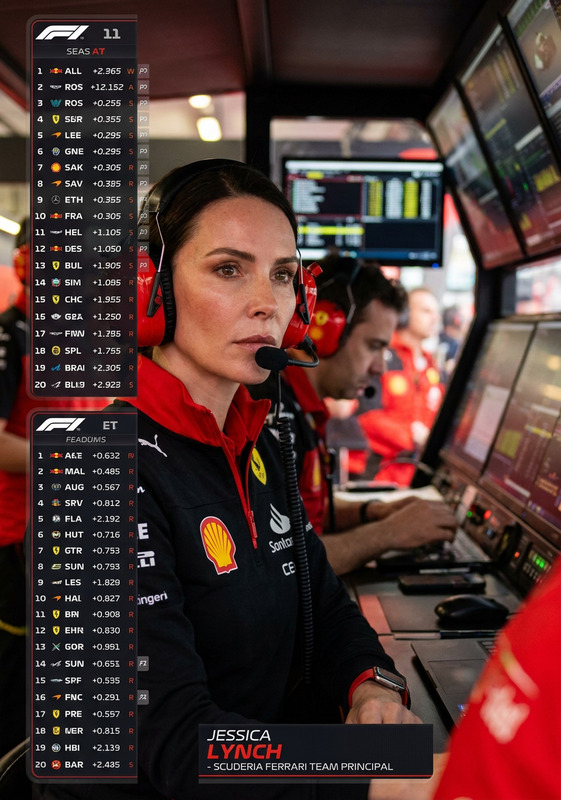
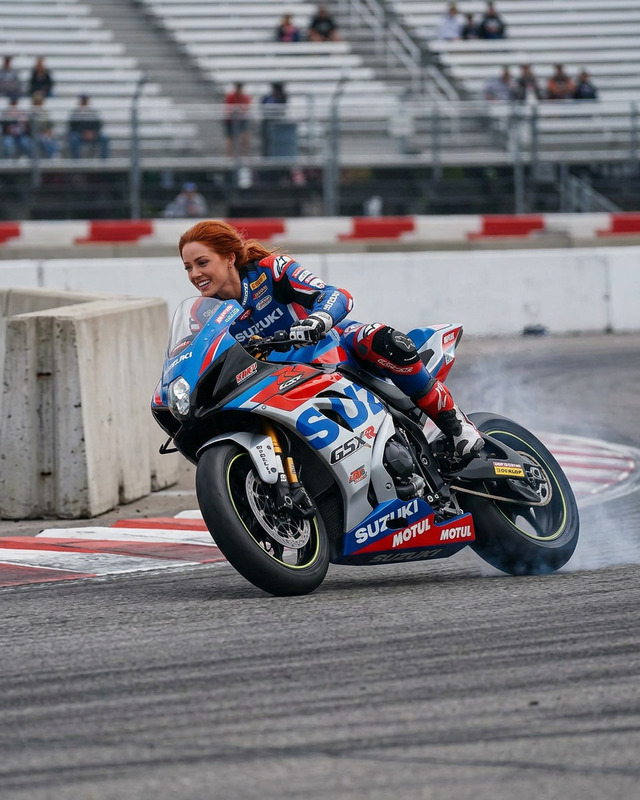
"Pit Lane Legend" is a stunning AI Image Editor template designed to create a hyper-realistic magazine cover. With nano-banana-2 model precision, it captures the essence of professional automotive photography and transforms your images into cinematic masterpieces.
What It Does
This template allows you to generate a professional magazine cover featuring a South Asian male confidently posed on a Ferrari in a pit lane setting. It maintains 100% facial accuracy, ensuring the person in your photo is recognizable while adding a dramatic, commercial style. Perfect for automotive enthusiasts, it adds depth with a blurred pit lane background and vivid colors.
Who It's For
The "Pit Lane Legend" template is ideal for automotive brands, commercial photographers, and digital content creators who want to create striking visuals that demand attention. It's also suitable for individual car enthusiasts eager to see themselves in a magazine-style setup against a dynamic and colorful backdrop.
Summary
Use the "Pit Lane Legend" to elevate your digital visuals with cinematic quality. This template supports high customization while preserving facial recognition, making it a powerful tool for automotive-related branding and personal branding projects. For more editing tools, explore our versatile AI Image Editor suite.
How to Use
Choose Your Template

Customize Your Image

Generate Your Artwork

Use Cases
Automotive Branding
- Design magazine covers for car brands
- Enhance advertising with visual impact
Commercial Photography
- Create magazine spreads
- Offer clients high-impact visuals
Enthusiast Projects
- Design mock covers for personal projects
- Enhance hobby photography
Best Practices
Mind the Details
Ensure the original photo features a clear, natural facial expression for best results. This template excels at maintaining facial accuracy, so the input quality is key.Optimize for Light
The lighting in your original image should mimic dramatic daylight to match the high-energy, bright pit lane environment portrayed in the template.Emphasize Depth
Achieve a realistic depth by focusing on contrast between the foreground and the blurred background elements for a professional-grade image.