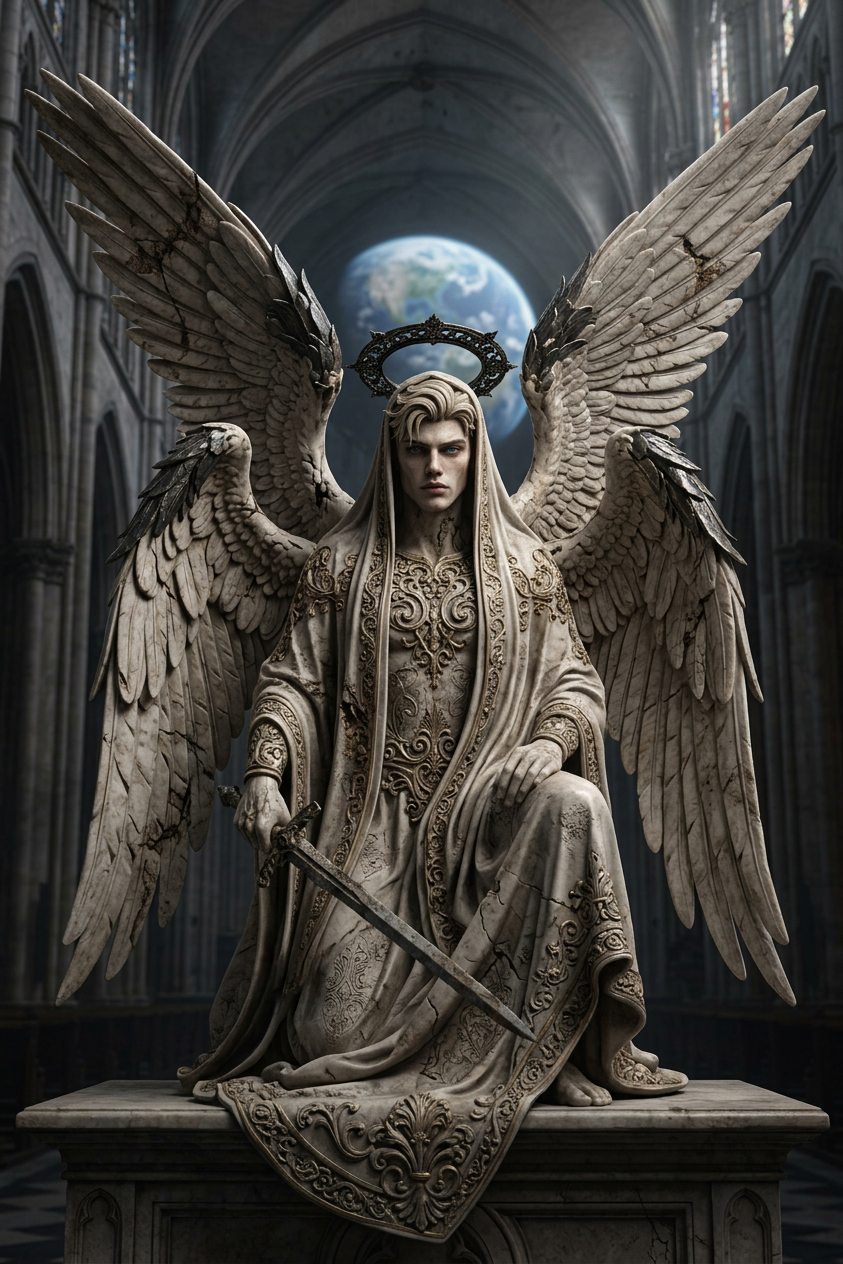
Fallen Celestial Sculpture
- Model
- Nano Banana 2
- Image
- 843 × 1264 px
Prompt
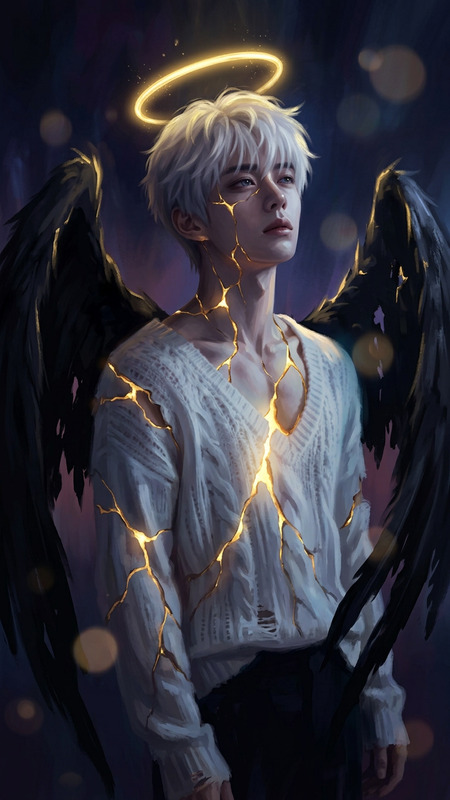
Generate a full-body portrait of an ancient sculptural fallen celestial figure with gothic and baroque influences, featuring six elongated wings, a shadowy halo, and a flowing, intricately detailed veil-like garment; the figure appears carved with hyper-realistic stone and bone-like textures, emphasizing fine detail and craftsmanship; the setting is a vast, ornate gothic cathedral with dramatic scale, where volumetric light filters through the space, creating a low-contrast, moody atmosphere; the composition follows cinematic framing and rule-of-thirds balance, enhancing depth and grandeur; a softly illuminated view of Earth appears in the distant background, adding epic scale and surreal presence; the overall aesthetic is dark, atmospheric, and highly detailed, with a polished, next-gen rendering quality and immersive, cinematic tone.
Any aspect ratio
Overview
Dive into the world of ancient celestial wonders with the Fallen Celestial Sculpture in our AI Image Editor. Crafted using the advanced capabilities of the nano-banana-2 model, this template brings out the intricate beauty of gothic and baroque influences in a single compelling image. Ideal for creating immersive atmospheres, it perfectly captures the blend of majesty and mystery in a sculpted figure.
What It Does
This template specializes in generating a hyper-realistic portrait of a fallen celestial sculpture, complete with six elongated wings and a shadowy halo. The scene is set in an ornately vast gothic cathedral with cinematic compositional elements like the rule-of-thirds, enhancing its depth and grandeur. Volumetric lighting and a background view of Earth infuse the atmosphere with a surreal, ethereal quality. This intricate template offers a polished rendering quality that's ideal for creating dark, atmospheric footage.
Who It's For
The Fallen Celestial Sculpture template is perfect for artists and creators looking to add a dramatic, gothic element to their projects. Whether you're working in video production, graphic design, or digital art, this editor is suitable for anyone aiming to enhance visuals for films, games, or other artistic endeavors. It's specifically beneficial for those already familiar with using Full Body Generator and require intricate textures and detailed settings in their work.
Summary
With the Fallen Celestial Sculpture template, bring your artistic visions to life in a setting that combines the majesty of gothic architecture with finely detailed baroque influences. This tool facilitates the creation of stunning images that capture the imagination, ensuring a polished and high-quality render that enhances any visual narrative.
How To
Choose Your Template

Customize Your Inputs

Generate Your Image

Use Cases
Gothic Film Elements
- Atmospheric backdrops for gothic stories
- Enhancing visual novels with detailed settings
- Creating thematic content for horror or suspense films
Video Game Design
- Immersive settings for story cutscenes
- Art assets for fantasy-themed game levels
- Conceptual artwork for game development
Digital Art Projects
- Creating standalone digital artworks
- Adding depth to mixed media installations
- Designing thematic exhibitions and showcases
Best Practices
Emphasize Lighting
Take advantage of the volumetric lighting options to gain a dramatic effect, enhancing the celestial figure's presence.Texture Management
Utilize textures like stone and bone wisely to ensure that the fine detail of the sculpture is highlighted without overwhelming the scene.Composition Awareness
Keep the rule-of-thirds in mind to balance your composition subtly and naturally, allowing for a visually appealing frame.