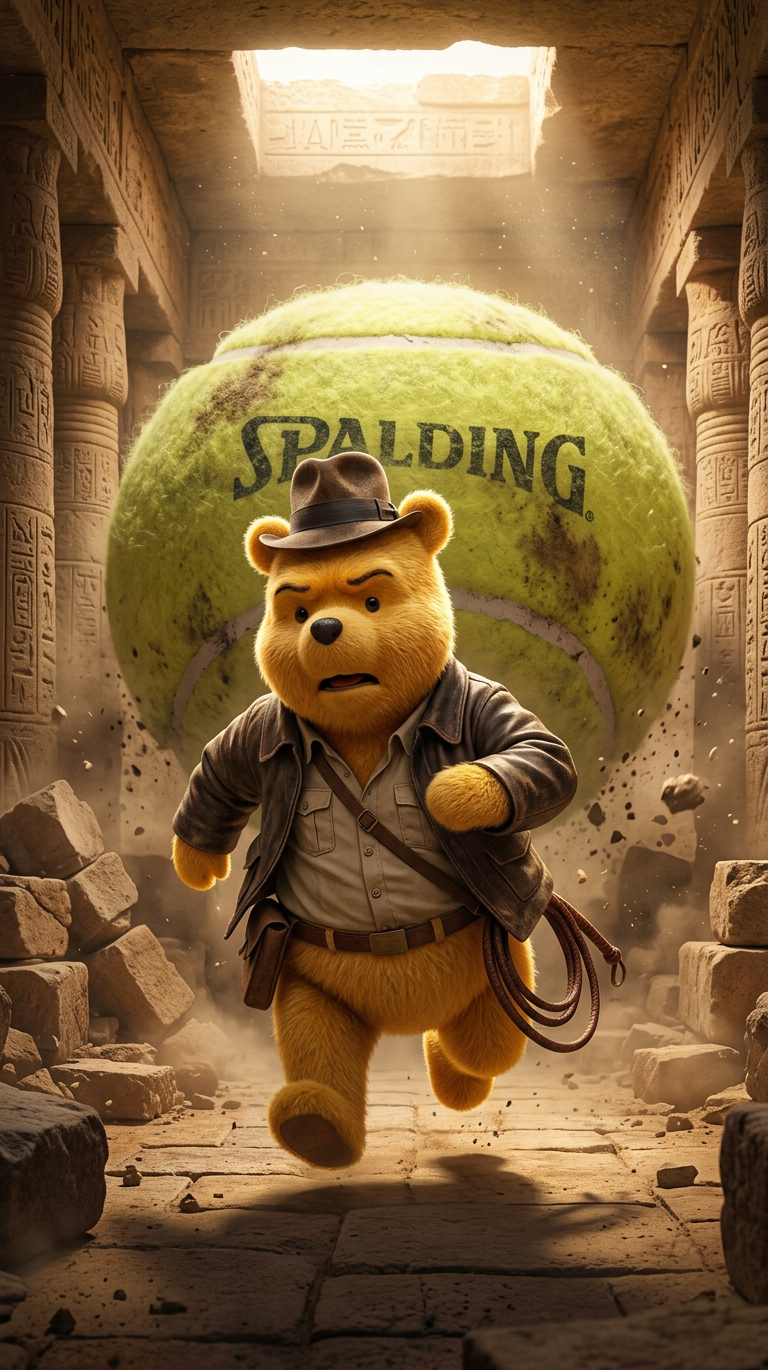
Escape tennis ball
- Model
- Nano Banana 2
- Image
- 768 × 1370 px
Prompt
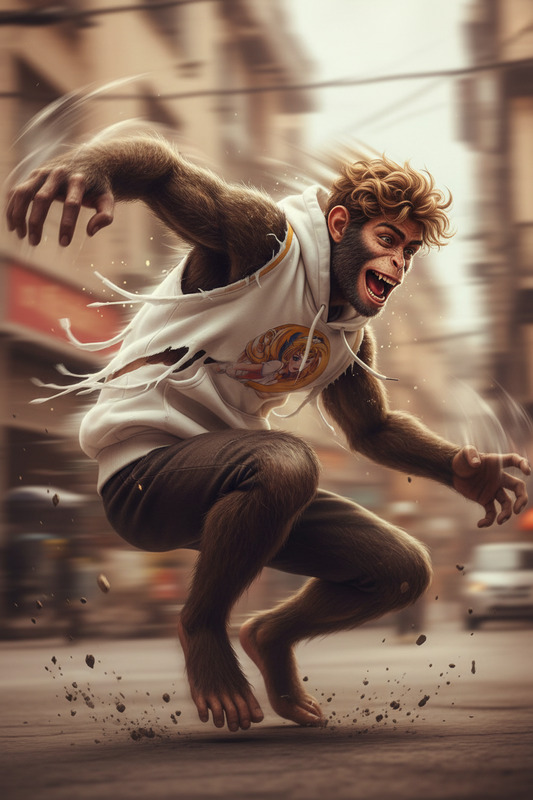
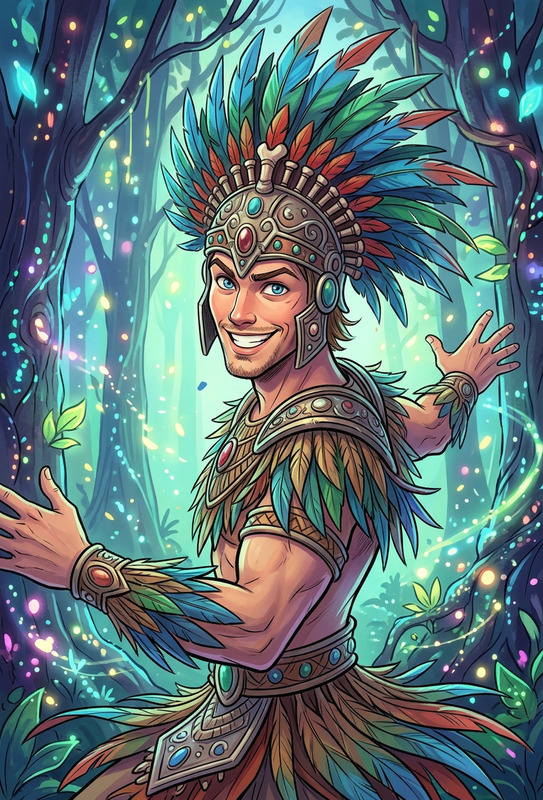
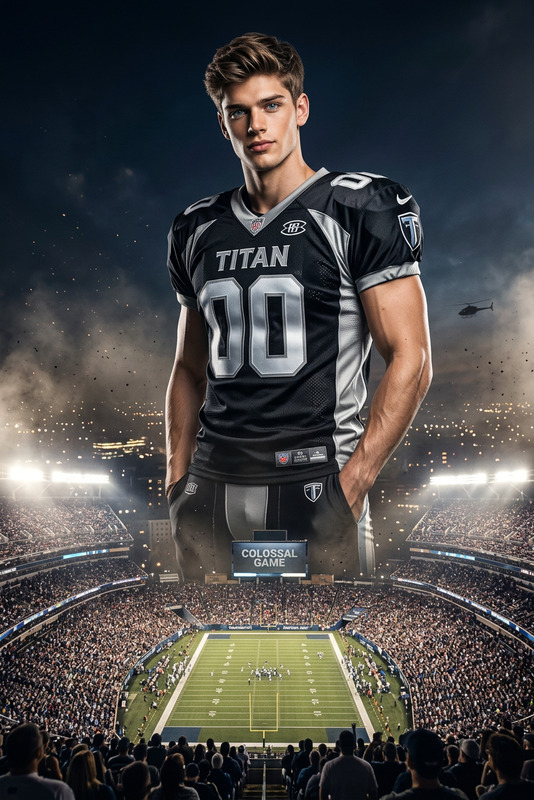
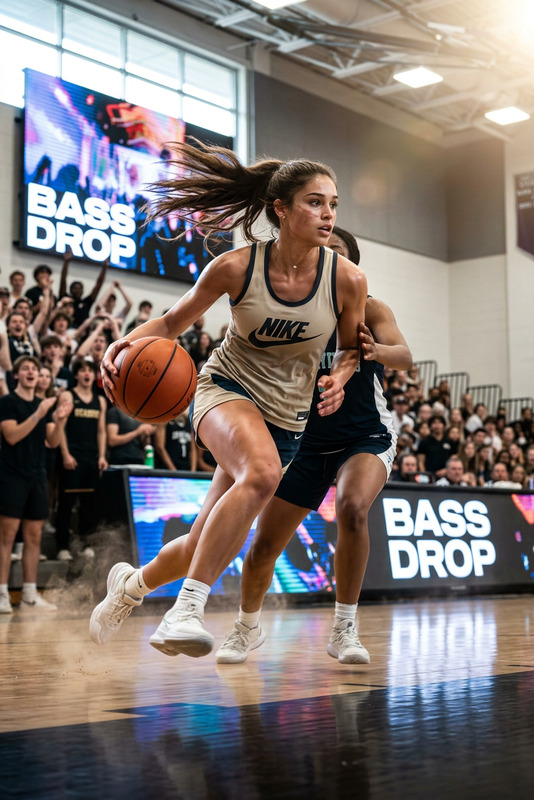
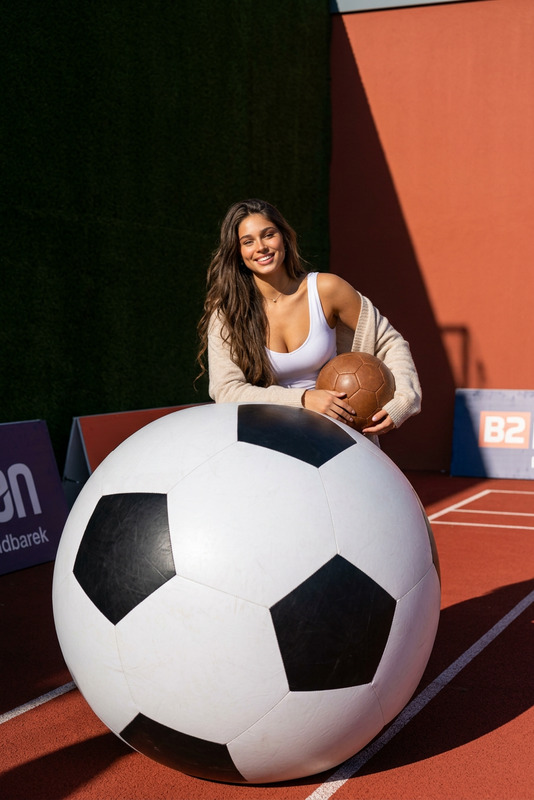
An anthropomorphic subject, dressed as Indiana Jones, sprints through a dusty ancient temple. Behind subject , a massive tennis ball rolls menacingly, creating a humorous and action-packed scene.
Any aspect ratio
Overview
Designed for creators looking to add a thrilling twist to their visuals, the 'Escape Tennis Ball' template leverages the nano-banana-2 model for vibrant, action-packed imagery. With a sports-meets-adventure theme, this template evokes classic cinematic excitement with a humorous edge.
What It Does
The template transforms any scene into a high-stakes chase. By placing an anthropomorphic Indiana Jones-inspired character sprinting ahead of a giant tennis ball, it creates dynamic visuals perfect for enhancing narratives or injecting humor. Ideal for sports highlights, this template combines AI precision with creative storytelling.
Who It's For
This template is ideal for sports enthusiasts, video creators, and marketers looking to create engaging content. Whether you are crafting a tutorial or assembling a highlight reel, this tool helps you produce professional-level results. For more editing features, explore the AI Image Editor.
Summary
Enhance your video projects with the 'Escape Tennis Ball' template, designed for the AI Image Upscaler to ensure top-notch resolution and impact. It's perfect for making stunning, shareable content that captivates and entertains.
How to Use
Choose the Template

Customize Your Scene

Generate and Download

Use Cases
Sports Highlights
- Present replays with a cinematic twist
- Add humor to analysis videos
Tutorials
- Visualize scenarios in a fun way
- Keep viewers entertained
Marketing Campaigns
- Attract attention with unique visuals
- Differentiate from competitors
Best Practices
Leverage Humor
Use the rolling tennis ball for comedic effect to grab viewers' attention and hold their interest.Optimize for Platforms
Ensure your final output matches the preferred formats or resolutions of your target platforms, possibly using the AI Video Extender for length adjustments.Experiment with Details
Adjust details like costume elements of the character to fit different narratives or themes.