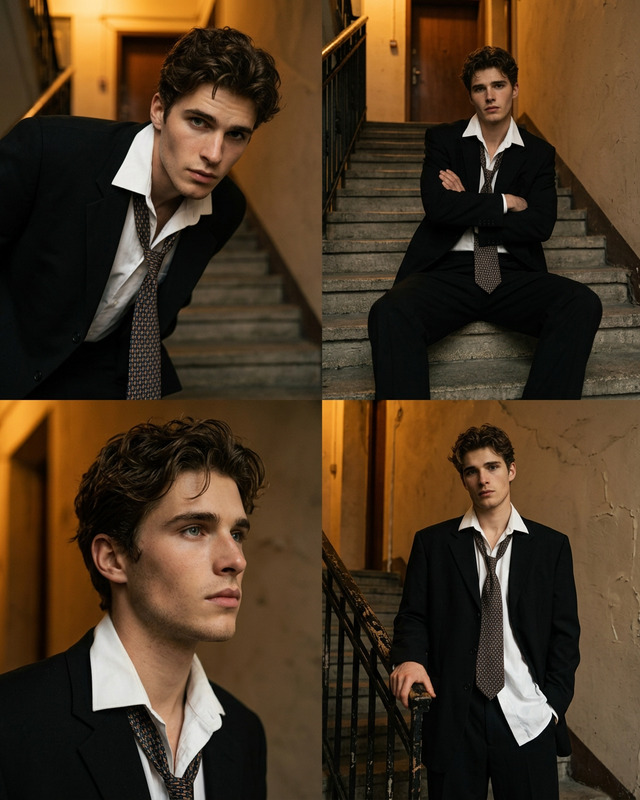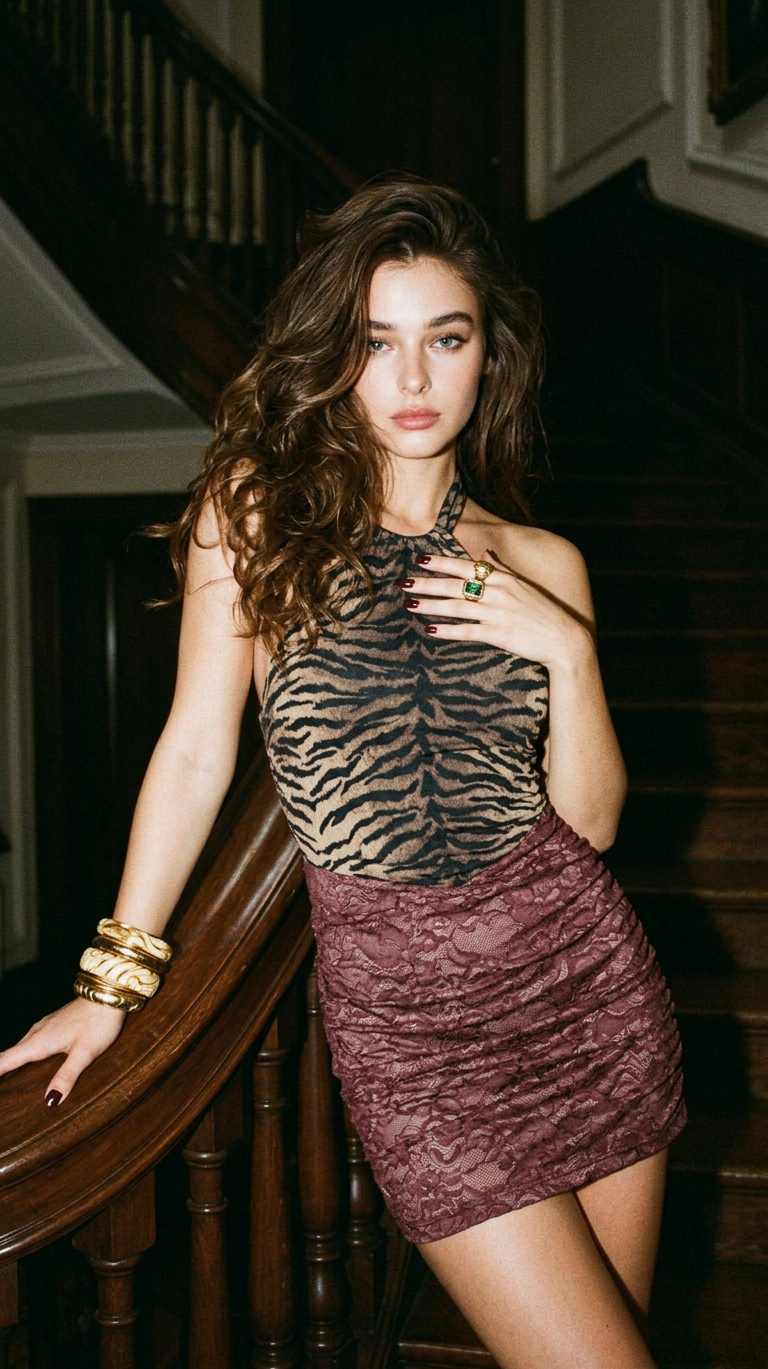
Midnight Staircase – Vintage Allure

Midnight Staircase – Vintage Allure

ai-image-editor

1 clip
16 uses

Any aspect ratio

Prompt

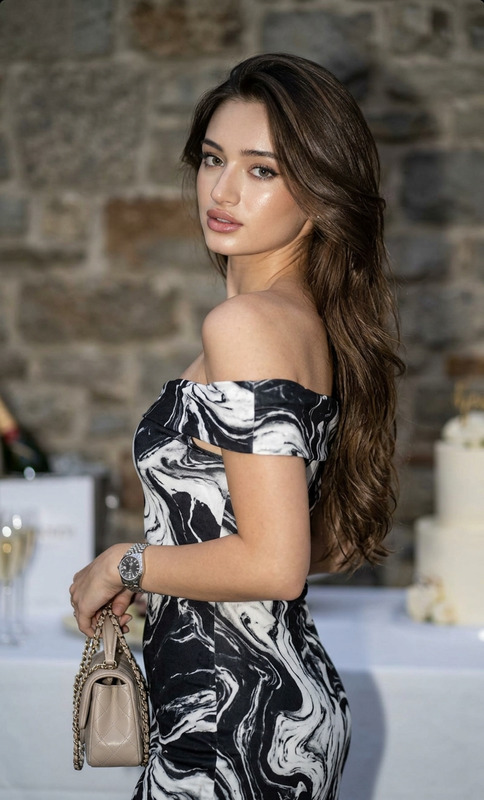
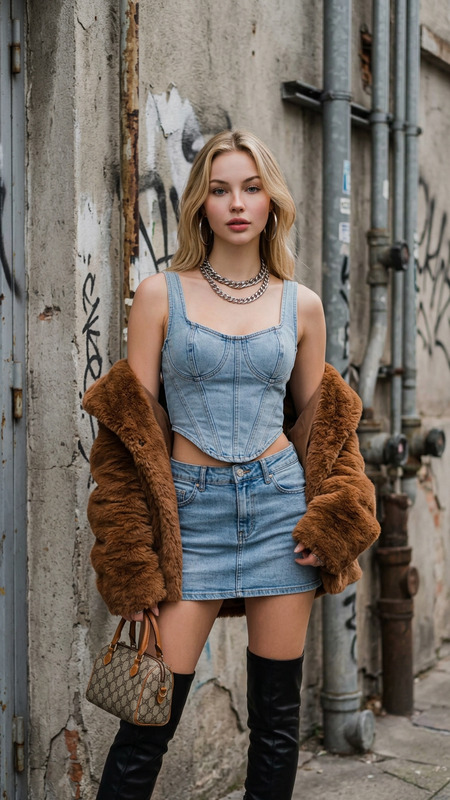
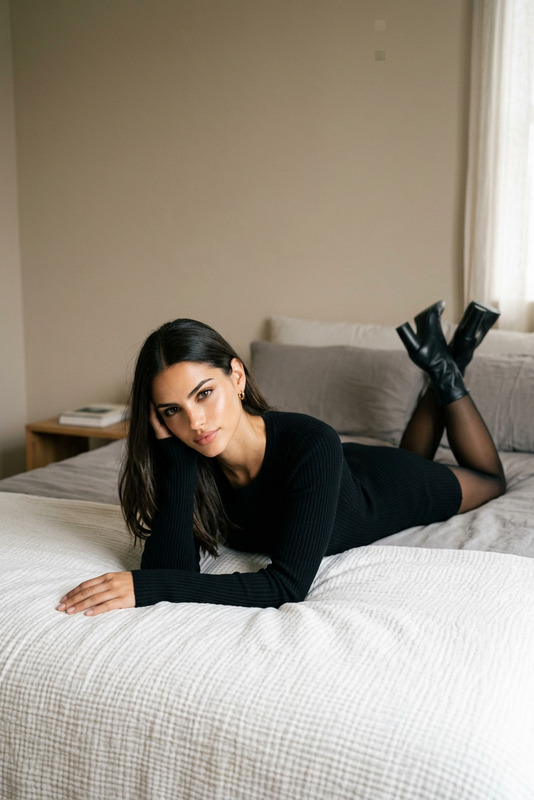
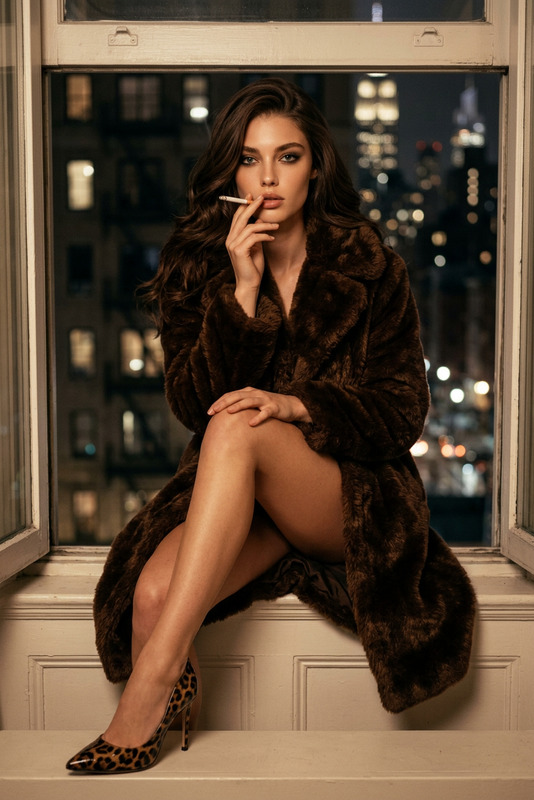
Moody low-light fashion editorial shot on 35mm film with heavy grain and fine noise texture. A subject with long voluminous dark wavy hair poses on a grand wooden staircase, leaning against a polished banister and looking directly at the camera with a confident, sultry expression. The subject wears a halter mini dress combining dark tiger stripes on the top and muted burgundy patterned lace on the ruched skirt, accessorized with stacked gold and ivory bangles, an emerald-toned ring, and dark red nails. Soft direct flash highlights the subject while casting deep cinematic shadows into the dim, ornate interior. Warm, slightly desaturated tones, vintage 90s aesthetic, intimate and mysterious atmosphere, ultra-detailed textures.

AI Image Editor Template: Instantly Transform and Enhance Any Image

Use this AI Image Editor–powered template to make fast, precise visual edits without traditional design tools. Replace objects, clean up photos, change backgrounds, or restyle assets in a few clicks—ideal for marketing teams, founders, and creators who need production-ready visuals on a deadline.


What This Template Is Best For

This template is built on the AI Image Editor and is optimized for:

  • Product shots: Remove distractions, swap backgrounds, and add realistic shadows for landing pages or ads.
  • Marketing creatives: Create variations for A/B tests, social posts, and performance ads.
  • Personalization at scale: Generate multiple localized or audience-specific versions of the same base asset.
  • Content repurposing: Turn one hero image into a full set of thumbnails, banners, and social tiles.
  • Brand updates: Update logos, colors, or visual elements across existing images without a full reshoot.

If you already have a working image (product photo, headshot, illustration), this template lets you edit it with AI instead of starting from scratch.


How to Remix This Template in Magic Hour

You don’t need to start from zero. Use this template as a base and customize it for your own workflow:

  1. Open the template in Magic Hour

    • Load the template from your Magic Hour workspace.
    • Upload the image you want to transform (product photo, portrait, artwork, UI mockup, etc.).
  2. Identify what you want to change
    Decide on the single most important transformation first:

    • Remove or replace an object
    • Change the background or environment
    • Adjust style (e.g., realistic → illustration, corporate → playful)
    • Clean up issues (blemishes, noise, unwanted text, artifacts)
  3. Apply targeted edits with AI Image Editor
    This template uses tools from the AI Image Editor, so you can:

  4. Create multiple on-brand versions
    Once you like one version, duplicate and remix:

    • For ad creatives: generate different backgrounds, crops, and styles for each channel.
    • For product catalogs: standardize angles, lighting, and backgrounds across SKUs.
    • For brand experiments: try different visual directions while reusing the same base asset.
  5. Export and reuse across Magic Hour tools
    Your edited images can plug into other Magic Hour products:


Example Use Cases and Workflows

1. DTC / Ecommerce Product Imagery

  • Start with a simple product photo on any background.
  • Use the AI Image Editor to:
    • Remove the original background and generate new ones with the AI Background Generator.
    • Add lifestyle scenes (kitchen counter, studio lighting, outdoor setting).
    • Clean up reflections, dust, or awkward shadows.
  • Upscale final results with the AI Image Upscaler for marketplaces and hero sections.
  • Turn high-performing product images into short motion assets using Image to Video or Video to Video.

2. Professional Headshots and Profile Photos

3. Content & Social Creatives for Startups

  • Build a base visual system:
  • Import those assets into this template:
    • Edit colors and compositions.
    • Drop in product screenshots, hero photos, or illustrations.
  • Turn stills into:

4. Creative Experiments and Character-Driven Visuals


Advanced Remix Ideas for Builders and Marketers

If you’re designing your own internal “mini-pipeline” in Magic Hour, consider chaining this template with:

These modular steps mirror how creative teams increasingly work with AI: generate, refine, and then adapt across channels.


Tips for Getting High-Quality Results

  • Start with the best source you have: Even though the AI Image Editor can repair and enhance, better input produces more reliable outputs. If needed, pre-process with Unblur Image or Old Photo Restoration.
  • Be specific in your edit goals: Instead of “make it better,” think in terms of “remove this element,” “add this object,” “change environment,” or “match this style.”
  • Keep consistency in mind: Reuse the same edited base image to generate multiple outputs for different surfaces instead of editing from scratch each time.
  • Test variations for performance: For ads and landing pages, create multiple edited variants and measure CTR or conversion. The marginal cost of extra versions is low; use that to your advantage.

Related Magic Hour Tools to Explore

To extend what you can do beyond this AI Image Editor template, consider:


Why Use This Template Instead of Starting from Scratch?

  • Speed: You shortcut setup and focus on the actual content of the edit.
  • Consistency: Reuse the same structure across campaigns, products, or clients.
  • Flexibility: Because it’s built on the AI Image Editor, you can adapt it to simple cleanups or complex visual transformations.
  • Composability: It fits into larger Magic Hour workflows: from generation to editing, animation, and distribution.

Remix this template to match your own creative system: keep what works, swap in your own assets, and integrate with other Magic Hour tools as your pipeline grows.

More Like This

Insufficient credits