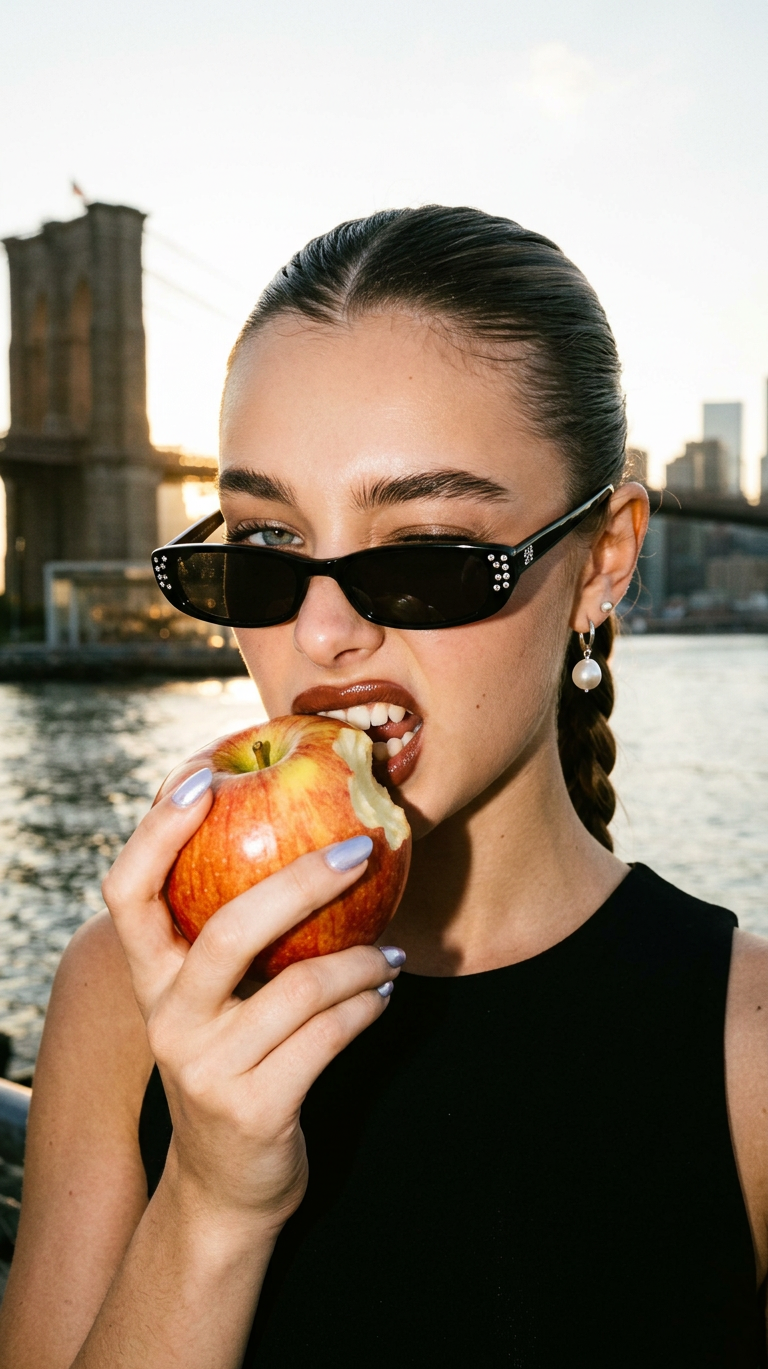
Flash Bite – Brooklyn Edge
- Model
- Nano Banana 2
- Image
- 768 × 1369 px
Prompt
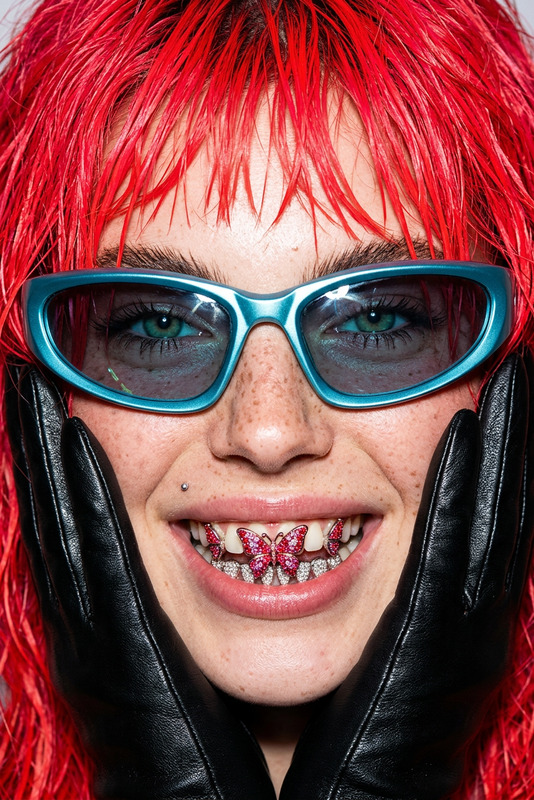
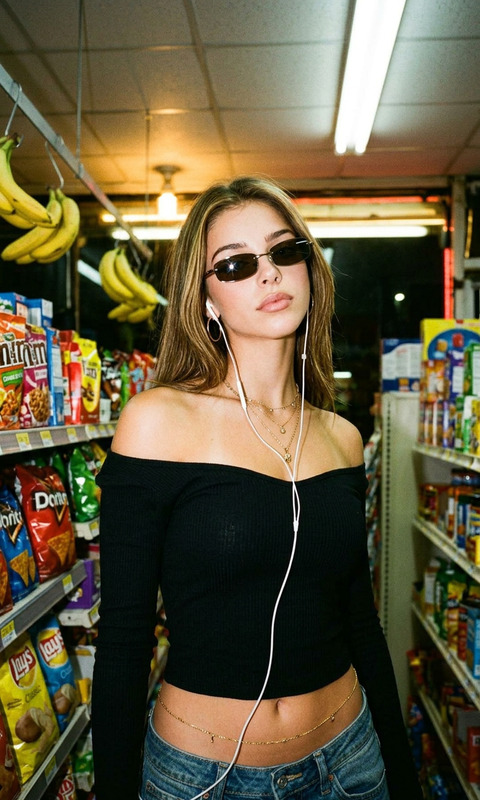
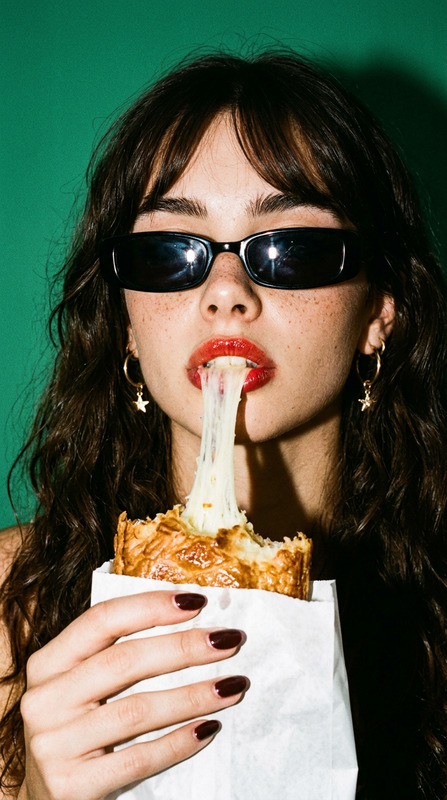
High-contrast 90s fashion editorial close-up of a subject with a sleek braided ponytail, playfully winking while biting into a large red-and-yellow apple with a visible bite mark. Edgy expression with glossy brownish-red lips and defined brows. The subject wears narrow black rectangular glasses with rhinestone details, pearl drop earrings, and a black sleeveless top, with light lavender or silver-blue nails. Shot on a waterfront with the Brooklyn Bridge and blurred NYC skyline in the background under a warm hazy sunset. Harsh direct on-camera flash combined with golden hour backlight creates bright highlights and deep shadows. 35mm film aesthetic with visible grain, fine noise, and realistic skin texture.
Any aspect ratio
Overview
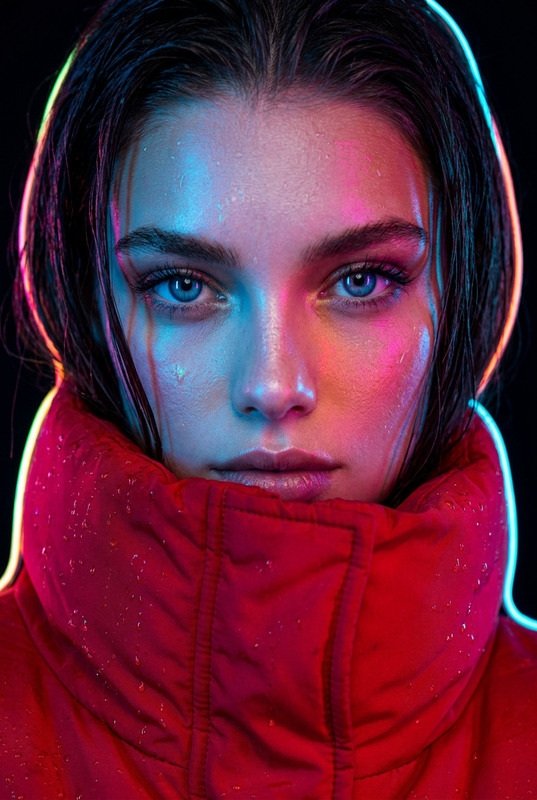
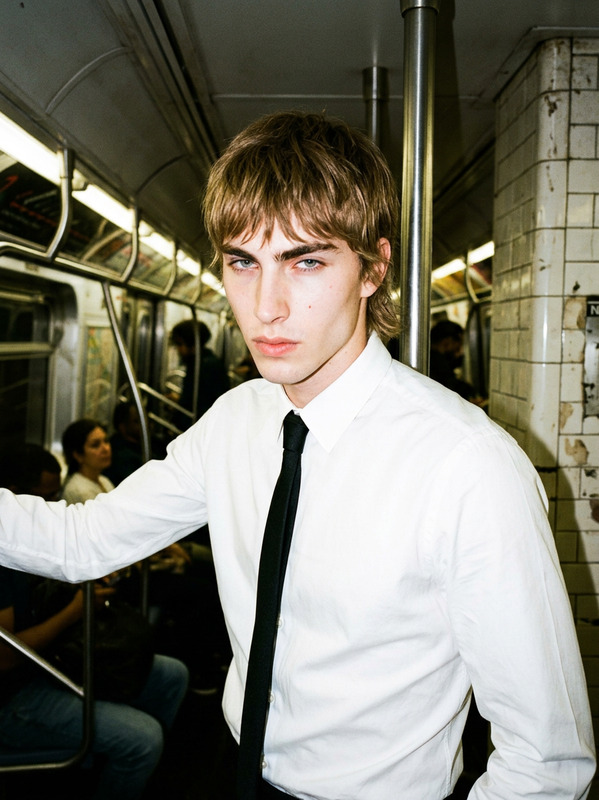
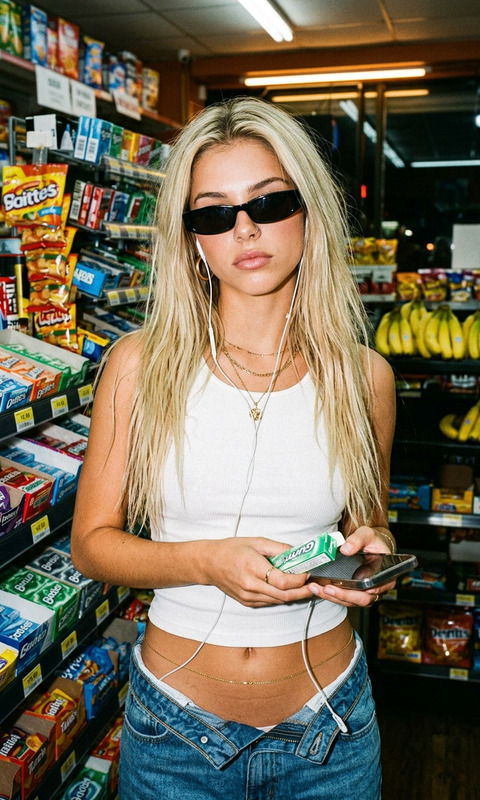
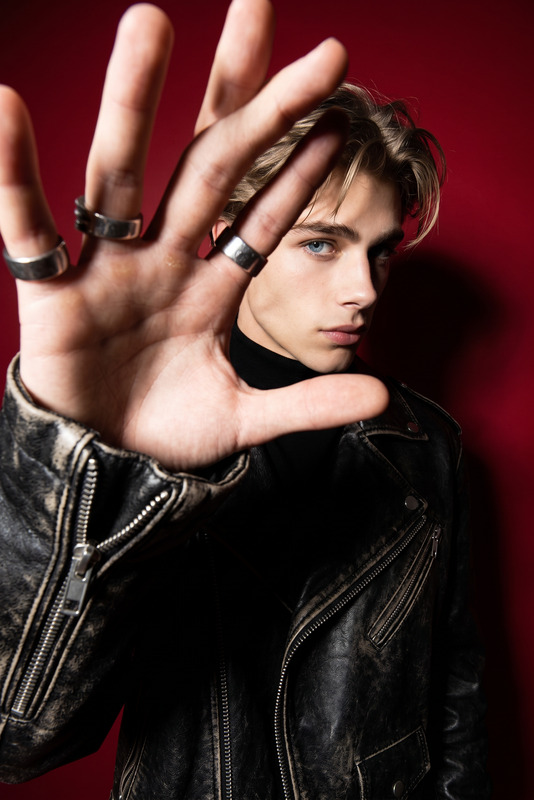
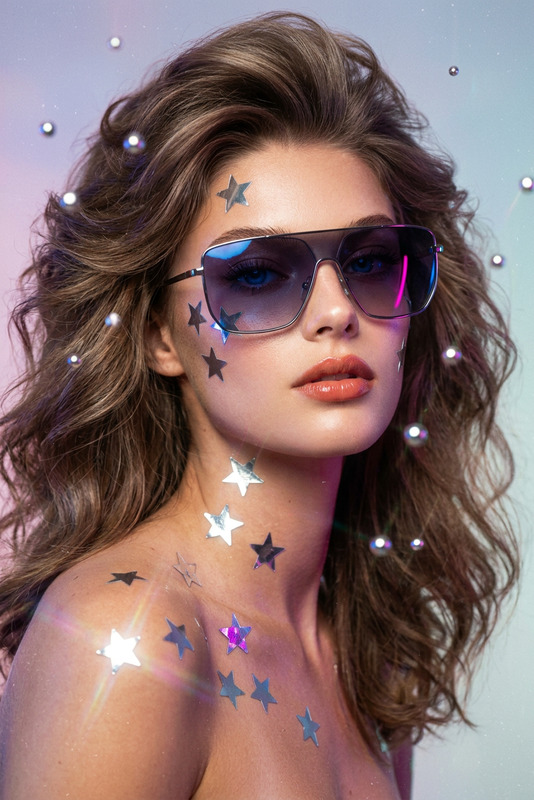
Flash Bite – Brooklyn Edge is an AI Image Editor template that transforms any image into a striking 90s-inspired fashion editorial. The template evokes the edgy, high-contrast look of an iconic era, offering a unique visual flair.
What It Does
Using the nano-banana-2 model, this template converts your images with a high-fashion aesthetic characterized by dramatic lighting and classic editorial elements. It integrates a visually rich background featuring the Brooklyn Bridge and NYC skyline, enhancing your content with an authentic 35mm film feel.
Who It's For
Flash Bite is designed for fashion photographers, influencers, and content creators seeking to add a bold statement to their visuals. Whether promoting a new clothing line or revamping a social media presence, this tool makes your imagery pop.
Summary
With Flash Bite – Brooklyn Edge, you can create editorial images that feel like they belong on the cover of a top fashion magazine. For more diverse media creation tools, explore our Image to Video and AI Clothes Changer offerings.
How to Use Flash Bite
Choose

Customize

Generate

Use Cases
Social Media Campaigns
- Engaging content
- Brand awareness boost
Fashion Magazine Mockups
- Realistic textures
- Authentic grainy effect
Lookbooks
- Cohesive aesthetics
- High-end look
Best Practices
Balance Lighting
Ensure the harsh flash and backlight do not overpower the subject by adjusting exposure settings.Consistent Style
Maintain aesthetic consistency by using similar templates like our AI Video Generator for related video content.Focus on Detail
Emphasize elements like jewelry and nail color to reinforce the fashion theme.