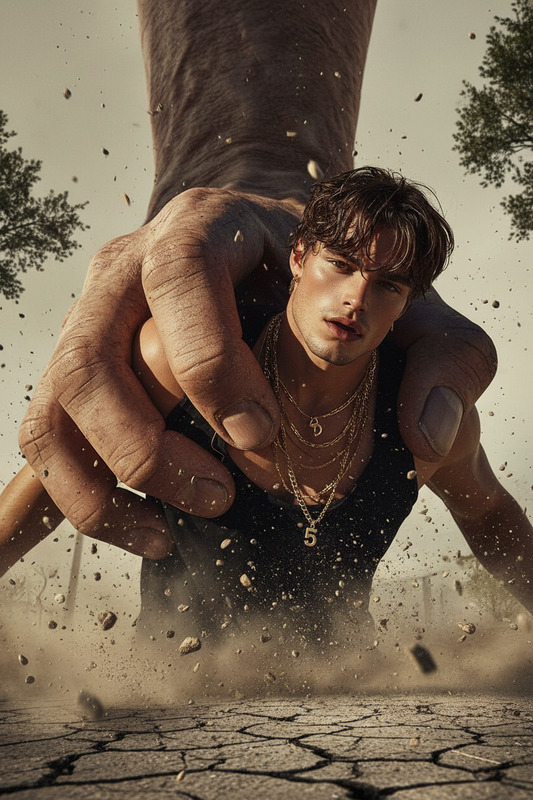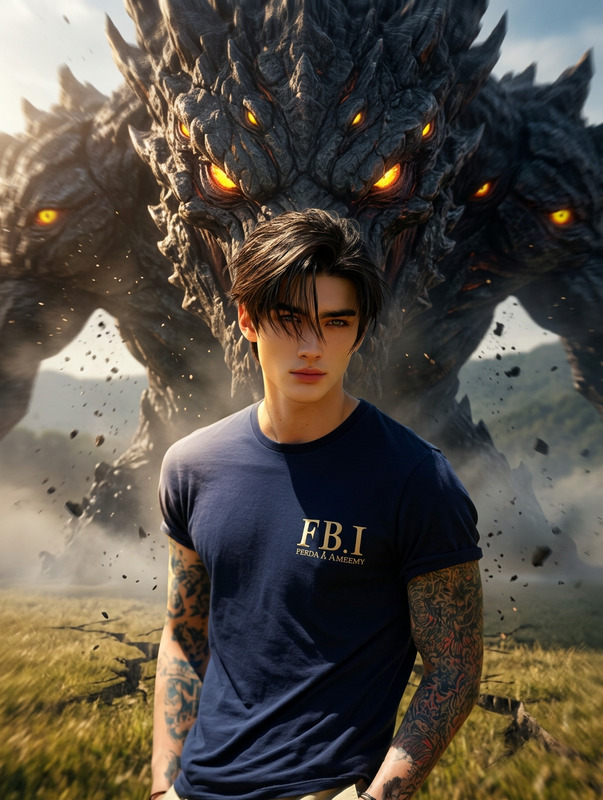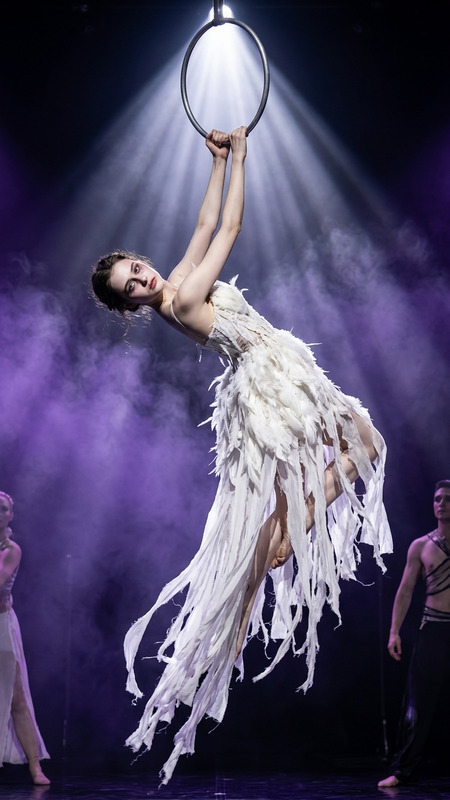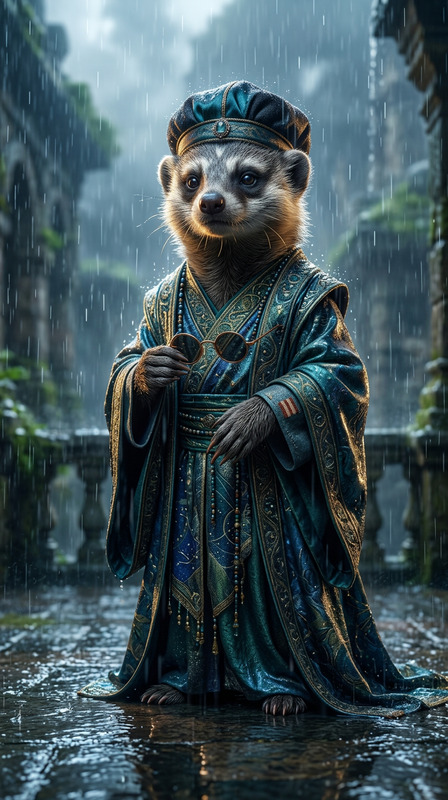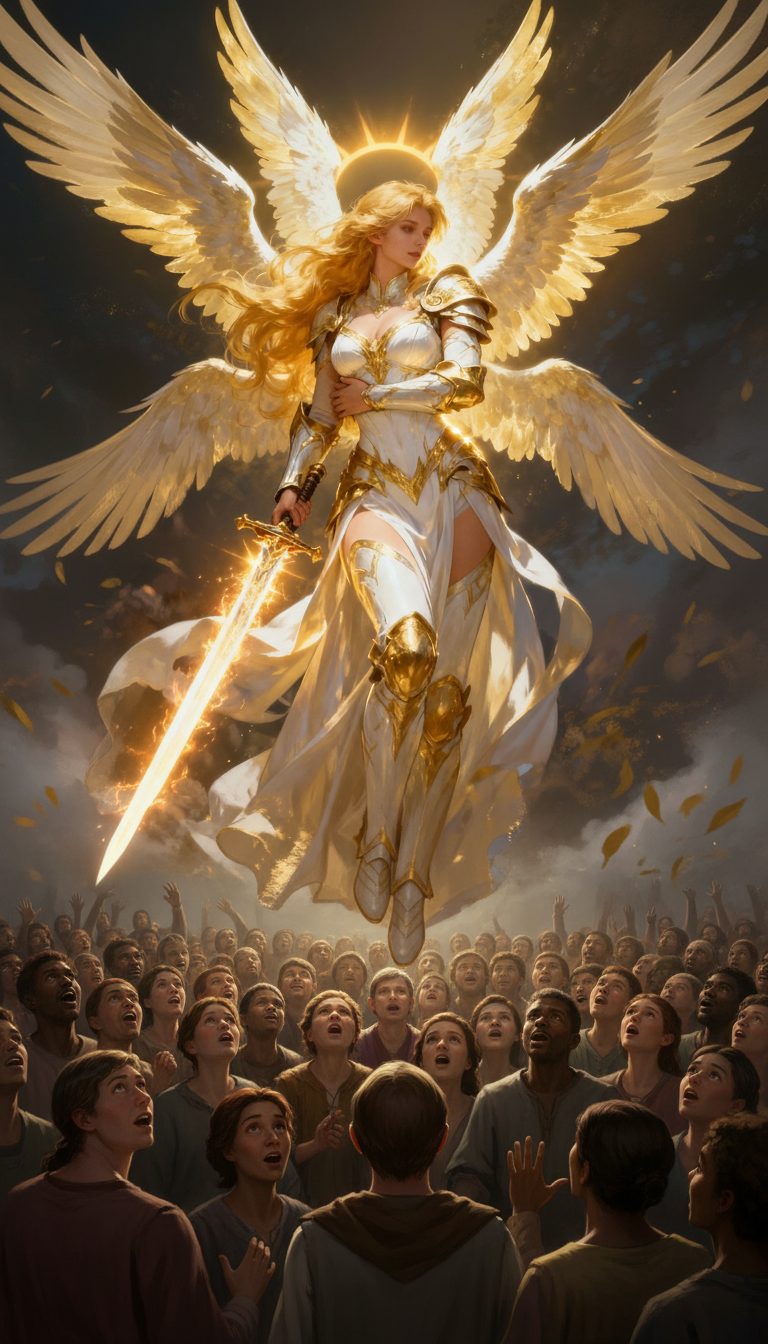
Ascension Above the Crowd
- Model
- Nano Banana
- Image
- 768 × 1344 px
Prompt
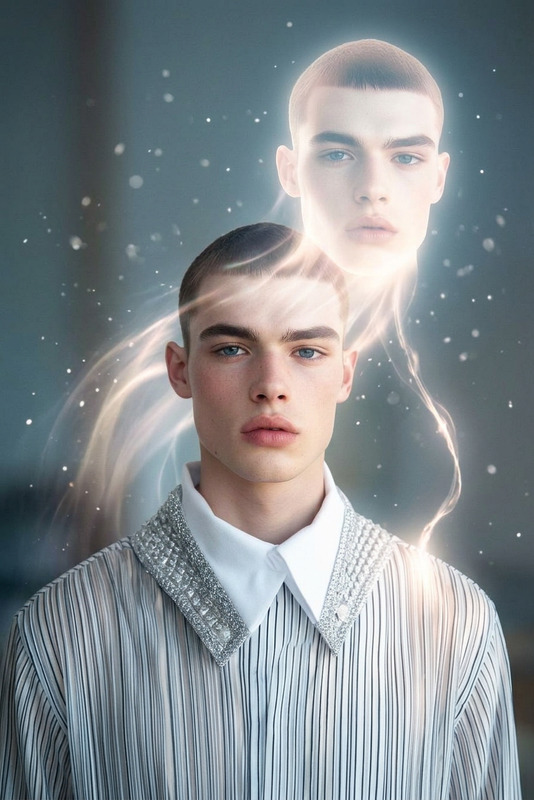
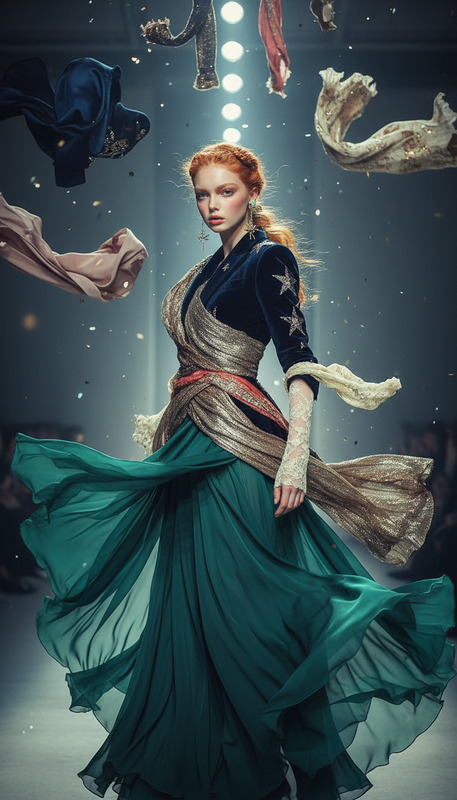
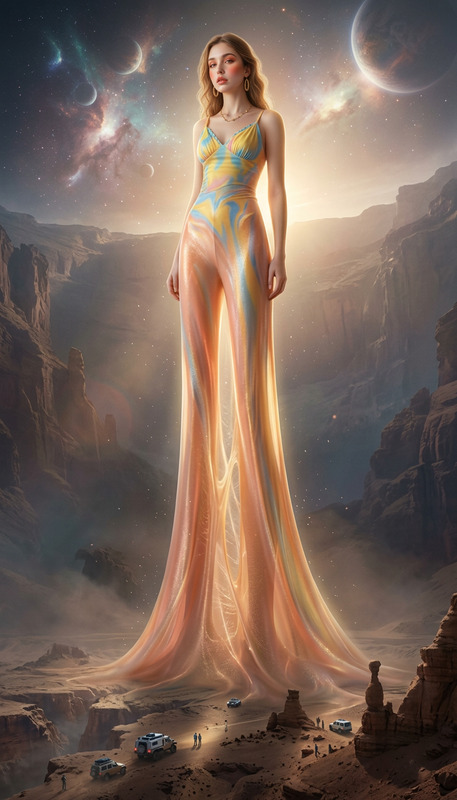
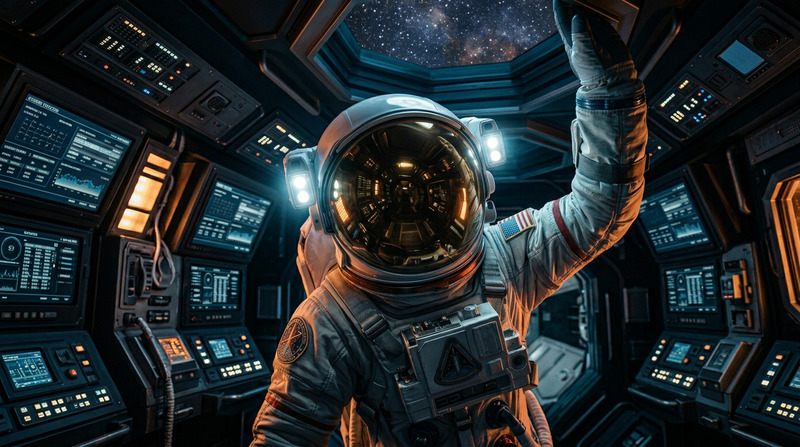
The subject suddenly rises into the air, hovering gracefully above the ground. A surrounding crowd of people looks up in awe and amazement. Cinematic composition with soft dramatic lighting, emotional atmosphere, realistic motion, depth and perspective, subtle wind effects on clothing and hair, highly detailed, 4K realism.
Any aspect ratio
Overview
The "Ascension Above the Crowd" template leverages the Nano-Banana model to create stunning visuals where your subject dramatically rises above a captivated audience. Utilizing the AI Image Editor, this template is crafted for 4K realism, enhancing both cinematic and social media projects with sophistication. Ideal for projects requiring realistic motion and emotional atmosphere, this template ensures your visuals are both engaging and memorable.
What It Does
This template utilizes advanced AI to edit images, creating the illusion of a subject ascending into the air within a crowd scenario. The results feature a cinematic style with soft dramatic lighting and realistic motion effects. The surrounding environment incorporates fine details such as subtle wind interplay on clothing and hair, ensuring a comprehensive emotional and visual impact. This tool is part of our AI Image Editor suite, providing state-of-the-art editing capabilities.
Who It's For
"Ascension Above the Crowd" is perfect for content creators, marketers, and film enthusiasts looking to infuse a touch of fantasy and drama into their projects. Whether you're engaged in social media marketing or cinematic productions, this template offers a unique way to visually captivate your audience. It's also a valuable tool for presenters and educators aiming to enhance storytelling and engagement through visual effects.
Summary
With the "Ascension Above the Crowd" template, transform ordinary images into dynamic visual narratives. This AI-powered editor brings your subject to life amidst an awe-stricken crowd, offering high detail and dynamic perspective. Part of the innovative tools available at Magic Hour, it complements other products like the Image to Video and AI Talking Photo tools.
How to Use
Choose

Customize

Generate

Use Cases
Viral Social Media Content
- Attention-grabbing visuals
- Ideal for Instagram and TikTok
Dynamic Film Storyboarding
- Visual storytelling enhancement
- Realistic cinematic previews
Engaging Presentations
- Visual aid for storytelling
- Improves audience engagement
Best Practices
Use High-Resolution Images
Start with the highest quality images to ensure the best results when using AI enhancements.Adjust Lighting and Composition
Fine-tune elements like lighting angles and composition to complement the AI effects for a seamless integration.Combine with Video Tools
Pair with tools like Video to Video to create dynamic multimedia content.