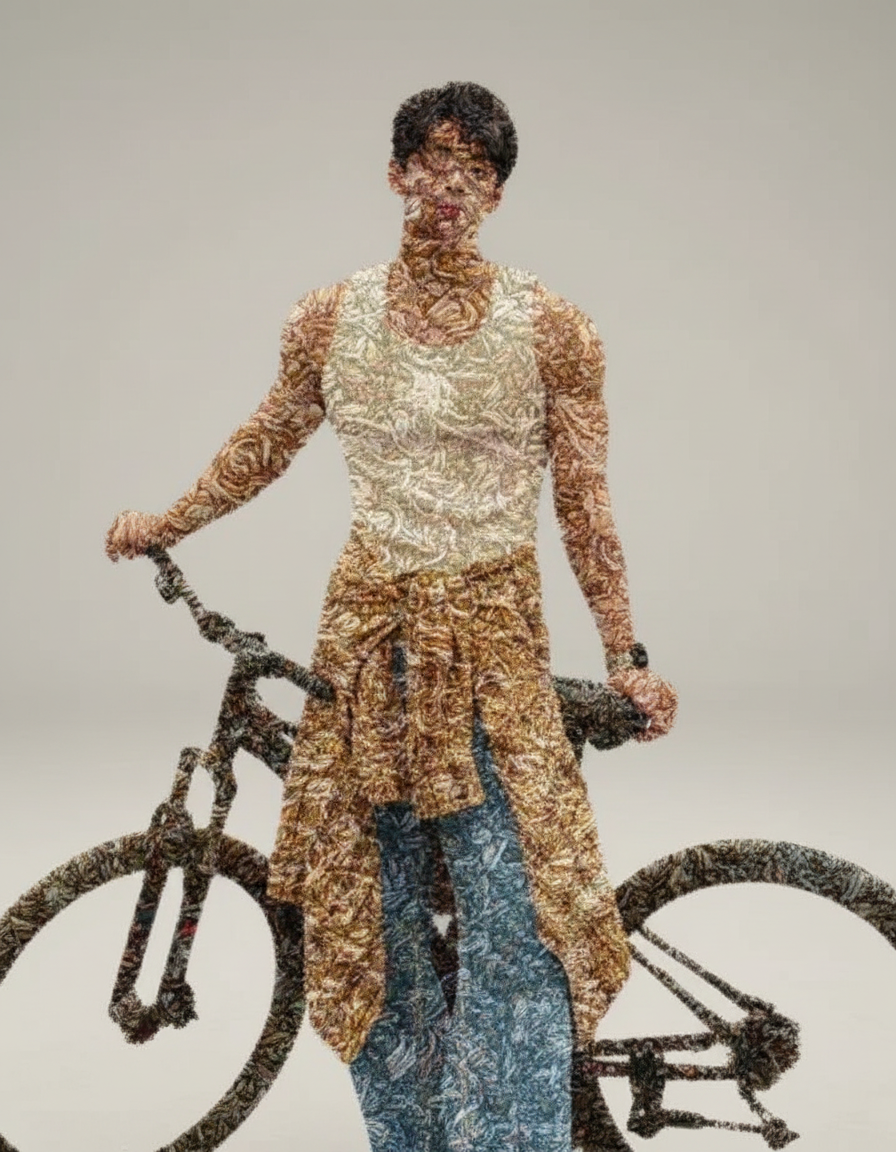
Carpet Material
- Model
- Nano Banana
- Image
- 896 × 1152 px
Prompt
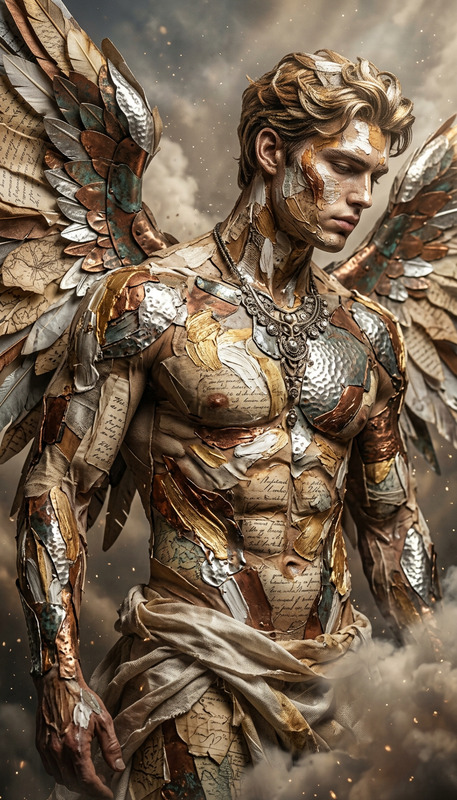
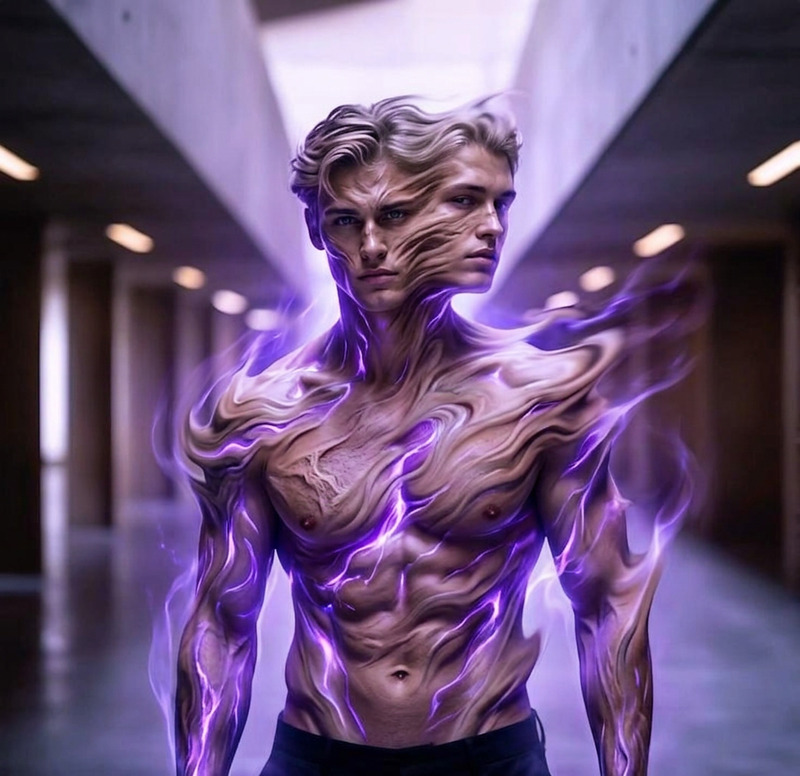
Cinematic transformation of a subject gradually turning into a luxurious carpet material, skin and clothing morphing into dense woven fibers, plush texture, and patterned textile surface. Human form still partially recognizable as it transitions into soft fabric structure. Detailed threadwork, fiber depth, and tactile realism. Studio lighting highlighting weave texture, soft shadows, neutral background, hyper-realistic hybrid material effect, 8K, cinematic composition.
Any aspect ratio
Overview
Transform your designs with the Carpet Material AI Image Editor template. This tool leverages the advanced nano-banana model to produce hyper-realistic visuals that blend human forms with luxurious textile textures. Perfect for creating avant-garde interior design concepts, this template pushes the boundaries of imagination by morphing elements into plush, woven fabrics.
What It Does
The Carpet Material template creates a cinematic transformation, turning subjects into luxurious carpet materials with realistic fiber details and plush textures. The AI Image Editor handles intricate threadwork and fiber depth, highlighted by controlled studio lighting, resulting in hyper-realistic compositions that still maintain recognizable human forms underneath.
Who It's For
This template is ideal for interior designers and creative professionals seeking to enhance their visual assets with innovative material effects. It is also valuable for marketers in furniture and textile industries aiming to showcase products with creative storytelling. Explore more capabilities with the AI Profile Picture Generator for revolutionary portraits.
Summary
Elevate your design projects by creating utterly unique carpet-inspired visuals. Perfect for pushing the boundaries in interior design and product marketing, the Carpet Material template uses the AI Image Generator capabilities to deliver highly detailed and visually stunning results across various formats and media.
How to Use
Choose Your Template

Customize Your Inputs

Generate Your Image

Use Cases
Interior Design Innovation
- Create mood boards featuring avant-garde materials
- Design marketing visuals for textile businesses
Fashion and Art Projects
- Produce creatively inspired clothing line visuals
- Construct intriguing gallery pieces with hybrid forms
Product Marketing
- Develop visual storytelling in advertising campaigns
- Enhance e-commerce quality with rich textures
Best Practices
Image and Lighting Selection
Select images with clear, high-quality lighting to accentuate the texture and details of the transformation.Emphasize Realism
Focus on maintaining a balance between the human form and textile elements to ensure the resulting image feels realistic yet imaginative.Experiment with Angles
Adjust angles and poses to find the best composition that showcases the intricate details of the transition.